좋은 3D render prompts 는 스타일보다 형태를 먼저 고정합니다. geometry, material, camera, lighting, output rule 이 분명해야 합니다.
TL;DR: 재사용 가능한 3D prompt 공식
- product, icon, character, interior, exterior, architecture 같은 asset type 부터 씁니다.
- mood 전에 silhouette, proportion, bevel, camera angle, crop 을 정합니다.
- material 과 lighting 은 함께 제어합니다.
- shape, packaging, face, logo, layout 이 중요하면 reference image 를 씁니다.
- 첫 결과 후 shape, material, camera, lighting, background 중 가장 큰 문제부터 고칩니다.
시나리오 매트릭스
| 용도 | 패턴 | 레퍼런스 | 첫 점검 |
|---|---|---|---|
| Product | three-quarter view, material, bevel, shadow, background control. | identity 가 중요하면 사용. | proportion, material, shadow. |
| 3D icon | isometric, simple geometry, compact silhouette. | 대부분 선택 사항. | detail 과다. |
| Character | full-body pose, costume, face, limbs, camera distance. | 시리즈에 유용. | limbs 와 pose. |
| Architecture | type, massing, materials, camera height, context. | plan 또는 facade 에 유용. | scale 과 structure. |
복사해서 쓰는 3D prompts
대괄호 필드만 바꾸고 첫 시도에서는 구조를 유지하세요. prompt 는 Vogue AI에 바로 붙여 넣기 쉽도록 영어로 둡니다.
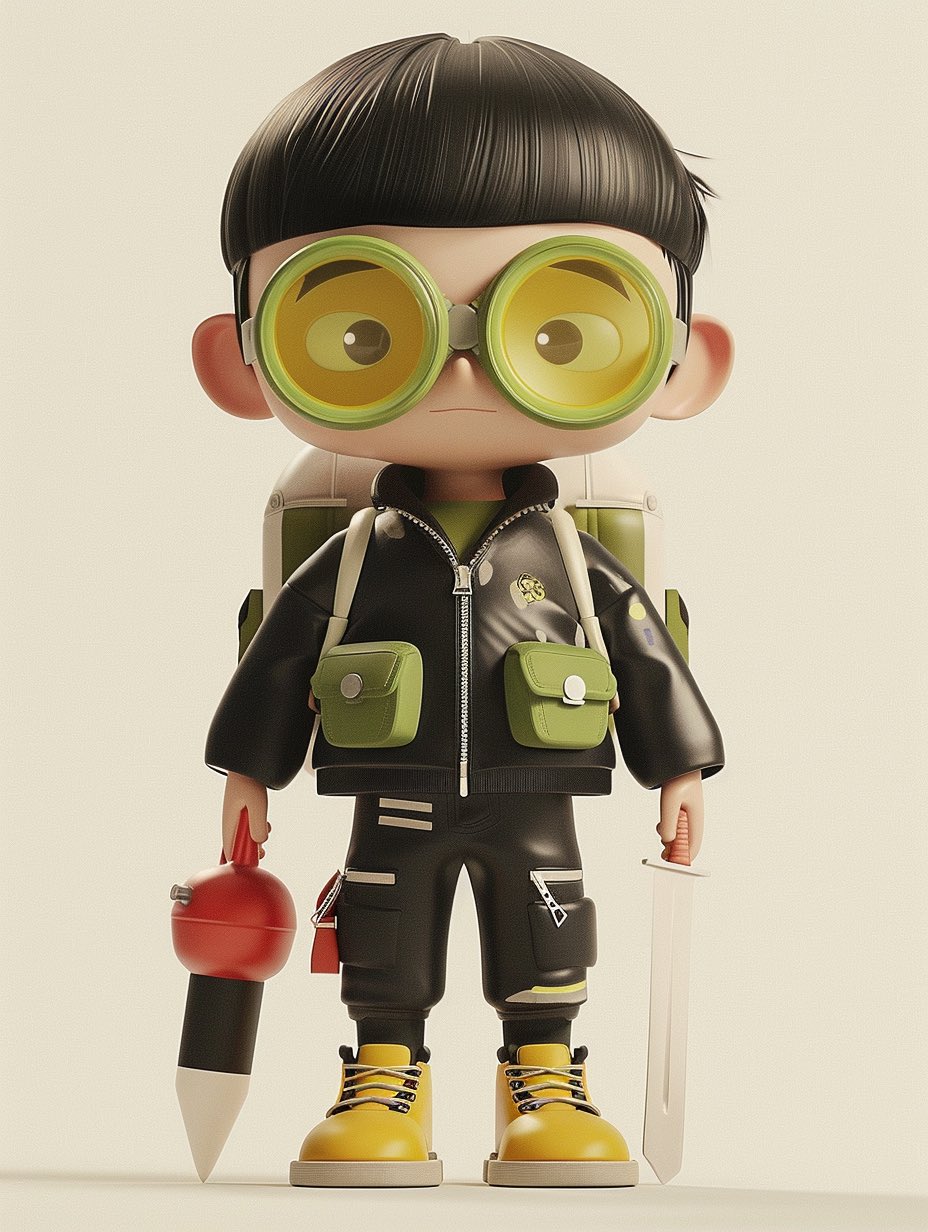
- Product 3D render: High-end 3D render of [product], centered three-quarter view, clean studio stage, [material] body with realistic bevels and micro-scratches, softbox key light, subtle rim light, ambient occlusion, crisp contact shadow, 4:5 aspect ratio, no text, no watermark.
- Icon object render: Isometric 3D icon of [object], rounded simplified geometry, [color palette] materials, soft clay-like surface, clean transparent background, global illumination, compact silhouette, 1:1 aspect ratio, no text.
- Character render: Full-body stylized 3D character of [character], expressive pose, detailed costume, readable silhouette, soft cinematic lighting, realistic fabric and plastic material mix, neutral studio floor, 3:4 aspect ratio, no extra limbs, no text.
- Architecture massing render: Contemporary [building type] concept, clear exterior massing, glass and concrete material contrast, eye-level architectural visualization, late-afternoon sun, realistic shadows, clean surroundings, 16:9 aspect ratio, no people blocking the structure.
Prompt anatomy
| 부분 | 쓸 내용 | 이유 |
|---|---|---|
| Asset | product, icon, character, room, building, object. | 3D convention 을 정합니다. |
| Geometry | silhouette, proportion, bevel, pose, visible faces. | 수정하기 어려운 오류를 줄입니다. |
| Material | metal, glass, ceramic, clay, plastic, fabric, concrete. | highlight 와 질감을 좌우합니다. |
| Lighting | softbox, rim light, HDRI, sunlight, cinematic contrast. | volume 을 보여줍니다. |
| Output | ratio, background, no text, no watermark, transparent. | 사용 채널에 맞춥니다. |
Reference image handoff 규칙
3D prompt 는 reference image 의 역할이 분명할수록 안정적입니다. silhouette, packaging, face identity, material finish, room layout, facade rhythm, color system 중 무엇을 고정하는지 적으세요.
| Reference type | What it should control | What can change |
|---|---|---|
| Product photo | silhouette, visible faces, logo / label position, package color, proportions. | lighting, studio stage, crop, shadow, background. |
| Character sheet | face style, body proportions, costume, limb count, accessories. | pose, camera distance, material polish, environment. |
| Interior / architecture plan | room layout, facade rhythm, massing, openings, circulation logic. | time of day, material treatment, entourage, atmosphere. |
| Brand board | palette family, material family, product family shape, grid discipline. | surface texture, camera angle, props, final crop. |
케이스: surreal / editorial 3D objects
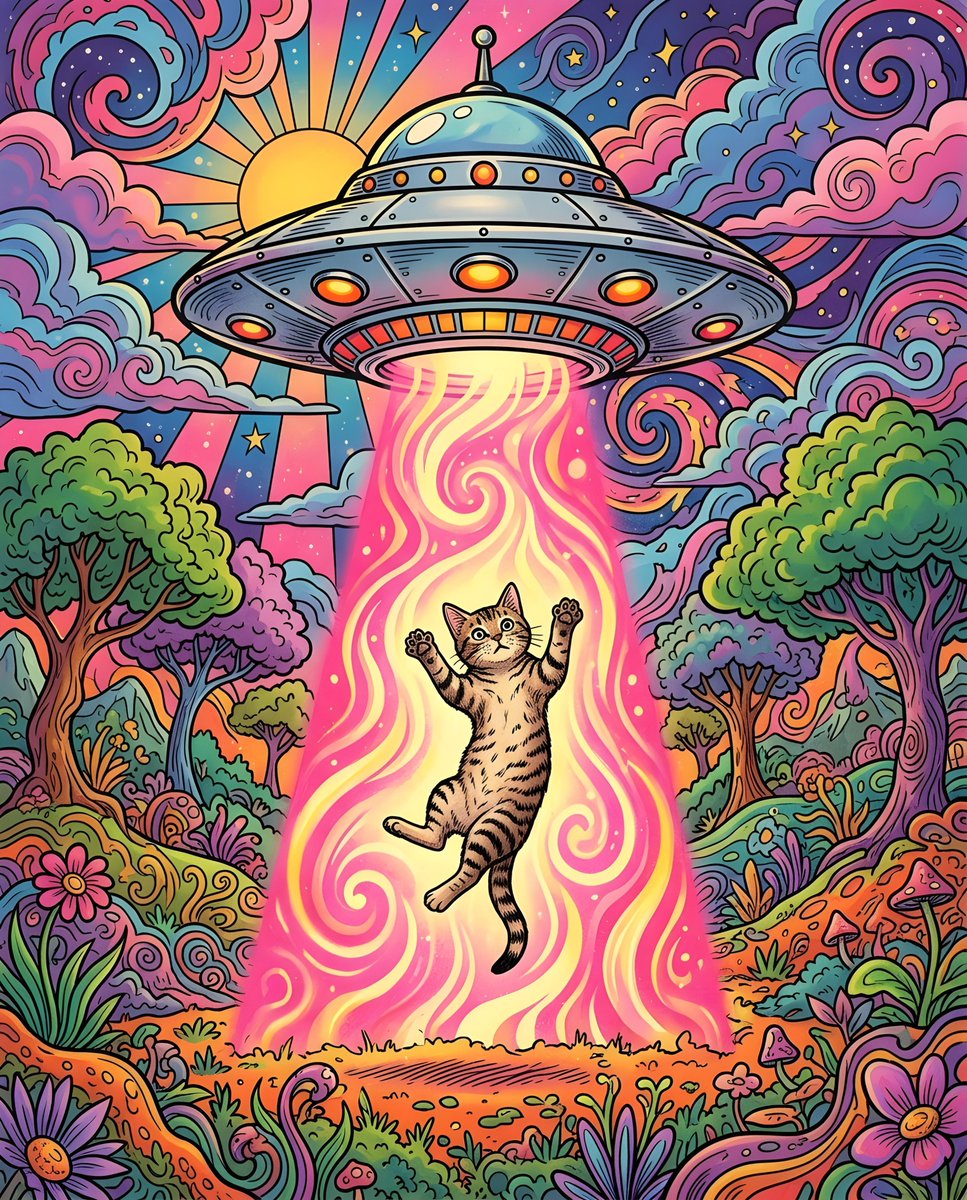
Surreal 3D scene 도 production controls 가 필요합니다. impossible idea 는 하나만 두고 camera, material, lighting, background 를 고정하세요.
- prompt 하나에는 impossible idea 하나: glass fruit, floating chair, miniature city, toy-like animal scene.
- camera language 는 simple 하게: isometric, front three-quarter, low-angle hero, eye-level architectural view.
- material system 을 지정: polished resin, matte clay, translucent glass, brushed metal, soft vinyl.
- text 와 logos 는 design stage 로 남기고 placeholder 일 때만 예외로 둡니다.
실패와 수정 표
| Failure | Fix first | Avoid |
|---|---|---|
| Object shape is wrong | reference handoff 또는 silhouette instruction 강화. | mood words 추가. |
| Material looks fake | material, highlight behavior, surface detail, lighting direction 지정. | scene 전체 변경. |
| Render floats with no weight | contact shadow, ground plane, ambient occlusion, camera height 추가. | more realistic 만 쓰기. |
| Character has broken limbs | full-body pose, visible hands, limb count, clean silhouette 지정. | costume detail 먼저 추가. |
| Architecture scale feels impossible | camera height, context, structural material, human-scale cues 지정. | dramatic weather 먼저 추가. |
재사용 전 quality checklist
- silhouette 만 보고 object / building 을 알아볼 수 있나요?
- material 이 premium, toy-like, technical, luxury, architectural 가치와 맞나요?
- shadows 와 contact points 가 asset 을 안정적으로 보이게 하나요?
- crop 이 실제 channel 에 맞나요?
- 문제를 해결한 prompt version 을 저장했나요?
Production review workflow
좋은 3D prompt 는 reusable production spec 입니다. geometry, material, lighting, crop, model choice 가 다음 asset 에도 재사용될 만큼 안정적이어야 합니다.
- style 전에 asset role 과 channel 을 정하세요: ecommerce hero, app icon, mascot pose, concept board, architecture preview, social cover.
- shape 가 중요하면 reference 로 geometry 를 잠그고 material 과 light 만 수정하세요.
- 첫 draft 에는 material system 을 하나만 둡니다.
- 저장명에 asset type, material, camera, aspect ratio, reference state 를 넣으세요.
- 큰 preview 만 보지 말고 실제 사용할 crop 에서 확인하세요.
완전한 예시
원본 brief
작은 무선 스피커의 premium 3D render 가 필요하고 silhouette, grille, matte finish 가 중요합니다.
Prompt version 1
- High-end 3D render of a compact wireless speaker, centered three-quarter view, matte graphite cylindrical body, fine perforated metal grille, rounded rubber base, realistic bevels, softbox key light from upper left, subtle rim light, ambient occlusion, crisp contact shadow on a clean warm-gray studio stage, 4:5 aspect ratio, no text, no watermark.
진단
grille 이 틀리면 reference image 를 추가하고 silhouette, grille density, logo position, cap shape 를 control 한다고 씁니다.
Vogue AI 에서 model 선택
- GPT Image 2 는 control 과 technical visualization 에 적합합니다.
- Nano Banana 는 fast variations 에 적합합니다.
- Midjourney 는 stylized characters 와 cinematic concepts 에 적합합니다.
- model 을 바꿔도 prompt skeleton 은 유지하세요.
FAQ
좋은 3D prompt 는 무엇인가요?
asset type, geometry, material, lighting, camera, output rule 이 명확해서 첫 결과를 brief 와 비교할 수 있는 prompt 입니다.
reference image 가 필요한가요?
shape, packaging, face, logo, facade, layout 을 지켜야 할 때 필요합니다.
더 realistic 하게 만들려면?
surface detail, highlight, contact shadow, ambient occlusion, camera height 를 조정하세요.
architecture render 에도 쓸 수 있나요?
scale, structure, material, camera, site context, time of day 를 넣으면 가능합니다.
어떤 model 부터 써야 하나요?
control 은 GPT Image 2, variation 은 Nano Banana, stylized concept 는 Midjourney 부터 시도하세요.
왜 결과가 generic 한가요?
asset role, material system, camera rule, channel goal 이 부족한 경우가 많습니다.