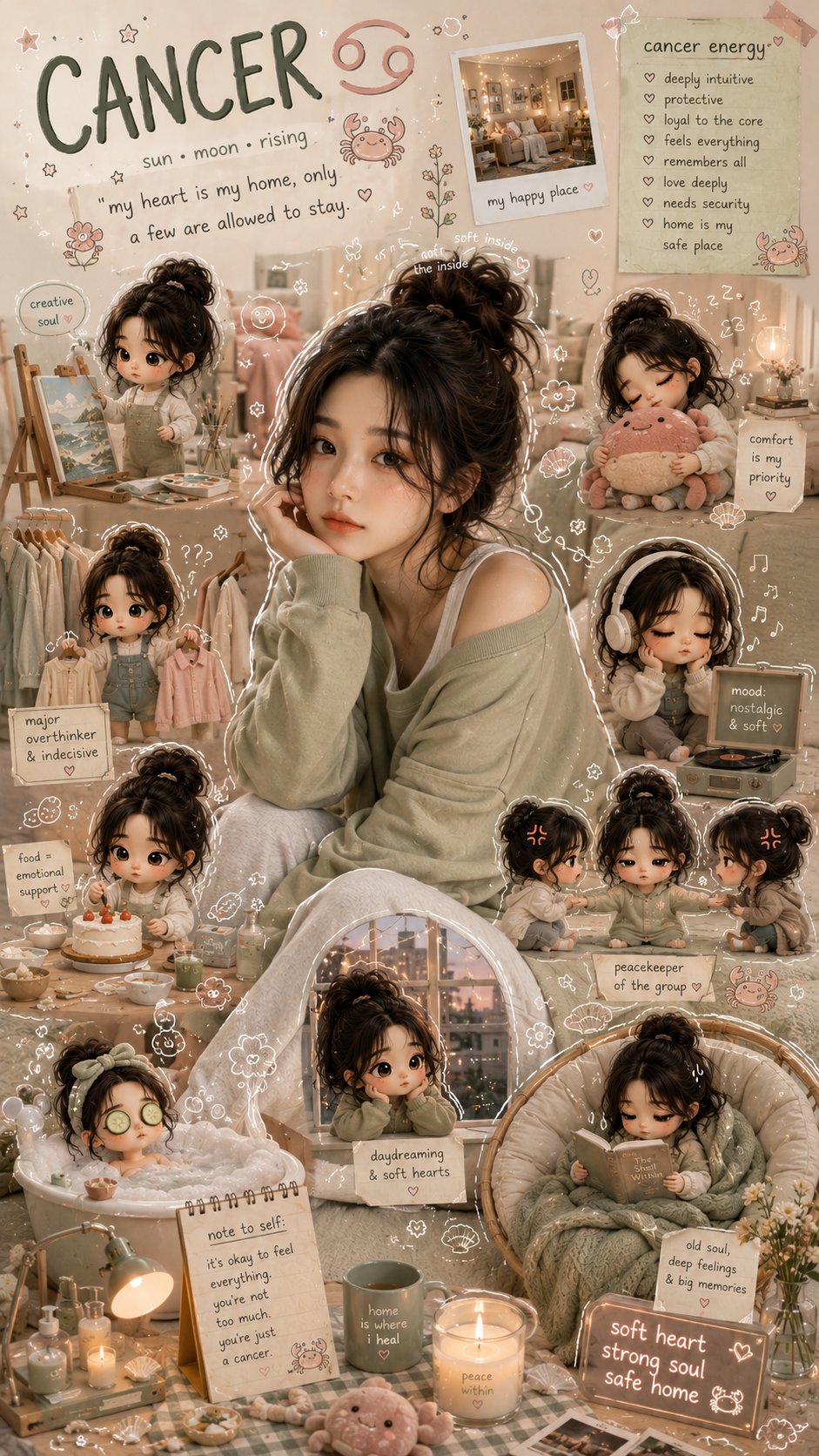
가능합니다. ChatGPT 계정이나 선택한 모델에서 이미지 생성이 제공될 때 ChatGPT는 이미지를 만들 수 있습니다. 안정적인 흐름은 주제 설명, 형식 선택, 스타일과 제약 추가, 첫 초안 생성, 그리고 전체를 다시 쓰기보다 가장 큰 실패 하나를 수정하는 것입니다.
빠른 답변
- ChatGPT를 열고 이미지 지원 모델을 선택한 뒤 구체적인 prompt를 작성하세요. 정체성이나 제품 형태가 중요하면 reference image를 추가합니다.
- 이미지 생성이 보이지 않으면 같은 prompt를 Vogue AI의 GPT Image 2에 넣고 결과를 보며 계속 다듬습니다.
- “make a cool image”처럼 모호하게 시작하지 말고 subject, scene, crop, lighting, style, output rules를 명확히 쓰세요.
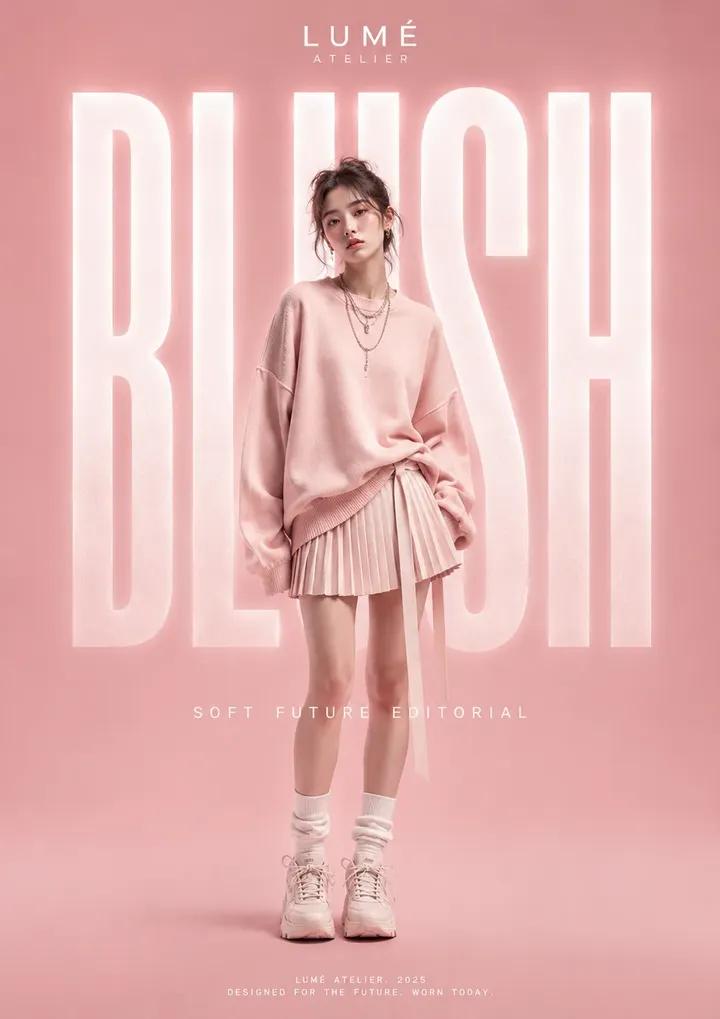
단계별 workflow
| 단계 | 할 일 | 중요한 이유 |
|---|---|---|
| 1 | ChatGPT interface에서 이미지 생성이 가능한지 확인합니다. | 모델과 계정에 따라 달라지므로 composer tools부터 확인해야 합니다. |
| 2 | 첫 prompt를 production brief처럼 작성합니다. | 모델은 장식적인 말보다 구체적인 visual controls를 필요로 합니다. |
| 3 | identity가 고정되어야 할 때만 reference image를 추가합니다. | reference는 얼굴, 제품 형태, packaging, UI, palette를 보호합니다. |
| 4 | 한 번에 하나의 실패만 수정합니다. | 단일 revision은 어떤 지시가 이미지를 개선했는지 보여줍니다. |
Prompt formula
- Subject: 사람, 제품, 물체, 방, interface, scene.
- Scene: background, setting, camera distance, point of view.
- Style: realism, editorial mood, material detail, color palette, lighting.
- Format: aspect ratio, crop, transparent background, no text, safe area.
- Review rule: 생성 후 가장 먼저 확인할 항목.
복사 가능한 ChatGPT image prompts
Prompt blocks는 ChatGPT나 Vogue AI에 바로 붙여넣을 수 있도록 영어로 유지합니다.
- ChatGPT image prompt: Create a premium editorial image of [subject], clear main focal point, controlled background, realistic lighting, detailed materials, 4:5 aspect ratio, no text, no watermark.
- ChatGPT product prompt: Create a clean studio product image of [product], centered composition, accurate shape, soft shadow, neutral background, ecommerce-ready realism, 1:1 aspect ratio, no text.
- ChatGPT reference prompt: Use the uploaded image as reference for [identity or product shape]. Keep [must-stay-fixed details] the same, change only [style, background, lighting], no extra text.
- Vogue AI follow-up prompt: Recreate this ChatGPT image direction as a Vogue AI GPT Image 2 variation, preserving subject, crop, palette, and reference-image constraints while improving lighting and composition.
Scenario matrix
| 목표 | prompt 초점 | 먼저 확인할 것 |
|---|---|---|
| 프로필 이미지 | 얼굴, 의상, 배경 분리, crop, 표정. | identity, 여분의 손, 피부 질감, 눈 선명도. |
| 제품 이미지 | 제품 형태, 소재, 조명, 배경, 그림자. | 잘못된 실루엣, 왜곡된 라벨, 약한 소재 디테일. |
| 포스터 콘셉트 | 주인공, negative space, palette, channel ratio. | 제목 공간 부족, 복잡함, fake text, 약한 focal point. |
| Reference edit | 고정할 것과 바꿀 수 있는 것. | identity drift, crop drift, 원치 않는 style change. |
ChatGPT 이미지가 너무 평범할 때
- 실제 audience, channel, season, material, brand palette를 추가합니다.
- 넓은 style words를 camera, lighting, crop, background controls로 바꿉니다.
- subject는 유지하고 약한 부분만 바꾸는 variation을 요청합니다.
- model choice, prompt-library examples, repeatable workspace history가 필요하면 Vogue AI로 옮깁니다.
Reference-image workflow
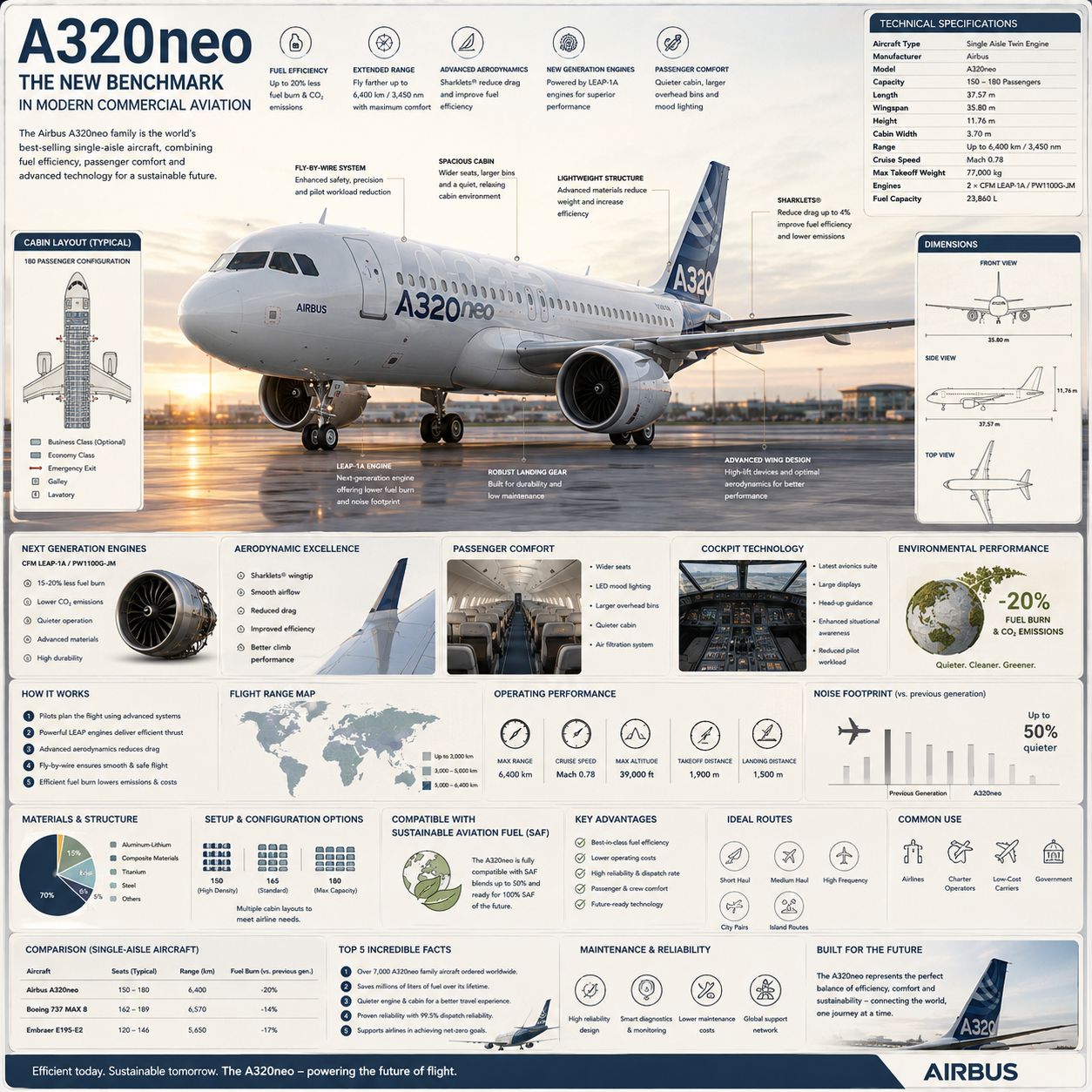
Reference image에는 역할이 있어야 합니다. identity, shape, palette, room layout, UI hierarchy, pose 중 무엇을 제어하는지 ChatGPT에 말하고, lighting, background, wardrobe, camera angle, mood 중 무엇을 바꿀 수 있는지도 지정하세요.
첫 ChatGPT draft 이후 Vogue AI 사용하기
- 세밀한 instruction following과 clean prompt reuse가 필요하면 Vogue AI의 GPT Image 2를 사용합니다.
- core brief가 명확해진 뒤 Nano Banana로 빠른 variation을 만듭니다.
- subject와 composition을 안 뒤 Midjourney로 mood exploration을 합니다.
- model family를 바꾸기 전에 가장 좋은 prompt version을 저장합니다.
실수와 수정법
| 문제 | 먼저 고칠 것 | 피할 것 |
|---|---|---|
| ChatGPT가 이미지를 만들지 못함 | model/tools availability를 확인하거나 prompt를 Vogue AI로 옮깁니다. | 모든 chat에서 이미지 생성이 된다고 가정하기. |
| 이미지가 generic함 | audience, channel, palette, material, lighting을 추가합니다. | 모호한 형용사를 더 붙이기. |
| identity가 틀림 | reference를 첨부하고 고정할 detail을 정의합니다. | identity가 불명확한 상태에서 style부터 바꾸기. |
| 이미지 안 텍스트가 나쁨 | no text를 요청하고 typography는 나중에 추가합니다. | 생성 이미지 안에서 완벽한 copy를 기대하기. |
FAQ
ChatGPT가 이미지를 만들 수 있나요?
네. ChatGPT interface와 선택 모델에서 image generation이 제공될 때 가능합니다.
ChatGPT가 이미지를 생성하게 하려면?
subject, scene, style, format, constraints를 포함한 구체적인 이미지 요청을 작성하세요.
사진을 올리고 편집을 요청할 수 있나요?
reference image가 지원되면 무엇을 고정하고 무엇을 바꿀지 명확히 말하세요.
왜 결과가 generic한가요?
대개 audience, channel, material, lighting, composition controls가 부족합니다.
Prompts는 길어야 하나요?
길기보다 완전해야 합니다. 짧고 구조화된 brief가 긴 모호한 문장보다 낫습니다.
Vogue AI는 어디에 쓰나요?
GPT Image 2 prompt reuse, model switching, prompt-library examples, visual workspace가 필요할 때 사용합니다.