ChatGPT에 이미지를 업로드하는 가장 좋은 용도는 analysis, OCR, reverse prompting, 그리고 다음에 무엇을 생성해야 하는지 더 명확하게 만드는 일입니다. 진짜 가치는 upload 를 workflow 의 첫 단계로 다룰 때 생깁니다. 사진을 이해하고, 고정되어야 하는 constraints 를 분리한 뒤, 그 brief 를 Vogue AI로 넘겨 실제 image generation 과 model comparison 으로 이어가는 것입니다.
TL;DR: 먼저 upload 하고, 그다음 structure 를 물어보세요
- ChatGPT image upload 는 사진을 다시 만들기 전에 먼저 이해하고 분해하는 용도로 쓰는 것이 좋습니다.
- Upload 후에는 summary 만이 아니라 fixed details, variables, negative constraints, prompt-ready structure 를 요청하세요.
- ChatGPT 는 brief 를 정리하는 층이고, Vogue AI 는 실제로 이미지를 생성하고 비교하는 층입니다.
- Identity 가 중요하다면 무엇을 고정해야 하는지 명확히 말해야 합니다.
- 좋은 handoff 는 한 장의 사진을 reusable prompt system 으로 바꿉니다.
ChatGPT에 이미지를 upload 하면 실제로 무엇을 얻는가
Upload 자체가 final visual 을 자동으로 개선하지는 않습니다. 대신 understanding layer 를 제공합니다. ChatGPT 는 중요한 visual details 를 언어화하고, 그것을 Vogue AI 로 넘기기 좋은 clean brief 로 정리해 줍니다.
- 적합한 용도: scene analysis, OCR, captioning, reverse prompting, structured prompt extraction.
- 부적합한 기대: ChatGPT 하나만으로 전체 image production workspace 를 대신하는 것.
- 더 좋은 다음 단계: 사진을 reusable prompt brief 로 만든 뒤 실행 툴로 넘어가는 것.
Upload 전에 먼저 확인할 것
| 체크 항목 | 무엇을 확인할까 | 왜 중요한가 |
|---|---|---|
| Image goal | Know whether you want analysis, prompt extraction, editing guidance, or a reference-image handoff. | A clear goal changes the first question you send after the upload. |
| Device and plan | Check whether your current ChatGPT account and device surface expose image upload in the composer. | Many failures come from the wrong surface, not from the image itself. |
| Source quality | Use a clean image where the main subject is visible and the key detail is not hidden. | ChatGPT can describe a messy photo, but the prompt you extract will be weaker. |
| What must stay fixed | Decide which parts are identity-critical: face, packaging, palette, logo placement, or UI structure. | This becomes the reference-image rule for the next tool step. |
Desktop workflow
- 현재 ChatGPT surface 에 image upload 가 composer 안에 노출되는지 확인하세요.
- 이미지를 첨부한 뒤 job 을 한 줄로 설명하세요.
- 설명만이 아니라 전체 structure 를 요청하세요.
- 답이 vague 하면 구체적인 jobs 기준으로 여러 version 을 요청하세요.
Mobile workflow
- Mobile composer 에서 이미지를 첨부하고 preview 가 정상인지 확인하세요.
- 첫 질문은 짧게 유지해서 답변이 사진에 집중되도록 하세요.
- 나중에 실제 생성까지 할 예정이라면 Vogue AI에 붙일 prompt template 을 받아 두세요.
- Product 나 face identity 가 중요하면 변하면 안 되는 details 를 명시하세요.
Upload 직후에 무엇을 물어야 하나
가장 비효율적인 질문은 "이걸 prompt 로 바꿔줘" 한 문장으로 끝내는 것입니다. 재사용 가능한 structure 를 요청하세요. 아래 follow-up prompts 는 uploaded image 를 실제 실행 가능한 brief 로 바꾸기 위한 용도입니다.
- Describe exactly what is happening in this image, including subject, lighting, camera angle, background, and the strongest visual style cues.
- Turn this image into a reusable prompt template with fixed details, variable fields, and a negative-prompt section.
- List what should stay unchanged if I want to regenerate this image in another style or aspect ratio.
- Write three improved prompts: one for a product hero, one for a social poster, and one for a portrait-style campaign image.
- Tell me which parts are better handled later in Vogue AI instead of inside ChatGPT.
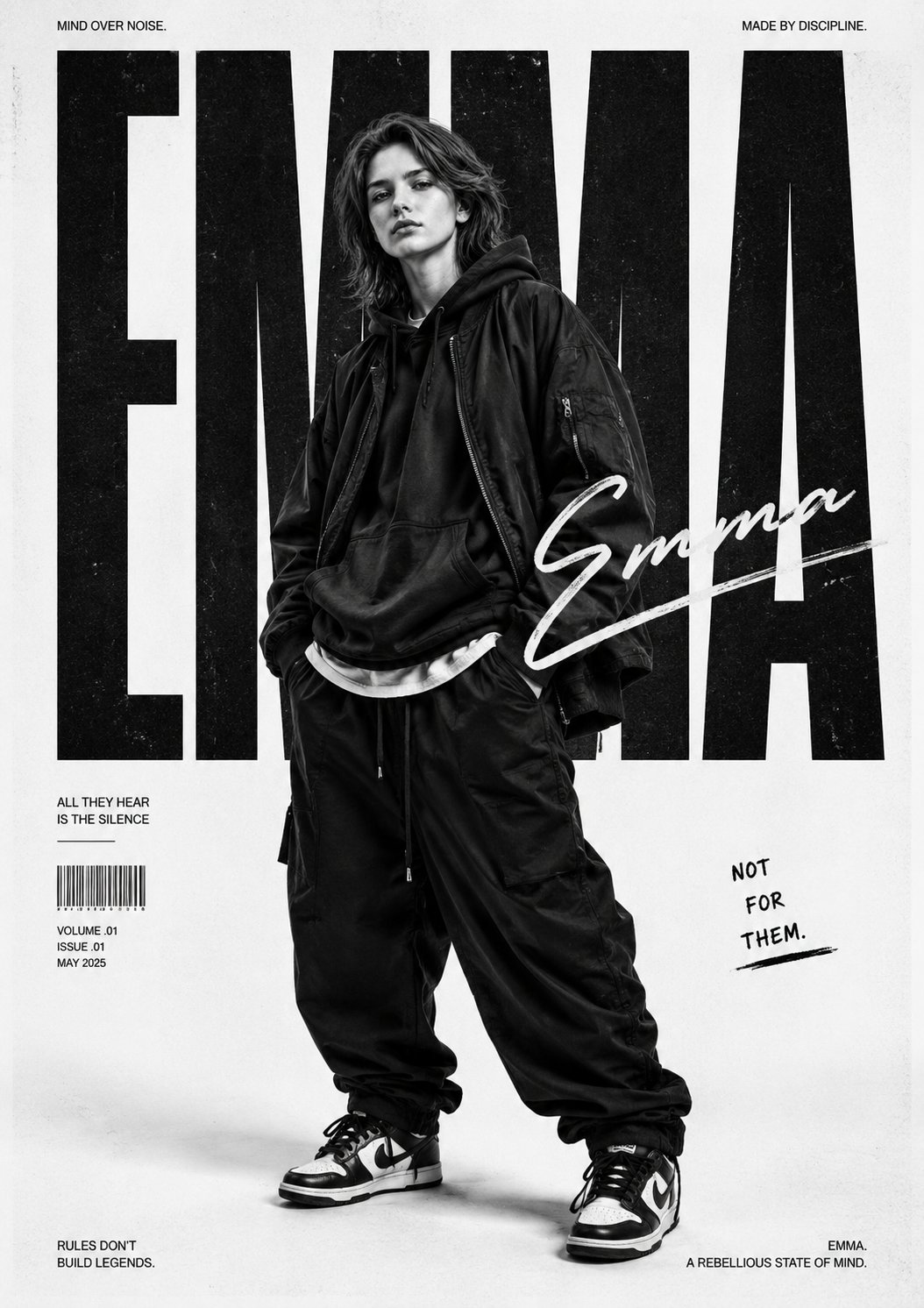
한 장의 업로드 이미지를 reusable Vogue AI brief 로 바꾸기
| 목표 | ChatGPT에 요청할 것 | 언제 Vogue AI로 옮길까 |
|---|---|---|
| Simple explanation or OCR help | Stay in ChatGPT and ask for a cleaner description, caption, or scene breakdown. | Useful when you only need understanding, not a styled visual output. |
| Reusable image prompt | Ask ChatGPT to separate fixed details, variables, and negative constraints. | That structure turns one upload into a repeatable prompt brief. |
| Styled generation or multi-model comparison | Move the cleaned prompt into Vogue AI and test it in GPT Image 2, Nano Banana, or Midjourney. | Vogue AI is the better execution surface once you need visual output, variants, or prompt-library comparison. |
| Reference-image workflow | Keep the uploaded-image constraints, then tell Vogue AI what can change and what must stay locked. | This is the cleanest path for product truth, face identity, or UI preservation. |
Worked example: product photo 를 upload 해서 더 좋은 prompt 를 뽑아내기
초기 요청
예를 들어 무광 알루미늄 물병 사진을 upload 해서 launch campaign visual 로 바꾸고 싶다고 합시다. 첫 번째 할 일은 "더 예쁘게"가 아니라 무엇을 고정해야 하는지 찾는 것입니다. silhouette, cap color, label zone, premium 하게 보이게 하는 angle 같은 요소들입니다.
이어서 보낼 follow-up prompts
- Tell me the product details that must stay fixed if I regenerate this image in another style.
- Convert the image into a clean prompt with subject, composition, lighting, style, output rules, and negative constraints.
- Write one prompt for a product hero, one for a social poster, and one for a 4:5 campaign visual.
- List the variables I can swap without breaking the identity of the original image.
그다음 Vogue AI로 가져갈 내용
ChatGPT 가 fixed details 와 changeable variables 를 분리해 주면 그 clean brief 를 Vogue AI로 옮기세요. GPT Image 2 로 control 을 잡고, Nano Banana 로 빠른 variation 을 만들고, Midjourney 로 더 stylized 한 exploration 을 할 수 있습니다.
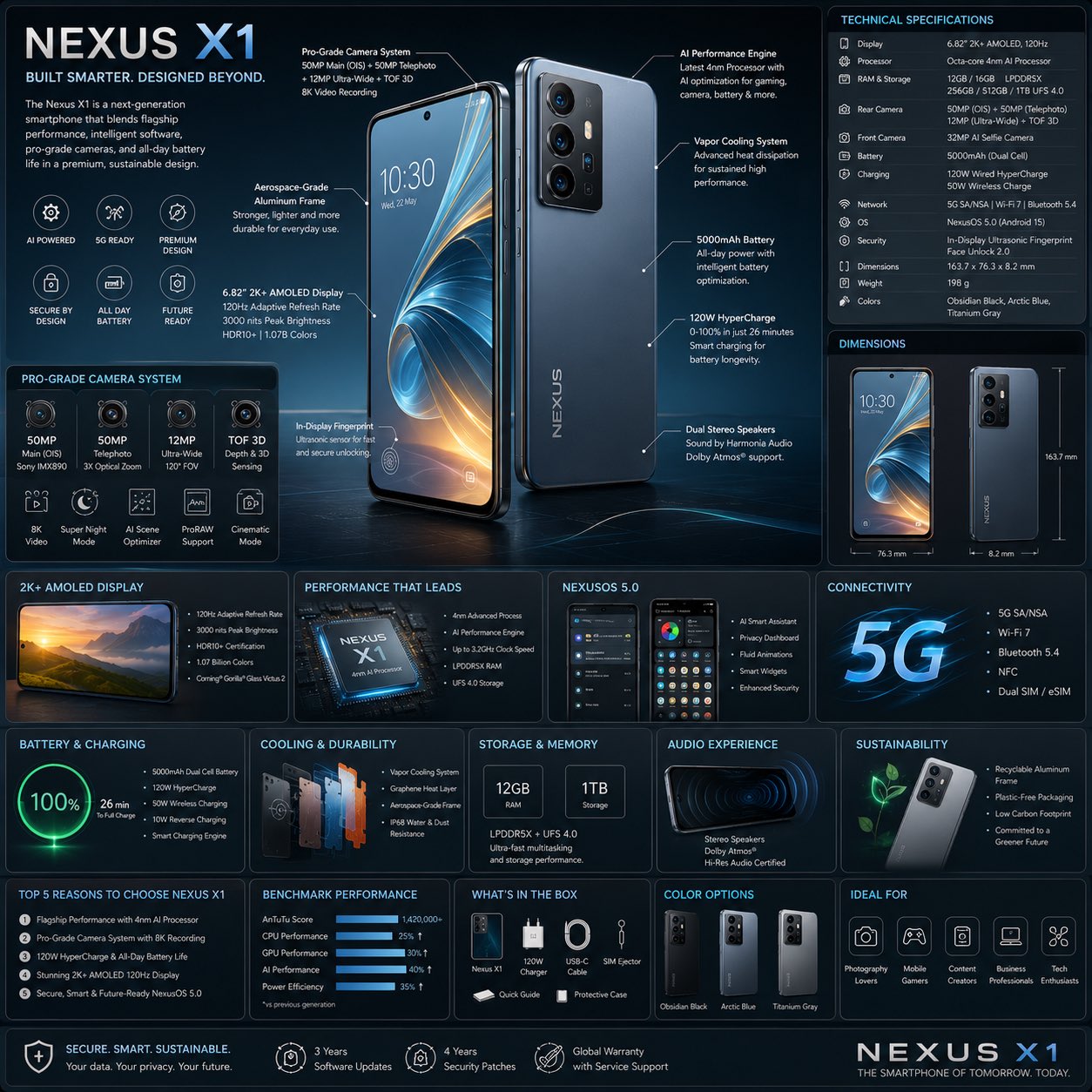
언제 ChatGPT에 남고 언제 Vogue AI로 넘어갈까
- Explanation, OCR, scene breakdown, prompt cleanup 이 더 필요할 때는 ChatGPT에 남으세요.
- 실제 image output, model comparison, usable variants 가 필요해지면 Vogue AI로 넘어가세요.
- Reference image 에서 무엇을 고정해야 할지 아직 불분명하면 ChatGPT에서 더 정리하세요.
- Brief 가 충분히 명확해져 aspect ratio, style, model 을 시험할 수 있는 단계가 되면 Vogue AI로 이동하세요.
자주 생기는 문제와 수정법
| 문제 | 먼저 고칠 것 | 먼저 하지 말 것 |
|---|---|---|
| The upload button is missing | Check the model surface, account plan, and whether your current device composer supports image upload. | Rewriting the prompt before confirming the product surface. |
| ChatGPT only gives a shallow description | Ask for structure: subject, composition, lighting, style cues, fixed details, variables, and negative constraints. | A single vague question like "make this a prompt". |
| The extracted prompt keeps drifting from the original photo | Tell it what must stay fixed and what is allowed to change, then use that as the reference rule in Vogue AI. | Adding more style adjectives before identity is protected. |
| You need multiple visual versions from one upload | Move the cleaned prompt into Vogue AI and compare model outputs there. | Trying to turn ChatGPT into the full execution workspace. |
| The output needs clean marketing composition | Ask ChatGPT for a tighter production brief, then generate in Vogue AI with the correct aspect ratio and model. | Staying inside a conversational answer when the next job is image production. |
FAQ
누구나 ChatGPT에 이미지를 upload 할 수 있나요?
사용 중인 device 에서 노출되는 product surface 와 account plan 에 따라 다릅니다. 버튼이 없으면 먼저 active surface 를 확인하세요.
Caption 을 요청해야 하나요, prompt 를 요청해야 하나요?
다음 단계가 generation 이라면 structured prompt 를 요청하세요. 이해만 필요하다면 caption 이나 explanation 으로 충분합니다.
얼굴이나 제품을 정확히 유지하려면 어떻게 해야 하나요?
절대 바뀌면 안 되는 details 를 명시하고, 그 rule 을 Vogue AI 의 reference-image step 에 그대로 넘기세요.
ChatGPT 하나만으로 충분한 때는 언제인가요?
Interpretation, extraction, rewrite 만 필요할 때입니다. Repeatable visual outputs 가 필요할 때는 부족합니다.
왜 upload 후에 Vogue AI로 넘어가야 하나요?
Vogue AI 는 execution surface 이기 때문입니다. 실제 image models, variants, prompt-library references 와 연결됩니다.
Upload 후 가장 중요한 질문은 무엇인가요?
Fixed details, variables, negative constraints 를 분리해 달라고 하세요. 그러면 one-off description 이 아니라 reusable prompt brief 를 얻게 됩니다.