이 글은 Vogue AI가 실제로 받을 수 있는 주제로 다시 쓴 개인 사진 편집 프롬프트 가이드입니다. 자신의 사진을 reference image로 올리고, 정체성은 유지하면서 프로필 사진, 옷, 배경, 조명, editorial 스타일을 바꾸는 흐름입니다.
TL;DR: identity를 먼저 고정하고 style은 나중에 바꾸기
- 얼굴이 선명하고 조명이 단순한 사진을 먼저 업로드하세요.
- reference image가 무엇을 제어하는지 쓰세요: 얼굴, 나이감, 표정, 머리, 자세, 몸 윤곽.
- 보존할 요소와 바꿀 요소를 분리하세요: 옷, 배경, crop, 조명, 분위기만 변경합니다.
- prompt block은 영어로 유지해 Vogue AI에 바로 붙여 넣을 수 있게 합니다.
- 첫 결과에서 얼굴이 바뀌면 style을 늘리지 말고 preserve sentence를 강화하세요.
이 주제가 Vogue AI에 맞는 이유
여기서 다루는 것은 외부 assistant가 아니라 Vogue AI의 reference image, 구조화된 prompt, GPT Image 2 / Nano Banana / Midjourney 비교 흐름입니다.
| 작업 | Vogue AI 전달 방식 | 추천 model | 첫 체크 |
|---|---|---|---|
| 프로필 사진 | reference가 얼굴, 나이감, 머리, 표정을 보호합니다. | 제어형 realism은 GPT Image 2. | 같은 사람처럼 보이나요? |
| 옷 변경 | reference가 몸 윤곽, 자세, 얼굴, 카메라 각도를 보호합니다. | 빠른 variation은 Nano Banana, 엄격한 편집은 GPT Image 2. | 옷만 바뀌었나요? |
| 배경 교체 | reference가 사람과 원래 조명 방향을 보호합니다. | 깨끗한 배경 교체는 GPT Image 2. | 그림자와 가장자리가 자연스러운가요? |
| editorial portrait | reference가 identity를 보호하고 prompt가 분위기를 바꿉니다. | 강한 style은 Midjourney, realism은 GPT Image 2. | 얼굴은 유지되고 style만 강해졌나요? |
이미지 계획
| 역할 | 섹션 | 자체 소스 | 이유 |
|---|---|---|---|
| Hero | identity 보존 개인 사진 흐름 | Nano Banana 예시 | 장식보다 identity가 중요한 realistic transformation을 보여줍니다. |
| Case | editorial portrait prompt | GPT Image 2 예시 | 중앙 인물을 기준으로 controlled styling을 보여줍니다. |
| Case | travel/candid prompt | Midjourney 예시 | Vogue AI의 model comparison 관점을 보강합니다. |
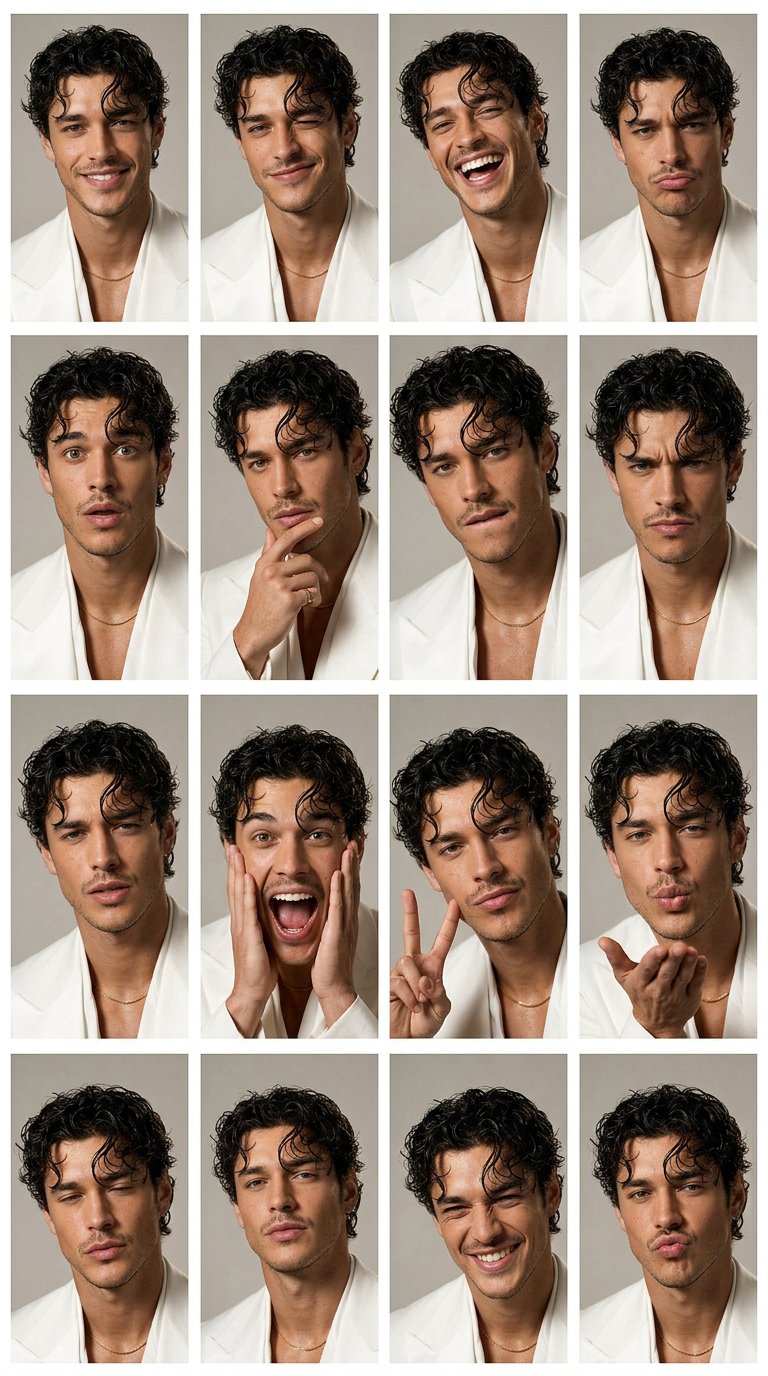
내 사진용 prompt 공식
| 부분 | 쓸 내용 | 예시 |
|---|---|---|
| Reference role | 업로드 이미지가 무엇을 제어하는지 정의합니다. | Use my uploaded photo as the identity reference. |
| Preserve list | 고정할 특징을 style보다 먼저 씁니다. | Preserve face shape, age, hairline, skin tone, expression, and pose. |
| Allowed edits | 이번에 바꿀 수 있는 것만 제한합니다. | Change only outfit, background, lighting, and crop. |
| Style direction | 하나의 명확한 시각 방향만 씁니다. | Clean professional headshot with soft daylight and neutral background. |
| Output rule | 비율, realism, 정리 조건을 씁니다. | 4:5 crop, realistic skin texture, no text, no watermark. |
| Review rule | 첫 번째로 고칠 실패를 정합니다. | If identity drifts, strengthen the preserve list before changing style. |
Vogue AI에서 복사해 쓸 prompt
하나를 복사해 대괄호 변수만 바꾸고, 첫 생성에서는 identity sentence를 그대로 유지하세요.
- Profile refresh: Use my uploaded photo as the identity reference. Preserve my face shape, age, skin tone, hairline, expression, and natural facial details. Create a clean professional profile photo with soft daylight, a simple neutral background, sharp eyes, realistic skin texture, 4:5 crop, no text, no watermark.
- Outfit change: Use my uploaded photo as the person reference. Keep my face, body proportions, pose, and camera angle recognizable. Change only the outfit to [outfit]. Use natural fashion editorial lighting, realistic fabric texture, clean background separation, no extra accessories unless specified.
- Background swap: Use my uploaded photo as the source. Keep the person unchanged. Replace only the background with [background], preserving face identity, hair outline, body edge, lighting direction, and believable shadows. Do not alter age, expression, or facial structure.
- Editorial portrait: Use my uploaded photo as the face reference. Preserve identity and natural skin texture while changing styling to [mood or wardrobe]. Create a Vogue-style editorial portrait with controlled shadows, premium lighting, confident expression, no face reshaping, no text.
- Travel portrait: Use my uploaded photo as the identity reference. Keep me recognizable while placing me in [destination or setting]. Use golden-hour natural light, relaxed candid travel composition, realistic lens depth, clean background separation, no text, no watermark.
케이스 1: 여전히 나처럼 보이는 프로필 사진
프로필 사진의 가장 큰 위험은 얼굴 drift입니다. identity, 표정, 피부, 조명, 배경, crop을 보수적으로 시작하세요.
- Prompt: Use my uploaded photo as the identity reference. Preserve face identity, facial proportions, hair, age, expression, and body outline. Improve lighting, background, wardrobe, and crop only. Keep the result realistic, recognizable, and suitable for a profile image.
케이스 2: 얼굴을 유지하는 editorial restyle
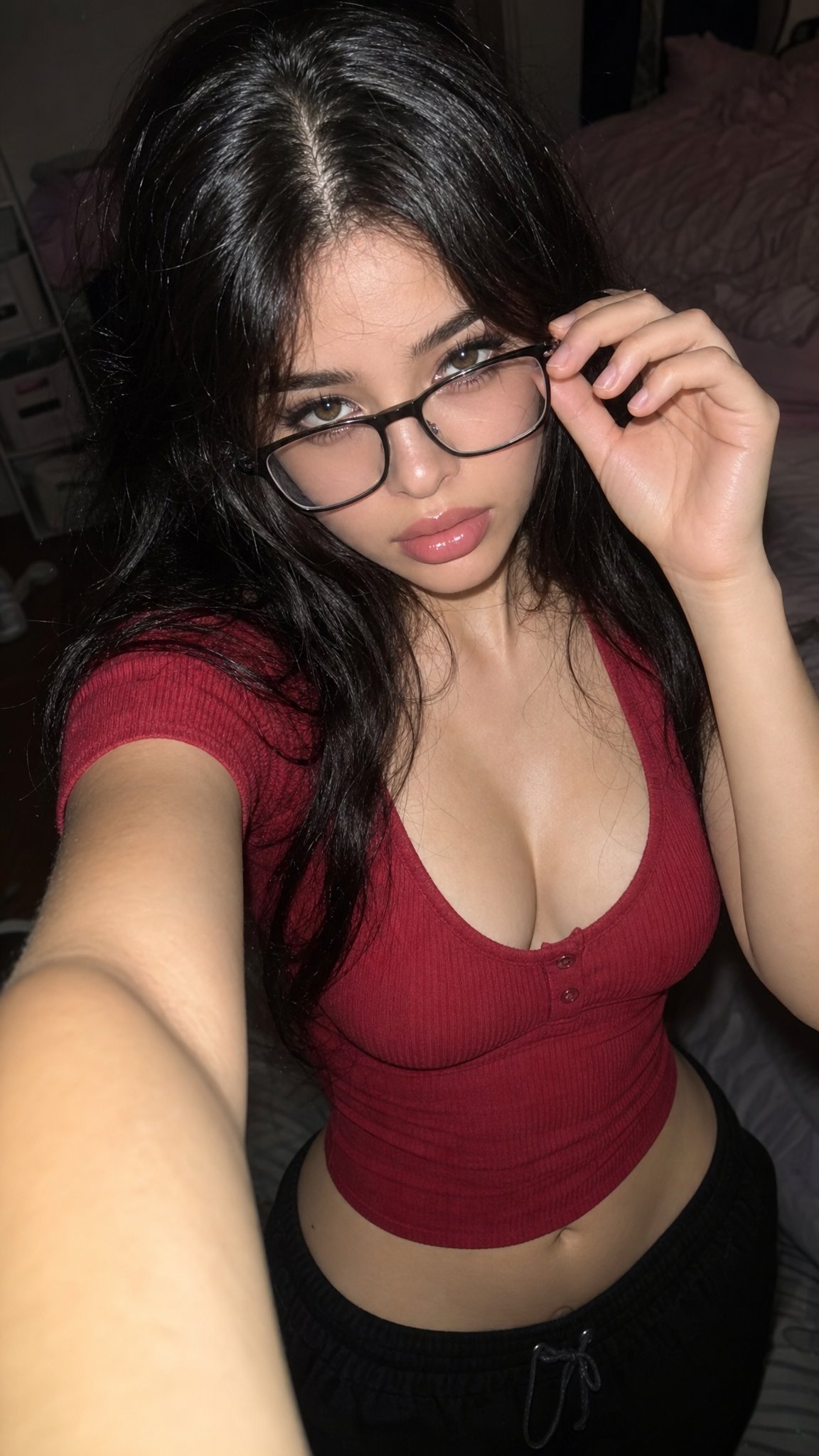
editorial prompt는 옷, 배경, 팔레트, 조명을 바꿀 수 있지만 identity sentence는 항상 앞에 둡니다.
- Prompt: Transform my uploaded photo into a polished fashion editorial portrait. Keep me recognizable. Change wardrobe, lighting, color palette, and background to match [style], with realistic skin texture, sharp eyes, controlled shadows, no extra text, and no face reshaping.
케이스 3: 여행 또는 candid 배경
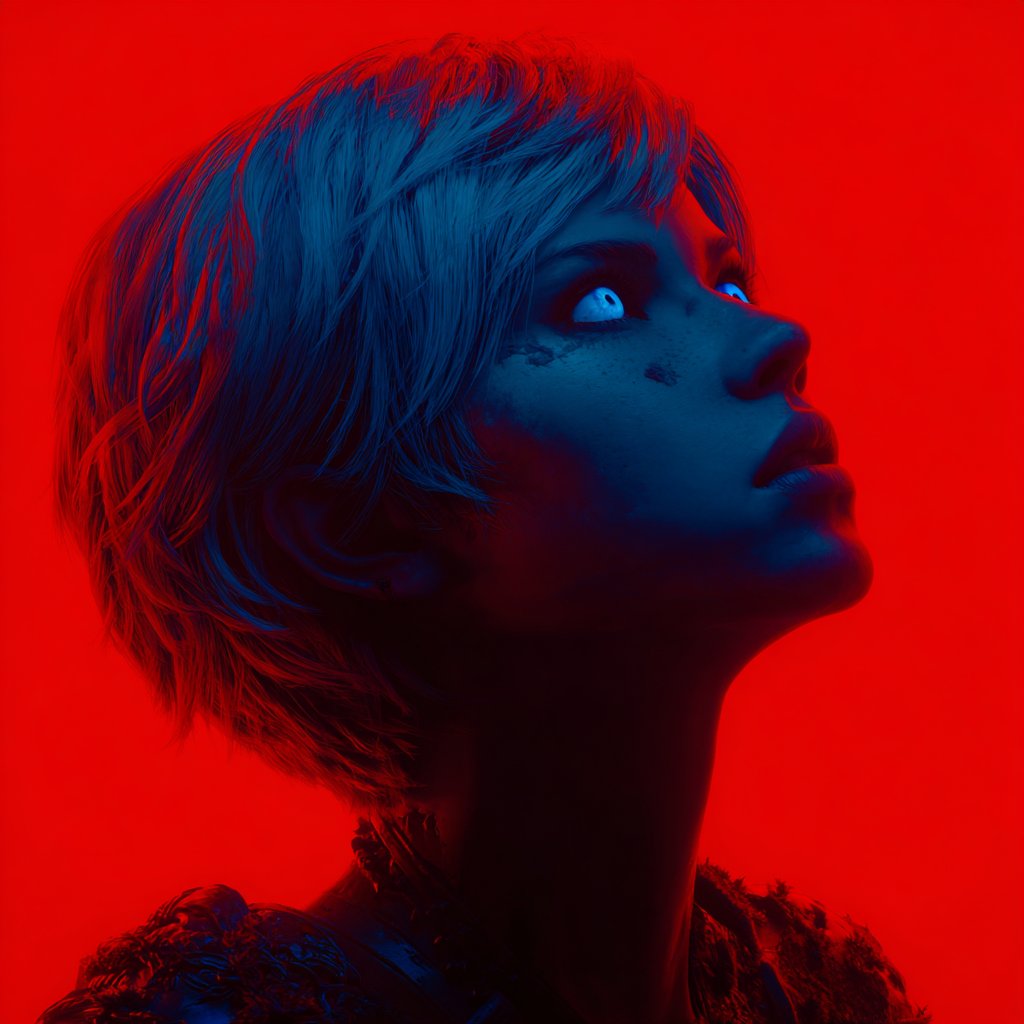
사람을 먼저 고정하고, 장소는 빛과 색, 분위기만 담당하게 하세요.
- Prompt: Use my uploaded photo as the person reference. Keep identity, pose, and facial expression stable. Move the scene to [location], add natural travel lighting, relaxed candid framing, realistic background depth, and no text or invented logos.
실패와 수정 표
| 실패 | 먼저 고칠 것 | 피할 것 |
|---|---|---|
| 얼굴이 닮지 않음 | identity 보존을 첫 문장으로 옮깁니다. | fashion adjective 추가. |
| 포즈가 크게 변함 | reference가 pose, proportion, camera angle을 제어한다고 씁니다. | 새로운 action을 동시에 요청. |
| 배경이 가짜처럼 보임 | 조명 방향과 그림자를 맞춥니다. | 모호한 location만 사용. |
| 옷을 바꾸며 사람도 변함 | 옷만 바뀐다고 명시합니다. | 머리, 나이, makeup도 같이 변경. |
| 텍스트나 logo가 깨짐 | 텍스트는 생성 후 추가합니다. | 완벽한 headline 생성을 요구. |
| 모든 model이 다른 사람을 만듦 | 먼저 GPT Image 2에서 보수적 기준을 만듭니다. | prompt 안정 전 model comparison. |
Vogue AI 안에서 쓰는 방법
첫 결과는 reference handoff 테스트입니다. 같은 identity sentence를 유지하고 한 번에 model 하나 또는 변수 하나만 바꾸세요.
- 제어가 중요하면 GPT Image 2부터 시작하세요.
- 안정 후 빠른 variation에는 Nano Banana를 쓰세요.
- 강한 editorial mood에는 Midjourney를 테스트하세요.
- identity를 잘 보존한 prompt를 저장하세요.
- 사진, model, style을 동시에 바꾸지 마세요.
FAQ
첫 prompt는 어떻게 써야 하나요?
얼굴, 나이감, 머리, 표정, 포즈를 보호하는 보수적인 profile prompt부터 시작하세요.
GPT Image 2와 Nano Banana 중 무엇부터 쓰나요?
제어가 중요하면 GPT Image 2, 안정 후 빠른 variation은 Nano Banana입니다.
옷과 배경을 같이 바꿀 수 있나요?
가능하지만 얼굴이 바뀌면 두 단계로 나누세요.
왜 너무 보정된 것처럼 보이나요?
natural skin texture를 넣고 beauty-filter 표현을 줄이세요.
다른 사람 사진에도 쓸 수 있나요?
허가가 있을 때만 가능합니다. 개인 사진은 identity와 likeness에 관련됩니다.
얼굴이 바뀌면 어떻게 하나요?
preserve sentence를 강화하고 필요하면 더 명확한 reference image를 사용하세요.
Vogue AI 페이지와 어떻게 연결되나요?
이 글은 Vogue AI 안에서 GPT Image 2, Nano Banana, Midjourney에 재사용할 reference-image prompt pattern을 설명합니다.