好的 3D render prompts 先控制形体,再控制风格。只写“高级、真实、电影感”通常不够,提示词必须明确几何、材质、镜头、灯光和输出格式。
TL;DR:可复用的 3D 渲染提示词公式
- 先说明资产类型:产品、图标物体、角色、室内、外立面或建筑体块。
- 先写几何再写氛围:轮廓、倒角、比例、镜头角度和裁切。
- 材质和灯光一起控制,因为金属、玻璃、陶瓷、黏土和织物的反光逻辑不同。
- 当形状、包装、脸、logo 或空间布局必须准确时使用参考图。
- 第一张图出来后,先修最大失败点:形状、材质、镜头、灯光或背景。
3D render prompts 场景矩阵
| 用途 | 提示词模式 | 参考图 | 先检查什么 |
|---|---|---|---|
| 产品概念 | 三分之四视角、材质、倒角、阴影和背景控制。 | 形状、包装、颜色或 logo 位置必须稳定时使用。 | 比例错误、材质假、接触阴影弱。 |
| 3D 图标 | 等距物体、简化几何、紧凑轮廓、透明或纯色背景。 | 通常可选,除非要匹配现有图标家族。 | 细节太多、轮廓不清、背景干扰。 |
| 角色渲染 | 全身姿势、服装材质、脸部风格、四肢数量和镜头距离。 | 复用角色或品牌 mascot 时有用。 | 多余肢体、姿势弱、服装漂移。 |
| 建筑渲染 | 建筑类型、体块、材料、相机高度、时间和场地。 | 平面、立面节奏或室内布局重要时使用。 | 尺度不真实、结构扭曲、前景过乱。 |
可复制的 3D 渲染提示词示例
复制一个 prompt,替换方括号字段,第一轮先保持结构稳定。Prompt 保留英文,方便直接粘贴到 Vogue AI。
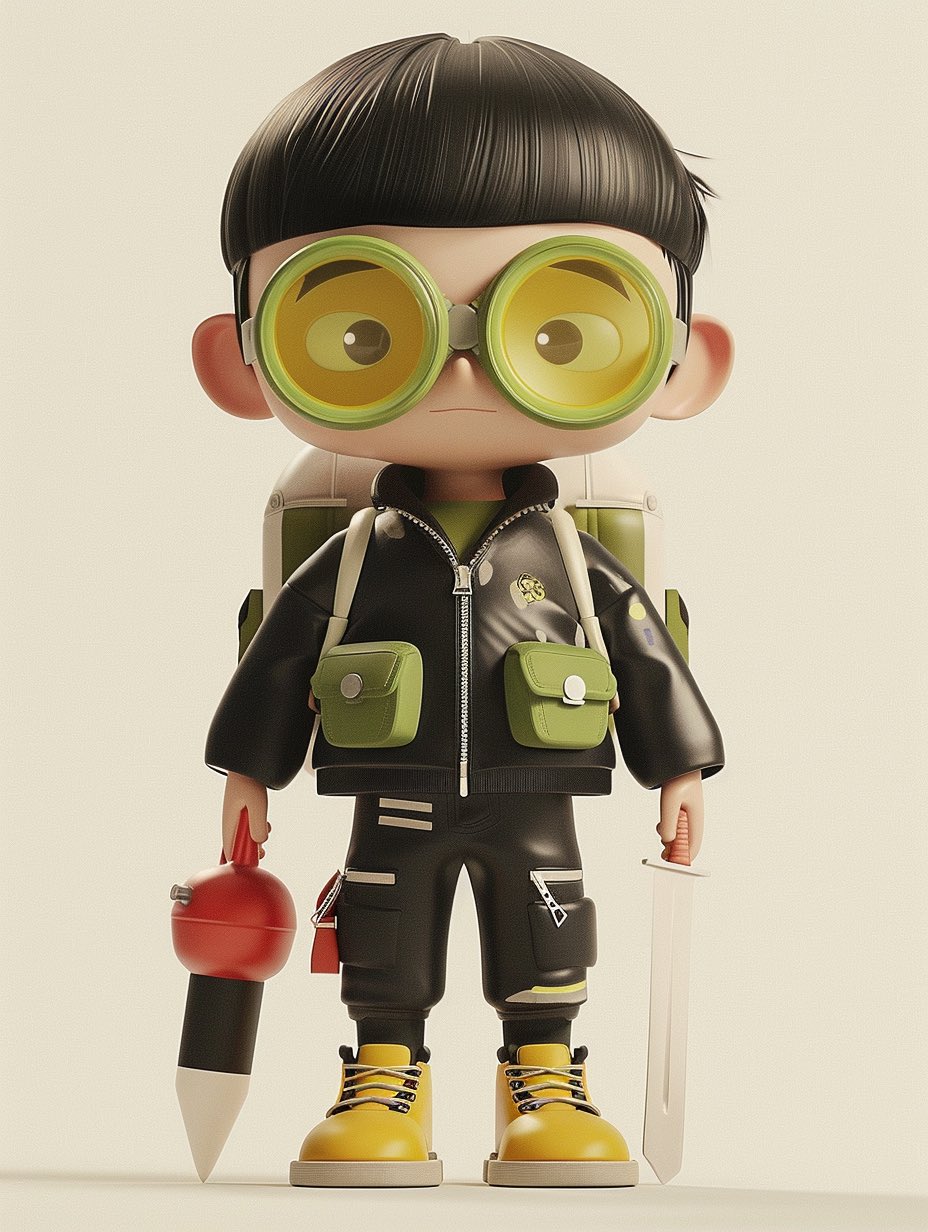
- Product 3D render: High-end 3D render of [product], centered three-quarter view, clean studio stage, [material] body with realistic bevels and micro-scratches, softbox key light, subtle rim light, ambient occlusion, crisp contact shadow, 4:5 aspect ratio, no text, no watermark.
- Icon object render: Isometric 3D icon of [object], rounded simplified geometry, [color palette] materials, soft clay-like surface, clean transparent background, global illumination, compact silhouette, 1:1 aspect ratio, no text.
- Character render: Full-body stylized 3D character of [character], expressive pose, detailed costume, readable silhouette, soft cinematic lighting, realistic fabric and plastic material mix, neutral studio floor, 3:4 aspect ratio, no extra limbs, no text.
- Architecture massing render: Contemporary [building type] concept, clear exterior massing, glass and concrete material contrast, eye-level architectural visualization, late-afternoon sun, realistic shadows, clean surroundings, 16:9 aspect ratio, no people blocking the structure.
提示词解剖:必须写清的部分
| 部分 | 写什么 | 为什么重要 |
|---|---|---|
| 资产类型 | 产品、图标、角色、房间、建筑、道具或车辆。 | 模型需要知道遵循哪类 3D 语法。 |
| 几何 | 轮廓、比例、倒角、姿势、角度和可见面。 | 几何错误加风格后更难修。 |
| 材质 | 金属、玻璃、陶瓷、橡胶、黏土、塑料、织物、木材或混合材质。 | 材质决定高光、质感和价值感。 |
| 灯光 | 柔光箱、轮廓光、HDRI、日光、夕阳或电影反差。 | 灯光让体积站得住。 |
| 输出规则 | 比例、背景、无文字、无水印、透明背景或安全区。 | 结果要适配真实投放渠道。 |
参考图 handoff 规则
3D render prompt 是否稳定,通常取决于参考图是否有明确任务。不要只上传图片,要写清它控制 silhouette、packaging、face identity、material finish、room layout、facade rhythm 还是 color system。
| Reference type | What it should control | What can change |
|---|---|---|
| 产品图 | silhouette、可见面、logo 或 label position、package color、关键比例。 | lighting、studio stage、crop、shadow、background。 |
| 角色设定 | face style、body proportions、costume elements、limb count、recurring accessories。 | pose、camera distance、material polish、environment。 |
| 室内或建筑图 | room layout、facade rhythm、massing、openings、circulation logic。 | time of day、material treatment、entourage、visual atmosphere。 |
| 品牌板 | palette family、material family、product family shape、grid discipline。 | surface texture、camera angle、props、final crop。 |
案例模式:surreal 或 editorial 3D objects
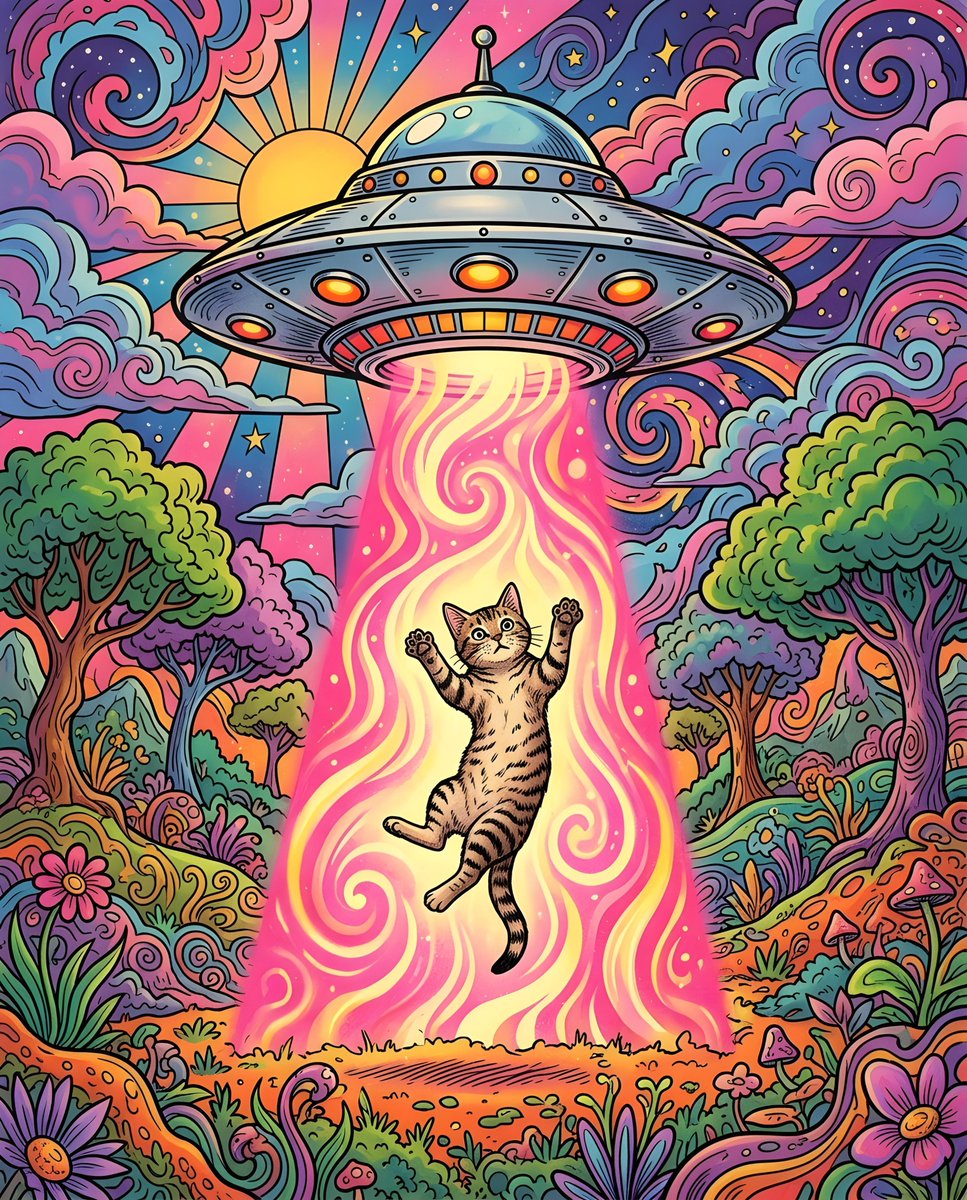
超现实 3D 场景也需要生产控制。把不可能的点放进 subject sentence,然后锁定 camera、material、lighting 和 background,避免画面变成噪音。
- 每个 prompt 只放一个 impossible idea:glass fruit、floating chair、miniature city 或 toy-like animal scene。
- 使用简单 camera language:isometric、front three-quarter、low-angle hero 或 eye-level architectural view。
- 明确 material system:polished resin、matte clay、translucent glass、brushed metal 或 soft vinyl。
- 最终 text 和 logo 留到设计阶段,除非生成文字只是 placeholder。
错误和修正表
| Failure | Fix first | Avoid |
|---|---|---|
| Object shape is wrong | 加入 reference handoff 或更清楚的 silhouette、visible-face instruction。 | 继续加 mood words。 |
| Material looks fake | 写清 material、highlight behavior、surface detail 和 lighting direction。 | 直接换整个 scene。 |
| Render floats with no weight | 加入 contact shadow、ground plane、ambient occlusion 和 camera height。 | 只写 more realistic。 |
| Character has broken limbs | 说明 full-body pose、visible hands、limb count 和 clean silhouette。 | 先堆 costume detail。 |
| Architecture scale feels impossible | 设置 camera height、context、structural material 和 human-scale cues。 | 先加 dramatic weather。 |
复用 prompt 前的质量检查
- 只看 silhouette,别人能否识别 object 或 building?
- material 是否匹配目标价值感:premium、toy-like、technical、luxury 或 architectural?
- shadow 和 contact point 是否让 asset 站得住?
- crop 是否适合实际渠道?
- 保存的是解决问题的 prompt version,而不是最后一次试验版吗?
生产审查流程
把好的 3D render prompt 当成可复用 production spec。目标不是一张好看的图,而是让 geometry、material、lighting、crop 和 model choice 稳定到可以复用。
- 写 style 前先说明 asset role 和 channel:ecommerce hero、app icon、mascot pose、concept board、architecture preview 或 social cover。
- 形状必须准确时,用 reference image 锁 geometry,再只改 material 和 light。
- 第一轮只保留一个 material system,才能判断失败来自 geometry 还是 surface behavior。
- 保存 prompt 时写入 asset type、material、camera、aspect ratio 和 reference state。
- 进入生产前,在实际投放 crop 里检查,而不是只看大预览图。
完整示例:产品渲染变成可复用 brief
原始需求
为一款小型无线音箱做高级 3D 渲染,用在发布页。形状、网罩纹理和哑光质感比背景更重要。
Prompt version 1
- High-end 3D render of a compact wireless speaker, centered three-quarter view, matte graphite cylindrical body, fine perforated metal grille, rounded rubber base, realistic bevels, softbox key light from upper left, subtle rim light, ambient occlusion, crisp contact shadow on a clean warm-gray studio stage, 4:5 aspect ratio, no text, no watermark.
第一轮诊断
如果好看但网罩不对,加入参考图并说明参考图控制 silhouette、grille density、logo position 和 cap shape。如果形状对但廉价,保持几何不变,改材质、灯光和接触阴影。
Vogue AI 中的模型选择
在 Vogue AI 中保持同一个 prompt skeleton,然后根据生产风险换模型,才能看清到底是模型还是提示词改变了结果。
- GPT Image 2 适合指令控制、参考图控制、产品形状和技术可视化。
- Nano Banana 适合快速变化、玩具感物体、社媒概念和 image-to-image 探索。
- Midjourney 适合风格化角色、电影概念和情绪探索。
- 结果接近时先修 prompt,再切换模型。
FAQ
什么是好的 3D render prompt?
它能清楚定义资产类型、几何、材质、灯光、镜头和输出规则,让第一张图可以按真实 brief 评估。
3D 渲染一定要参考图吗?
不一定。只有形状、包装、人脸、logo、立面节奏或空间布局必须准确时才需要。
怎样让 3D 渲染更真实?
一起调整材质和灯光:表面细节、高光方向、接触阴影、ambient occlusion、相机高度和地面。
这些提示词能做建筑渲染吗?
可以,但要写清尺度、结构、相机高度、材质、场地和时间。
Vogue AI 先用哪个模型?
产品和技术渲染先试 GPT Image 2,快速变化试 Nano Banana,风格角色和电影概念试 Midjourney。
为什么结果很普通?
通常缺少资产角色、材质系统、镜头规则或渠道目标。先补控制项,再加长度。