把照片变好看的关键,不是直接输入“enhance”,而是先判断问题,再选择一个清晰的编辑目标。提示词必须保护不能改变的部分:人物身份、产品形状、姿势、颜色和机位。
先把照片修干净,再做风格化
- 先修正最明显的问题:曝光、裁切、背景杂乱、主体清晰度或色彩平衡。
- 当人物、产品、服装、Logo 位置或姿势必须保持时,使用参考图提示词。
- 先做自然改善,再做强风格化;干净的照片更容易稳定变风格。
- 用身份、光线、裁切、背景、质感和文字伪影来检查第一版结果。
- 在 Vogue AI 中从 prompt library 案例开始,英文 prompt 保持可复制,每次只改一个控制项。
先诊断照片
把照片变好看的关键,不是直接输入“enhance”,而是先判断问题,再选择一个清晰的编辑目标。提示词必须保护不能改变的部分:人物身份、产品形状、姿势、颜色和机位。
| Problem | Prompt focus | Protect |
|---|---|---|
| Dark or flat | Improve exposure, white balance, and contrast. | Identity, real color, believable shadows. |
| Messy background | Simplify or blur distractions. | Subject outline and depth. |
| Weak crop | Set a useful aspect ratio and negative space. | Important subject edges. |
选择提升方向
| Goal | Pattern | Risk |
|---|---|---|
| Natural cleanup | Conservative reference-led edit. | The subject changes too much. |
| Portrait polish | Identity anchor plus light and skin texture. | Waxy skin or changed face. |
| Product polish | Preserve silhouette, label, and material. | Invented packaging. |
| Social upgrade | Crop, contrast, and clean hierarchy. | No space for later text. |
Copyable prompts
The prompt blocks remain in English intentionally so they can be pasted directly into Vogue AI.
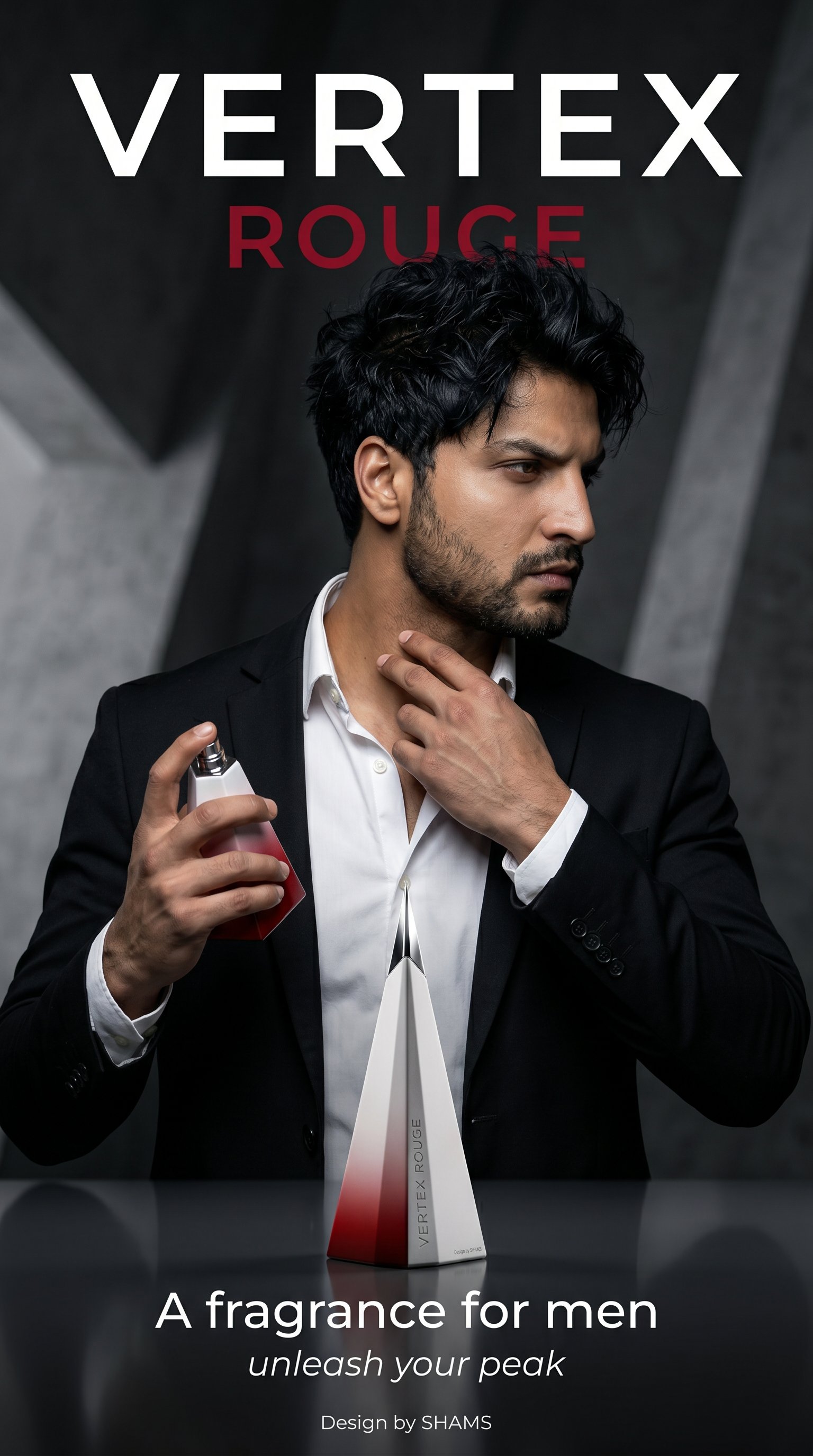
- Natural cleanup edit: Use the uploaded photo as the only subject reference. Improve exposure, white balance, skin or material texture, and background clarity while preserving the original person, product, pose, camera angle, and realistic details. Keep the edit natural, no face reshaping, no added text, no watermark.
- Professional portrait upgrade: Use the uploaded portrait as the identity anchor. Preserve face identity, age, expression, hairstyle, and pose. Improve soft daylight, eye sharpness, natural skin texture, simple wardrobe polish, and background separation. Editorial but realistic, 3:4 crop, no extra hands, no text.
- Product photo improvement: Use the uploaded product image as the product reference. Preserve silhouette, color, label placement, and material. Improve studio lighting, clean shadow, background simplicity, edge sharpness, and ecommerce composition. 4:5 aspect ratio, no invented logo, no text.
- Social-ready style pass: Use the uploaded picture as the base scene. Keep the main subject recognizable, improve color harmony, contrast, crop, and negative space for a social post. Modern editorial mood, clean background, 9:16 or 4:5 framing, no generated typography.
完整案例:改善一张室内人像
Raw job
一张室内人像表情不错,但房间杂乱、光线偏黄,不够适合头像。
Prompt version 1
- Use the uploaded portrait as the identity anchor. Preserve the same person, facial features, expression, hairstyle, pose, and camera angle. Improve soft daylight, neutral white balance, eye sharpness, natural skin texture, and gentle background separation. Simplify the room into a clean softly blurred interior. Professional profile photo, realistic edit, 3:4 crop, no face reshaping, no extra text.
第一版之后怎么改
如果脸变了,先加强 identity 句子;如果脸正确但仍然像随手拍,只改光线和背景;如果裁切不好,先改比例和主体大小。
受控之后再加风格
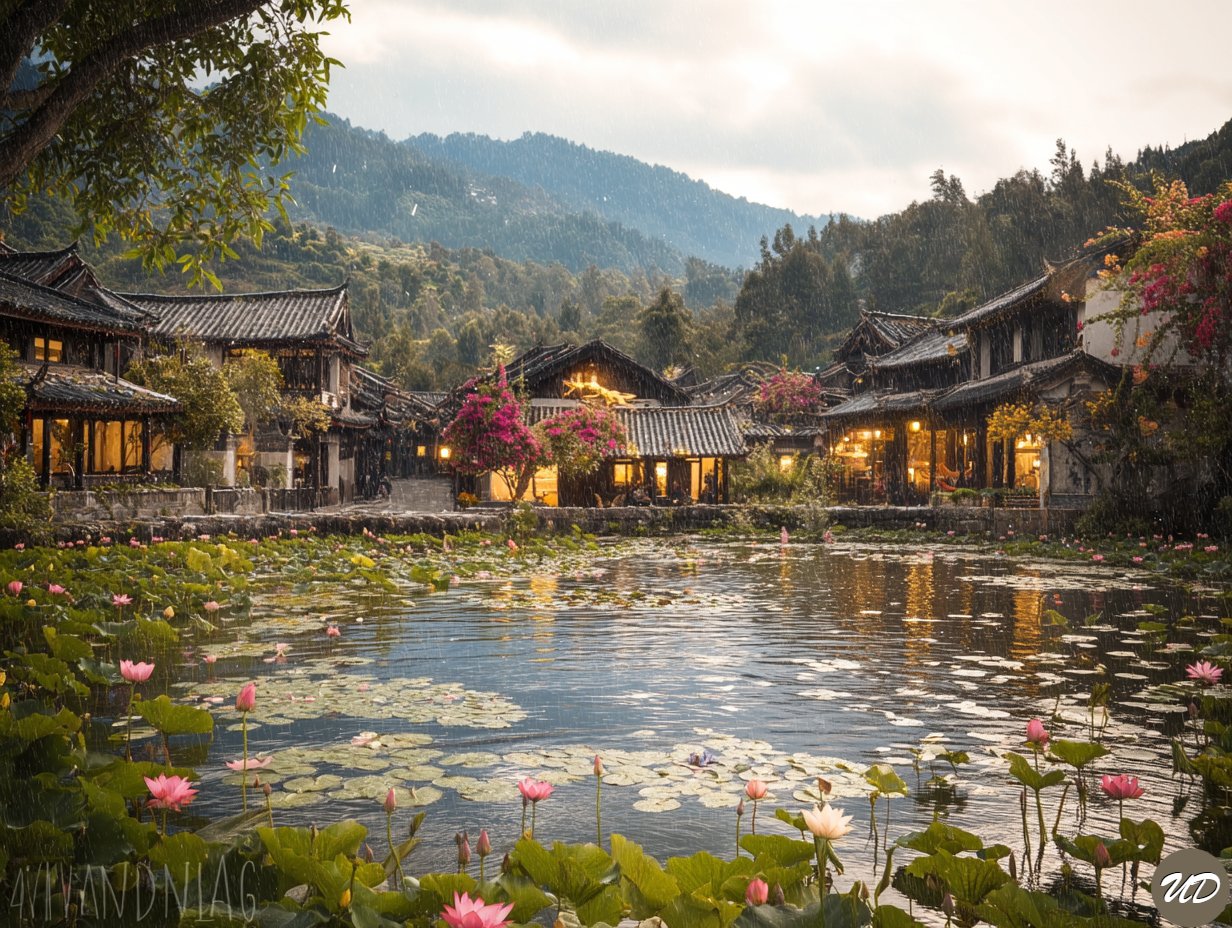
- Protect identity before editorial lighting.
- Protect product silhouette before studio polish.
- Protect the real place before cinematic grading.
- Reserve negative space and add typography later.
常见错误和修正
| Mistake | Why | Fix |
|---|---|---|
| Vague enhance prompt | The model guesses what may change. | Name defect and protected details. |
| Too many styles | The frame becomes inconsistent. | Use one mood per pass. |
| No aspect ratio | The output may not fit the channel. | Set ratio early. |
| Generated text/logo | Small text mutates. | Leave text area empty. |
Vogue AI handoff
在 Vogue AI 中上传照片,选择最接近任务的案例,粘贴英文 prompt,然后用检查清单评估结果。
导出前检查
- Identity is still recognizable.
- Light and white balance improved.
- Crop fits the destination.
- Background distractions are reduced.
- Texture still looks natural.
- No warped text, fake logos, or extra fingers.
FAQ
How can I make my pictures look better quickly?
先处理一个主要问题,并明确要保护的身份、颜色、姿势或产品细节。
Should I use AI or a normal photo editor first?
先处理一个主要问题,并明确要保护的身份、颜色、姿势或产品细节。
How do I keep my face from changing?
先处理一个主要问题,并明确要保护的身份、颜色、姿势或产品细节。
Why does an improved picture look fake?
先处理一个主要问题,并明确要保护的身份、颜色、姿势或产品细节。
What aspect ratio should I choose?
先处理一个主要问题,并明确要保护的身份、颜色、姿势或产品细节。
Can AI fix blurry photos?
先处理一个主要问题,并明确要保护的身份、颜色、姿势或产品细节。
How many edits should I make at once?
先处理一个主要问题,并明确要保护的身份、颜色、姿势或产品细节。
Can I use these prompts for product photos?
先处理一个主要问题,并明确要保护的身份、颜色、姿势或产品细节。