中文: Stable diffusion prompt examples are useful when they show exactly how subject, style, modifiers, and negative prompts work together. Stable Diffusion responds well when the prompt separates subject, composition, style modifiers, technical hints, and negative prompts, then changes one part at a time.
中文 - TL;DR: copy the example, then change one control
- 中文: Write the main subject first, then add composition, lighting, style, and output constraints.
- 中文: Use negative prompts for visible failure modes: extra fingers, bad anatomy, warped text, duplicate objects, low quality, and watermark.
- 中文: Keep style modifiers specific. “Cinematic rim light, 50mm lens, matte product texture” is stronger than a long pile of vague adjectives.
- 中文: Change one control per generation so you know whether the subject, crop, style, seed, or negative prompt fixed the image.
- 中文: In Vogue AI, reuse the same anatomy across GPT Image 2, Nano Banana, and Midjourney style prompts so your briefs stay portable.
中文 - Prompt anatomy
| 中文: Part | 中文: What to write | 中文: Why it matters |
|---|---|---|
| 中文: Subject | 中文: The exact person, product, scene, object, or environment. | 中文: The model needs a stable anchor before style instructions can help. |
| 中文: Composition | 中文: Camera distance, angle, crop, foreground, background, and negative space. | 中文: Composition prevents visually impressive but unusable images. |
| 中文: Style modifiers | 中文: Lighting, medium, lens feel, palette, material, era, and realism level. | 中文: Modifiers tune the look after the subject is clear. |
| 中文: Negative prompt | 中文: Visible errors you want to suppress. | 中文: Stable Diffusion often benefits from an explicit error blacklist. |
| 中文: Iteration rule | 中文: The one element to change after the first result. | 中文: A controlled prompt is easier to debug than a rewritten prompt. |
中文 - A practical Stable Diffusion formula
中文: Use this order for most prompts: subject, scene role, composition, lighting, style, technical hint, output rule, negative prompt. You can shorten it later, but the first draft should make every control visible.
- 中文: Positive prompt: [subject], [scene or job], [composition], [lighting], [style], [material or texture], [camera/lens hint], [aspect/crop goal].
- 中文: Negative prompt: low quality, blurry, watermark, unreadable text, extra limbs, distorted hands, duplicate subject, bad anatomy, warped logo.
- 中文: Revision note: if the subject is wrong, fix the subject or reference first; if the image is generic, fix modifiers; if the layout is wrong, fix composition.
中文 - Copyable prompt examples
中文: Keep these public prompt blocks in English when you paste them. Replace bracketed fields, then adjust only one control after the first generation.
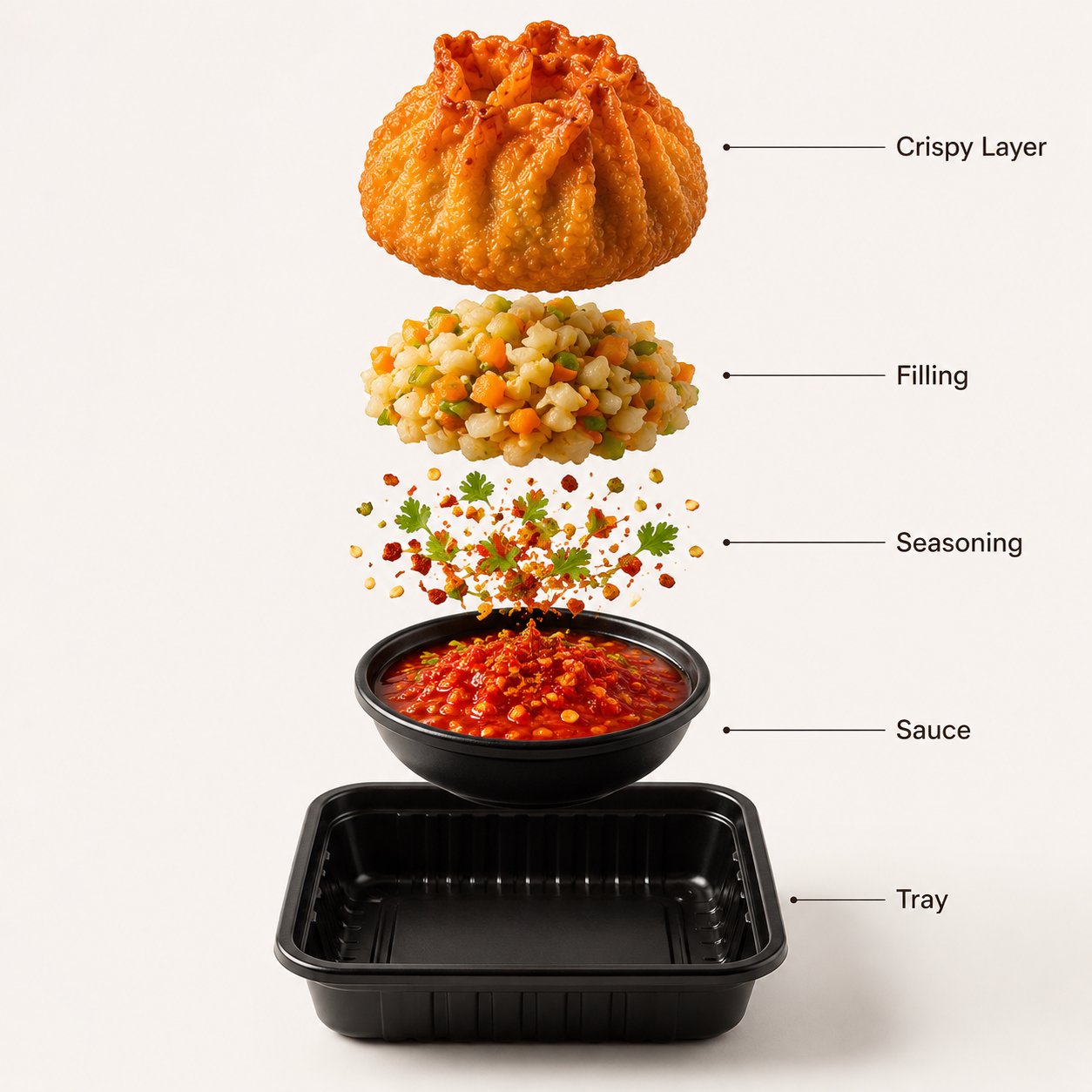
- Stable Diffusion product prompt: premium studio product photo of [product], centered composition, 50mm lens, softbox key light, crisp material texture, clean [background color] backdrop, subtle contact shadow, commercial realism, no text, no watermark, no deformed logo.
- Stable Diffusion portrait prompt: editorial portrait of [subject], natural skin texture, sharp eyes, relaxed confident expression, soft background separation, wardrobe in [palette], 85mm lens look, cinematic daylight, no extra fingers, no distorted face, no text.
- Stable Diffusion environment prompt: cinematic wide landscape of [place], clear foreground subject, layered depth, golden-hour side light, atmospheric perspective, realistic terrain detail, coherent scale, no duplicate horizon, no text, no watermark.
- Vogue AI rewrite prompt: Create a controlled image of [subject] for [channel]. Keep [identity element] stable, use [composition], [lighting], [style], [aspect ratio], and avoid [failure mode].
中文 - Positive vs negative prompt decisions
| 中文: Goal | 中文: Put in positive prompt | 中文: Put in negative prompt |
|---|---|---|
| 中文: Better hands or faces | 中文: Natural hand pose, sharp eyes, realistic skin texture. | 中文: extra fingers, fused fingers, distorted face, asymmetrical eyes. |
| 中文: Cleaner product image | 中文: Centered product, crisp material, soft contact shadow. | 中文: warped logo, unreadable label, watermark, duplicate product. |
| 中文: Readable composition | 中文: Clear foreground subject, simple background, negative space. | 中文: cluttered background, cropped subject, duplicate horizon. |
| 中文: Specific style | 中文: Editorial photo, watercolor, anime cel shading, isometric render. | 中文: low quality, muddy colors, noisy texture. |
中文 - Worked example: from vague idea to controlled prompt
中文: Raw idea: “make a cool mountain cabin image.” That is too open. A controlled Stable Diffusion prompt names the subject, camera, light, season, and common failures.
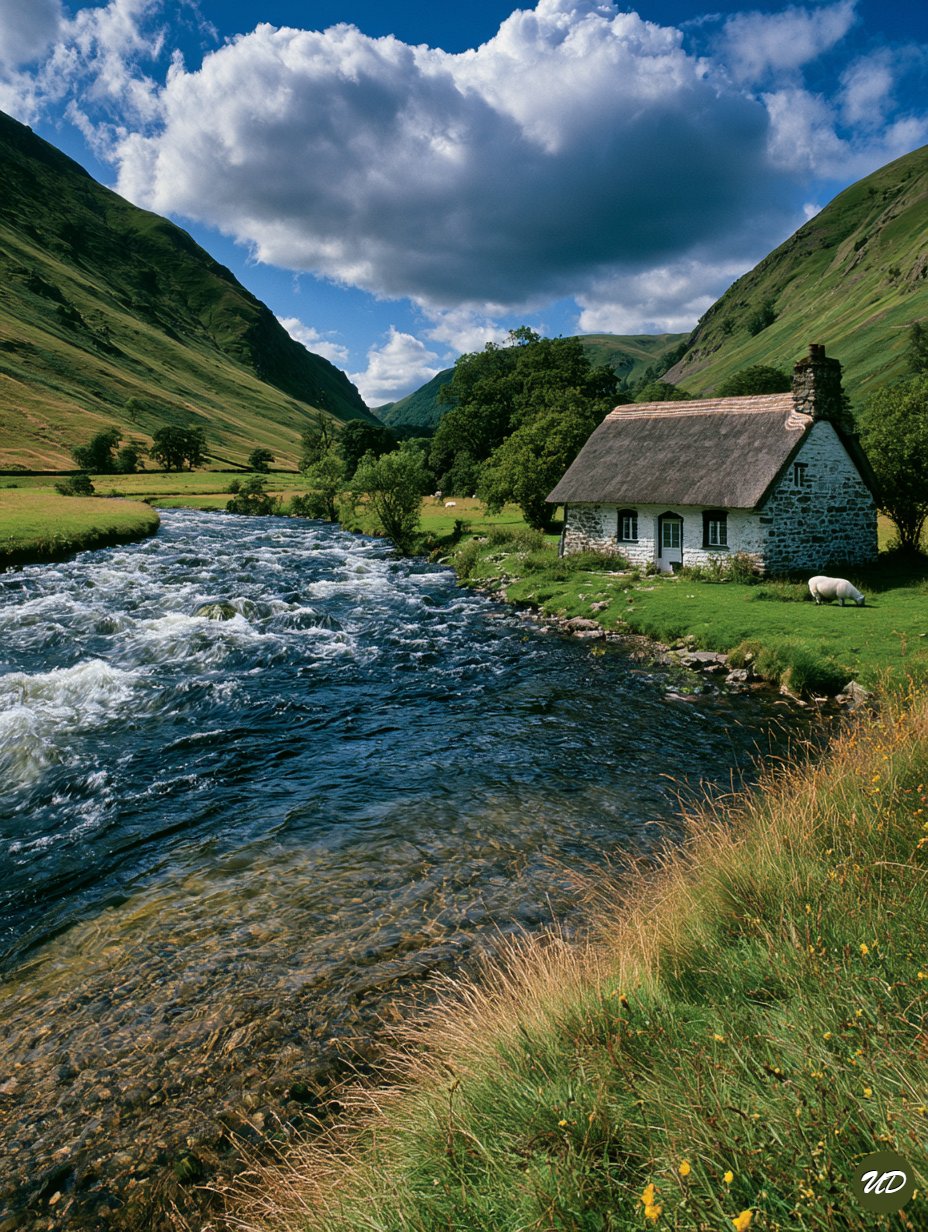
- 中文: Version 1: cinematic wide landscape photograph of a small modern mountain cabin beside a clear alpine lake, foreground rocks and pine branches, golden-hour side light, mist in distant valley, realistic terrain detail, 24mm lens look, coherent scale, no people, no text, no watermark, no duplicate cabin.
- 中文: If the cabin is too small, change composition: medium-wide framing, cabin occupies 30 percent of frame.
- 中文: If the image becomes fantasy instead of realistic, reduce style language and add documentary landscape photography, natural colors, realistic material detail.
中文 - Style modifiers that actually help
- 中文: Lighting: softbox, rim light, golden hour, overcast daylight, hard flash, volumetric light.
- 中文: Camera feel: 24mm wide angle, 50mm product lens, 85mm portrait look, macro close-up, top-down flat lay.
- 中文: Medium: editorial photo, clay render, watercolor illustration, anime cel shading, ink poster, isometric 3D.
- 中文: Material: brushed aluminum, matte ceramic, translucent glass, woven fabric, glossy enamel.
- 中文: Channel: ecommerce hero, app store preview, vertical social poster, editorial cover, thumbnail-safe crop.
中文 - When to use reference images in Vogue AI
中文: Stable Diffusion users often rely on seeds, LoRA, ControlNet, or image-to-image workflows for consistency. In Vogue AI, the simpler public workflow is to attach a reference image when identity matters, then state exactly what the reference controls.
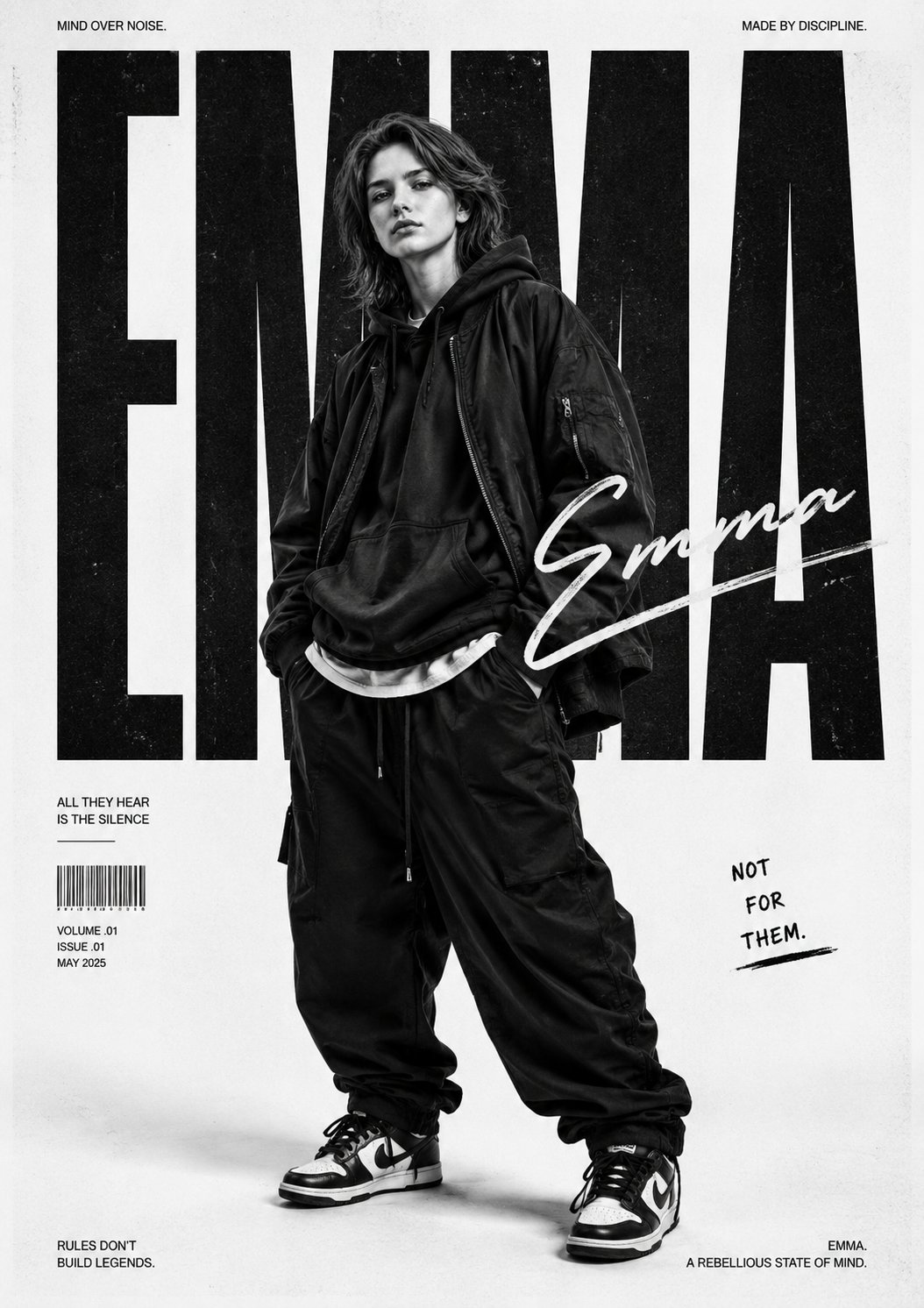
- 中文: Use a reference for face identity, product silhouette, package color, UI hierarchy, or logo placement.
- 中文: Do not use a reference just because the prompt feels weak; first fix subject and composition.
- 中文: Write the handoff sentence: use the uploaded image for identity and shape only; reinterpret lighting, wardrobe, background, and mood.
中文 - Mistake and fix table
| 中文: Problem | 中文: Likely cause | 中文: Fix first |
|---|---|---|
| 中文: Prompt looks good but output is random | 中文: Subject and composition are buried after style words. | 中文: Move subject and frame to the first sentence. |
| 中文: Negative prompt does nothing | 中文: It lists abstract dislikes instead of visible errors. | 中文: Use concrete failures: extra fingers, watermark, duplicate object. |
| 中文: Image is pretty but unusable | 中文: No channel or crop rule. | 中文: Add ecommerce hero, 9:16 poster, 4:5 product crop, or text-safe area. |
| 中文: Style keeps drifting | 中文: Too many competing modifiers. | 中文: Pick one medium, one lighting setup, and one palette. |
FAQ
中文 - What prompt format works well for Stable Diffusion?
中文: The most reliable format is subject, composition, style modifiers, technical hints, output rules, then negative prompt. It is not the only format, but it is easy to debug.
中文 - How long should a Stable Diffusion prompt be?
中文: Long enough to control the job. For most images, 25 to 70 meaningful words plus a short negative prompt is easier to manage than a huge adjective list.
中文 - Should I always use negative prompts?
中文: Use them when you can name visible failures. Negative prompts are useful for anatomy, text, watermarks, duplicate objects, blur, and low-quality artifacts.
中文 - Can I use the same prompt in Vogue AI?
中文: Yes, but translate model-specific syntax into a clear creative brief. Keep the subject, composition, style, and avoid-list, then add a reference image when identity matters.
中文 - Why does my prompt ignore important details?
中文: The usual reason is competing priorities. Put the most important subject and composition details first, remove weak modifiers, and revise one control at a time.
中文 - Are style words like 8K and masterpiece required?
中文: No. Some older Stable Diffusion workflows used quality tags heavily, but clear subject, lighting, composition, and failure controls usually matter more.