Les GPT Image 2 prompt examples utiles fonctionnent comme un brief de production réutilisable : sujet, règle de référence, composition, style, sortie et diagnostic du premier résultat.
TL;DR : copiez la structure, puis remplacez les variables
- 使用五段结构:主体、参考图规则、构图、风格控制和输出规则。
- 可复制 prompt 块保留英文,方便直接粘贴到 Vogue AI。
- 只有身份、产品形状、标签位置、色板或 UI 层级必须稳定时才加参考图。
- 按失败类型修第一张图:先身份,再构图,再风格,最终文字放到设计工具里。
- 在 Vogue AI 里先找 GPT Image 2 提示词库案例,再到 workspace 改结构。
Ce qu un bon exemple GPT Image 2 doit montrer
搜索这个词的人想要可复制、可比较、可改写的示例。所以好示例必须说明 prompt、本身服务的视觉任务、它控制的环节,以及能避免的第一轮失败。
Prompt 结构拆解
| Part | What to write | Why it matters |
|---|---|---|
| Subject | The exact product, person, object, screen, or scene. | Anchors the generation before style language begins. |
| Reference rule | What the uploaded image controls and what can change. | Protects identity without freezing the whole image. |
| Composition | Crop, camera distance, aspect ratio, negative space, and angle. | Prevents a messy frame before you tune mood. |
| Style controls | Lighting, palette, material, realism, texture, and editorial tone. | Moves the image toward the intended visual language. |
| Output policy | No text, no watermark, safe area, transparent background, or later typography. | Keeps the result usable in a real workflow. |
GPT Image 2 prompt examples à copier
复制其中一条,替换方括号变量,第一轮先不要改其它结构。文字越清楚,越容易诊断结果。
- Product poster: Create a GPT Image 2 product launch image for [product], centered hero object, crisp material detail, controlled rim light, clean [brand color] background, strong negative space for later headline, 4:5 aspect ratio, no text, no watermark.
- High-fashion editorial: Create a premium fashion editorial photograph of [subject], [wardrobe details], confident pose, luxury magazine lighting, clean set, realistic fabric texture, shallow background separation, 3:4 aspect ratio, no extra fingers, no text.
- Reference-safe edit: Use the uploaded image as the reference. Preserve [shape, label position, face identity, color, or UI hierarchy]. Change only [environment, lighting, wardrobe, or background], keep the camera angle similar, no text, no logo distortion.
- Social campaign visual: Create a 9:16 campaign image for [topic], main subject [subject], cinematic lighting, bold foreground silhouette, clean upper-third empty space for future copy, energetic modern editorial style, keep generated text out.
- UI device mockup: Create a realistic marketing mockup of [app or website] on a modern device, readable interface hierarchy without fake tiny text, soft reflections, clean desk surface, premium SaaS lighting, 16:9 aspect ratio.
Exemple 1 : contrôle éditorial mode
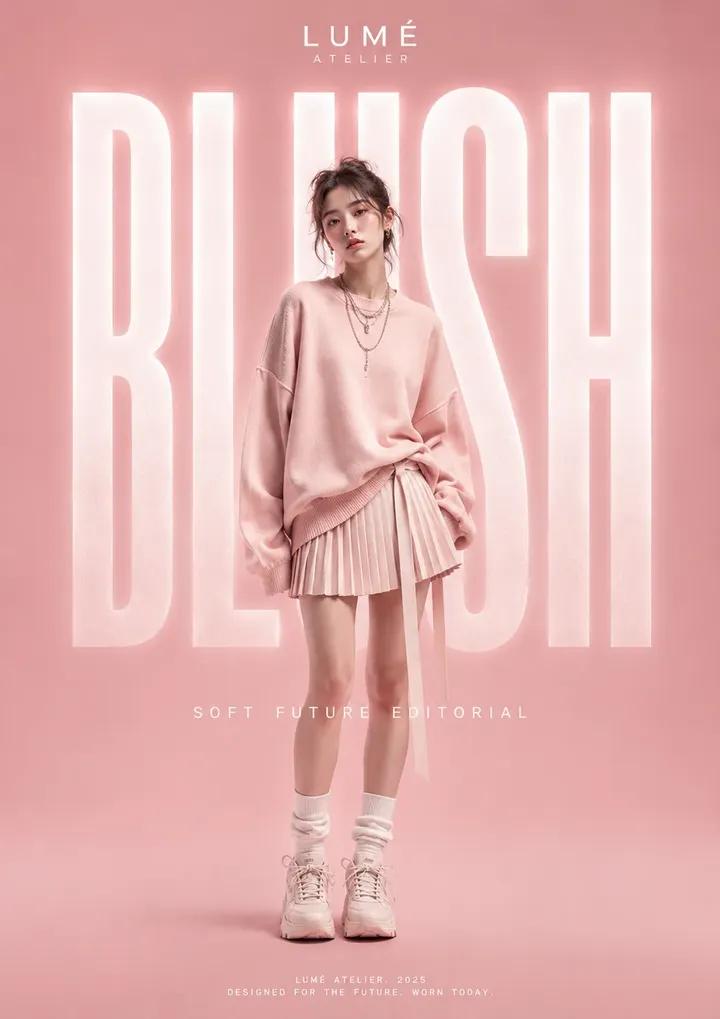
当画面需要 fashion energy,但仍要保住主体、姿势、布料质感和裁切时,可以复用这类结构。
Exemple 2 : prompt orienté instructions
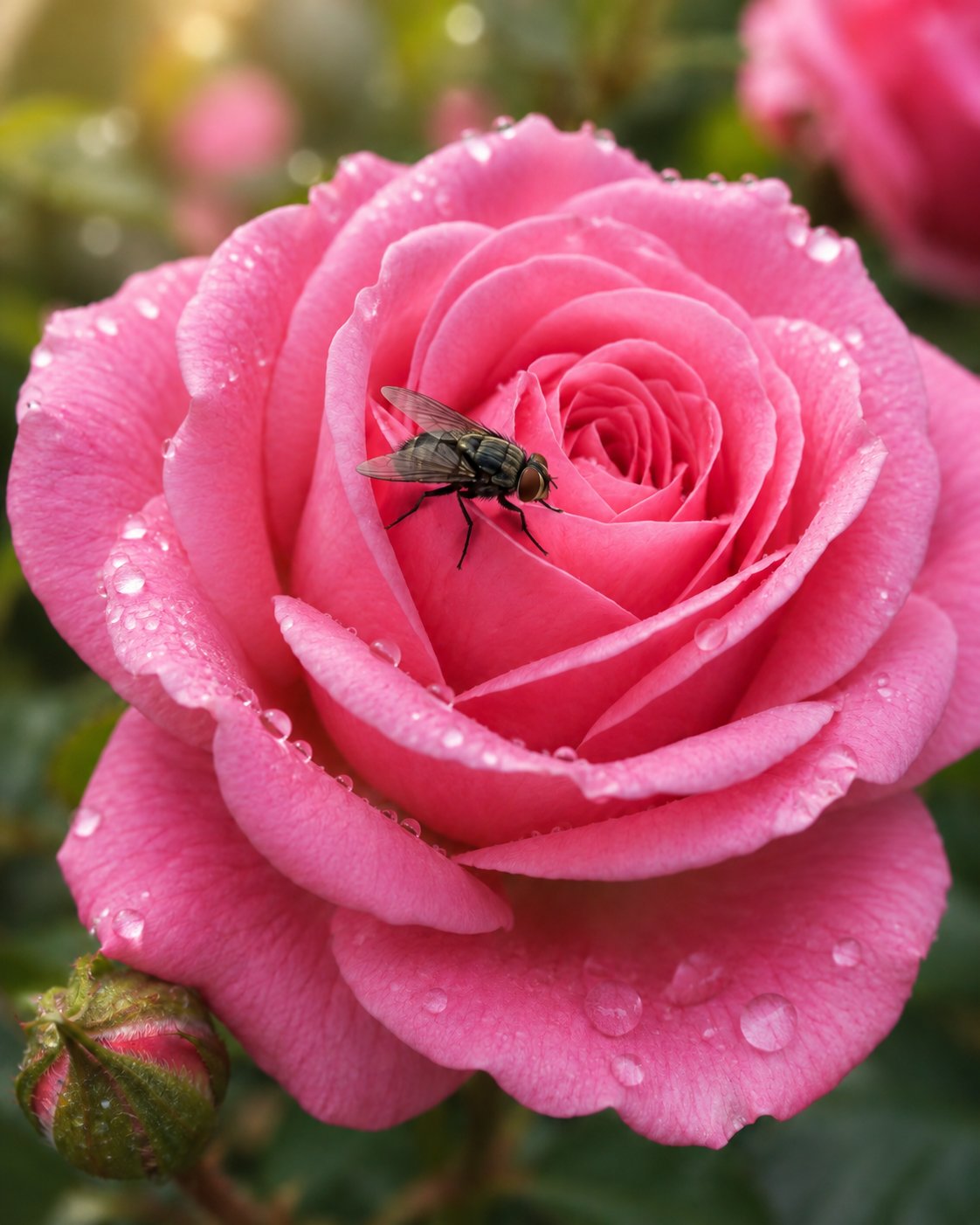
Workbench 风格示例提醒你给 GPT Image 2 一个任务,而不是只给 vibe:写清要产出什么、什么必须稳定、什么要排除。
Matrice de scénarios
| Use case | Prompt pattern | Keep stable | First failure to check |
|---|---|---|---|
| Product image | Reference-safe product poster | Product silhouette, label position, material, color | Wrong shape or distorted logo |
| Fashion portrait | Editorial subject with wardrobe and lighting controls | Face identity, pose, fabric texture, crop | Extra fingers or over-stylized skin |
| Social poster | Vertical campaign visual with empty text zone | Focal point, channel ratio, negative space | No headline area or cluttered background |
| UI mockup | Device scene with interface hierarchy rules | Screen layout, device angle, reflection level | Fake tiny text or distorted UI |
Exemple complet : transformer une demande vague en prompt utile
Raw brief
你需要给一只哑光黑旅行杯做高级发布图。它要能用于商品页 hero,也要能用于社媒预告。杯身形状和 logo 位置很重要,背景可以改变。
Prompt version 1
- Create a GPT Image 2 product launch image for a matte black insulated travel mug, centered hero composition, preserve clean cylindrical silhouette and small front logo placement, crisp powder-coated metal texture, cool rim light, dark charcoal studio background, subtle shadow, 4:5 aspect ratio, clear upper negative space for later headline, no generated text, no watermark.
First-result diagnosis
如果杯身形状错了,加参考图,并说明参考图控制轮廓、杯盖、logo 位置和材质。如果形状正确但画面普通,保持 prompt 稳定,只改灯光、色板或渠道上下文。
Erreurs et corrections
| Failure | Fix first | Avoid |
|---|---|---|
| Wrong identity | Attach a reference image and name what it controls. | Adding more style adjectives. |
| Messy composition | Change crop, angle, distance, or negative space. | Switching models before the frame is fixed. |
| Generic style | Add audience, channel, material, palette, and lighting. | Rewriting the whole prompt from scratch. |
| Broken text or logo | Remove generated text and reserve space for later design. | Asking the model to spell final copy perfectly. |
| Good result drifts | Duplicate the best prompt and replace only variables. | Stacking edits onto an unstable version. |
Comment utiliser ces exemples dans Vogue AI
- 写之前先打开一个接近任务的 GPT Image 2 prompt-library card。
- 把结构复制进 workspace,只替换产品、人物、渠道、色板、比例和参考规则。
- 需要更强指令跟随和可控编辑时,优先用 GPT Image 2。
- 需要快速变体可对比 Nano Banana,需要时尚风格探索可对比 Midjourney,但保持同一 prompt skeleton。
- 把解决任务的版本保存成 product-poster-reference-shape-4x5 这类清晰名称。
FAQ
这些 GPT Image 2 prompt examples 可以直接复制吗?
可以。先替换方括号变量,跑一次,再决定是否增加风格描述。
GPT Image 2 prompts 一定要很长吗?
不需要。重点是控制主体、构图、参考图行为和输出规则。
什么时候上传参考图?
当产品形状、人脸身份、包装结构、色板、logo 位置或 UI 层级必须稳定时。
为什么第一张图很普通?
通常缺少渠道、受众、材质、灯光或构图规则。先补这些,再考虑重写。
可以让模型直接生成最终文案吗?
生产场景最好留白,最终文字放到设计工具里做。
怎样把示例沉淀成可复用资产?
保存解决主要失败的版本,标清变量字段,下次直接复制。