GPT Image 2 Prompt
A GPT image prompt should be direct, visual and specific enough for GPT Image 2 to understand the subject, composition, style and output purpose. This GPT image prompt page focuses on prompt examples for product photos, posters, portraits, UI concepts, ads and social graphics.
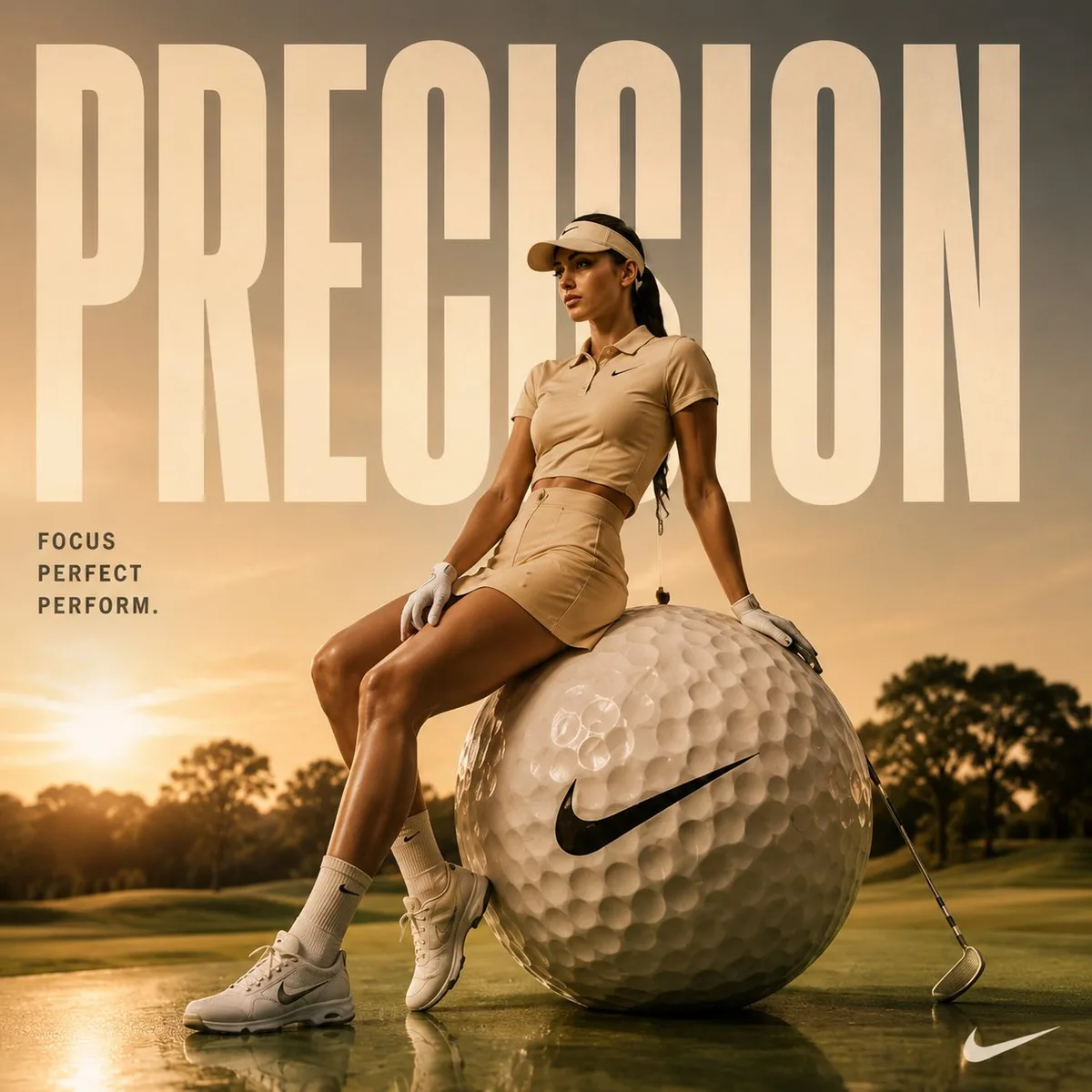
GPT Image Prompt
Browse GPT image prompt examples for GPT Image 2, then open a GPT image prompt page to copy the prompt or use the image as a reference.
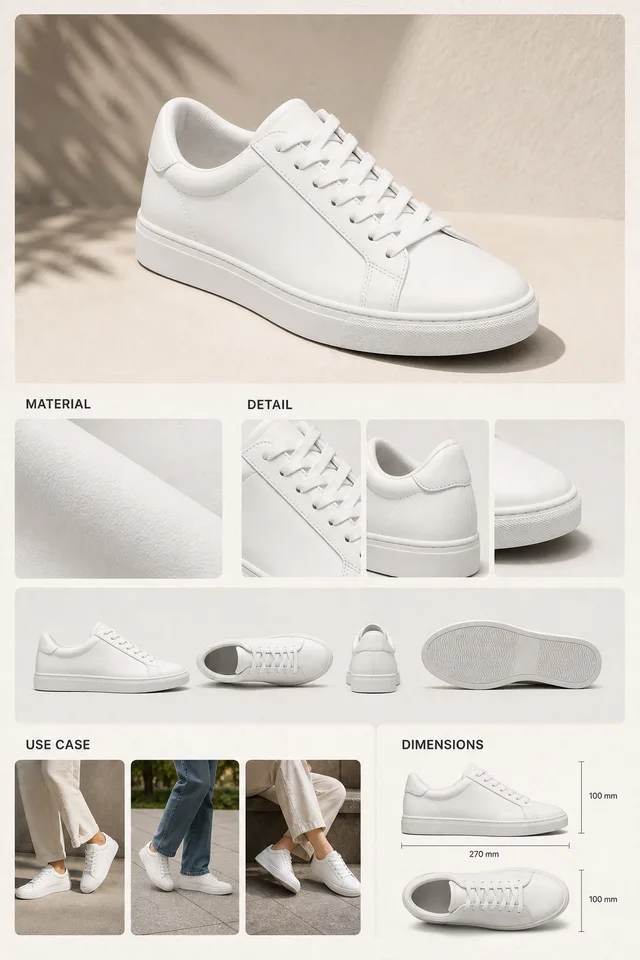

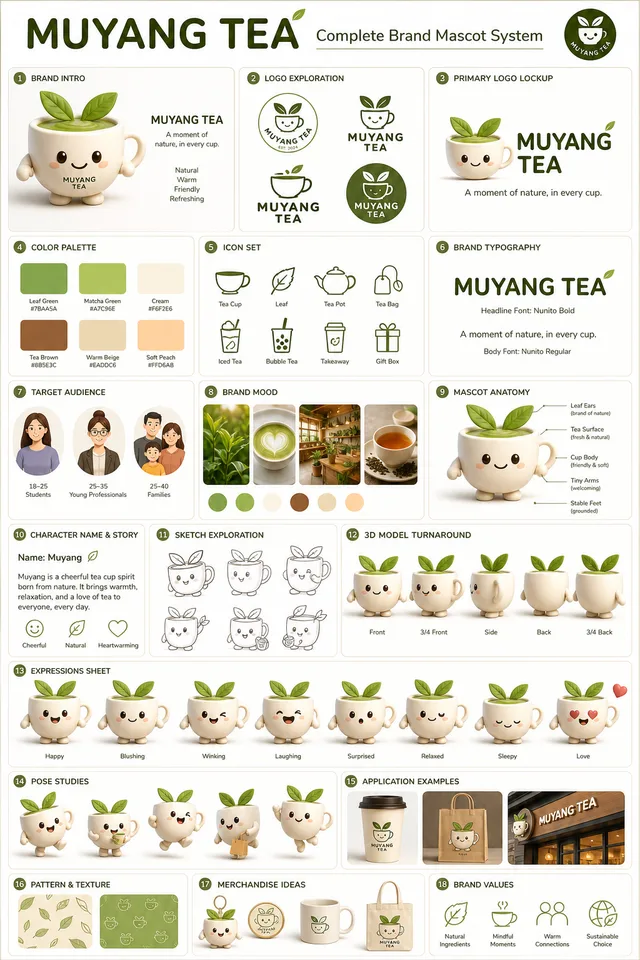
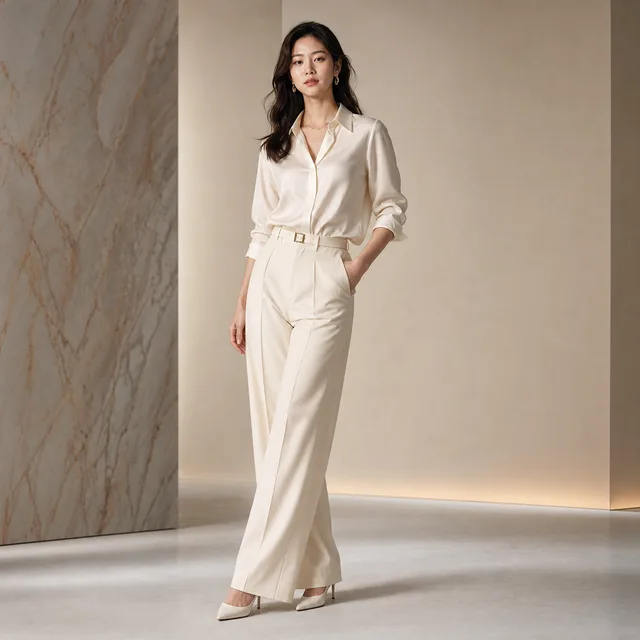
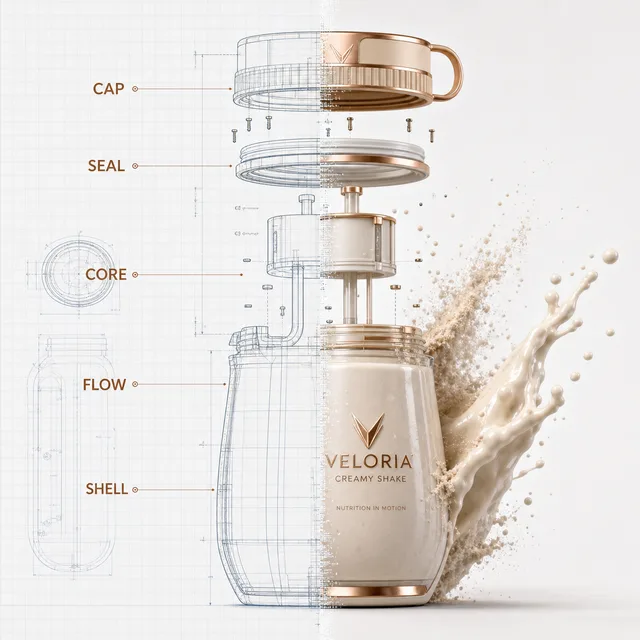
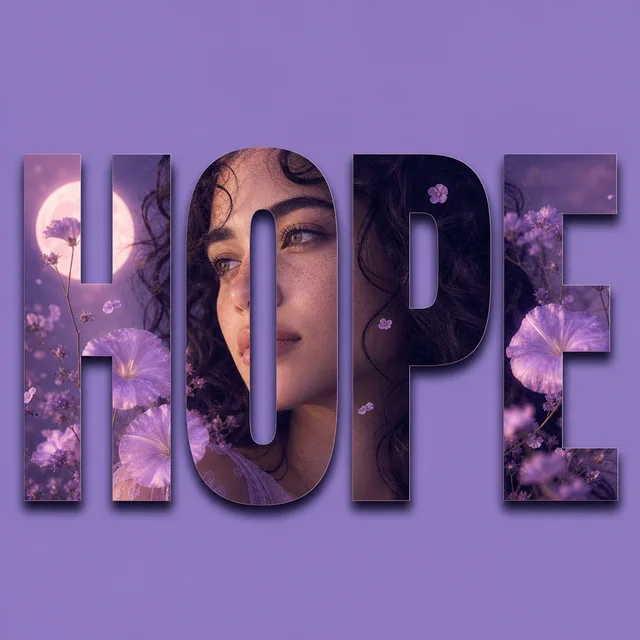
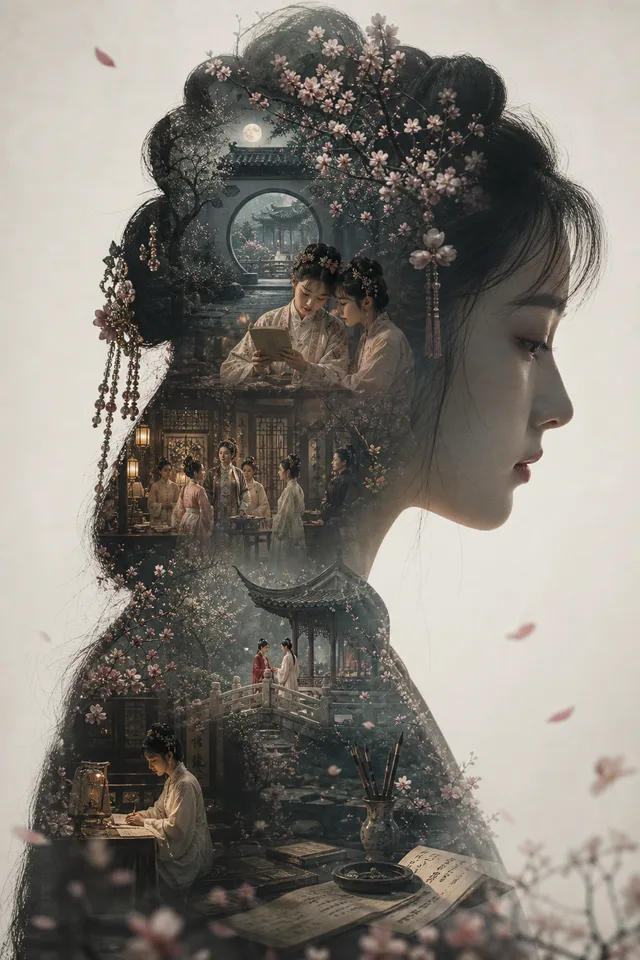
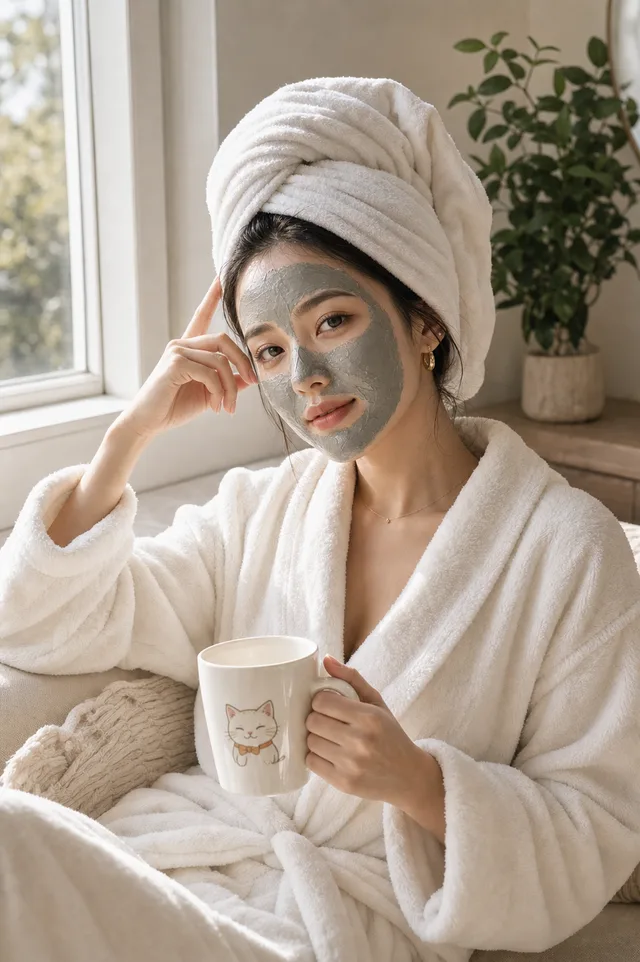
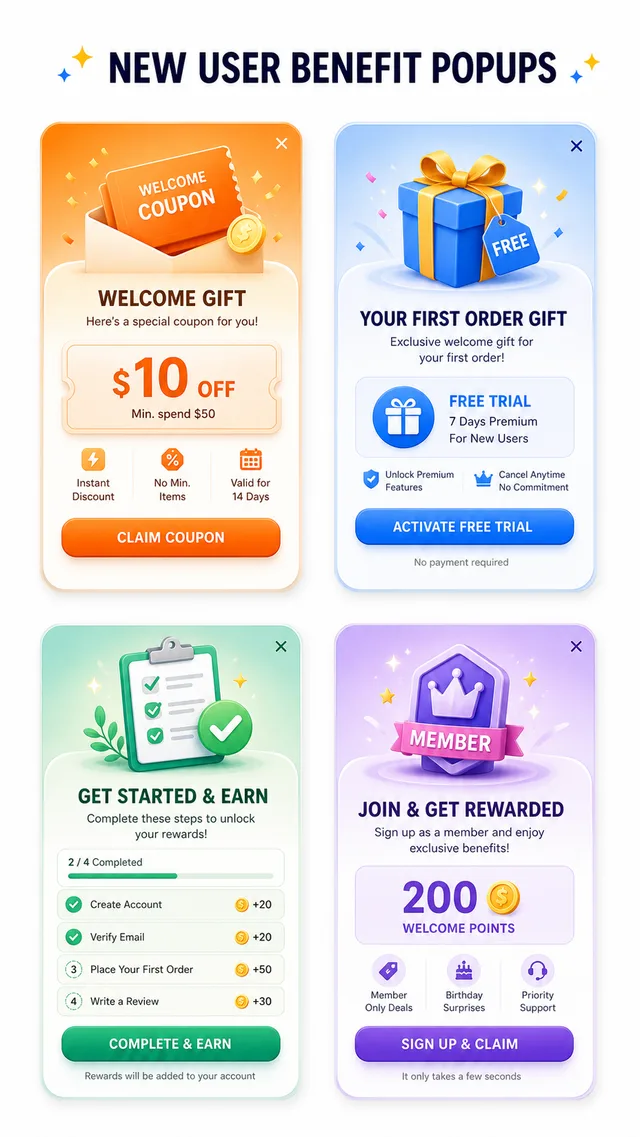
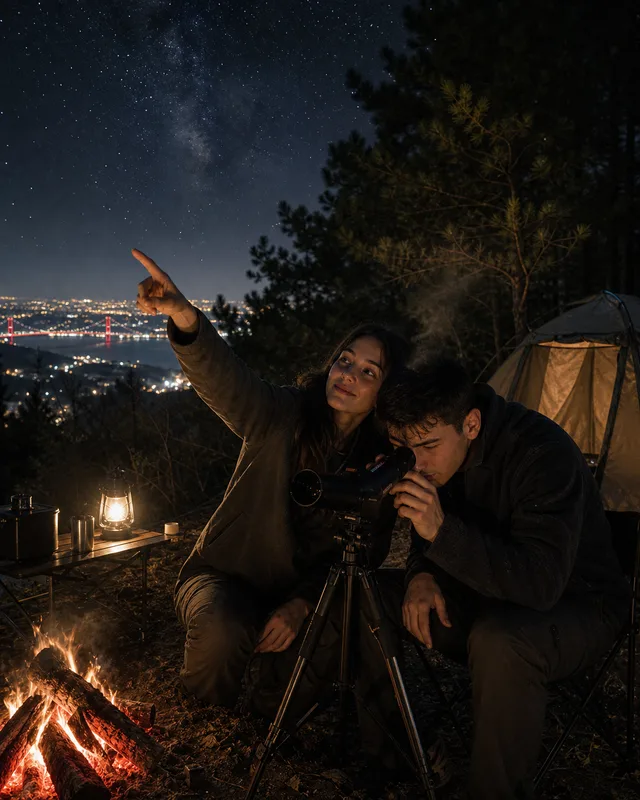
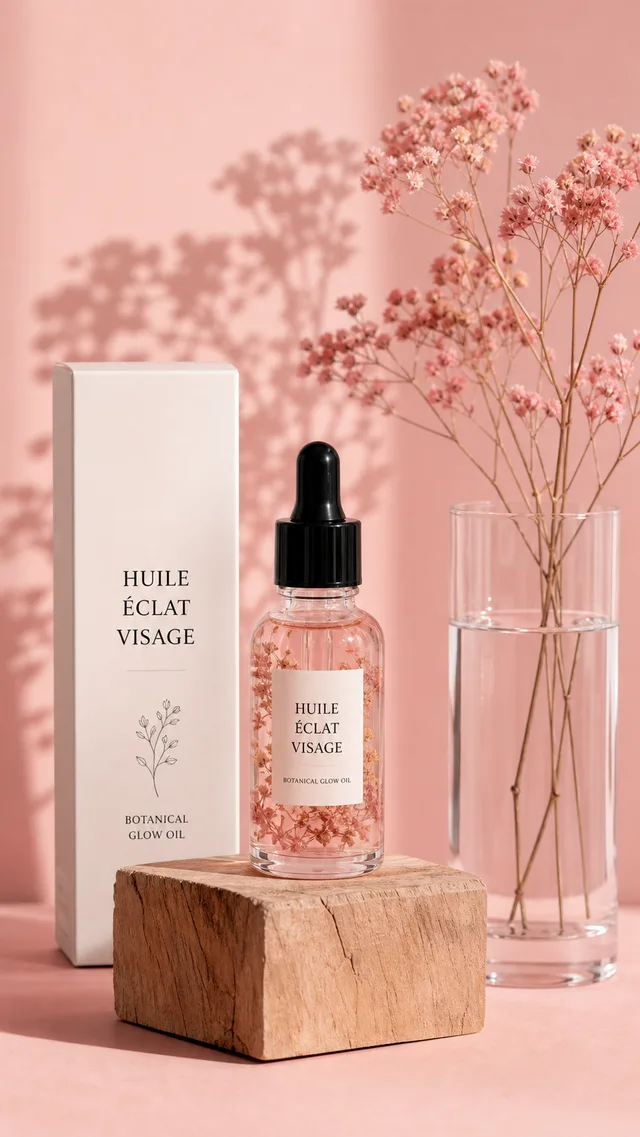
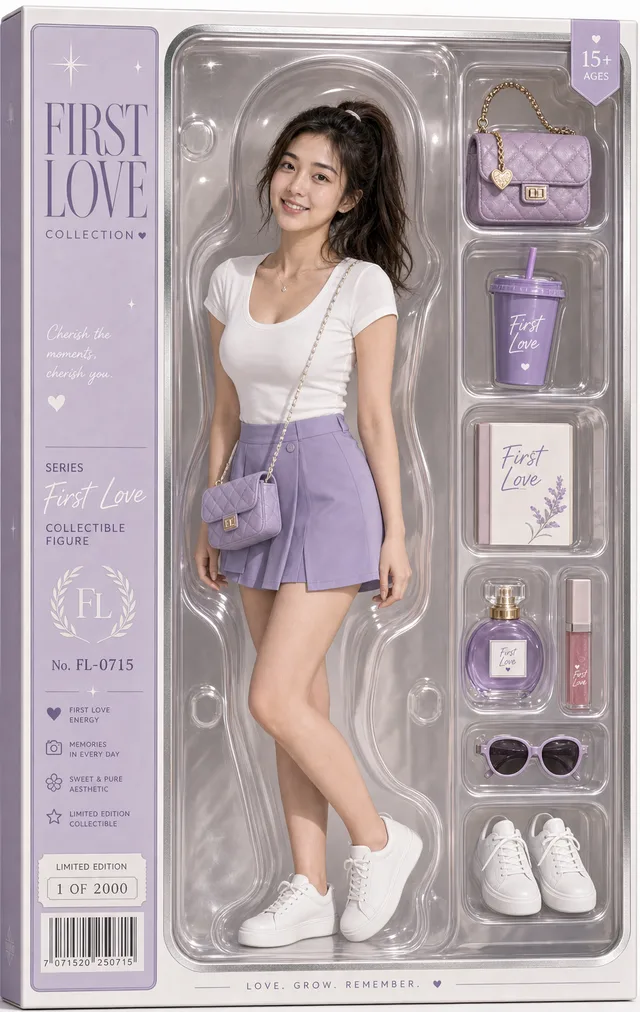
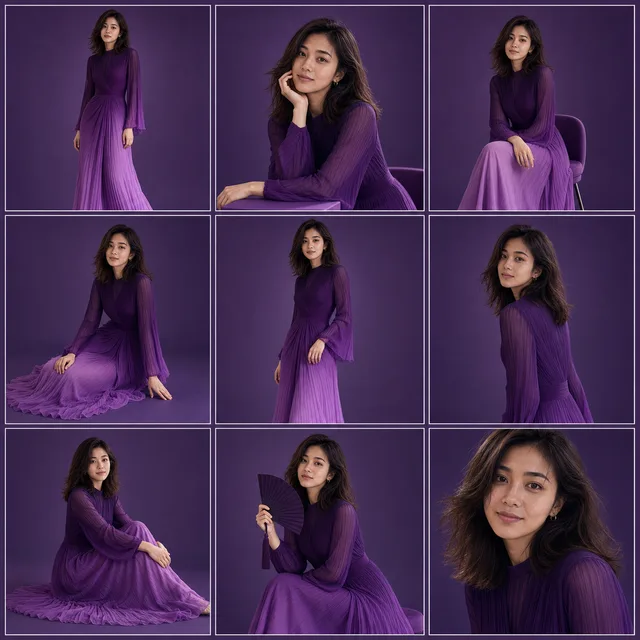
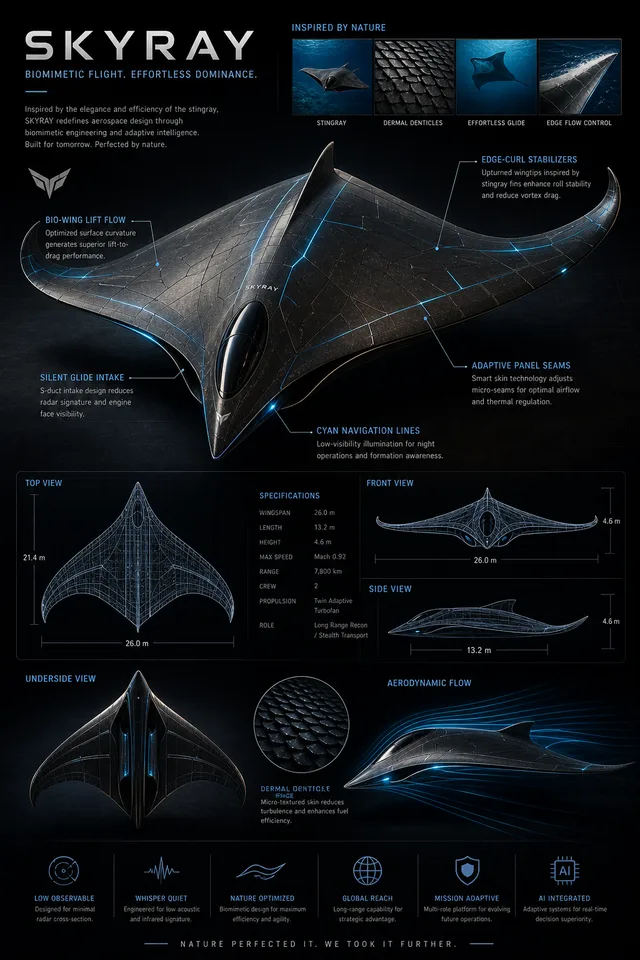
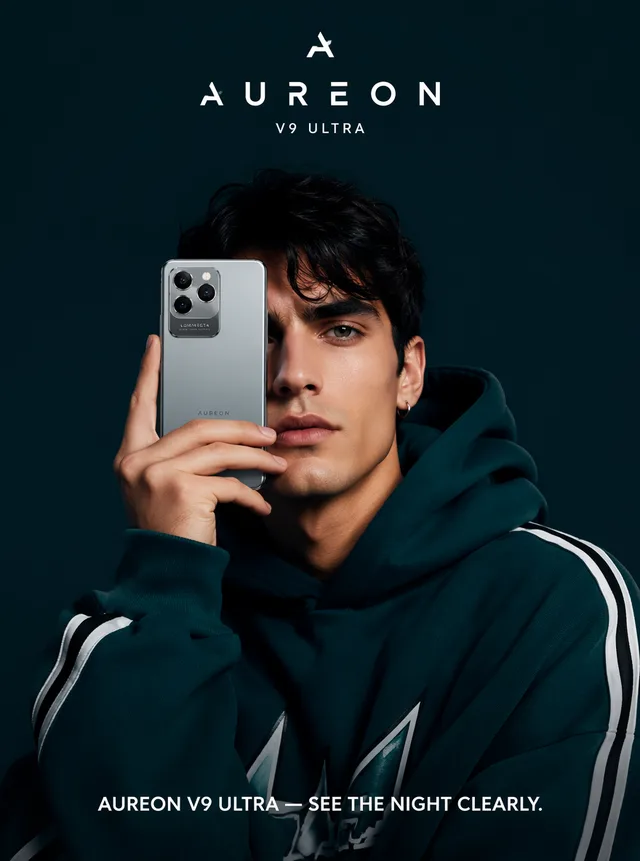
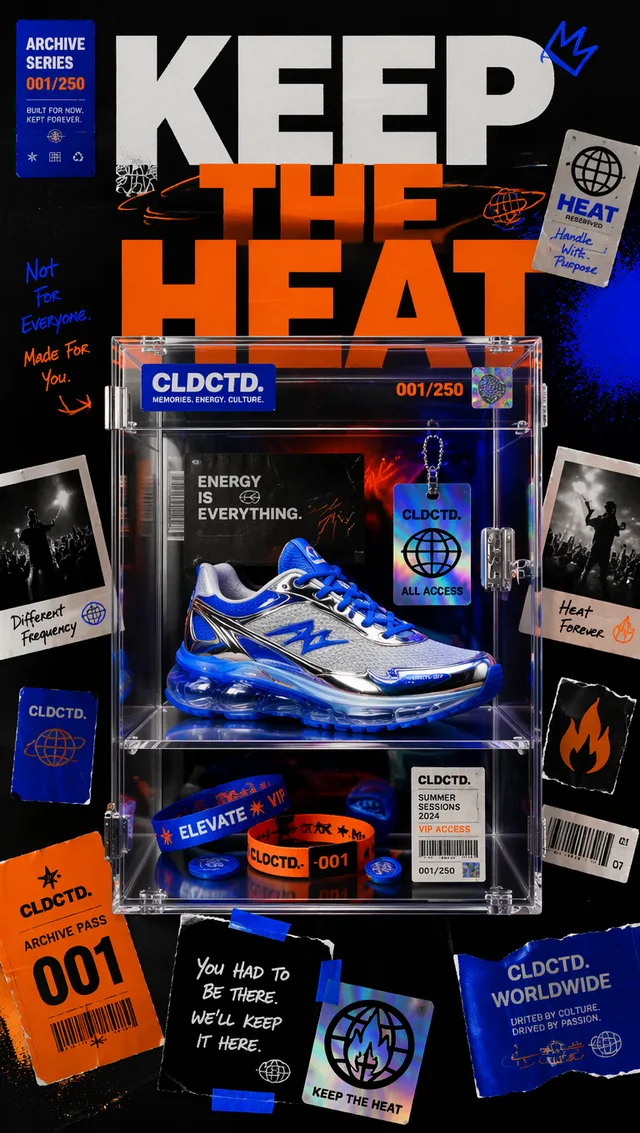
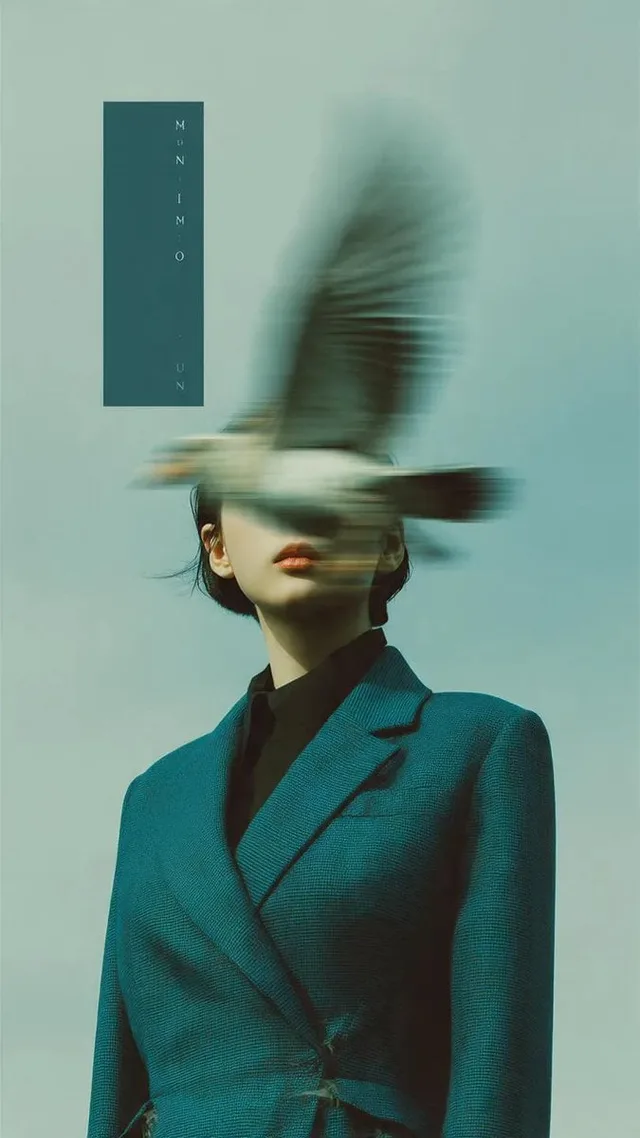
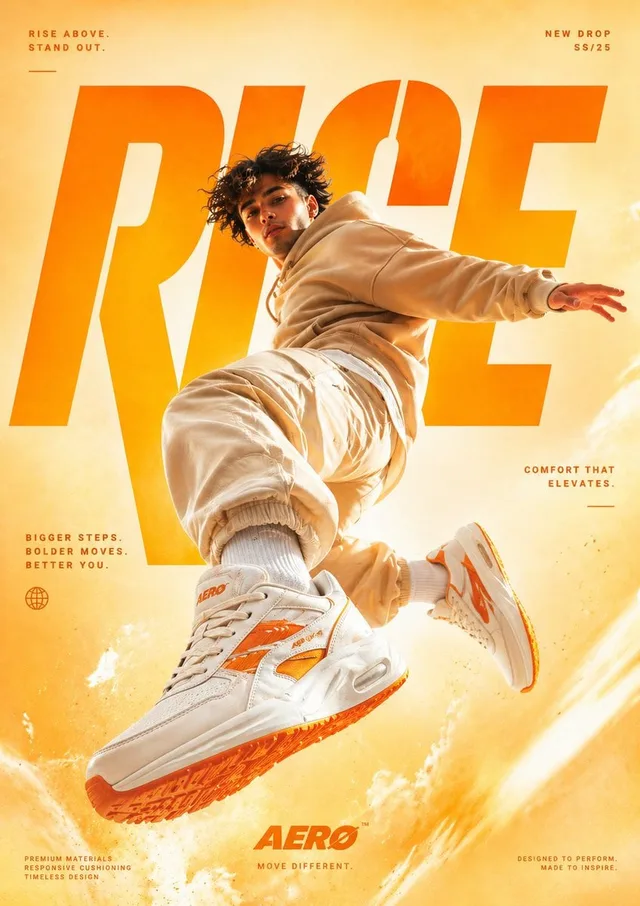
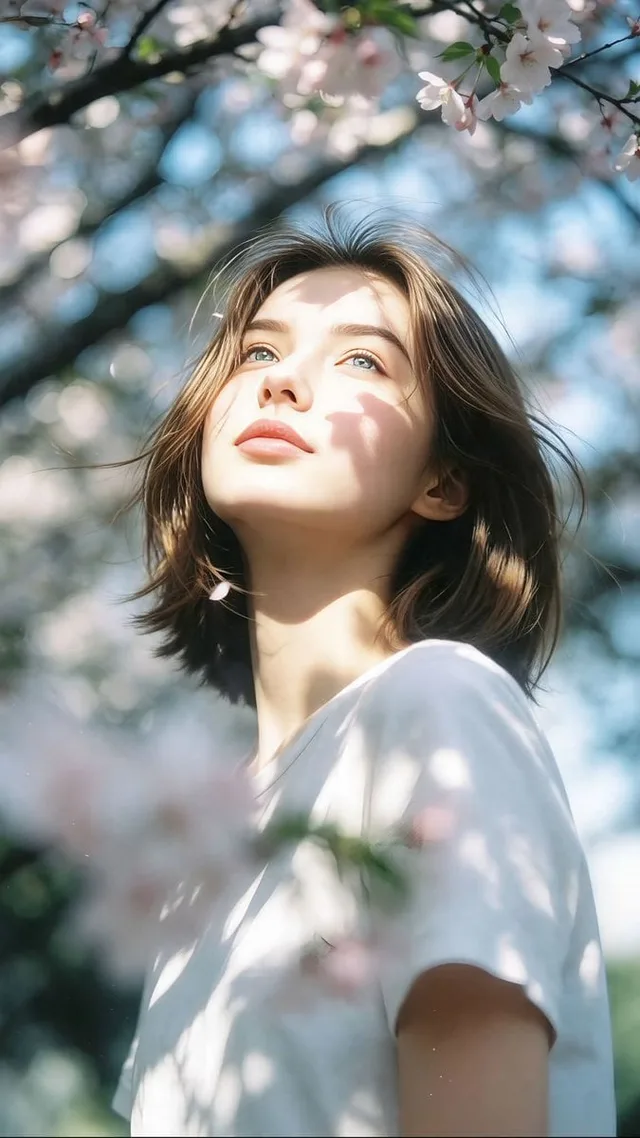
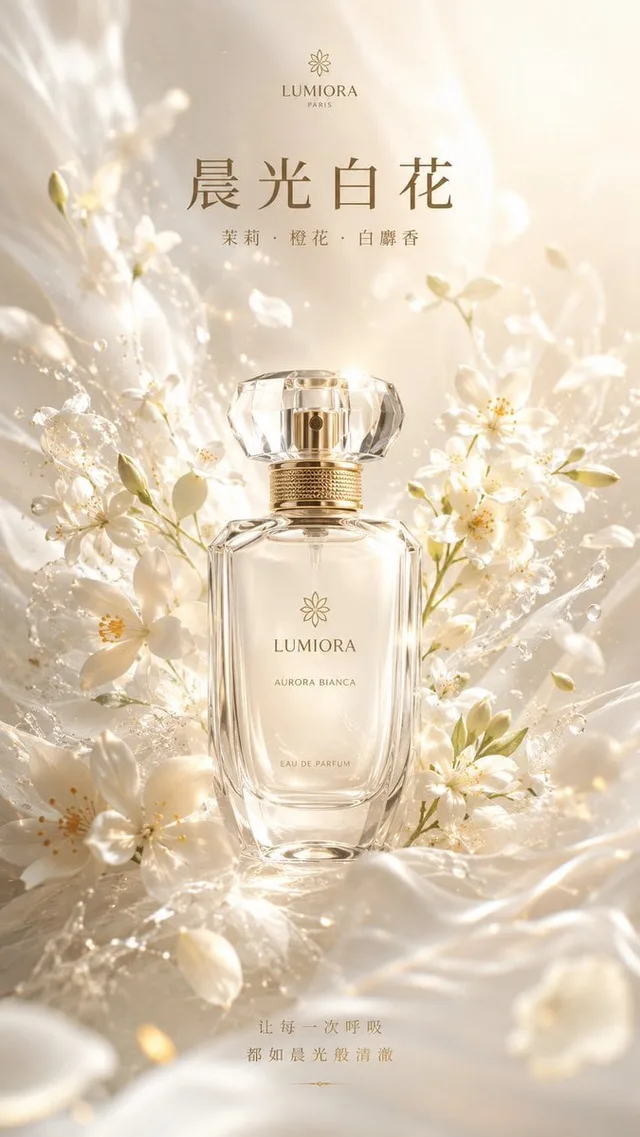
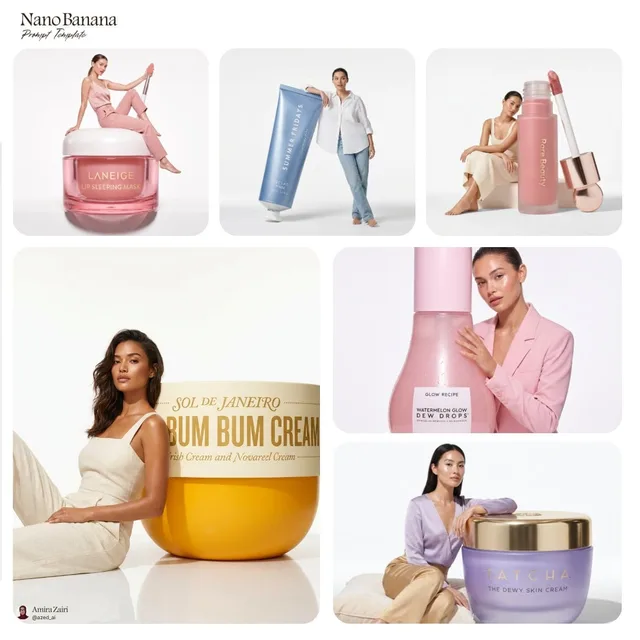
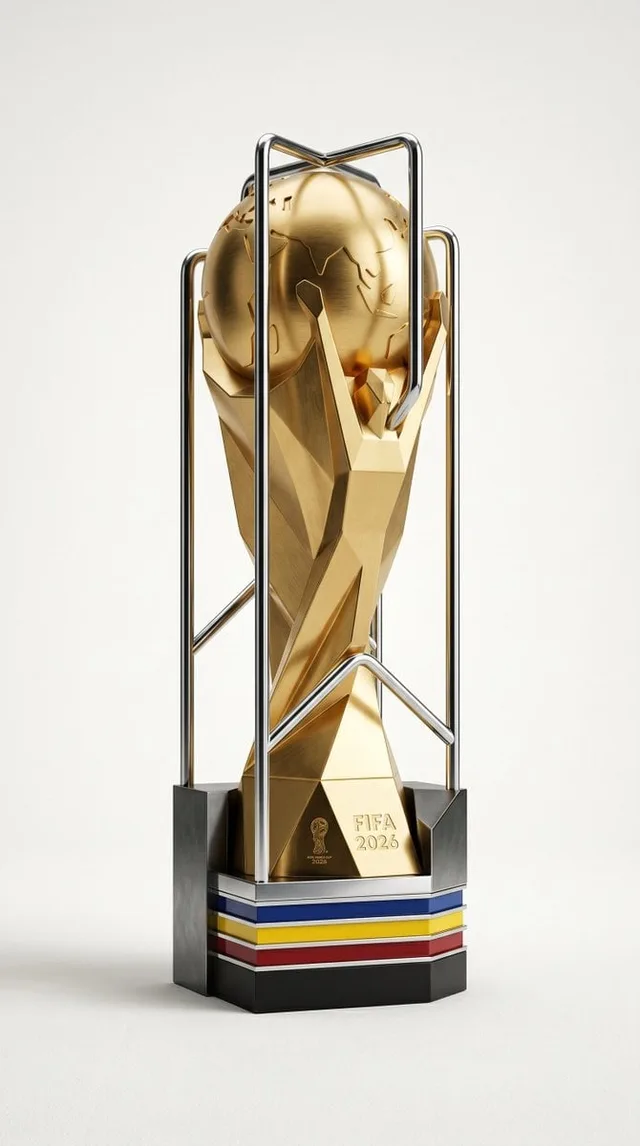
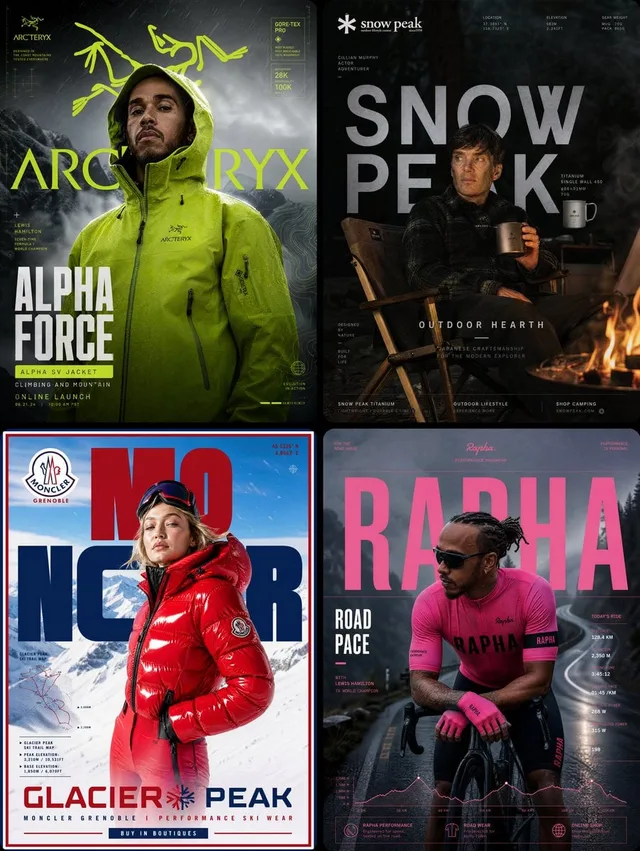
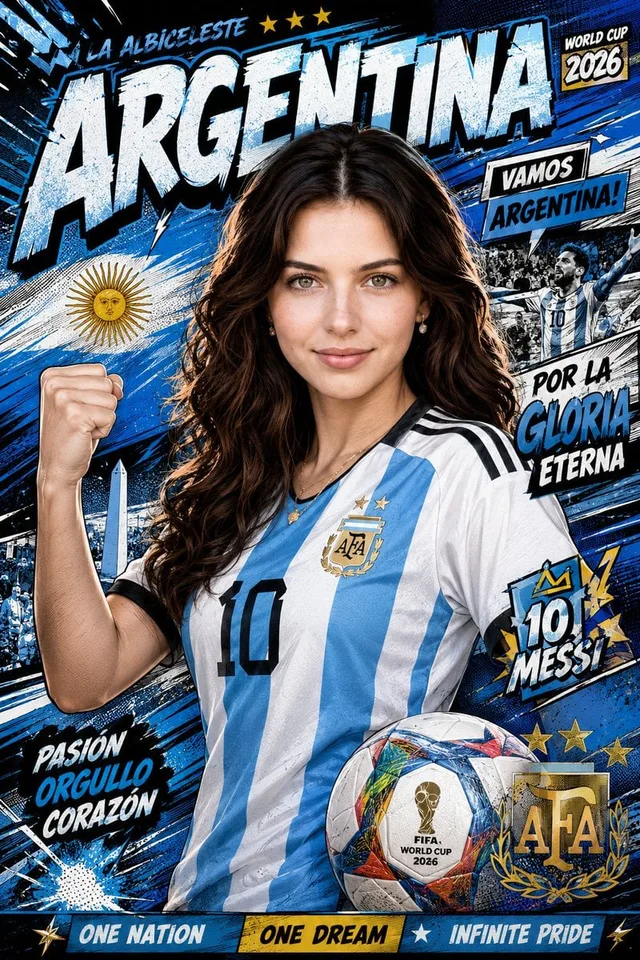
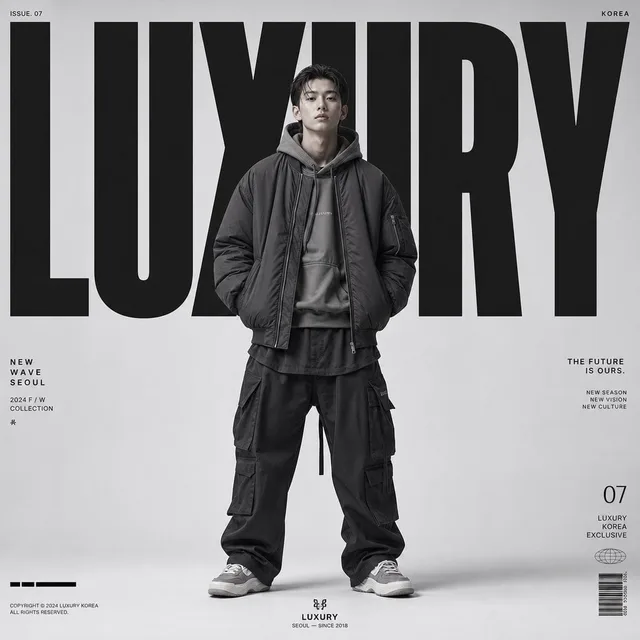
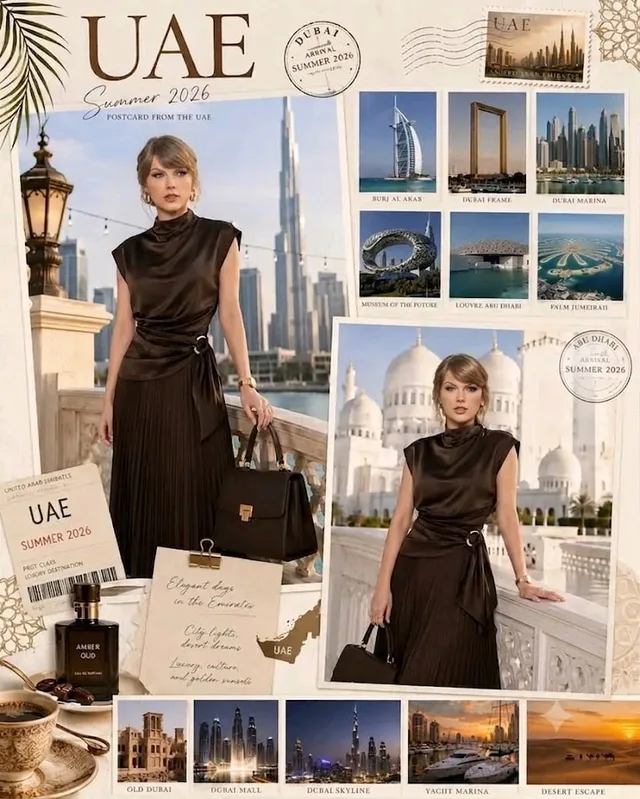
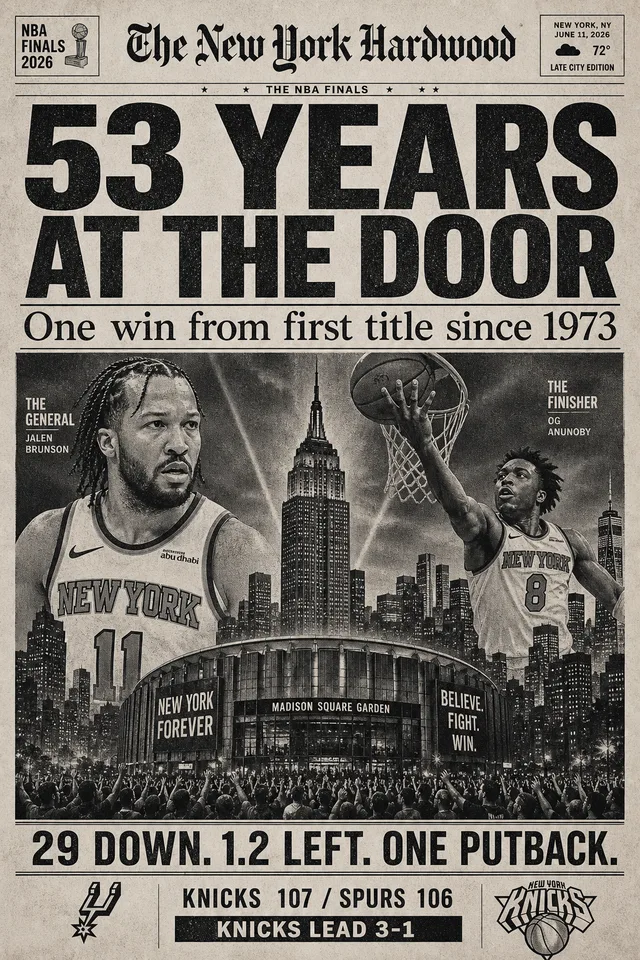
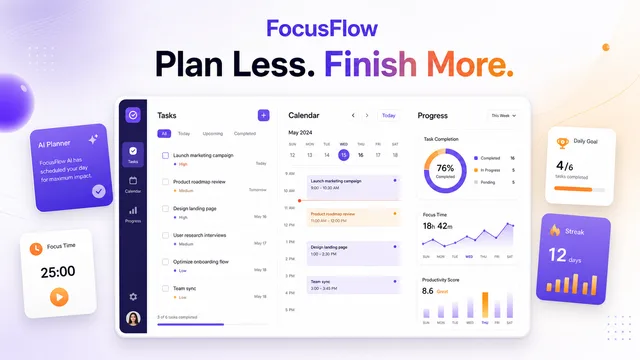
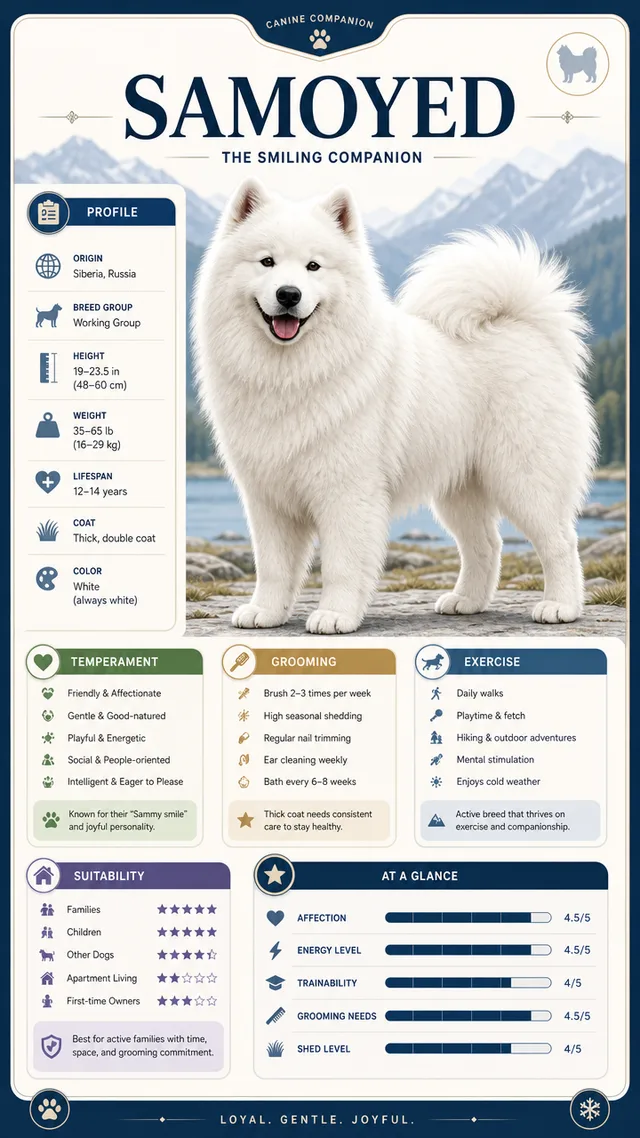
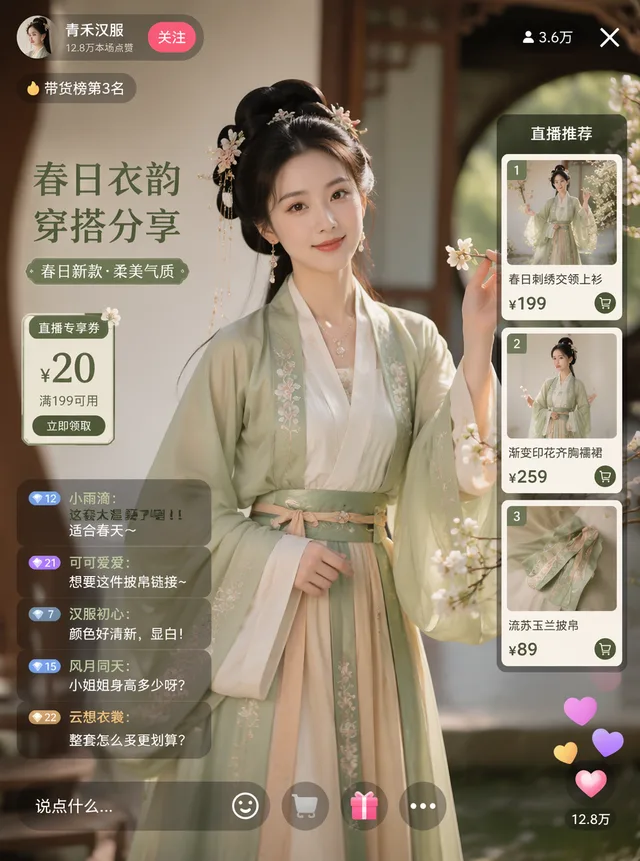
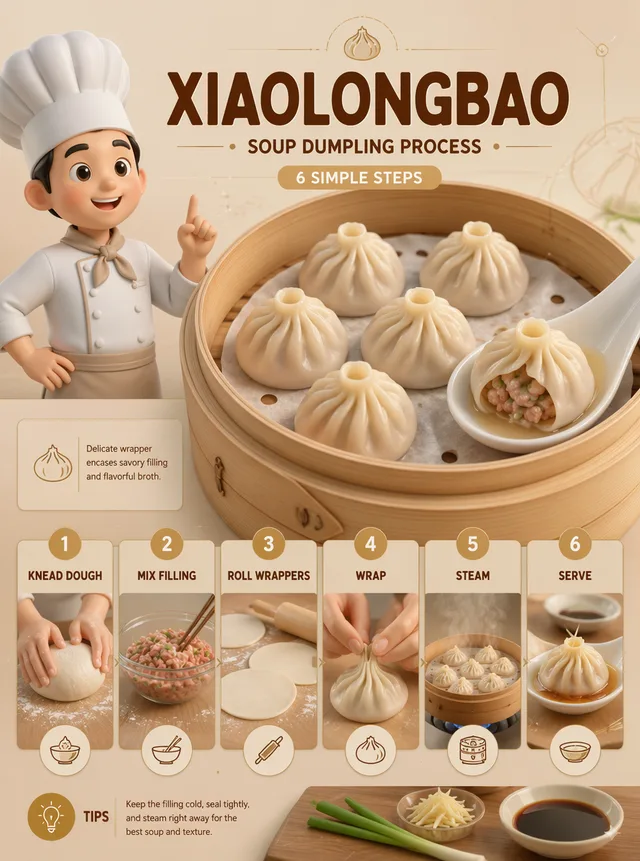
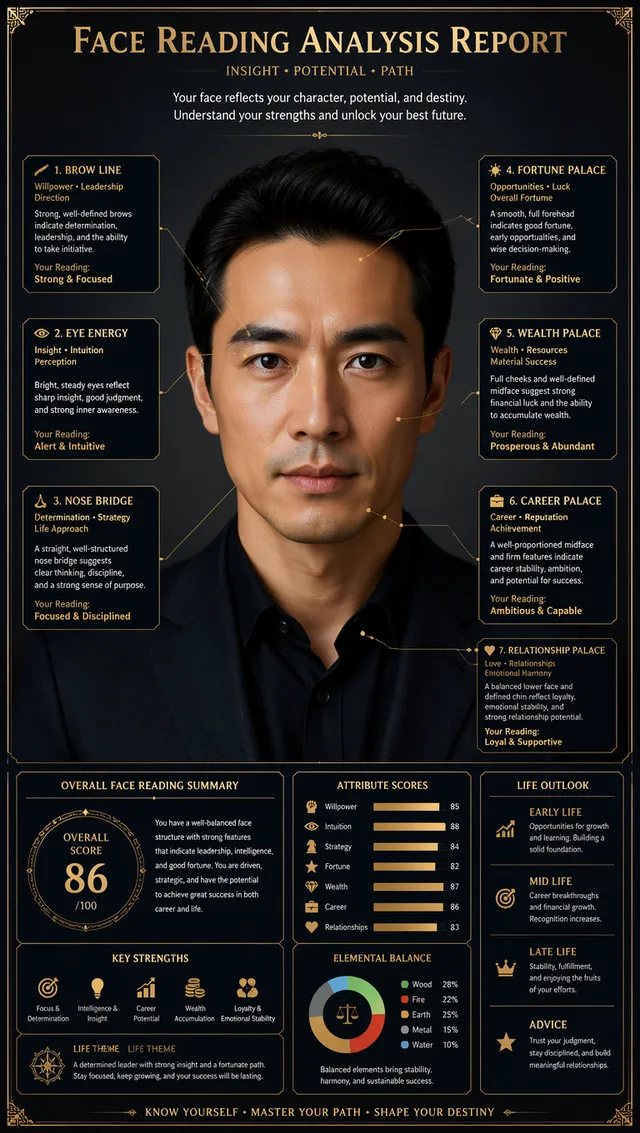
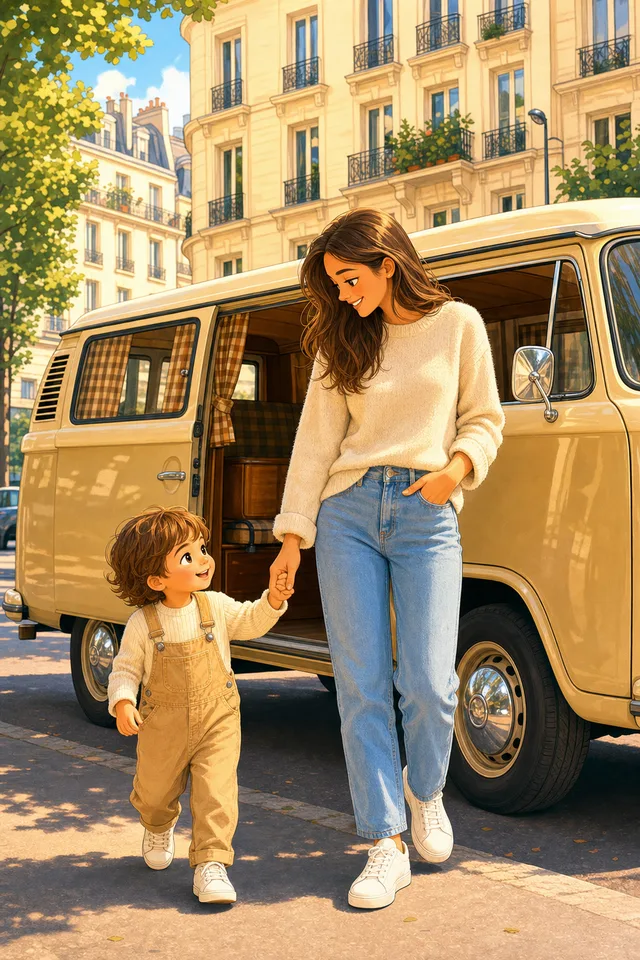
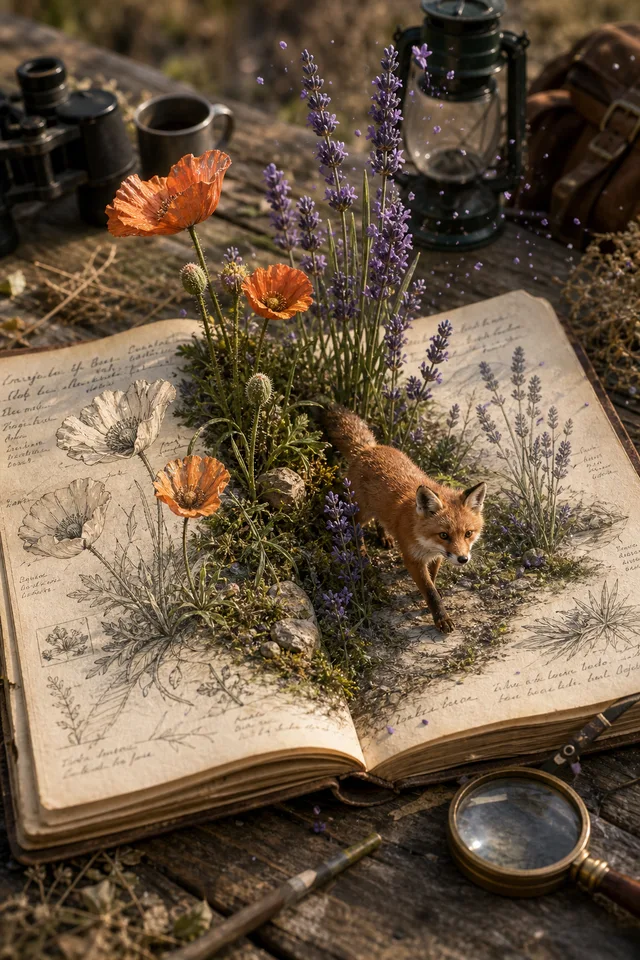
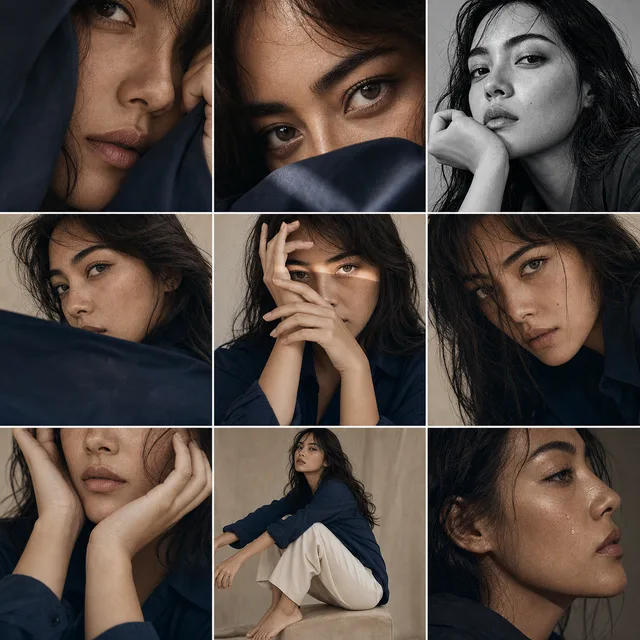
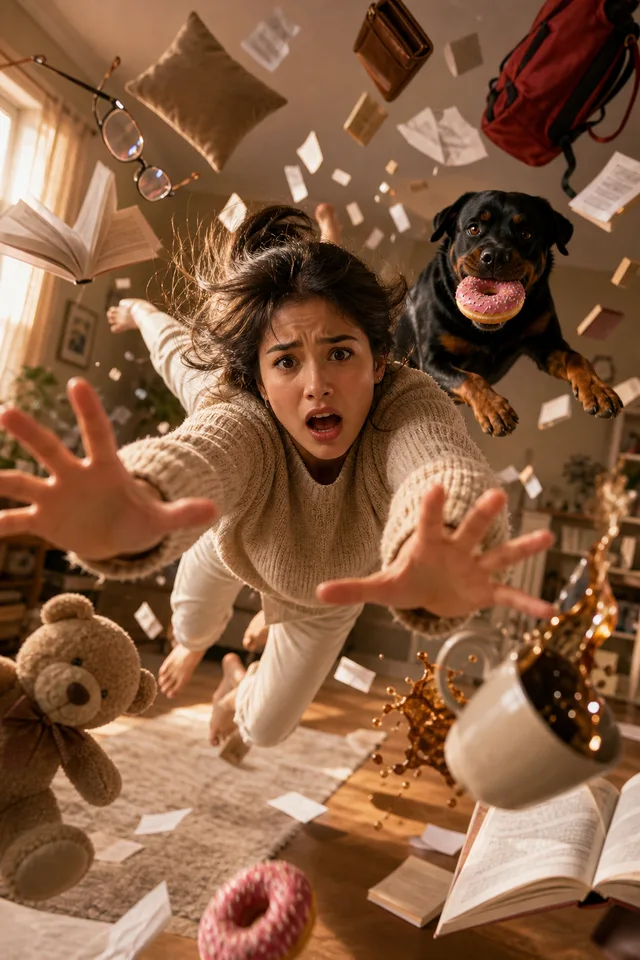
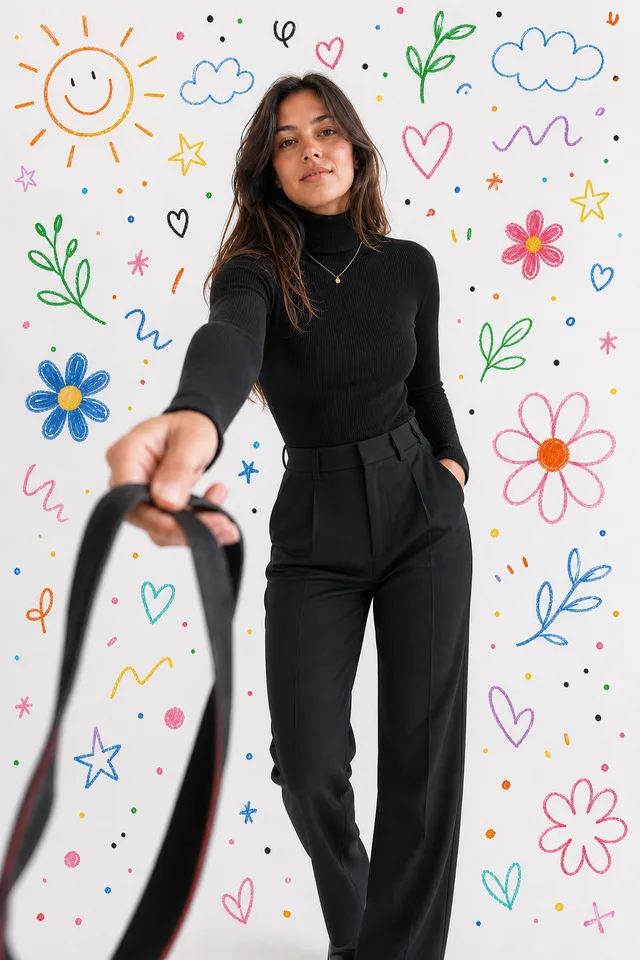
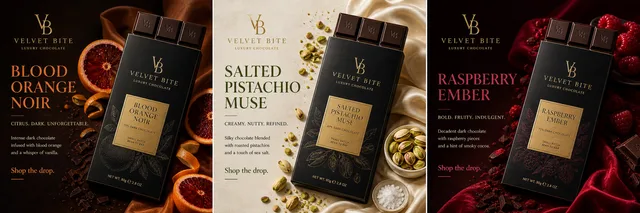
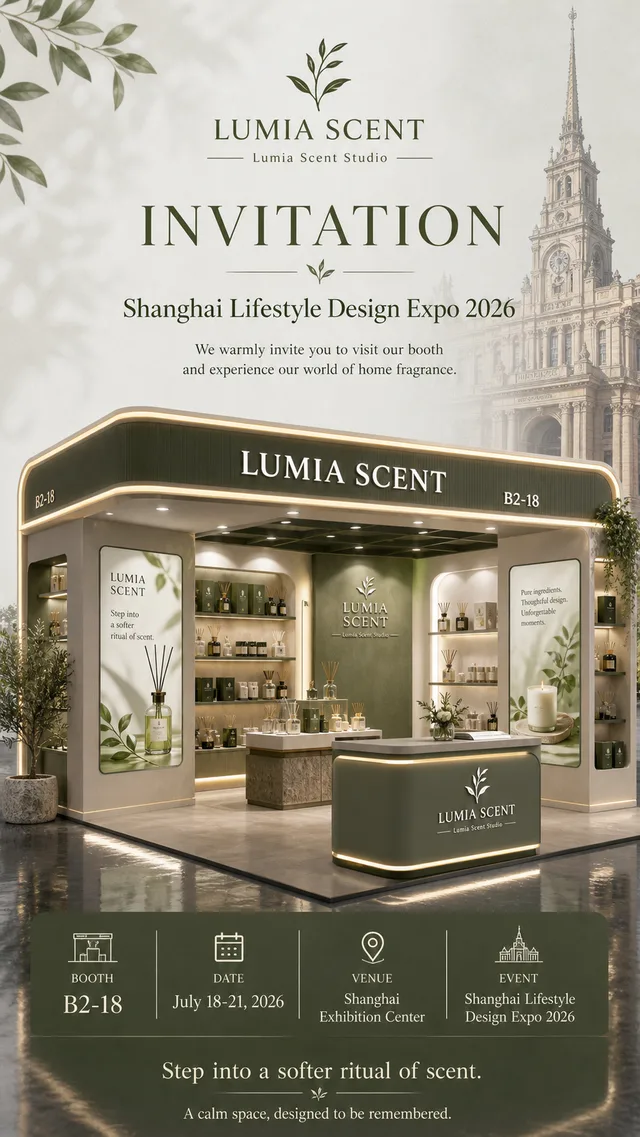
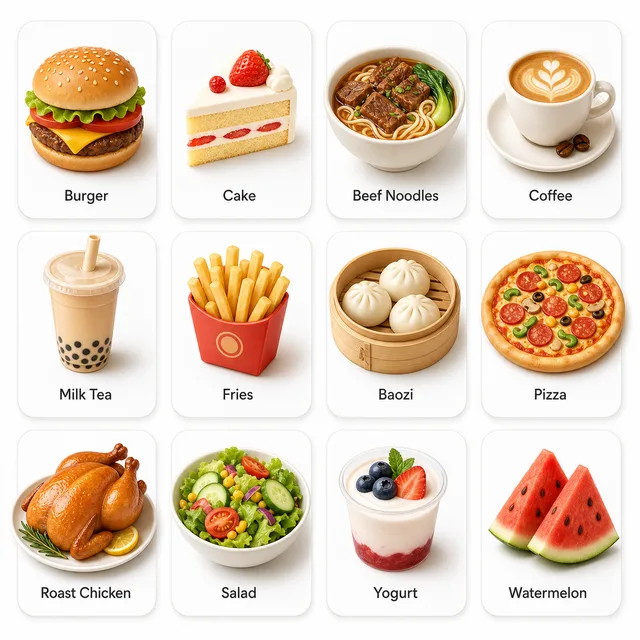
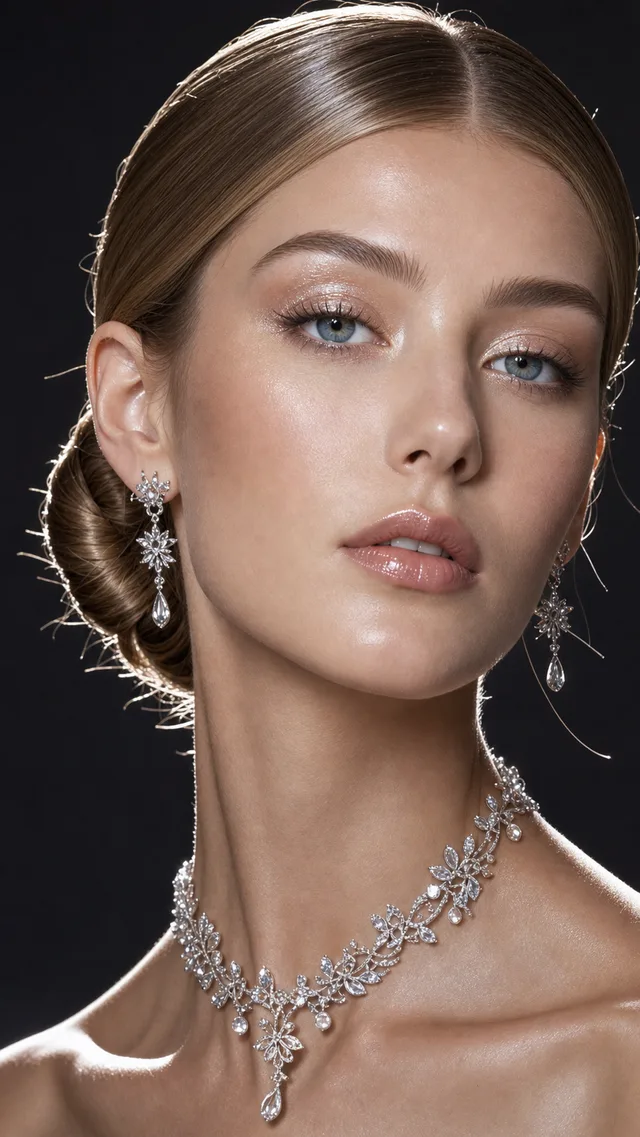
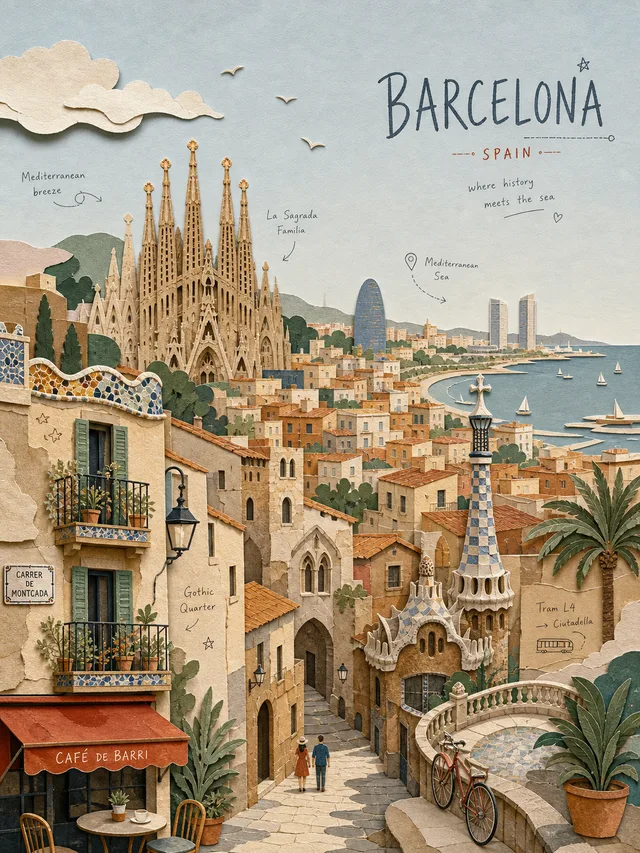
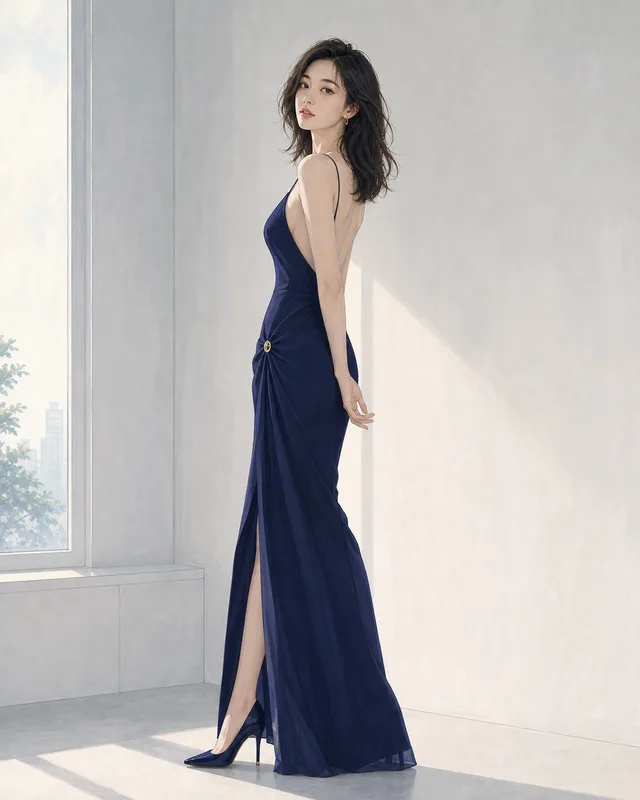
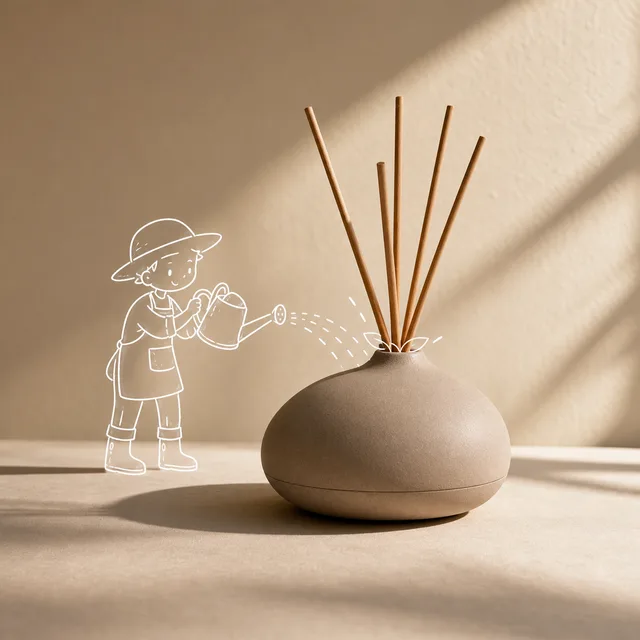
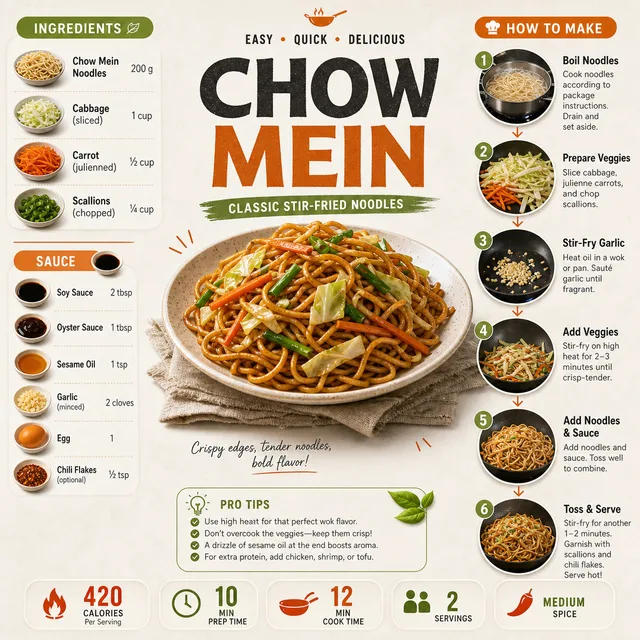
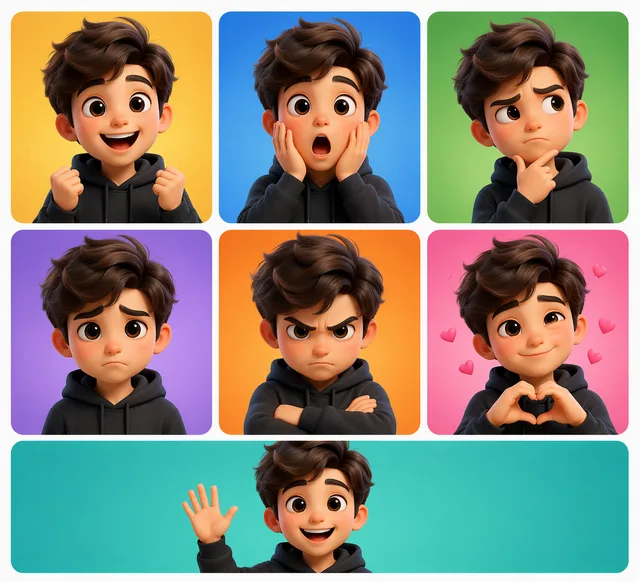
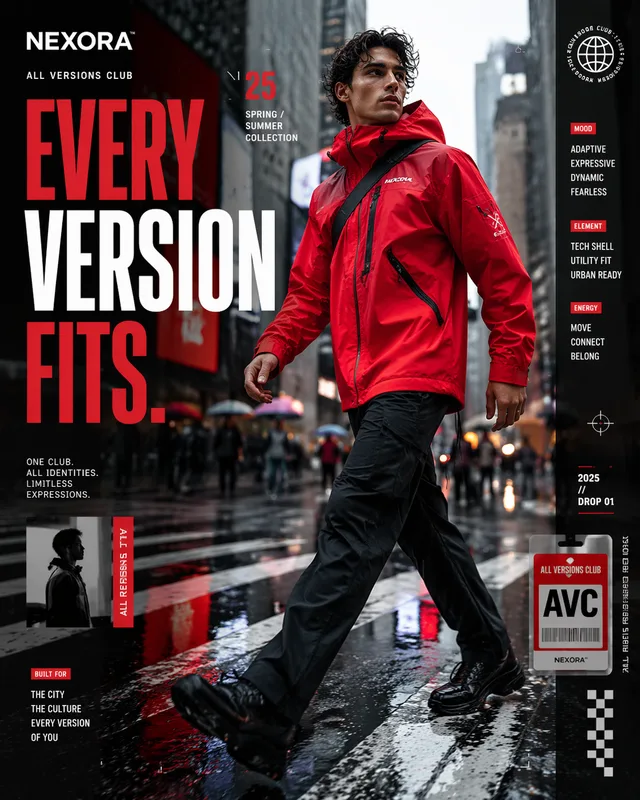
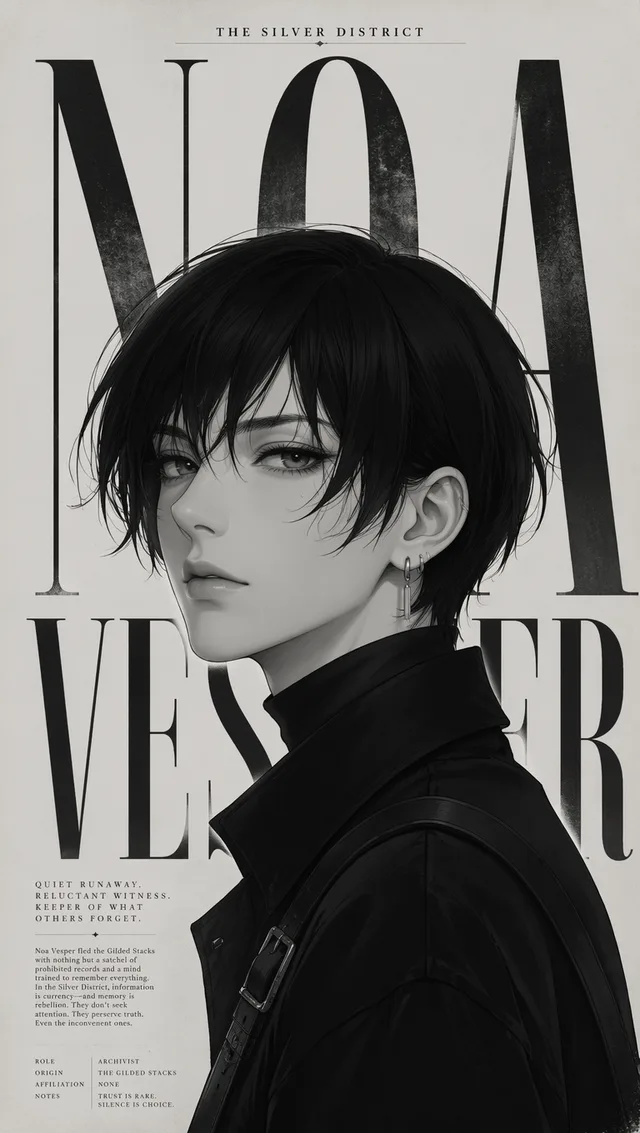
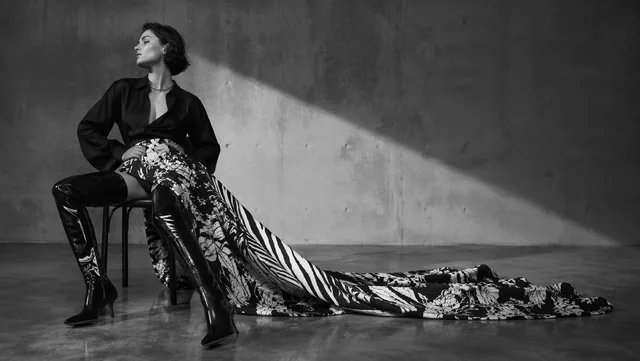
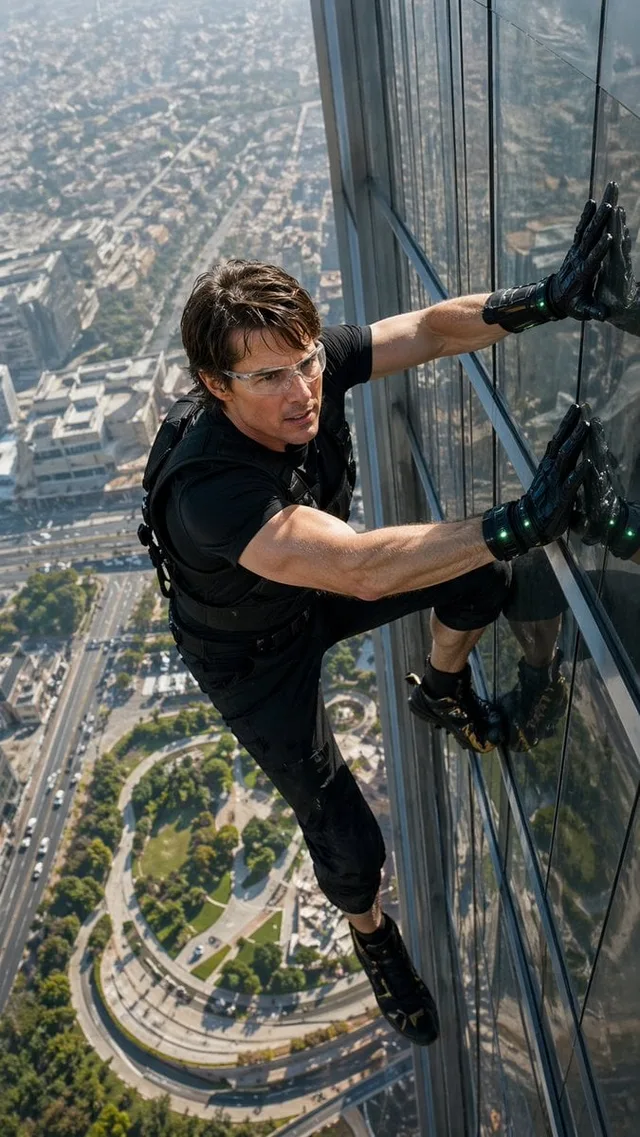
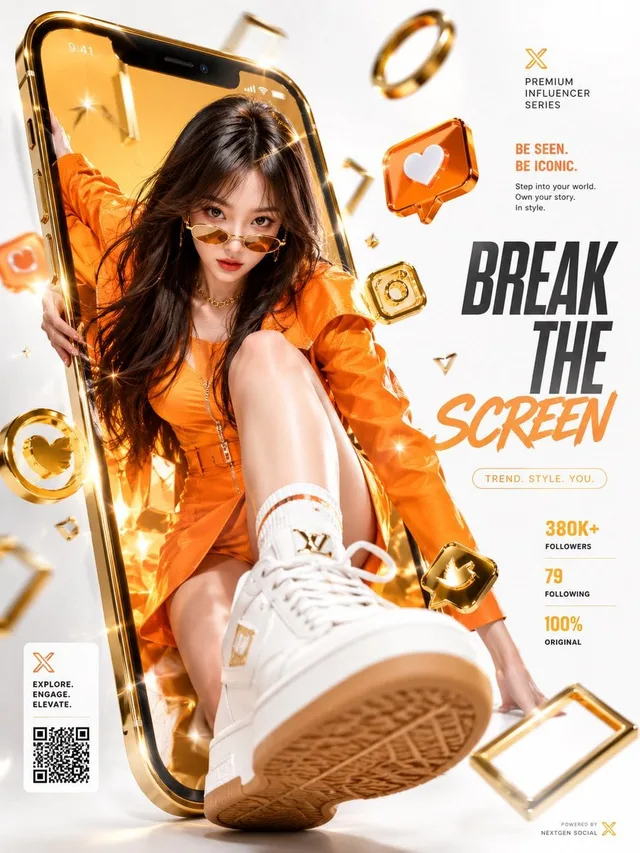
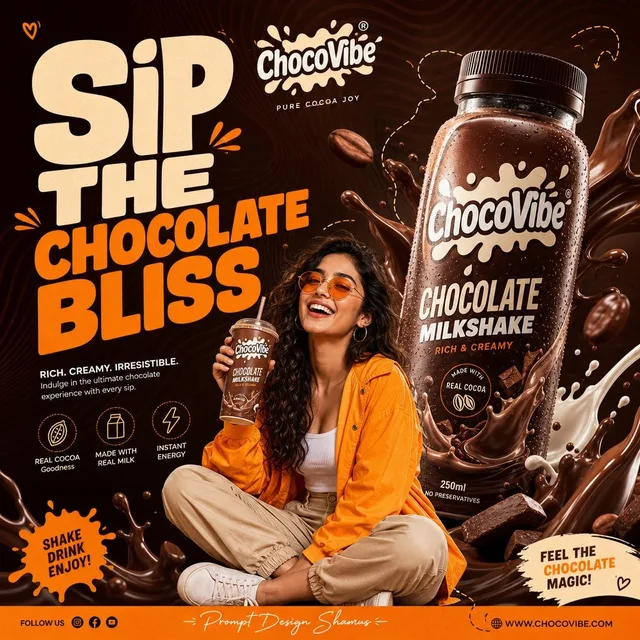
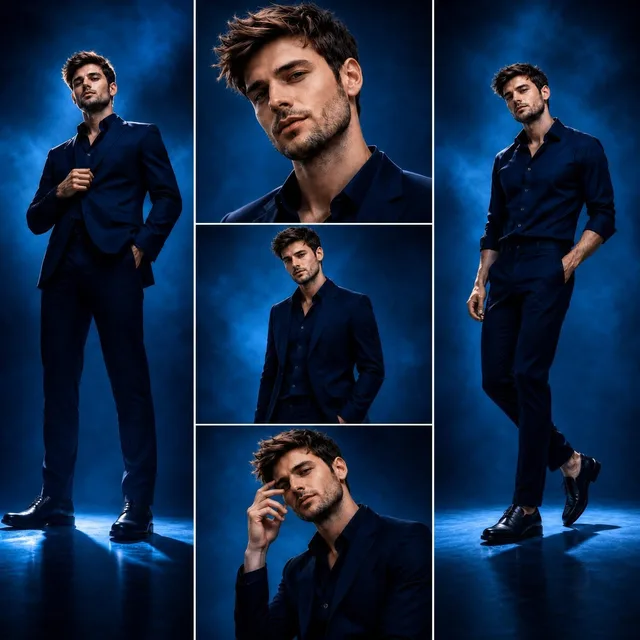
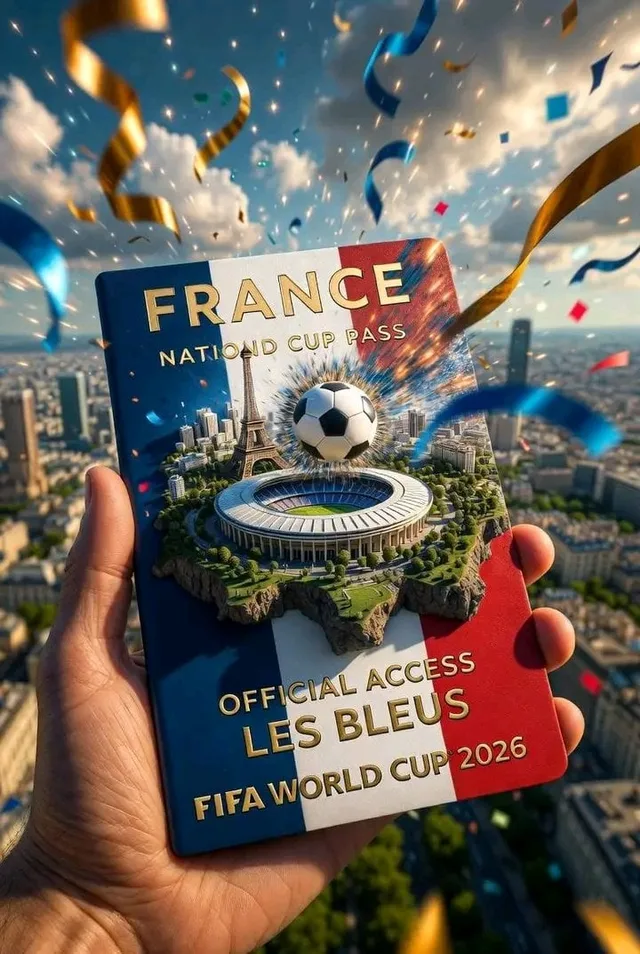
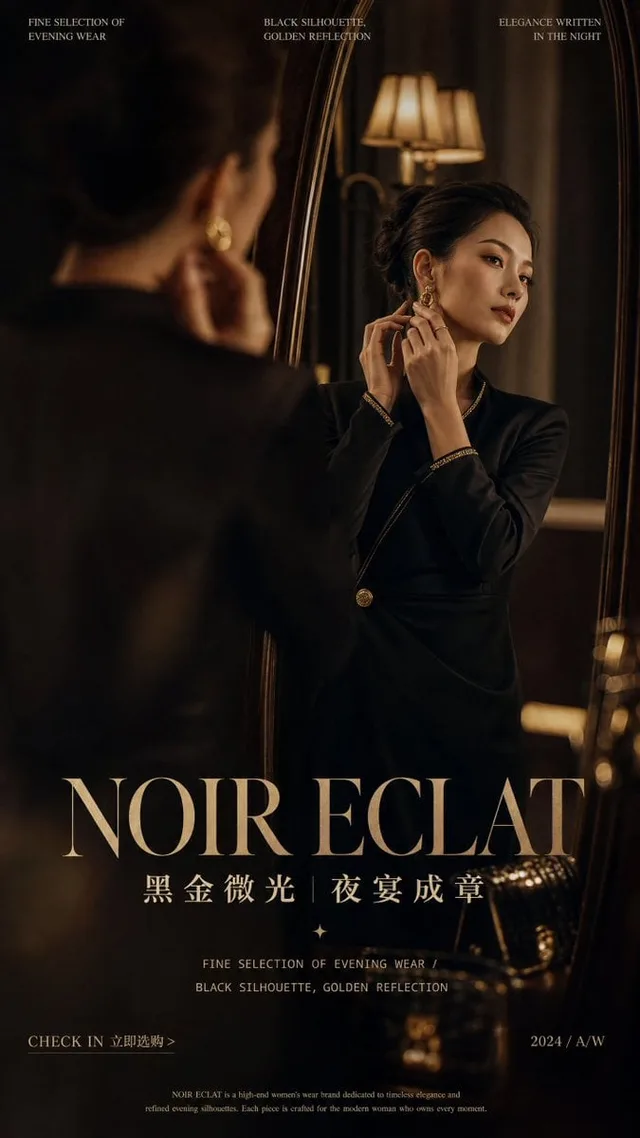
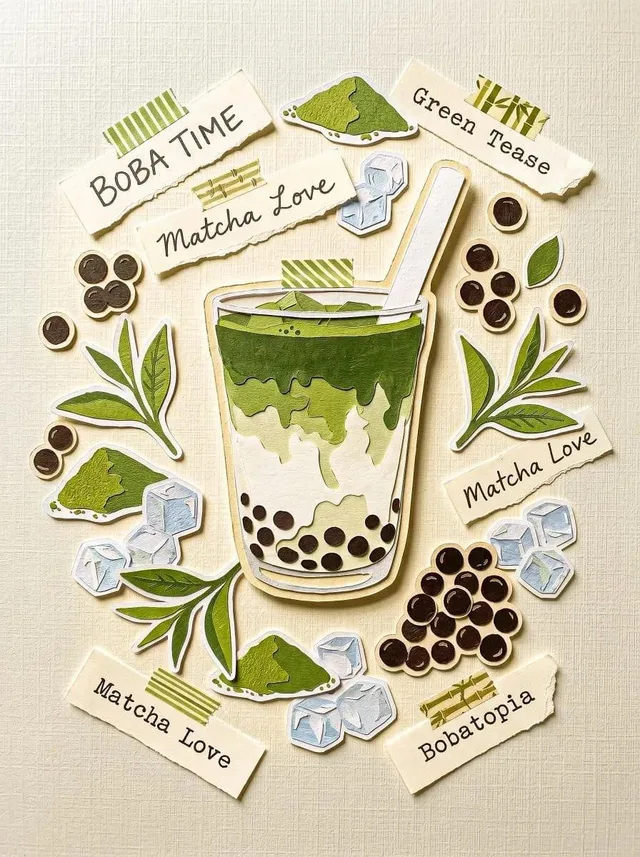
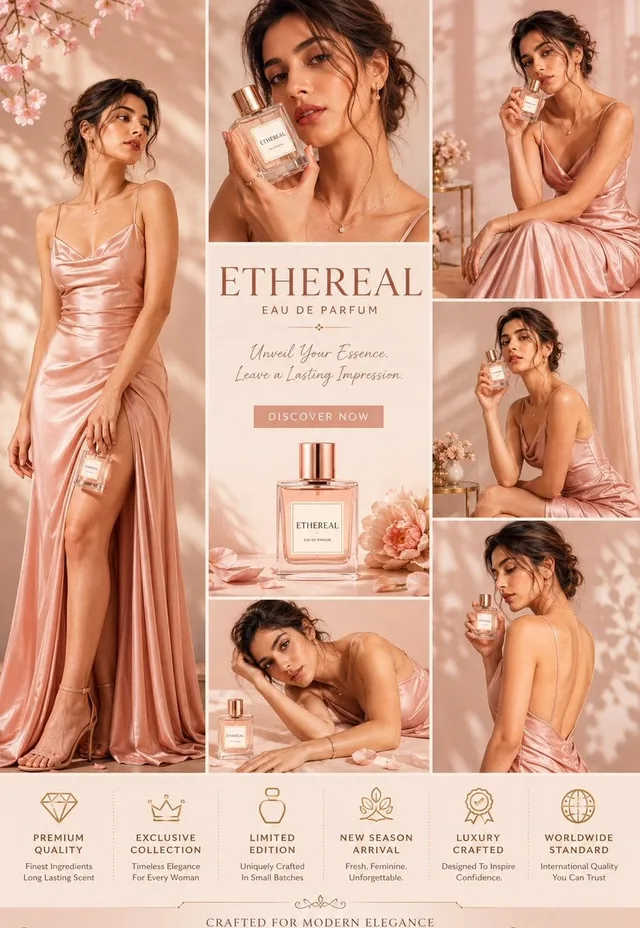
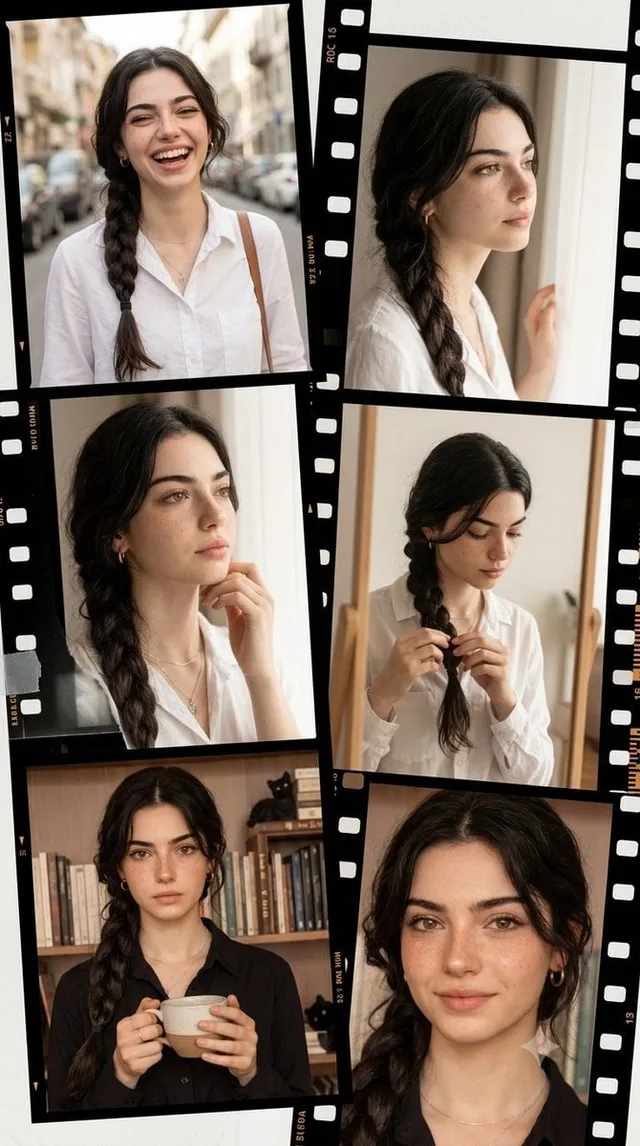
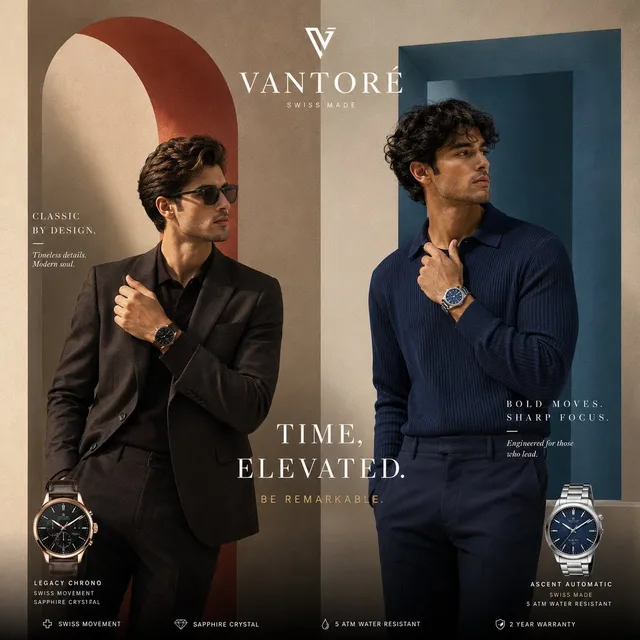
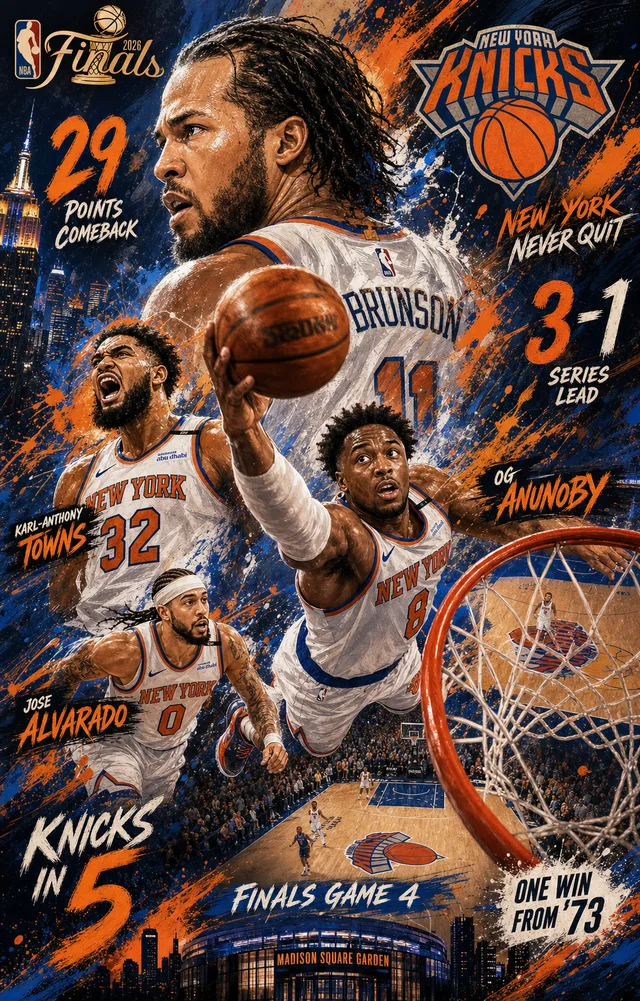
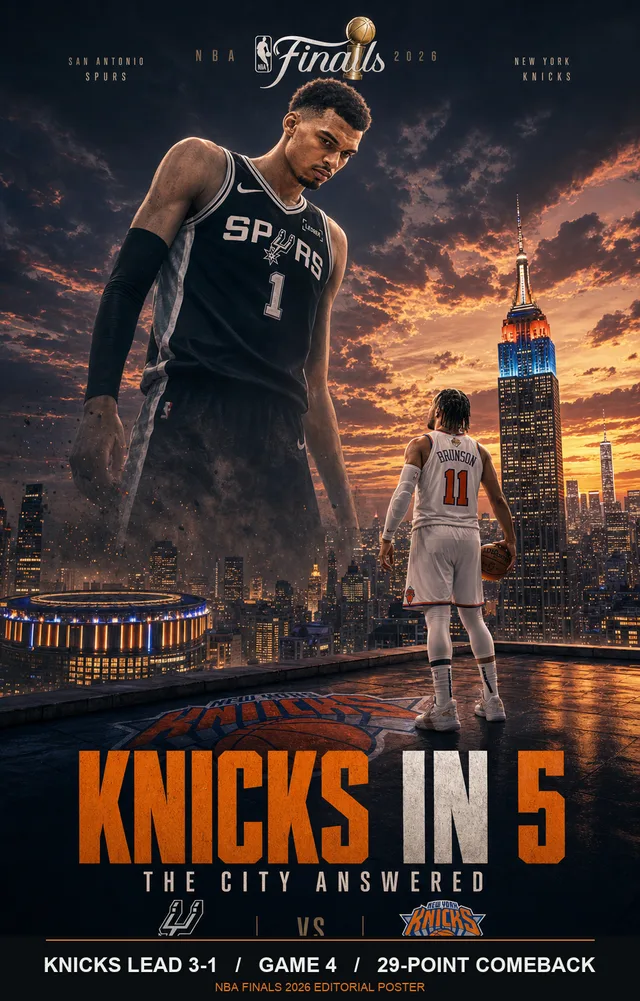
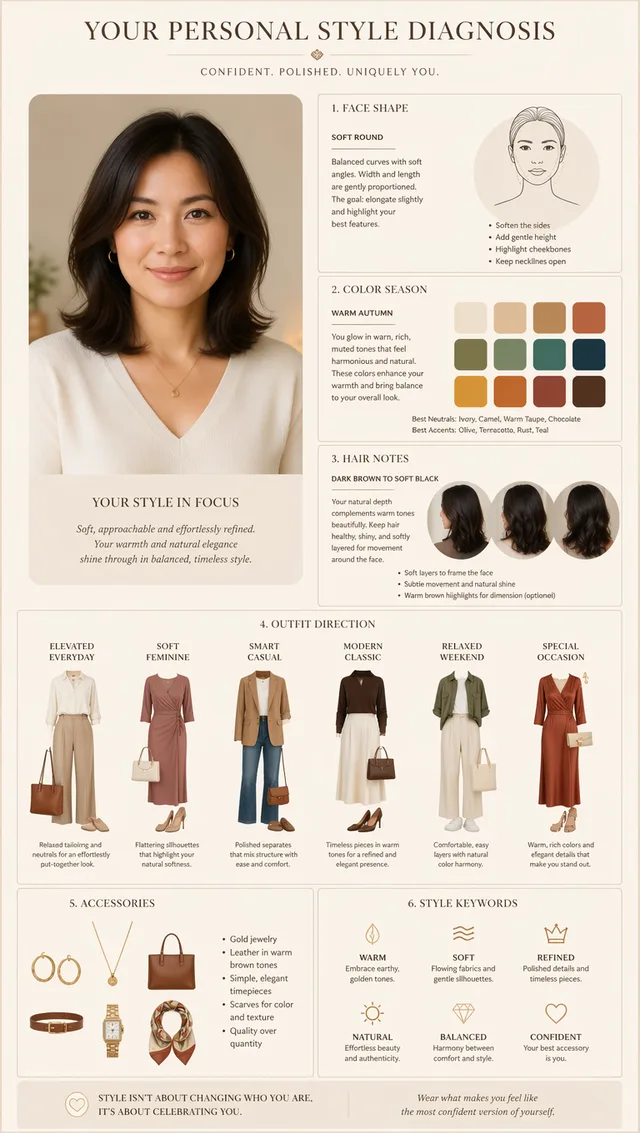
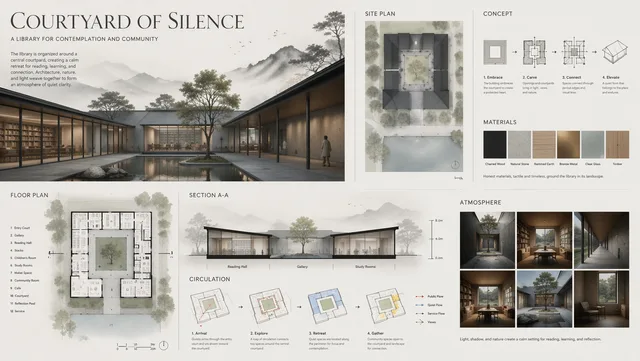
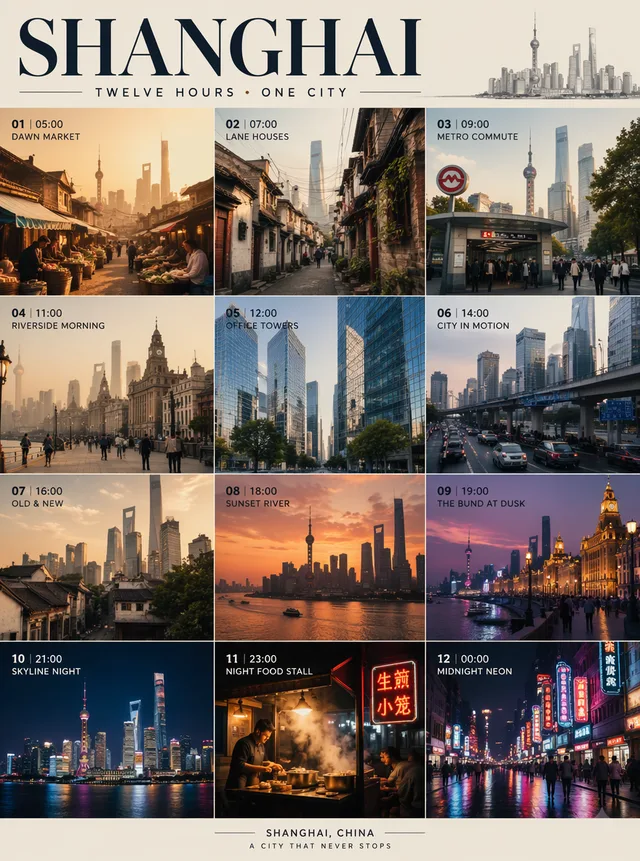
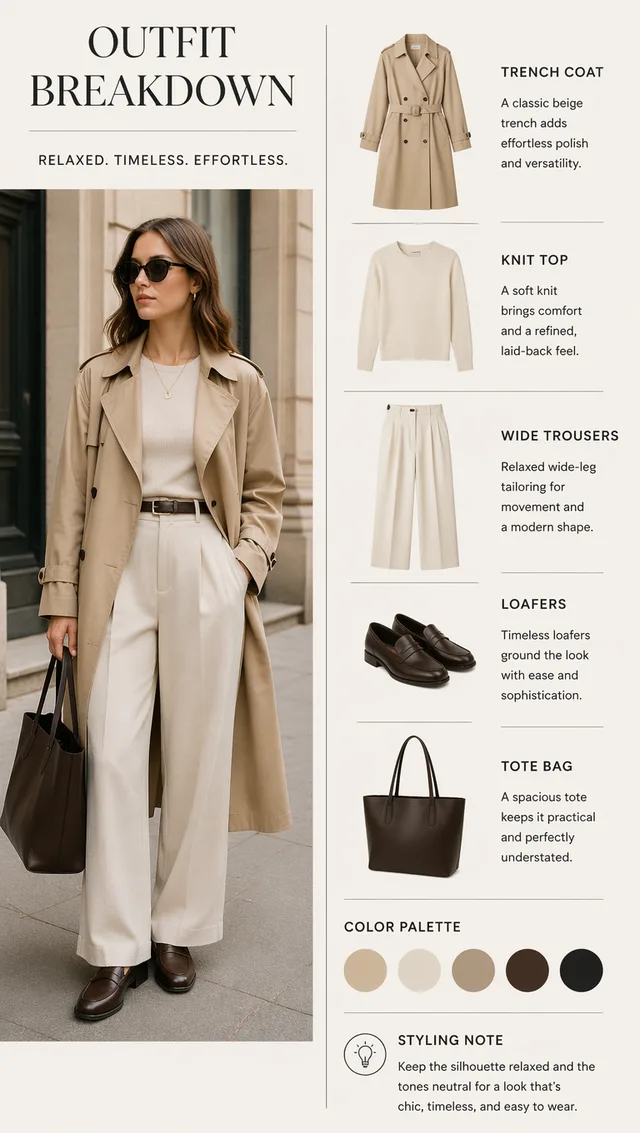
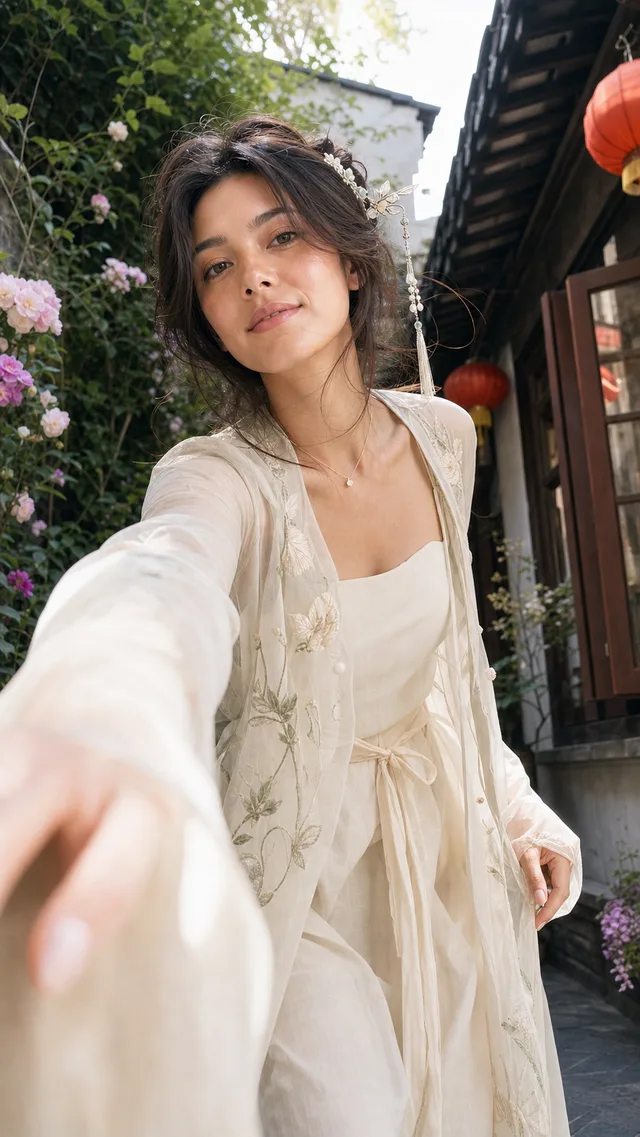
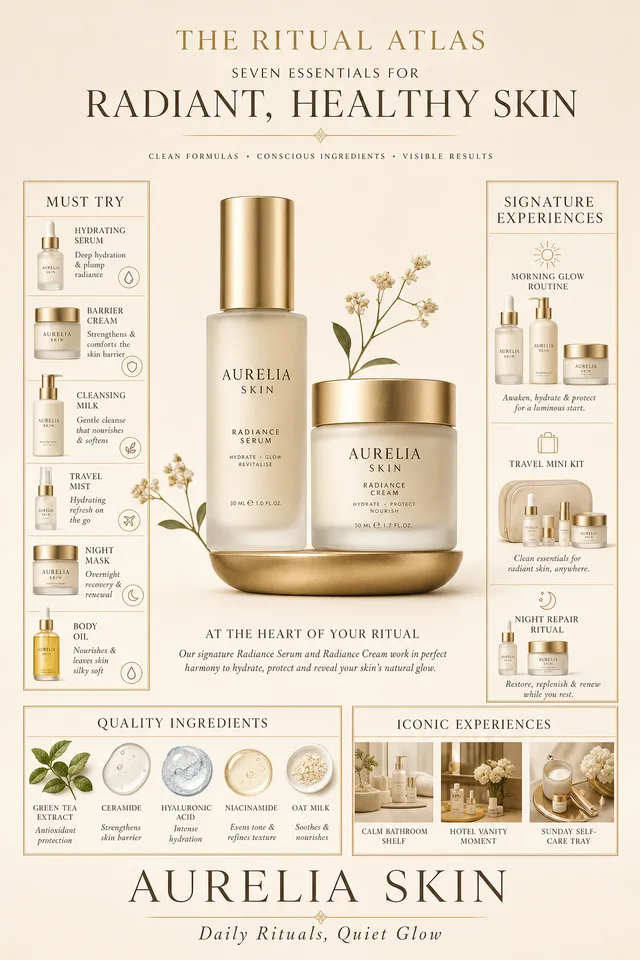
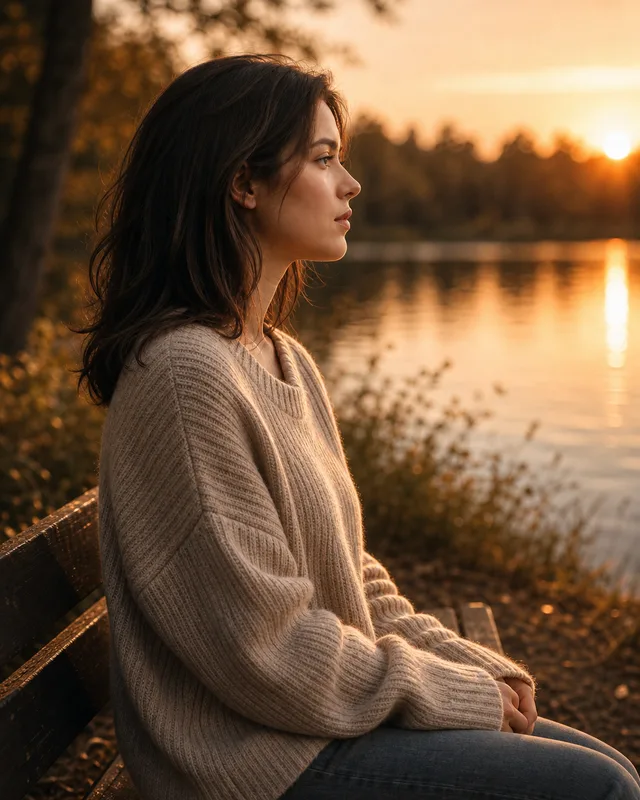
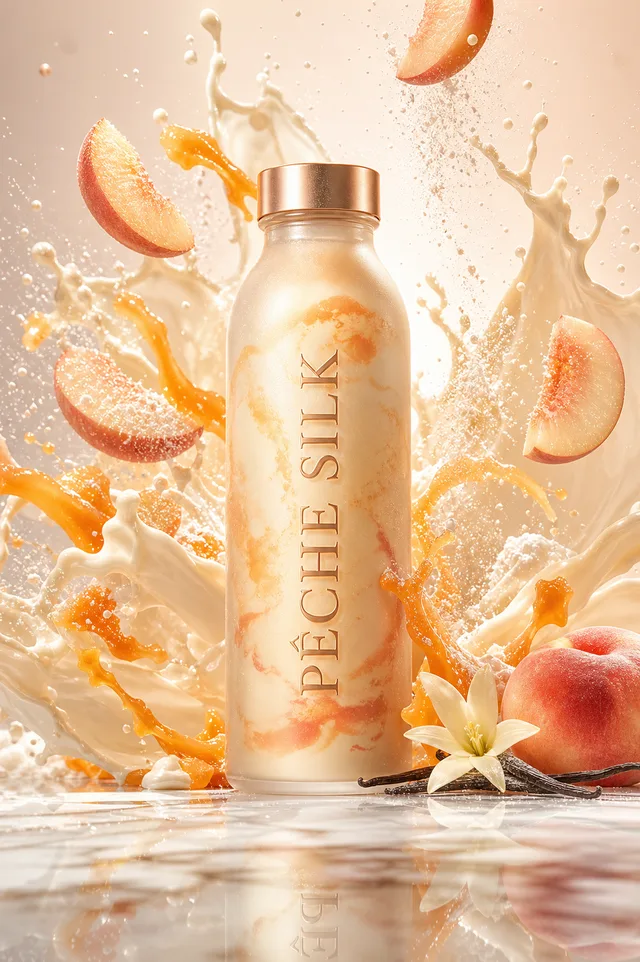
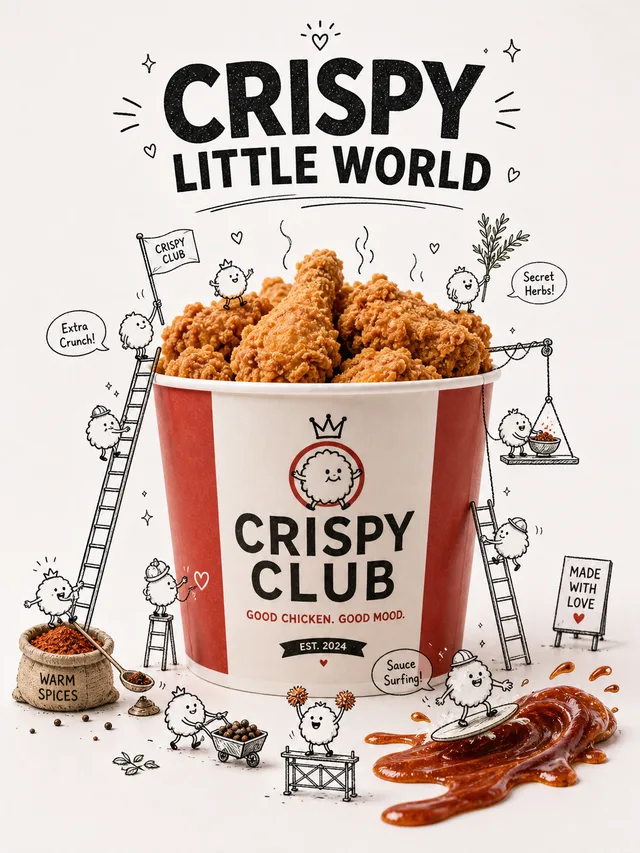
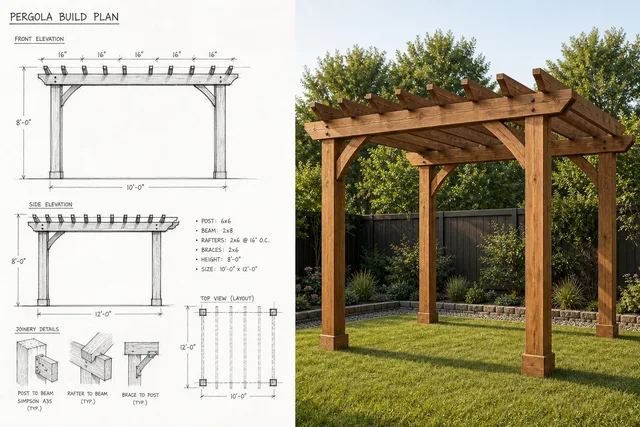
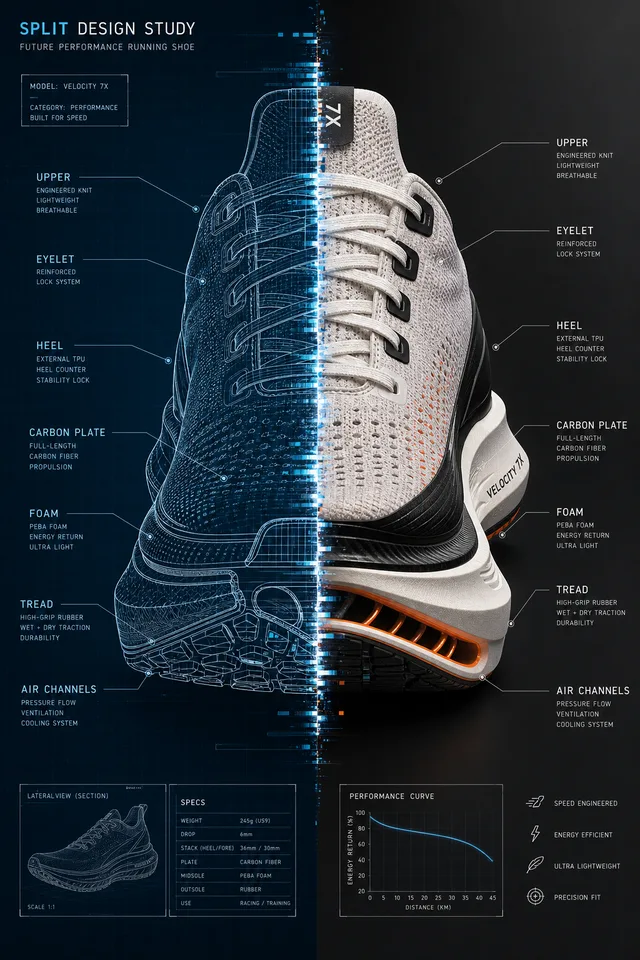
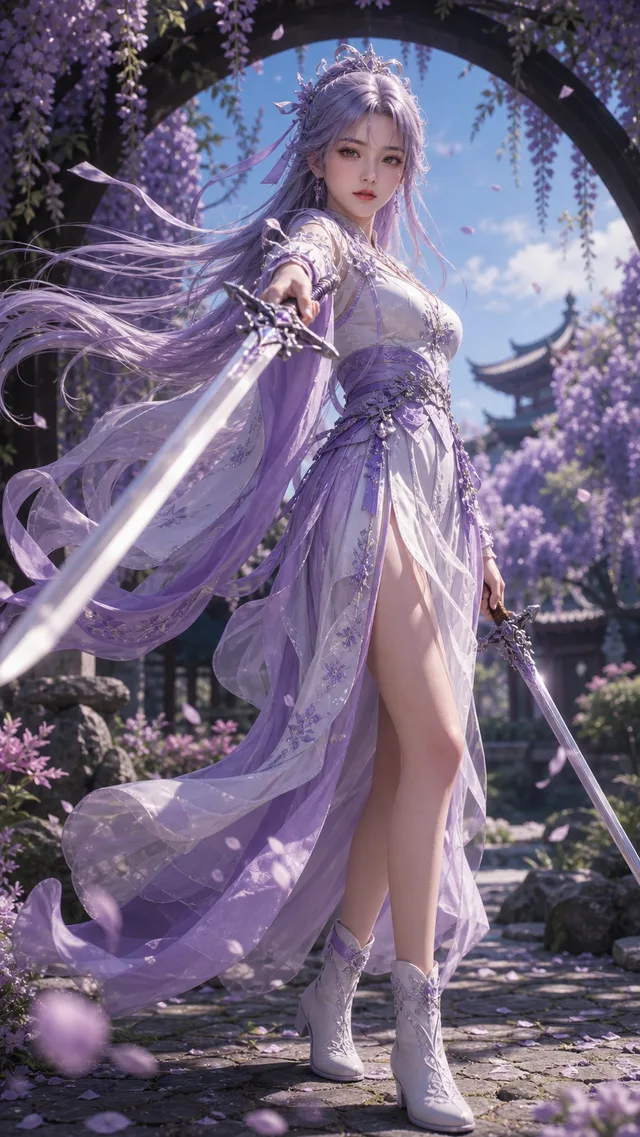
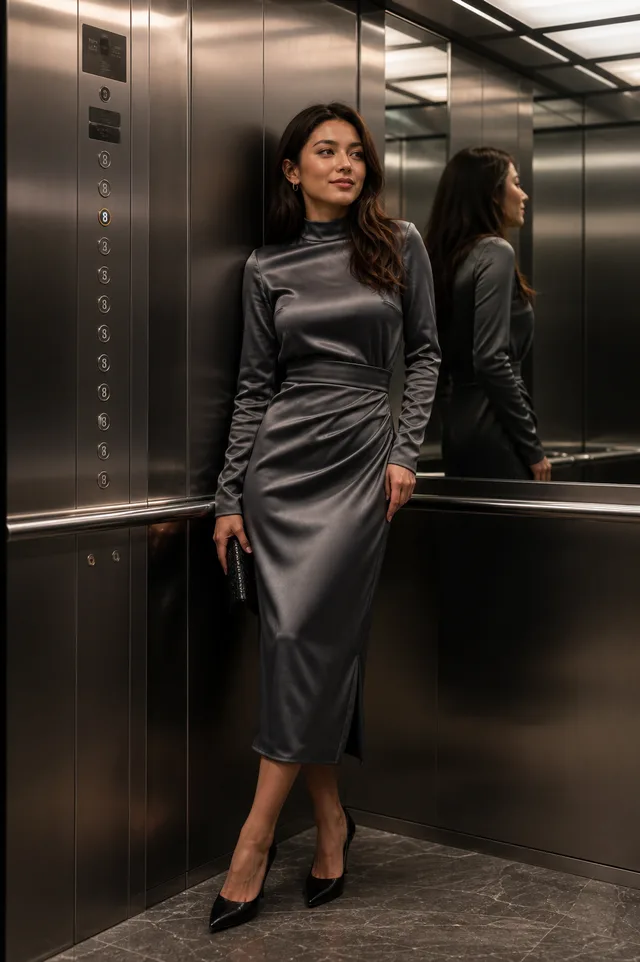
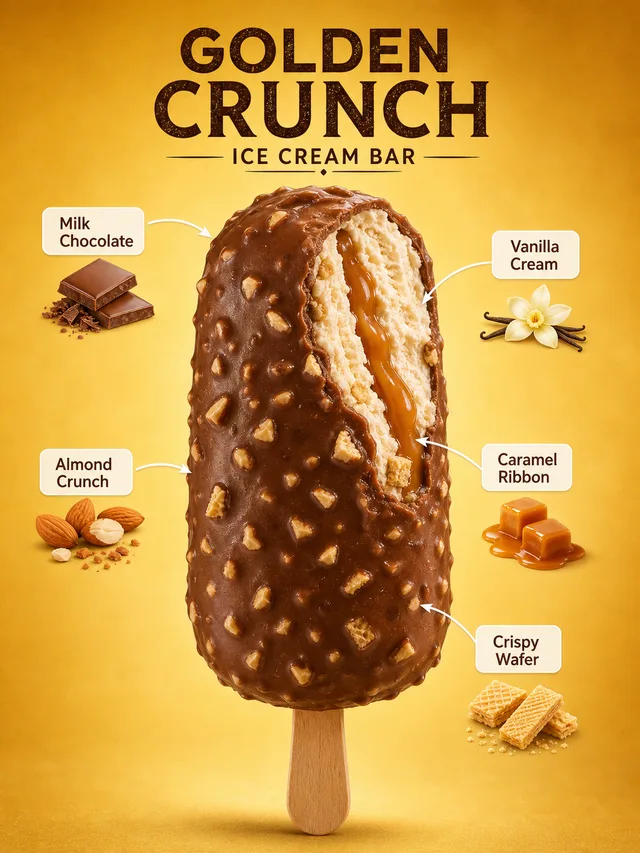
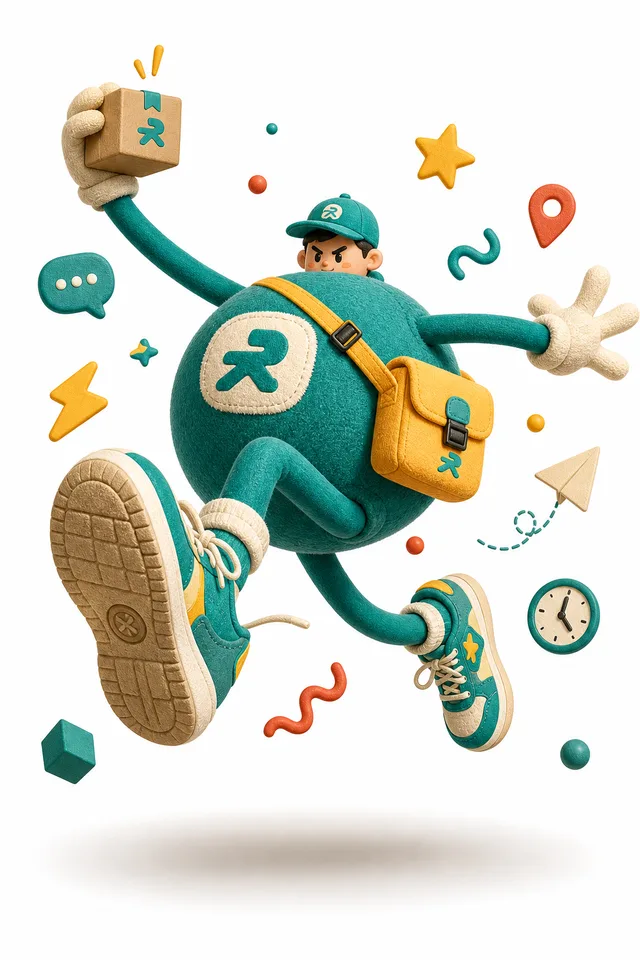
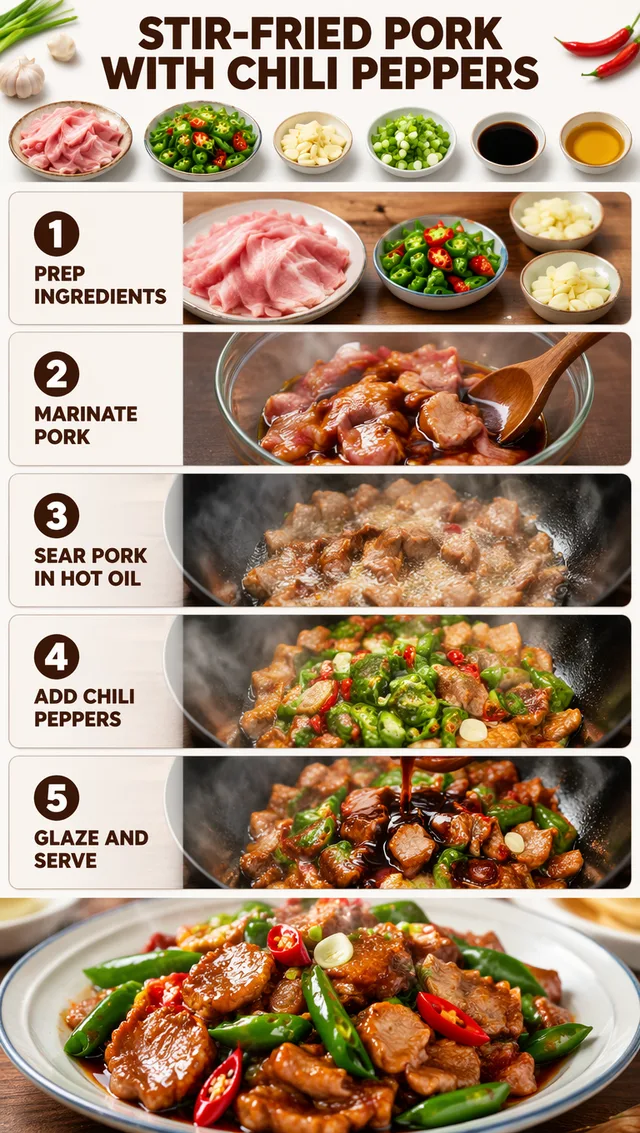
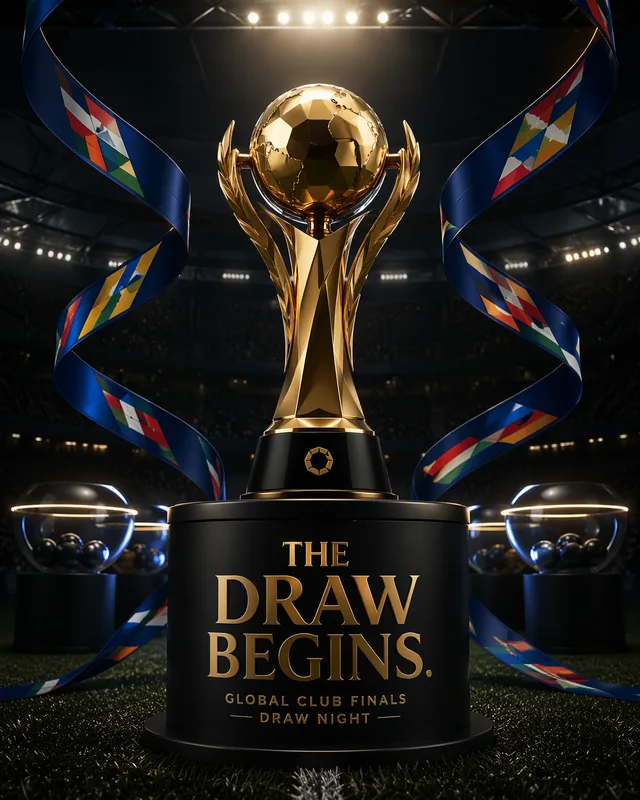
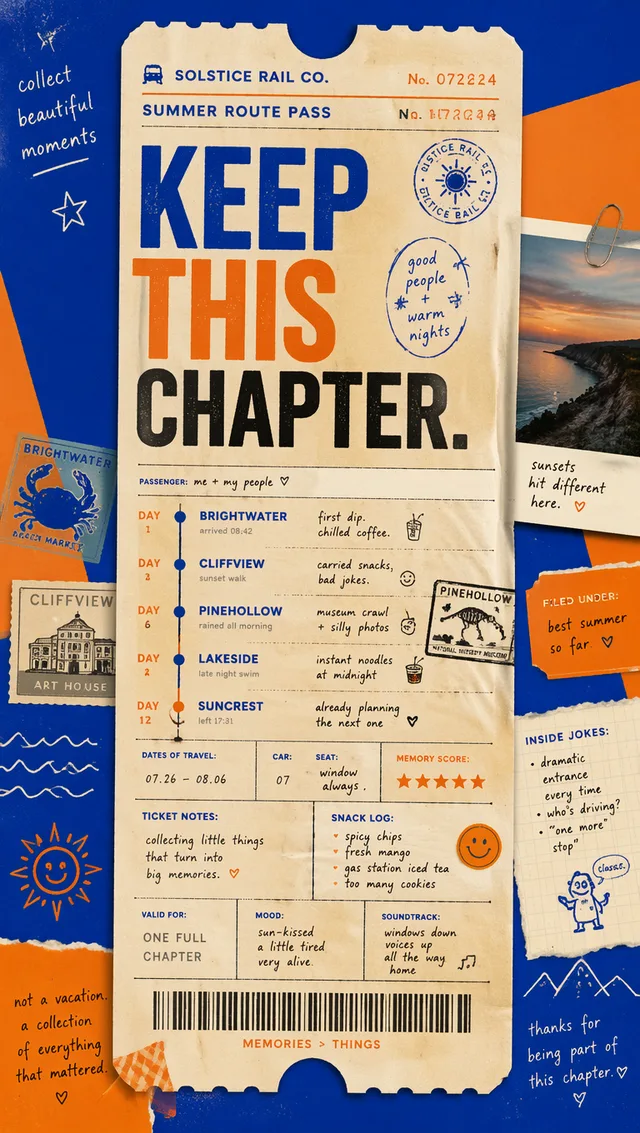
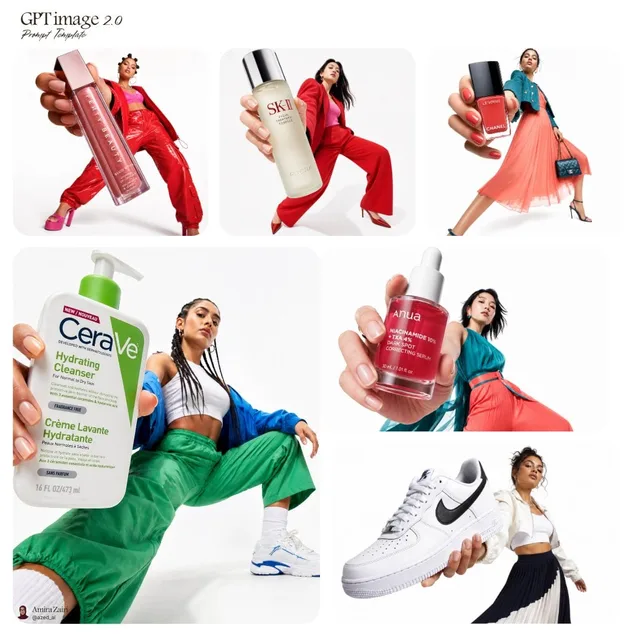
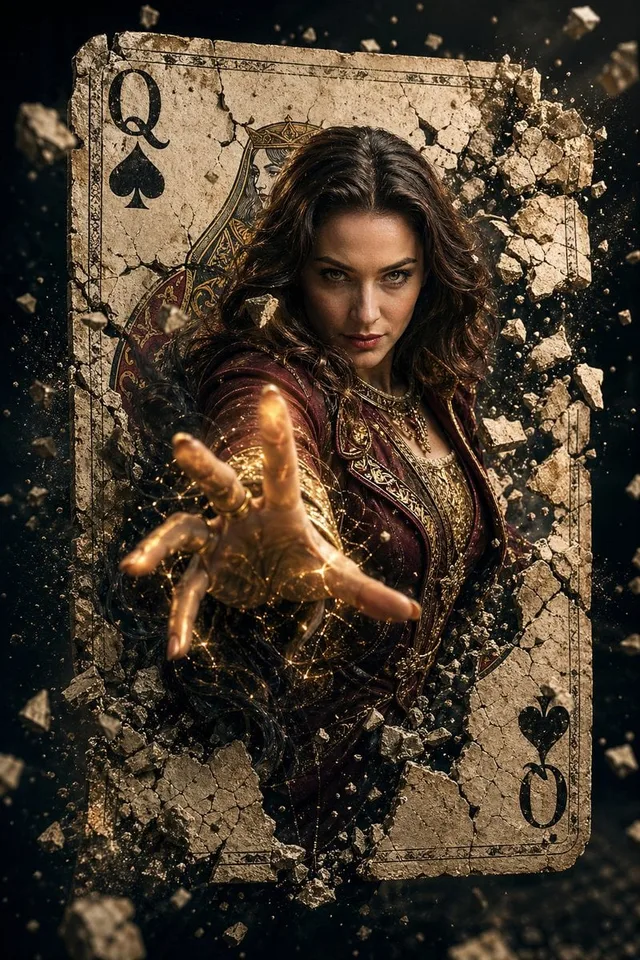
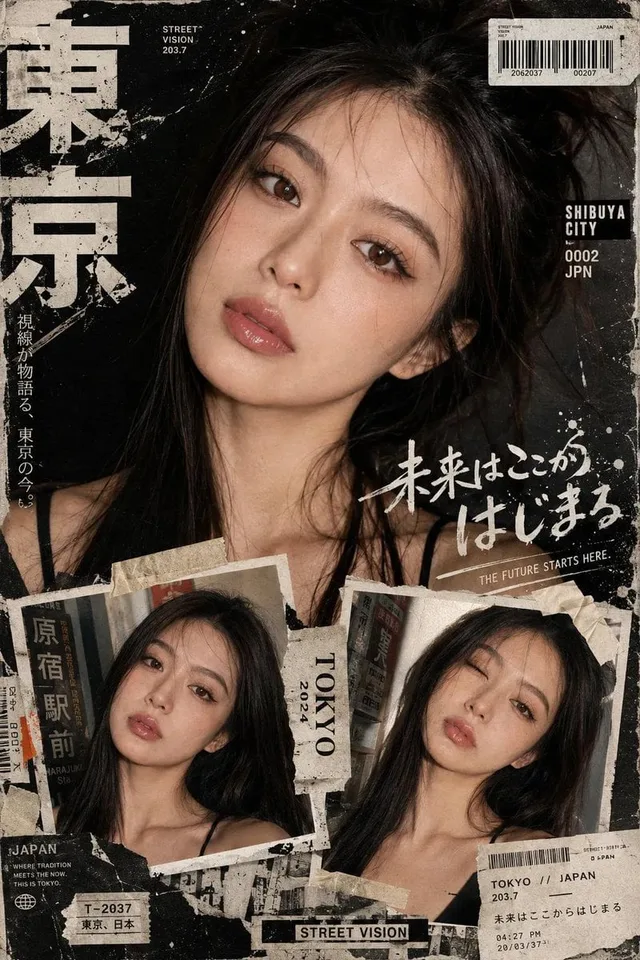
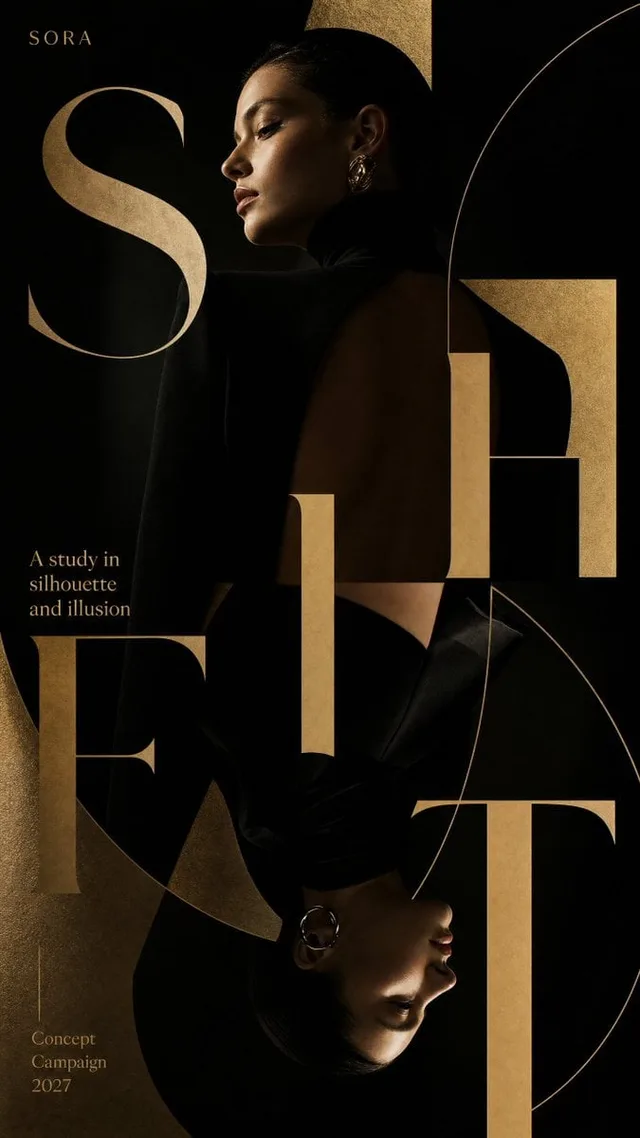
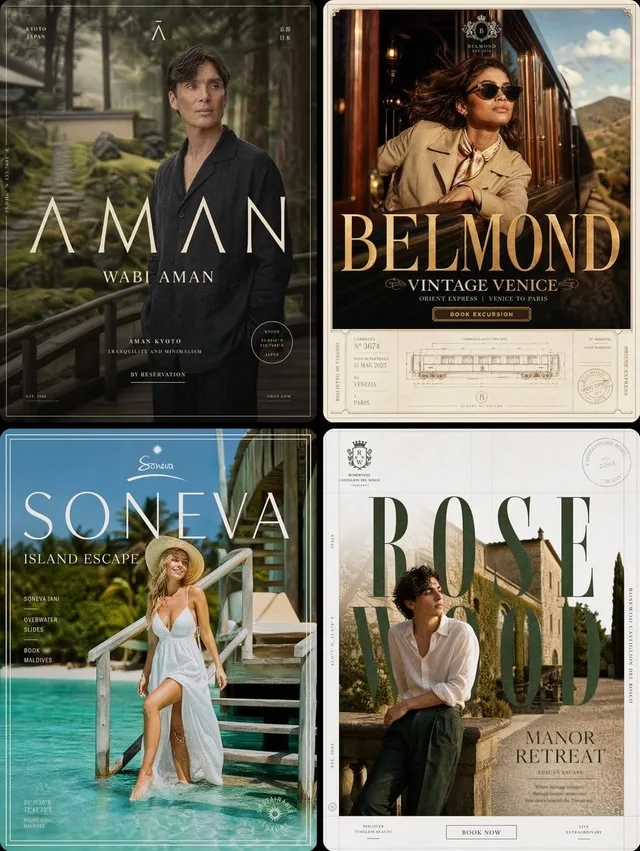
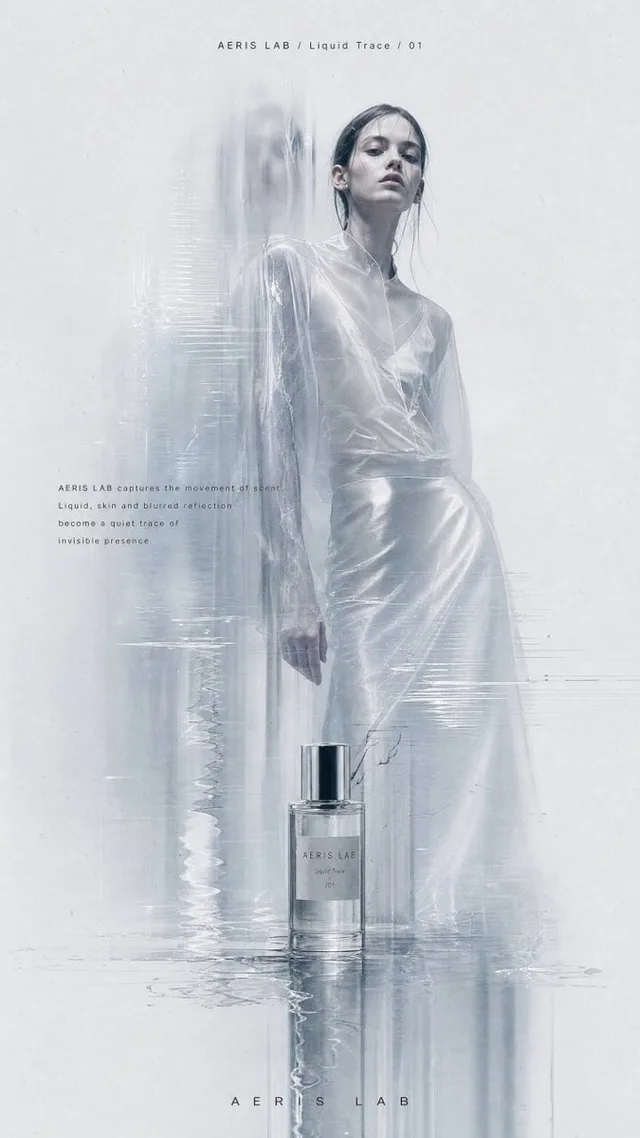
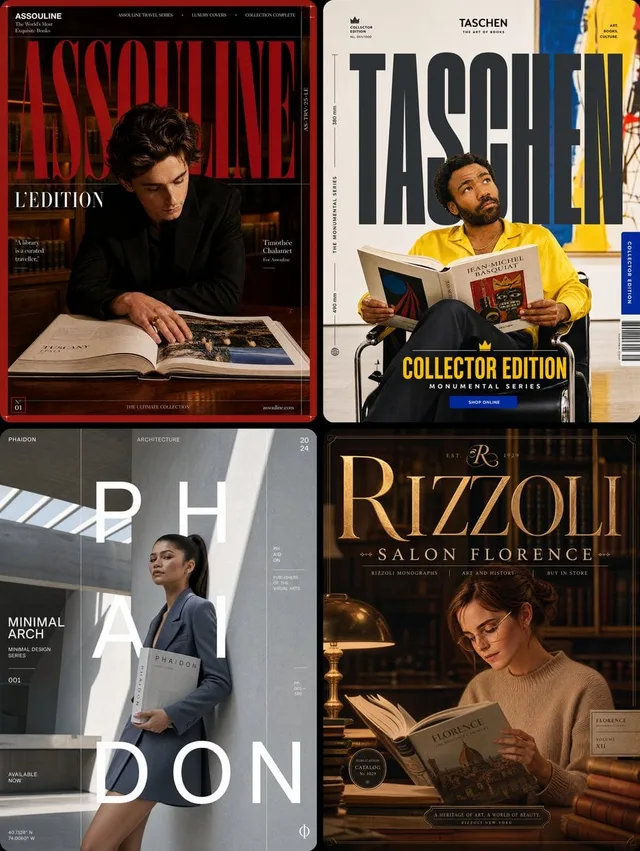
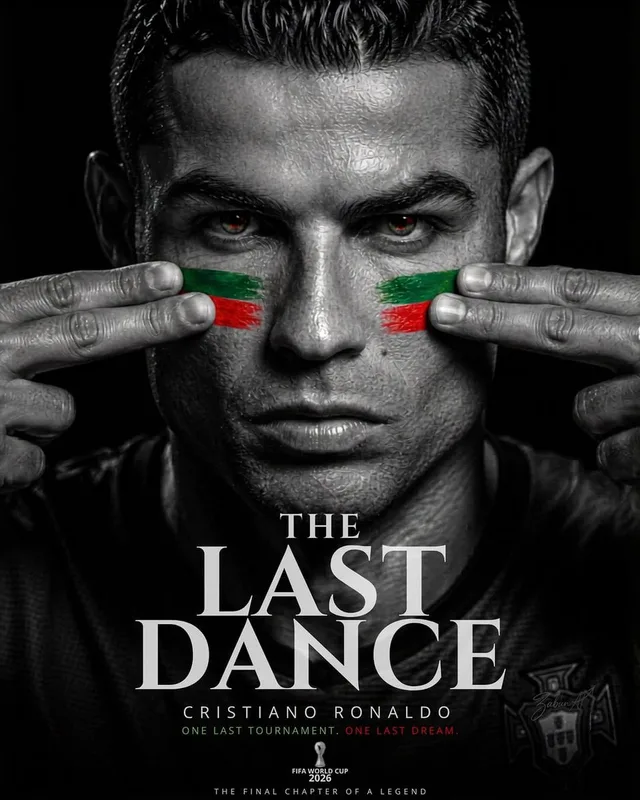
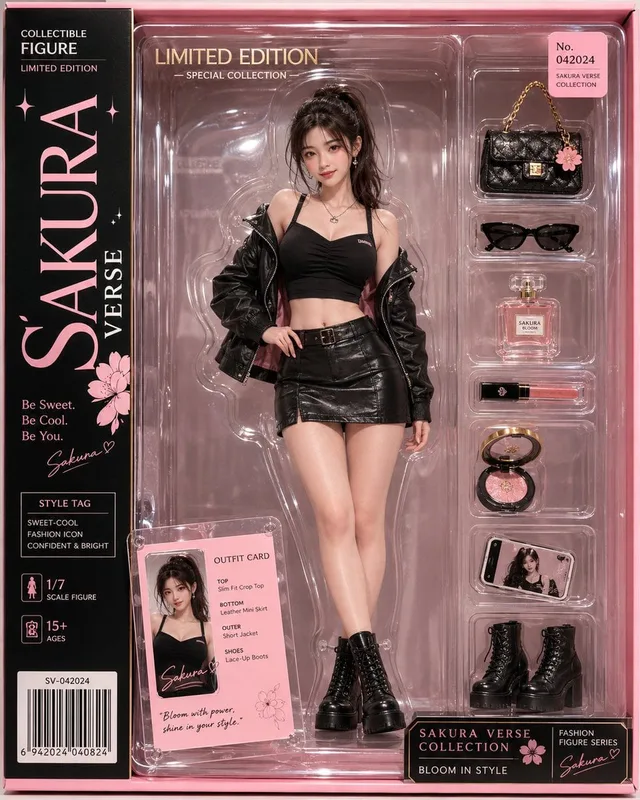
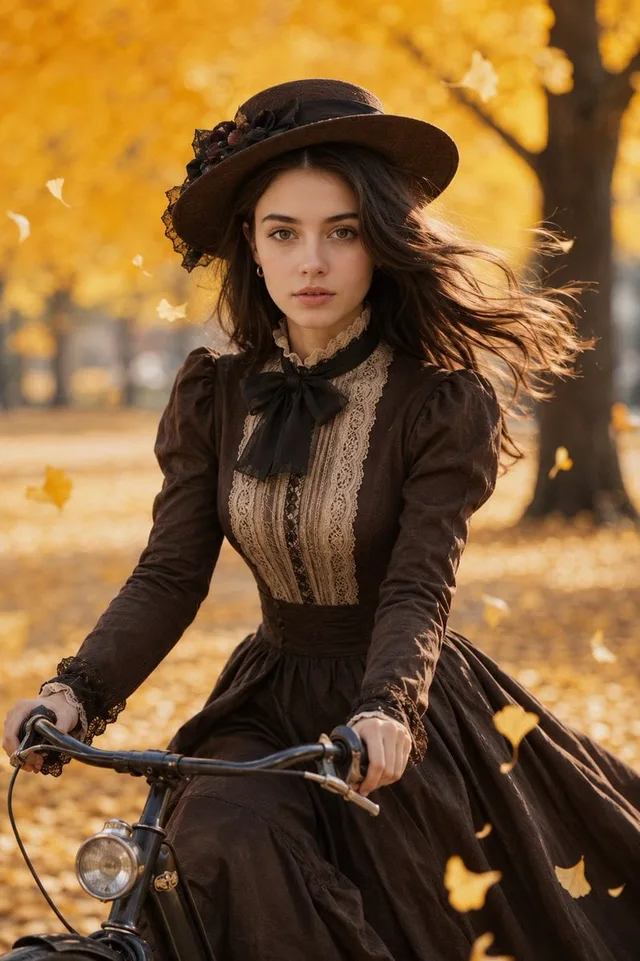
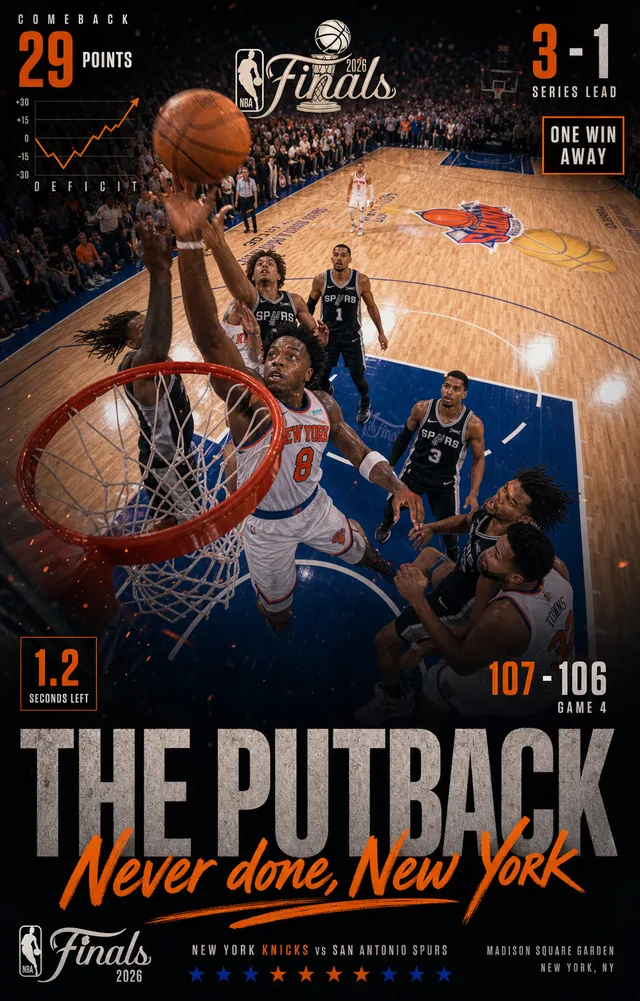
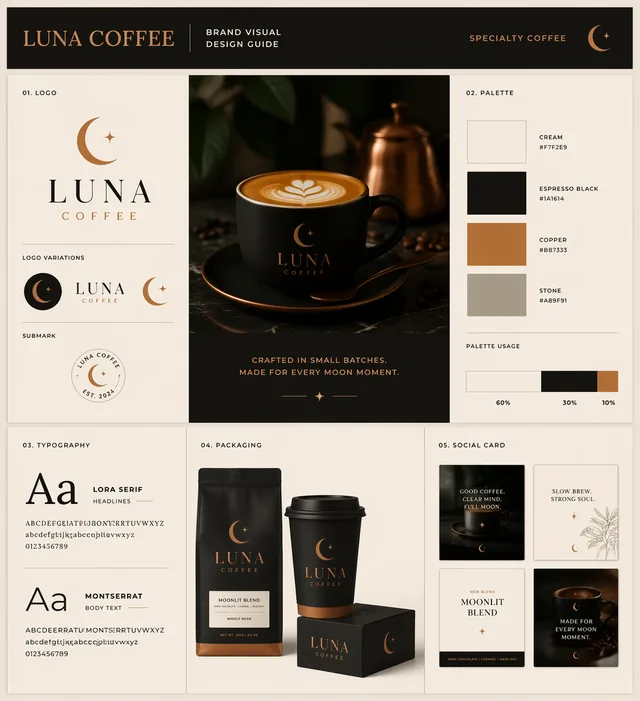
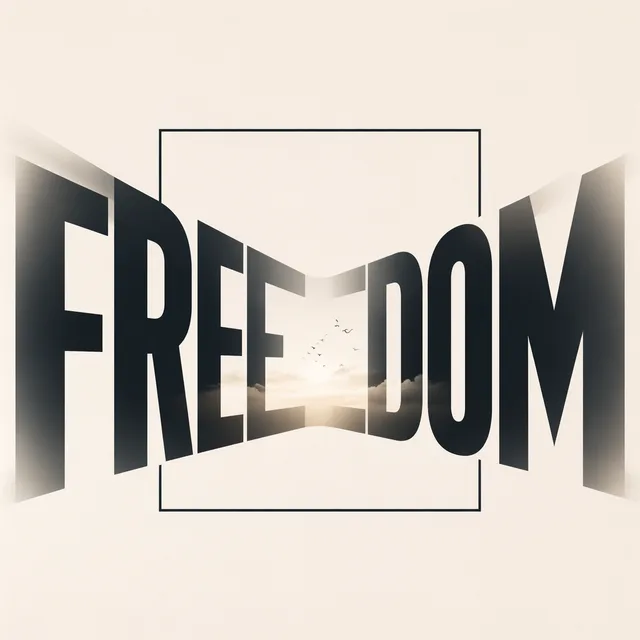
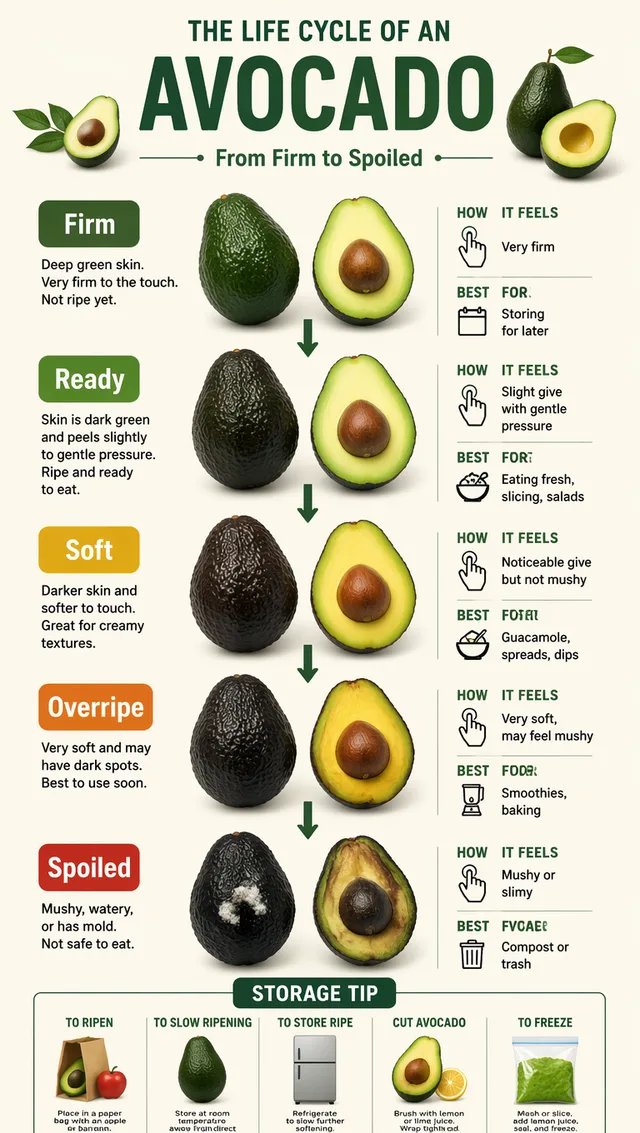
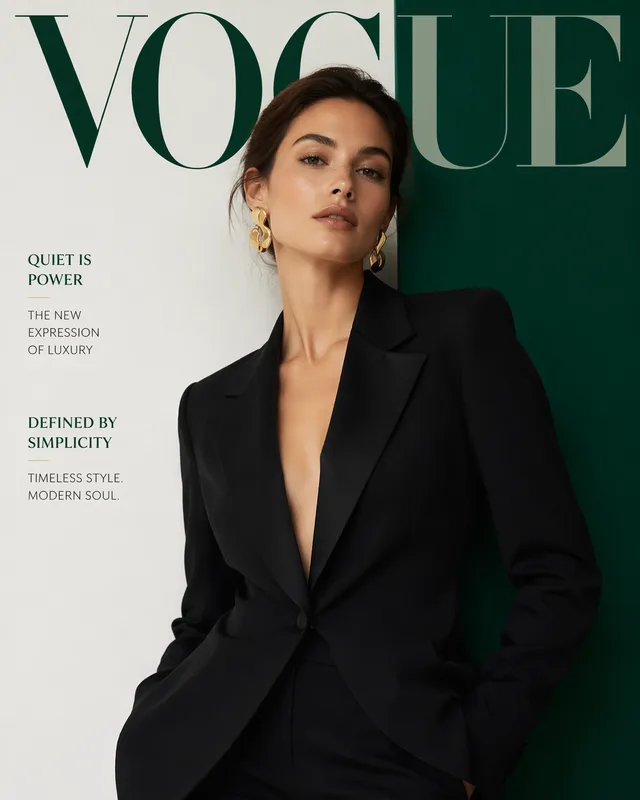
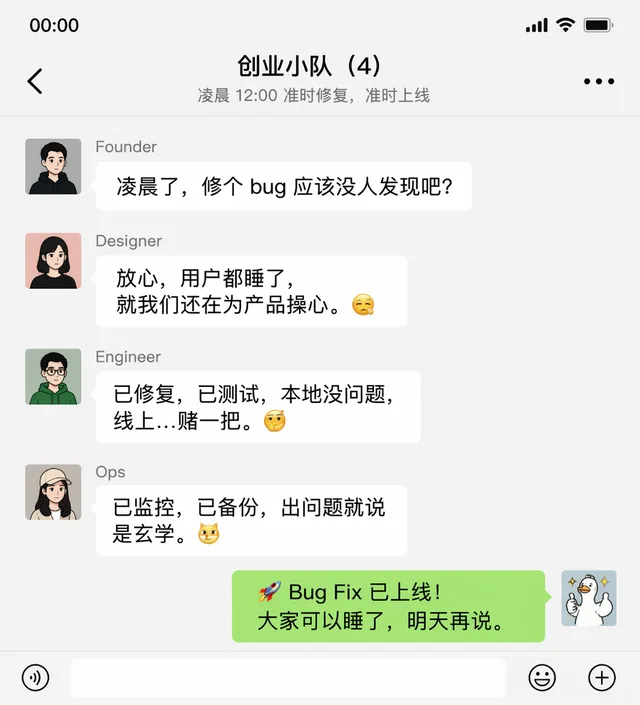
This page shows curated gpt image prompt examples. Explore the full Vogue AI prompt gallery for more images, categories and prompt ideas.
More promptsFind and use gpt image prompt in three steps
Move from a finished image to a reusable prompt in three quick steps.
Step 1
Find a tested visual direction
Scan curated gpt image prompt examples and choose the image style closest to your goal.
Step 2
Open the prompt page
Each gallery item links to a full prompt page with the finished image, prompt text and reference workflow.
Step 3
Copy or use as reference
Copy the gpt image prompt, reuse the reference image, or continue generation inside Vogue AI.
GPT image prompt formula for GPT Image 2
Write a GPT image prompt like a compact art-direction brief. A useful GPT image prompt explains what to create, how it should be framed, where it will be used and which details must stay clear.
Subject and commercial goal
Start the GPT image prompt with the product, person, screen, poster or scene, then add the use case. A GPT image prompt for ecommerce images, ad creatives, UI mockups, campaign visuals or social posts should make the final output format clear.
Camera, layout and lighting
Specify the camera angle, background, composition, lighting, text placement and visual hierarchy when GPT Image 2 needs to produce a clean commercial result instead of a generic image.
Reference image and constraints
Use the example image as a reference when composition matters. A GPT image prompt with a reference image should add limits such as clean background, no extra text, preserve product shape or keep the subject centered.
GPT image prompt use cases
Start with a GPT image prompt use case, then open a matching example and adapt the structure.
Product photos and ecommerce mockups
Use these examples for clean product shots, packaging scenes, hero images and ad-ready commercial layouts.
Posters, ads and campaign layouts
Find prompt structures for posters, social graphics, thumbnails and brand visuals that need strong composition.
Portraits, UI screens and diagrams
Compare examples for avatars, editorial portraits, interface concepts and information-heavy visual directions.
Popular GPT image prompts to copy
Each GPT image prompt example links to the finished image, full prompt and reference workflow.
Image To Image Product Catalog Board AI
gpt image prompt example with full prompt and reference image
Image To Image Family Storybook Camper Illustration AI
gpt image prompt example with full prompt and reference image
Close Low Angle Guofeng Travel Portrait AI
gpt image prompt example with full prompt and reference image
Brand Identity Mascot Board AI
gpt image prompt example with full prompt and reference image
Naturalist Journal Diorama AI
gpt image prompt example with full prompt and reference image
Luxury Product Atlas Board AI
gpt image prompt example with full prompt and reference image
Frequently asked questions
How do I write a GPT Image 2 prompt for product photos or ads?
Write it like a concise art-direction brief: name the product or subject, define the ad or ecommerce use case, specify the setting, camera angle, lighting, background, layout and final format. GPT Image 2 usually responds well to clear commercial language rather than a loose style keyword list.
How do I make GPT Image 2 follow layout, text placement and product details?
Put layout-critical details near the start of the GPT image prompt. Say where the product sits, how much empty space is needed, whether text should appear, which product shape or label must be preserved, and what the image should avoid, such as extra captions, distorted packaging or busy backgrounds.
Can I copy these GPT Image 2 prompts and edit them?
Yes. Open a prompt page, copy the structure, then replace the product, person, scene, brand tone, colors and final use case. Keep the parts that control composition, lighting and visual hierarchy if the example image already matches the direction you want.
When should I use a reference image with a GPT Image 2 prompt?
Use a reference image when product angle, pose, room layout, character identity, UI structure or visual mood matters. In the prompt, separate what should stay fixed from what should change so the model does not treat the reference as both a strict copy and a loose inspiration.
Why does GPT Image 2 generate extra text, wrong labels or messy layouts?
The prompt may be asking for typography, labels or UI details without enough constraints. Say no extra text, no fake logos, no distorted labels, keep typography minimal, or leave blank space for copy. For product packaging, describe the label as a visual area instead of asking the model to invent exact wording.
Are GPT Image 2 prompts good for ecommerce, posters and social creatives?
Yes. GPT Image 2 prompts are useful for ecommerce hero images, clean product shots, ad concepts, posters, thumbnails, UI mockups and social visuals. Review the final image for brand accuracy, legal constraints, text quality and platform requirements before publishing.
How are GPT Image 2 prompts different from Nano Banana or Midjourney prompts?
GPT Image 2 prompts work best as direct visual briefs for commercial images, layouts and clear subject instructions. Nano Banana prompts are often stronger for fast reference-led variation, while Midjourney prompts usually lean more into style, mood, cinematic language and parameters.
Are these GPT Image 2 prompt examples free to browse and use?
Yes. You can browse the gallery and open prompt pages for free. Each GPT image prompt can be copied and adapted for your own workflow; generating new images inside Vogue AI may use workspace credits depending on the tool and model you choose.