professional headshot prompts 的重点不是把人变得更“高级”,而是先保护身份,再控制商务感。提示词要说明哪些部分必须像本人,哪些部分可以改成 LinkedIn、团队页、创始人介绍或头像需要的样子。
TL;DR:先复制这个结构
- 真人必须可识别时,一定使用参考图。
- 先写用途:LinkedIn、团队页、演讲者简介、press kit 或 portfolio。
- 把身份、肤质、服装、灯光、裁切和背景分开控制。
- 先要求自然肤质和清晰眼神,再要求 premium 风格。
- 第一张图先检查身份漂移、塑料感、表情僵硬、年龄错误和过度风格化。
本文图片计划
| 角色 | 来源 | 匹配原因 |
|---|---|---|
| Hero | GPT Image 2 professional profile avatar 示例 | 直接对应职业头像和 profile 场景。 |
| 提示词区块 | Nano Banana 高级棚拍人像示例 | 对应 studio headshot,且不复用 hero。 |
| 参考图案例 | Midjourney 参考图编辑示例 | 用于讲清楚自拍转职业照的身份保护流程。 |
职业头像提示词公式
| 部分 | 写什么 | 为什么重要 |
|---|---|---|
| 身份交接 | Use my uploaded selfie as the face reference; preserve face shape, age, hairstyle, and expression. | 这是防止变脸的核心。 |
| 用途 | LinkedIn、团队页、创始人 press portrait、speaker bio 或 portfolio avatar。 | 用途决定裁切、服装和背景正式度。 |
| 服装 | 西装外套、干净衬衫、针织上衣、中性色。 | 用职业信号替代不必要的改脸。 |
| 灯光与背景 | softbox、window light、gray seamless、浅色办公室背景。 | 让结果可信,而不是过度制作。 |
| 输出规则 | 3:4、4:5 或 square crop;no text;no watermark;no extra hands;realistic skin texture。 | 减少常见不可用细节。 |
可复制的 professional headshot prompts
复制一个 prompt,替换括号变量。公共提示词保持英文,方便直接粘贴到 Vogue AI。
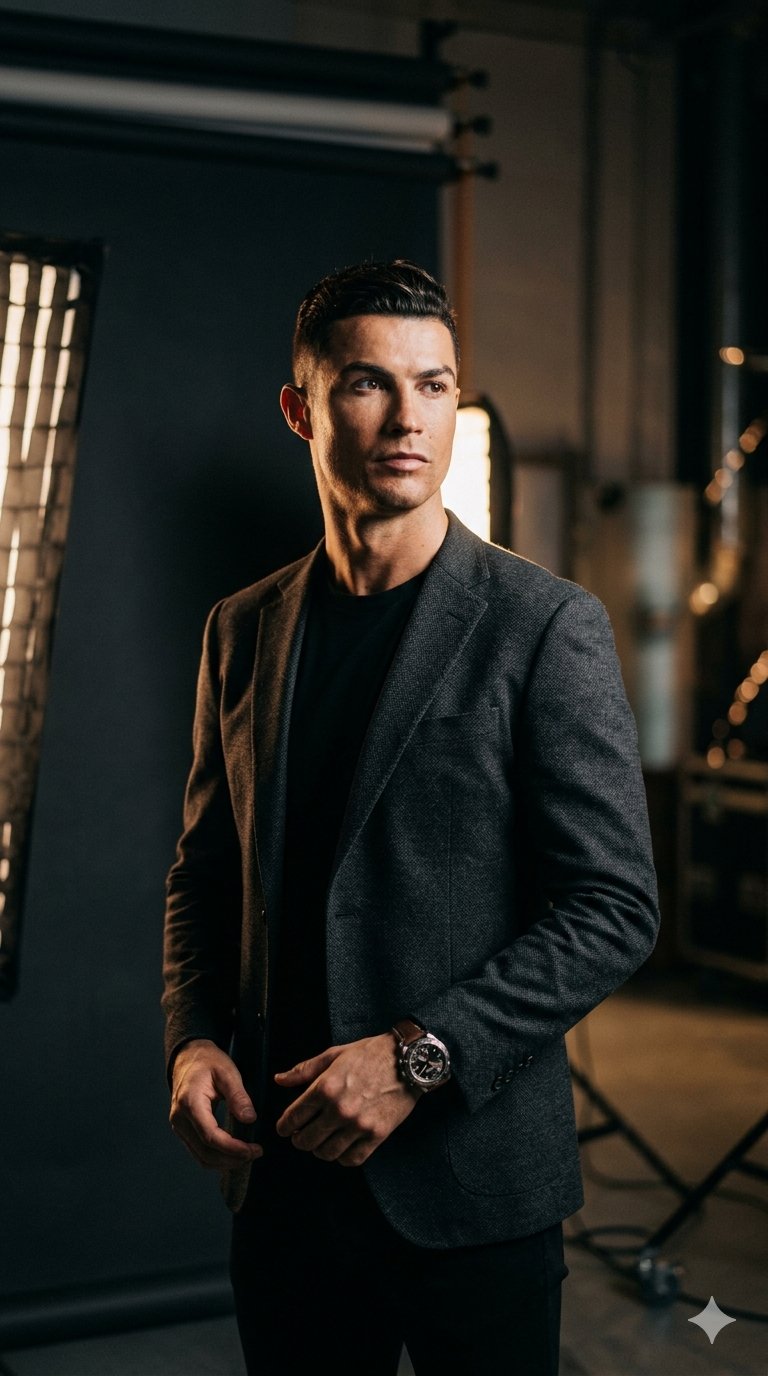
- LinkedIn headshot: Use my uploaded selfie as the face reference. Create a realistic professional LinkedIn headshot of the same person, warm confident expression, natural skin texture, sharp eyes, charcoal blazer over a clean light shirt, soft gray studio background, 85mm portrait lens look, gentle key light, subtle background separation, 4:5 crop, no text, no watermark, no extra hands.
- Corporate team page: Use my uploaded image as identity reference. Generate a polished business headshot for a company team page, same face shape and hairstyle, relaxed approachable expression, navy or black blazer, clean white or pale blue background, even studio lighting, realistic skin pores, shoulders visible, centered 3:4 crop, no heavy retouching, no text.
- Founder press portrait: Create an editorial professional headshot of [person], confident but not stiff, modern dark blazer, simple premium background, soft side light, realistic facial detail, crisp catchlights, shallow depth of field, magazine-quality crop from chest up, no logo, no text, keep expression natural.
- Creative portfolio headshot: Use the uploaded selfie for identity. Create a modern creative-industry headshot, same face and hair, relaxed posture, clean black top, warm neutral background, natural window light, subtle film contrast, authentic skin texture, square crop for profile avatar, no stylized face changes, no text.
场景矩阵
| 场景 | 提示词重点 | 避免 |
|---|---|---|
| LinkedIn photo | 亲和表情、真实面部、清晰眼神、商务休闲服装、4:5。 | 夸张戏剧光和假办公室道具。 |
| 团队页 | 统一背景、肩部可见、服装中性、灯光均匀。 | 每个人镜头距离不一致。 |
| 创始人简介 | 编辑感、自信、简洁高级背景、自然修饰。 | 分散可信度的奢华造型。 |
| 创意作品集 | 更温暖的个性、柔和光线、现代简洁服装、方形裁切。 | 不符合职业的僵硬公司感。 |
案例 1:避免塑料感的 studio headshot
棚拍头像最常见失败是修得太假。保留灯光、镜头、服装结构,但明确写自然肤质和具体表情。
- Prompt: Professional high-end studio portrait, sharp-looking [person], confident calm expression, premium dark blazer, clean shirt, soft gray seamless background, realistic skin texture, crisp eyes, 85mm lens compression, softbox key light with subtle rim light, chest-up crop, no text, no watermark.
案例 2:自拍变职业头像
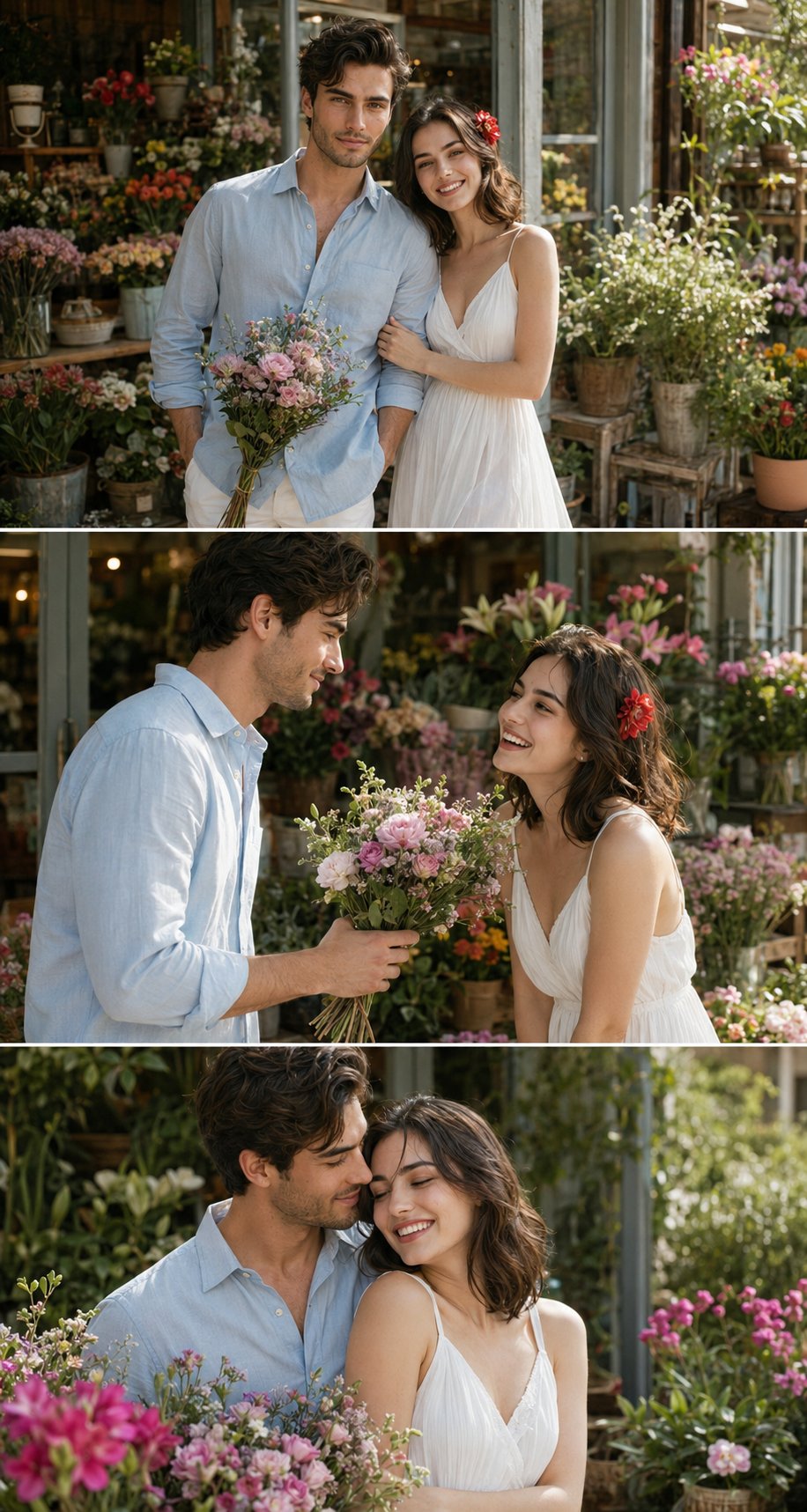
身份重要时,参考图交接必须放在第一句。先说明参考图控制什么,再说明允许改变什么。
- Prompt: Edit the uploaded reference image into a 100% accurate professional headshot. Preserve the same face identity, facial proportions, hairstyle, age, and expression. Replace only the outfit, lighting, background, and crop with a clean business portrait style, natural skin texture, neutral studio background, sharp eyes, no text, no watermark.
失败修正表
| 失败 | 先修正 | 不要先做 |
|---|---|---|
| 不像本人 | 把身份规则放到第一句,点名脸型、年龄、发型和表情。 | 增加服装和灯光形容词。 |
| 皮肤像塑料 | 加入 natural skin texture、realistic pores、light retouching。 | 只写更高清。 |
| 表情僵硬 | 写 relaxed confident expression 和 slight natural smile。 | 先换背景。 |
| 太休闲 | 收紧服装、裁切和背景正式度。 | 改变面部。 |
| 手或道具奇怪 | 使用 chest-up crop、shoulders visible、no extra hands。 | 细写手指。 |
在 Vogue AI 里选择模型
- 身份保护和指令控制优先时用 GPT Image 2。
- 快速尝试头像变化、服装和社媒方向时用 Nano Banana。
- 需要更 editorial 或 stylized 的职业照时用 Midjourney,但身份检查要更严格。
- 切换模型时保持同一 prompt skeleton,才知道变化来自哪里。
FAQ
最好的职业头像提示词结构是什么?
先身份交接,再用途、服装、灯光、背景、裁切和输出规则。这个顺序能防止把脸当成普通风格元素。
需要上传自拍吗?
需要像真实本人时应该上传。文字提示适合虚构样例,工作头像通常需要参考图。
LinkedIn 头像怎样更真实?
使用自然肤质、清晰眼神、简单服装、柔和棚拍光和干净 4:5 裁切。
为什么 AI 头像会变脸?
通常是身份规则太弱。把参考图规则放在第一句,并明确保留脸型、年龄、发型和表情。
同一个 prompt 能用于团队页吗?
可以,但要锁定背景、裁切、灯光和服装范围,保证团队一致性。
第一张生成后先修什么?
先修身份,再修肤质、表情、服装、裁切和背景。