
Step 1
Choose a finished image
Start from a curated visual prompt example instead of a blank text box.
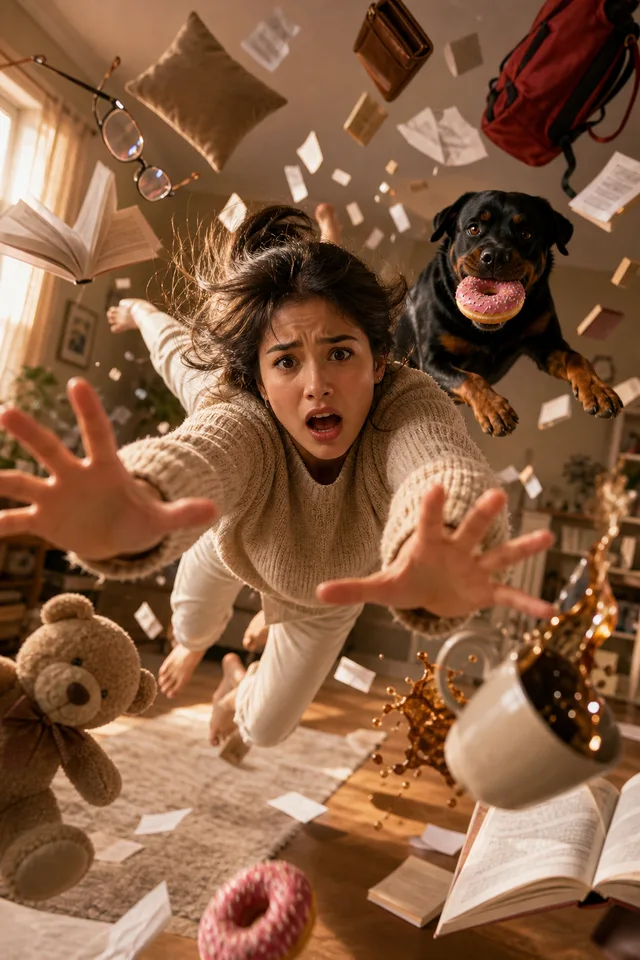
An AI image prompt is the reusable instruction behind a finished visual. This gallery collects prompt to image examples for product shots, posters, portraits, UI concepts, ads and social graphics, so you can start from a proven visual structure instead of a blank text box.
This week's picks
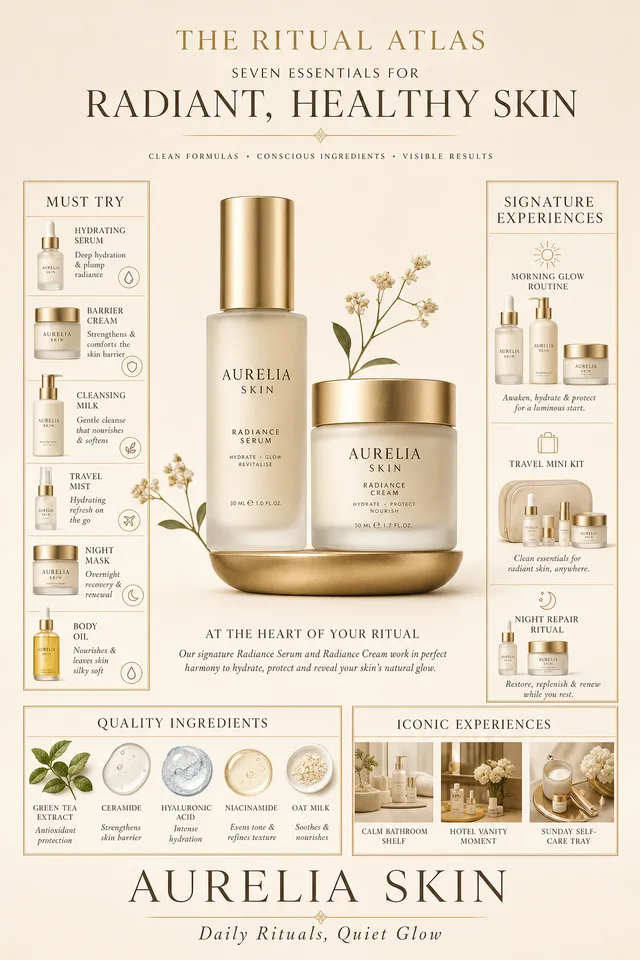
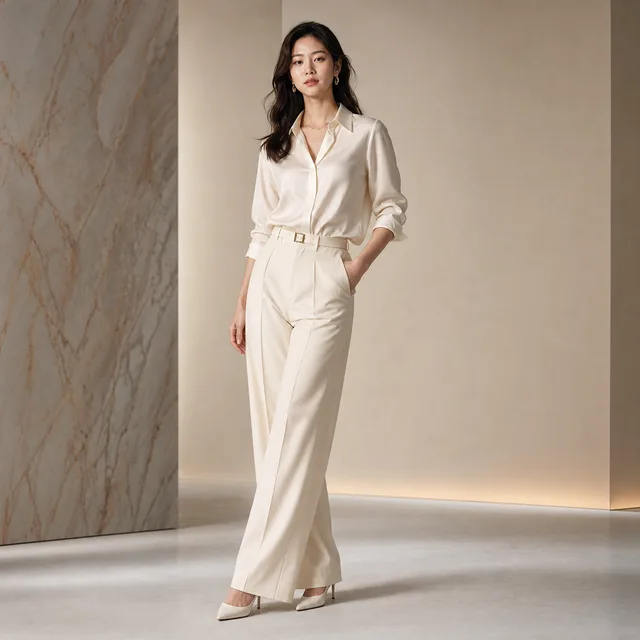
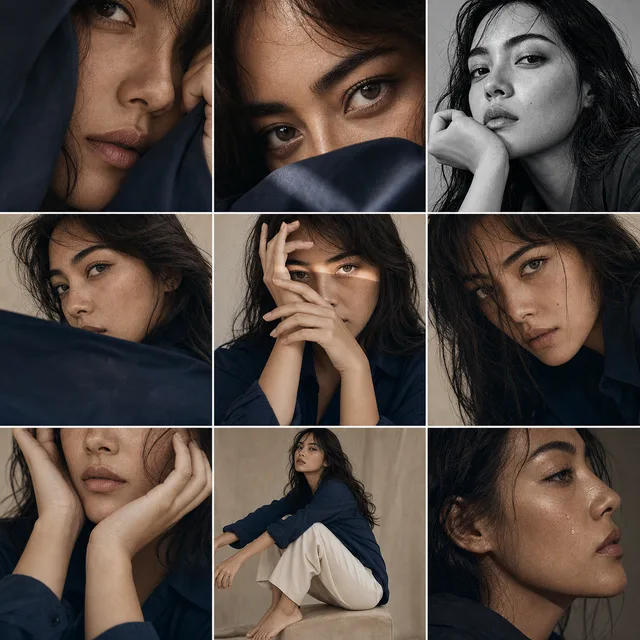
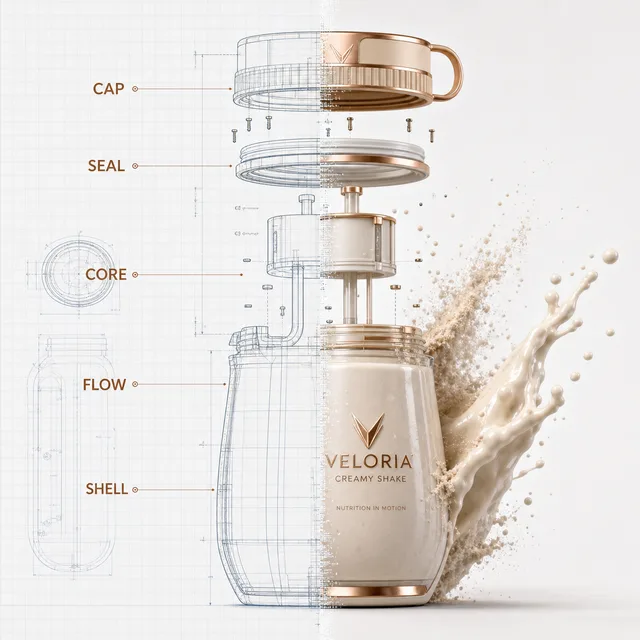
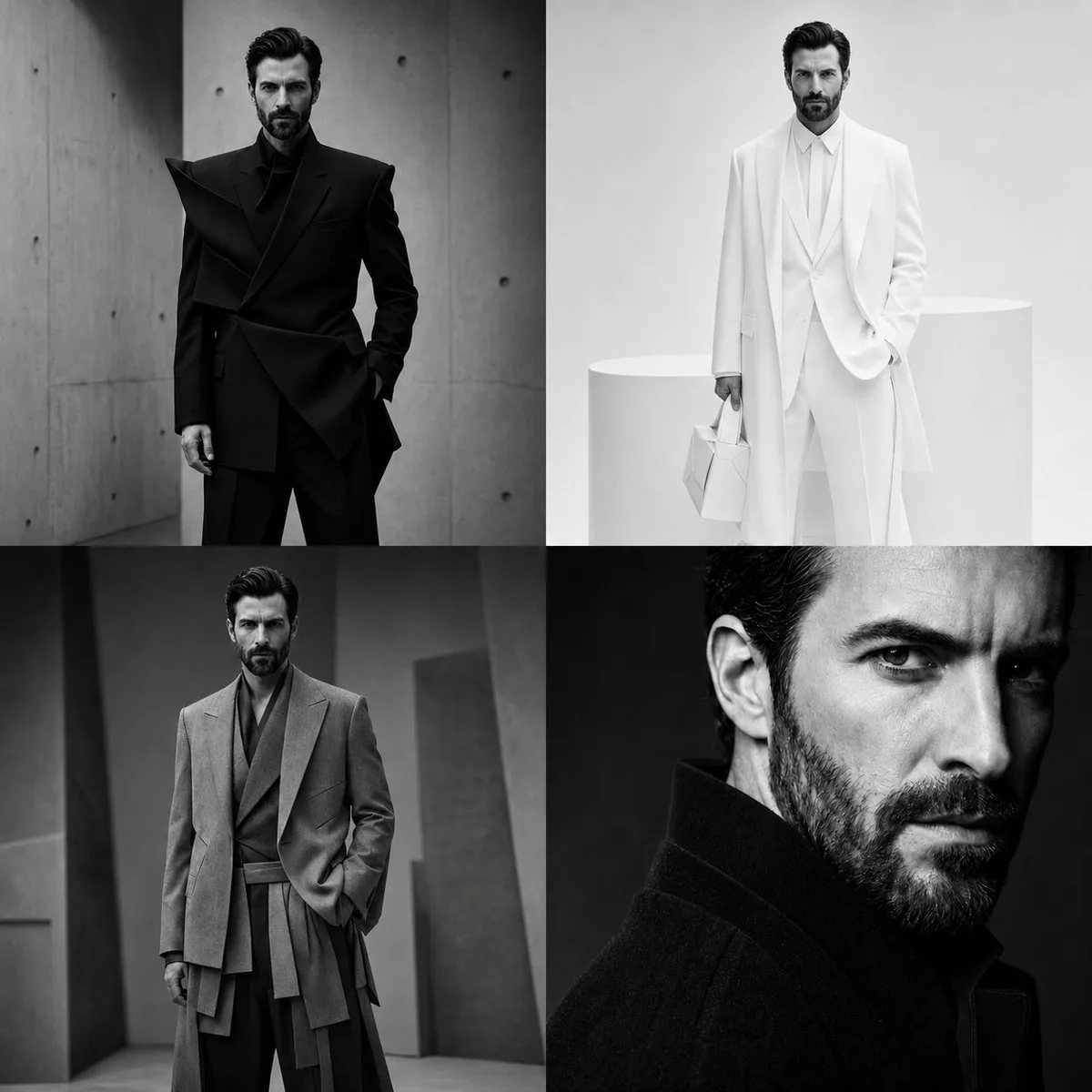
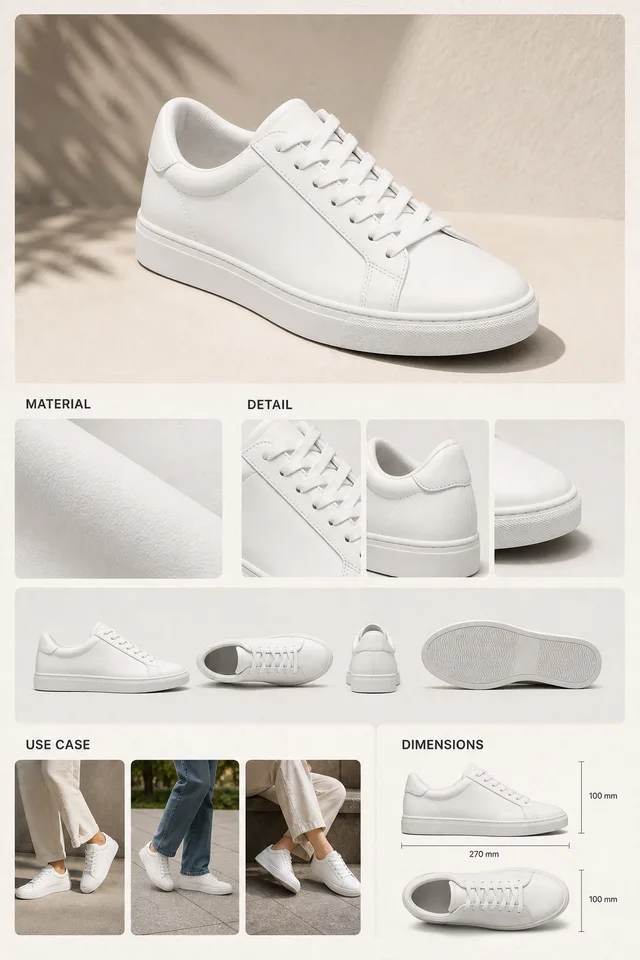
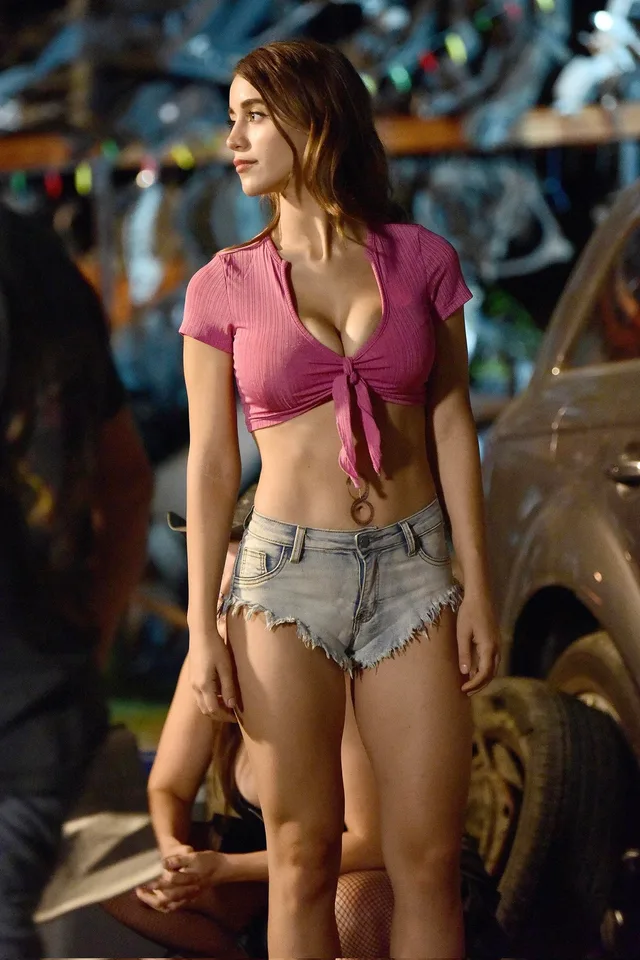
A small curated set of visual prompt examples. For the full masonry gallery, go back to the Vogue AI homepage.
@iamaiistudio
Anayaa026
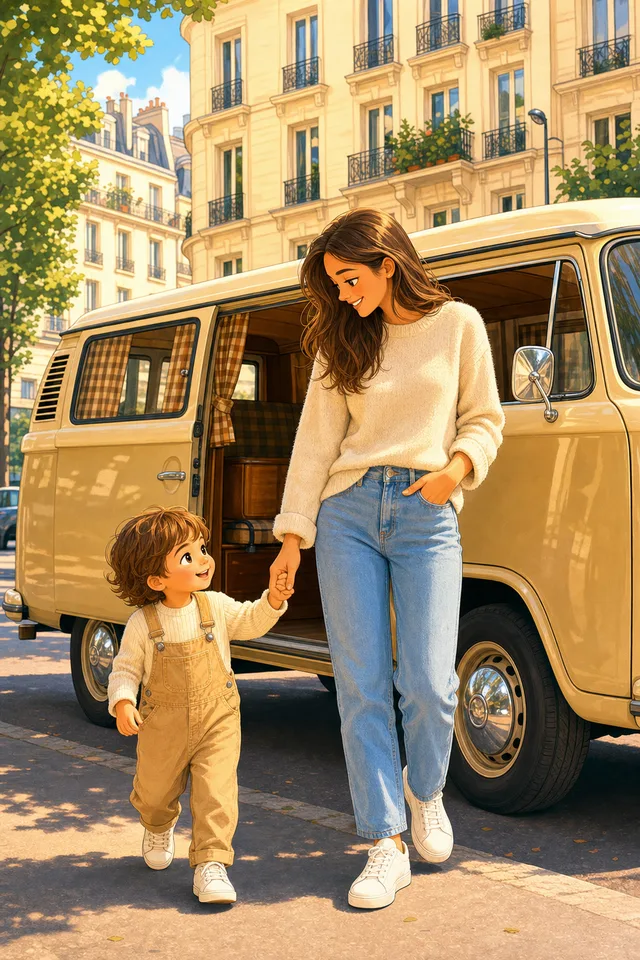
@Taaruk_
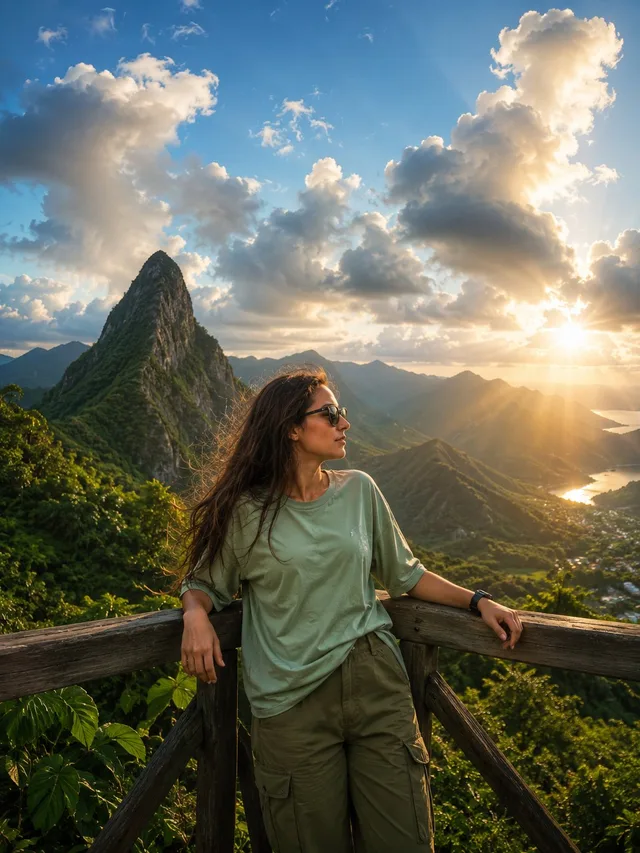
meng_dagg695
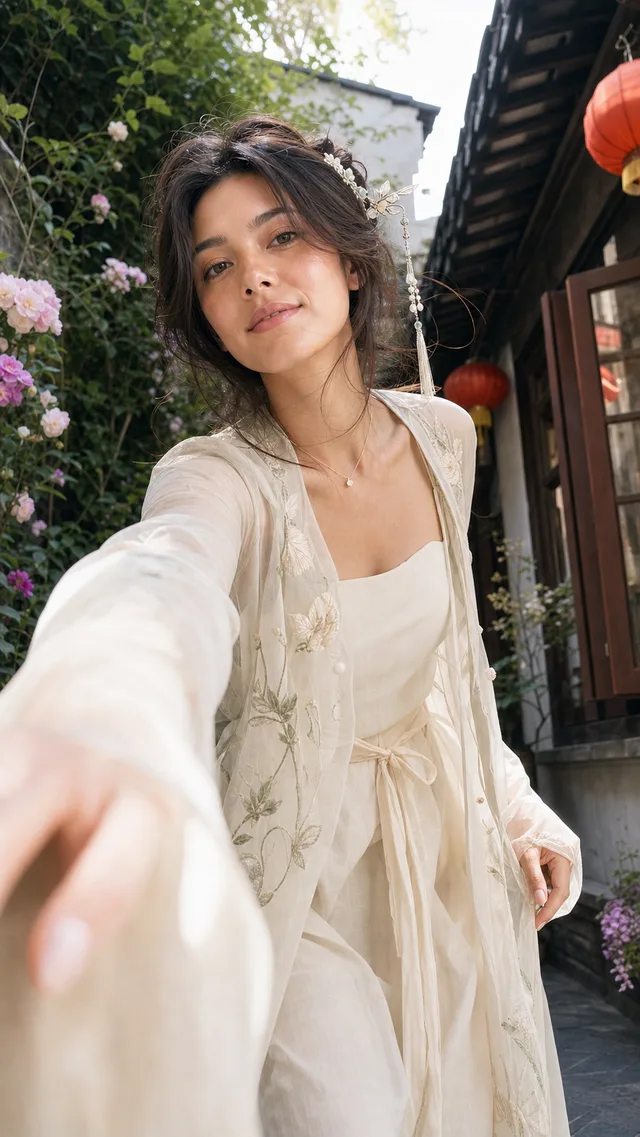
@MrLarus
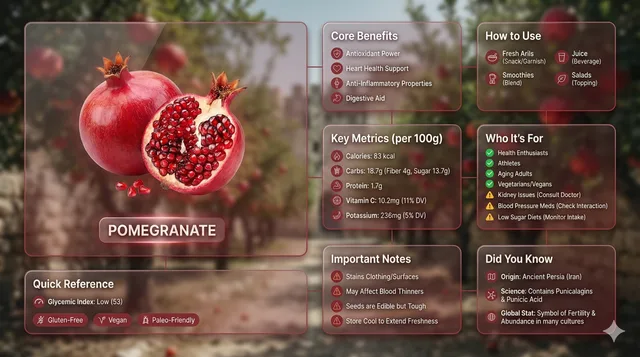
MansiSanghani1
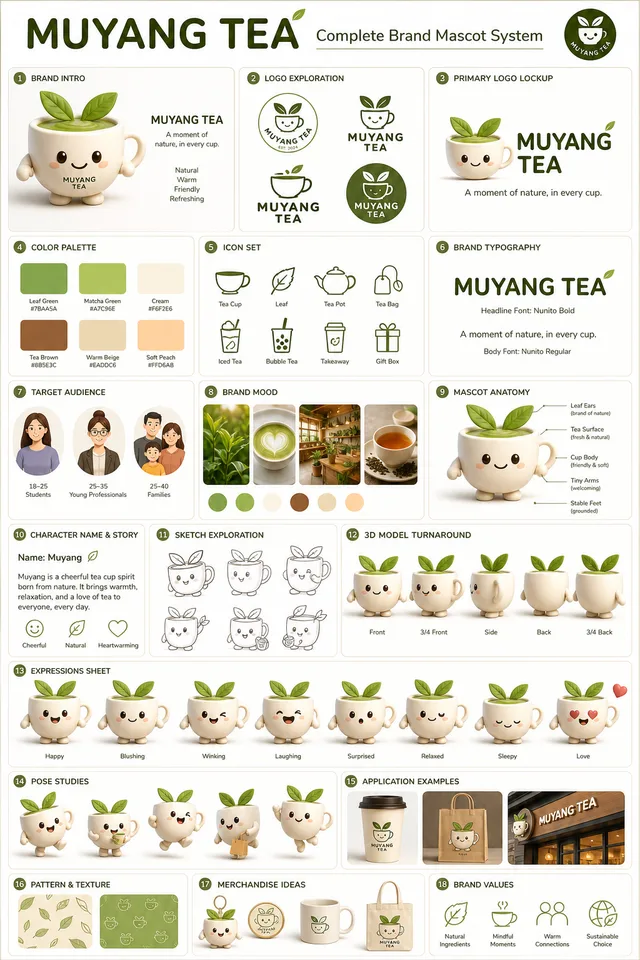
@iamaiistudio
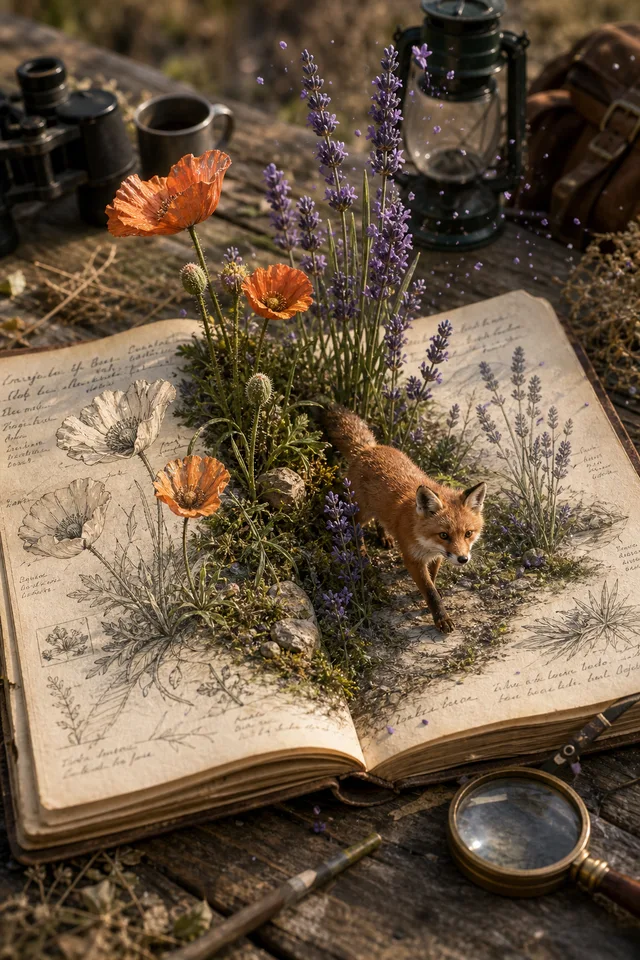
@iamaiistudio
Use this AI image prompt page as a fast scan: open any prompt page, copy the prompt, use the image as a reference, or send the idea into the Vogue AI workspace for a prompt to image generation flow.
Step 1
Start from a curated visual prompt example instead of a blank text box.
Step 2
Inspect the image, model label and prompt structure on the canonical prompt URL.
Step 3
Copy the prompt, use the image as a reference, or continue the prompt to image workflow in Vogue AI.
A strong AI image prompt works like a short creative brief. Describe the subject, scene, composition, style, lighting, constraints and final use case before you generate.
A visual prompt tells the model what to show, how to frame it and where the output will be used. Start with the subject and goal, such as a product image, poster, portrait, UI mockup, ad creative or social image.
Add camera angle, framing, background, mood, color palette and lighting so the model understands the visual direction. These details turn a plain prompt to image request into a usable creative brief.
Use a reference image when pose, product angle, identity or layout matters. Then say what should stay fixed, what should change and which details to avoid, such as extra text, messy backgrounds or wrong proportions.
Practical answers for writing, adapting and reusing AI image prompts across prompt to image workflows and model-specific prompt pages.
Start with the subject and final use case, then add the scene, composition, style, lighting, camera or medium, and constraints. A usable AI image prompt should tell the model what the image is for, such as a product hero shot, poster, portrait, UI mockup or social graphic.
Use a repeatable structure: subject + use case + setting + composition + style + lighting + details to preserve + details to avoid. Product prompts need product shape and material, poster prompts need layout and hierarchy, portrait prompts need identity and mood, and UI prompts need screen context and readable structure.
Write the plain idea first, choose the closest example image, then copy the useful prompt structure and replace the subject, style, background and output goal. For example, turn "red sneaker ad" into a studio product shot with product placement, lighting, background, campaign mood and final ad format.
Yes. Use the example as a starting point, but replace the subject, product, person, brand mood and final format. Copying the structure is usually more valuable than copying every word because the structure carries the composition, lighting and visual logic.
In an AI image prompt, say exactly what the reference image should control and what should change. A clear instruction is better than a vague one: use the reference for pose and framing, keep the product angle, change the background, preserve the face direction, and avoid changing the outfit shape.
The prompt is often too vague, too crowded or internally contradictory. Put the most important subject and constraint near the beginning, remove competing styles, and use concrete instructions like centered product, plain background, no visible text, same face angle or exact package shape.
Use GPT Image prompts for direct commercial briefs, clean product visuals, UI concepts and ad layouts. Use Nano Banana prompts when reference-image iteration, portraits, fashion or fast variations matter. Use Midjourney prompts when style, mood, cinematic scenes or expressive art direction are the priority.
Yes. AI image prompts can support ecommerce shots, ad creatives, packaging mockups, campaign posters and social visuals. For commercial use, describe the product accurately, avoid protected logos or people you do not have rights to use, and check the usage terms of the model and reference assets.
Browse more prompts
The homepage keeps the full prompt gallery. Use it when you want more categories, more images and more prompt directions.