良い 3D render prompts は、スタイルより先に形を固定します。geometry、material、camera、lighting、output rule を明確にする必要があります。
TL;DR:再利用できる 3D prompt 公式
- product、icon、character、interior、exterior、architecture など asset type から始めます。
- 雰囲気より先に silhouette、proportion、bevel、camera angle、crop を書きます。
- material と lighting はセットで制御します。
- 形、packaging、face、logo、layout が重要なら reference image を使います。
- 初回結果後は shape、material、camera、lighting、background の最大問題から直します。
シナリオマトリクス
| 用途 | パターン | 参照画像 | 最初の確認 |
|---|---|---|---|
| Product | 3/4 view、material、bevel、shadow、background control。 | identity が重要なら使用。 | proportion、material、shadow。 |
| 3D icon | isometric、simple geometry、compact silhouette。 | 基本は任意。 | detail 過多。 |
| Character | full body pose、costume、face、limbs、camera distance。 | シリーズ用途で有効。 | limbs と pose。 |
| Architecture | type、massing、materials、camera height、context。 | plan や facade で有効。 | scale と structure。 |
コピー用 3D prompts
角括弧だけ置き換え、初回は構造を保ちます。Prompt は Vogue AI に貼りやすいよう英語のままです。
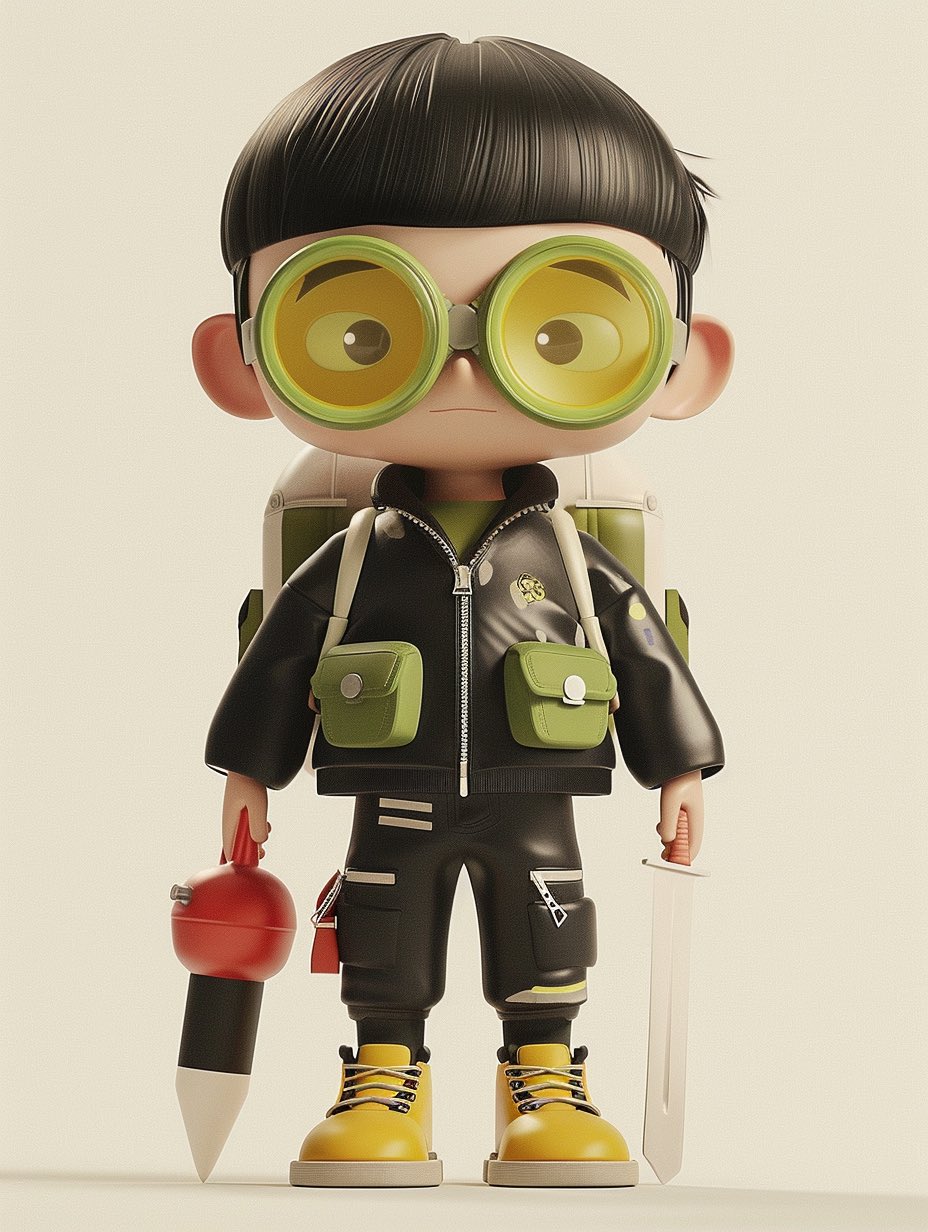
- Product 3D render: High-end 3D render of [product], centered three-quarter view, clean studio stage, [material] body with realistic bevels and micro-scratches, softbox key light, subtle rim light, ambient occlusion, crisp contact shadow, 4:5 aspect ratio, no text, no watermark.
- Icon object render: Isometric 3D icon of [object], rounded simplified geometry, [color palette] materials, soft clay-like surface, clean transparent background, global illumination, compact silhouette, 1:1 aspect ratio, no text.
- Character render: Full-body stylized 3D character of [character], expressive pose, detailed costume, readable silhouette, soft cinematic lighting, realistic fabric and plastic material mix, neutral studio floor, 3:4 aspect ratio, no extra limbs, no text.
- Architecture massing render: Contemporary [building type] concept, clear exterior massing, glass and concrete material contrast, eye-level architectural visualization, late-afternoon sun, realistic shadows, clean surroundings, 16:9 aspect ratio, no people blocking the structure.
Prompt anatomy
| 要素 | 書くこと | 理由 |
|---|---|---|
| Asset | product、icon、character、room、building、object。 | 3D convention を指定します。 |
| Geometry | silhouette、proportion、bevel、pose、visible faces。 | 後工程で直しにくいミスを減らします。 |
| Material | metal、glass、ceramic、clay、plastic、fabric、concrete。 | highlight と質感を決めます。 |
| Lighting | softbox、rim light、HDRI、sunlight、cinematic contrast。 | volume を見せます。 |
| Output | ratio、background、no text、no watermark、transparent。 | 使う場所に合わせます。 |
Reference image handoff ルール
3D prompt は reference image の役割が明確なほど安定します。silhouette、packaging、face identity、material finish、room layout、facade rhythm、color system のどれを固定するか書きます。
| Reference type | What it should control | What can change |
|---|---|---|
| Product photo | silhouette、visible faces、logo / label position、package color、proportions。 | lighting、studio stage、crop、shadow、background。 |
| Character sheet | face style、body proportions、costume、limb count、accessories。 | pose、camera distance、material polish、environment。 |
| Interior / architecture plan | room layout、facade rhythm、massing、openings、circulation logic。 | time of day、material treatment、entourage、atmosphere。 |
| Brand board | palette family、material family、product family shape、grid discipline。 | surface texture、camera angle、props、final crop。 |
ケース:surreal / editorial 3D objects
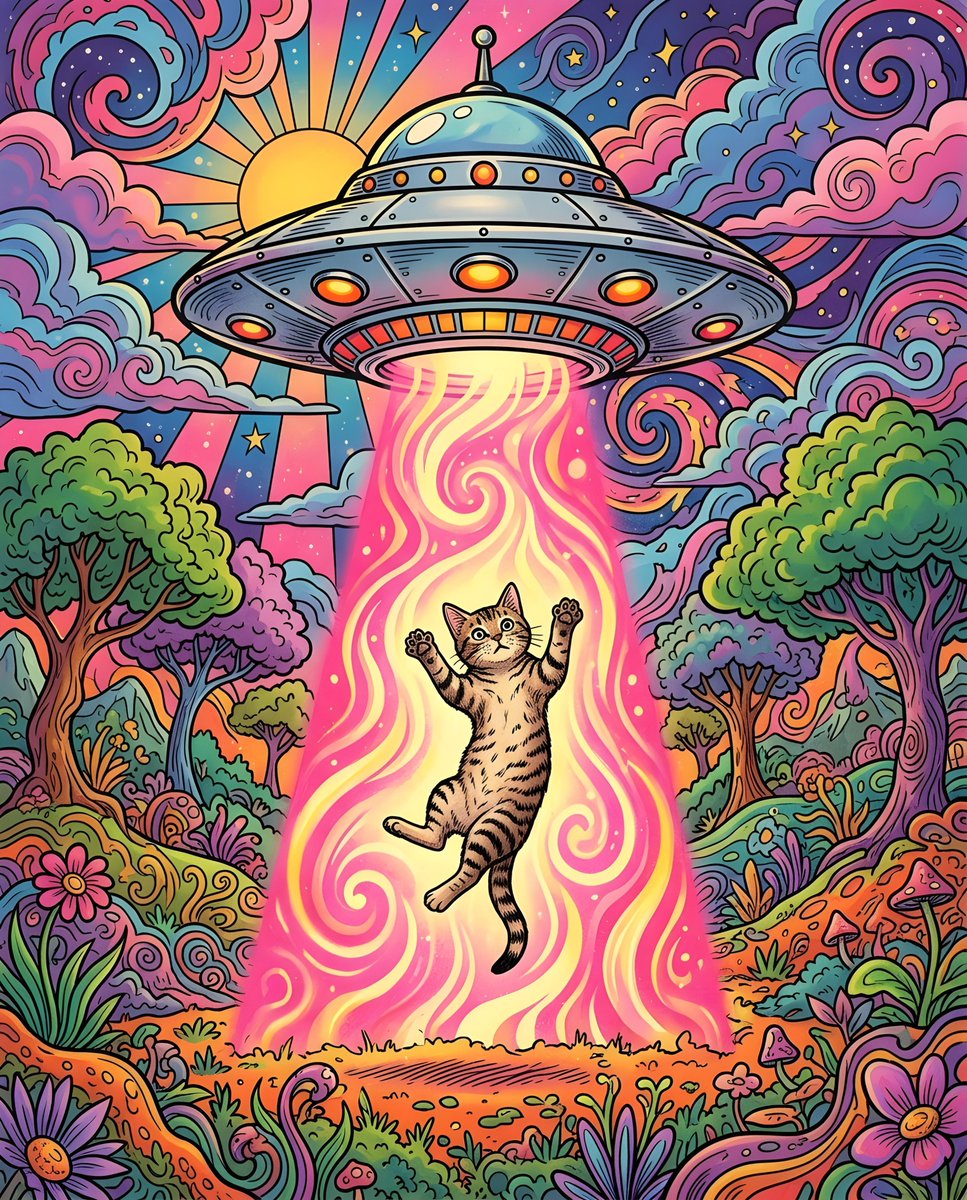
Surreal 3D scene でも production controls は必要です。impossible idea を一つ置き、camera、material、lighting、background を固定します。
- prompt 一つにつき impossible idea は一つ:glass fruit、floating chair、miniature city、toy-like animal scene。
- camera language は simple に:isometric、front three-quarter、low-angle hero、eye-level architectural view。
- material system を指定:polished resin、matte clay、translucent glass、brushed metal、soft vinyl。
- text と logos は design stage に残します。placeholder の時だけ例外です。
失敗と修正表
| Failure | Fix first | Avoid |
|---|---|---|
| Object shape is wrong | reference handoff または silhouette instruction を強める。 | mood words を足す。 |
| Material looks fake | material、highlight behavior、surface detail、lighting direction を指定。 | scene 全体を変える。 |
| Render floats with no weight | contact shadow、ground plane、ambient occlusion、camera height を追加。 | more realistic だけを書く。 |
| Character has broken limbs | full-body pose、visible hands、limb count、clean silhouette を指定。 | costume detail を先に増やす。 |
| Architecture scale feels impossible | camera height、context、structural material、human-scale cues を指定。 | dramatic weather を先に足す。 |
再利用前の quality checklist
- silhouette だけで object / building を識別できますか?
- material は premium、toy-like、technical、luxury、architectural の価値に合っていますか?
- shadows と contact points で asset が接地していますか?
- crop は実際の channel に合いますか?
- 保存したのは問題を解決した prompt version ですか?
Production review workflow
良い 3D prompt は reusable production spec です。geometry、material、lighting、crop、model choice が次の asset にも使えるほど安定している必要があります。
- style の前に asset role と channel を決めます:ecommerce hero、app icon、mascot pose、concept board、architecture preview、social cover。
- shape が重要なら reference で geometry を固定し、その後 material と light だけ直します。
- 初回 draft は material system を一つにします。
- 保存名には asset type、material、camera、aspect ratio、reference state を入れます。
- 大きな preview だけでなく、実際に使う crop で確認します。
完全な例
元 brief
小型ワイヤレススピーカーの premium 3D render が必要で、silhouette、grille、matte finish が重要です。
Prompt version 1
- High-end 3D render of a compact wireless speaker, centered three-quarter view, matte graphite cylindrical body, fine perforated metal grille, rounded rubber base, realistic bevels, softbox key light from upper left, subtle rim light, ambient occlusion, crisp contact shadow on a clean warm-gray studio stage, 4:5 aspect ratio, no text, no watermark.
診断
grille が違うなら reference image を追加し、silhouette、grille density、logo position、cap shape を固定すると書きます。
Vogue AI での model 選び
- GPT Image 2 は control と technical visualization 向きです。
- Nano Banana は fast variations 向きです。
- Midjourney は stylized characters と cinematic concepts 向きです。
- model を変えても prompt skeleton は保ちます。
FAQ
良い 3D prompt とは?
asset type、geometry、material、lighting、camera、output rule が明確で、初回結果を brief と比較できる prompt です。
reference image は必要ですか?
形、packaging、face、logo、facade、layout を守る必要がある時に使います。
リアルに見せるには?
surface detail、highlight、contact shadow、ambient occlusion、camera height を調整します。
architecture render に使えますか?
scale、structure、material、camera、site context、time of day を入れれば使えます。
最初に試す model は?
control なら GPT Image 2、variation なら Nano Banana、stylized concept なら Midjourney です。
なぜ generic になりますか?
asset role、material system、camera rule、channel goal が不足していることが多いです。