日本語: An AI image prompt works best when it is treated as a production brief: subject, frame, style, reference handoff, and output rule.
TL;DR
- 日本語: start with the subject and use case.
- 日本語: control crop, lighting, background, and aspect ratio before adding style.
- 日本語: use a reference image when identity or product shape matters.
- 日本語: revise by failure mode, not by rewriting everything.
日本語: What the prompt controls
日本語: The prompt narrows ambiguity so Vogue AI can create a first draft that is easy to review and improve.
| Part | Role | Example |
|---|---|---|
| Subject | Core image target | Product, person, UI, poster |
| Composition | Frame behavior | 4:5 crop, centered, negative space |
| Style | Visual language | Editorial, studio, cinematic |
| Reference | Protected identity | Face, product shape, package color |
| Output | Production rule | No text, no watermark |
日本語: Reusable formula
- 日本語: name the subject.
- 日本語: define the channel and frame.
- 日本語: add lighting, palette, and material.
- 日本語: describe reference-image responsibility.
- 日本語: end with output rules.
日本語: Copyable prompt templates
日本語: Keep these public prompt blocks in English so they can be copied directly into Vogue AI.
- Product photo: Ultra-realistic studio image of [product], exact material [material], centered 4:5 crop, softbox lighting, clean [background color] backdrop, subtle shadow, ecommerce-ready composition, no text, no watermark.
- Reference portrait: Use the uploaded image as the identity reference. Preserve the face, age, hairstyle, and expression while changing wardrobe to [wardrobe], lighting to [lighting style], and background to [setting], 3:4 crop, no extra hands, no text.
- Social campaign visual: Campaign image for [topic], main subject [subject], strong focal point, clear negative space for later headline, [brand palette] color system, 9:16 vertical frame, no generated text.
- UI/product mockup: Realistic marketing image for [app or object], clear interface or object hierarchy, modern desk context, controlled reflections, premium but quiet lighting, 16:9 ratio, no floating symbols.
日本語: Product case
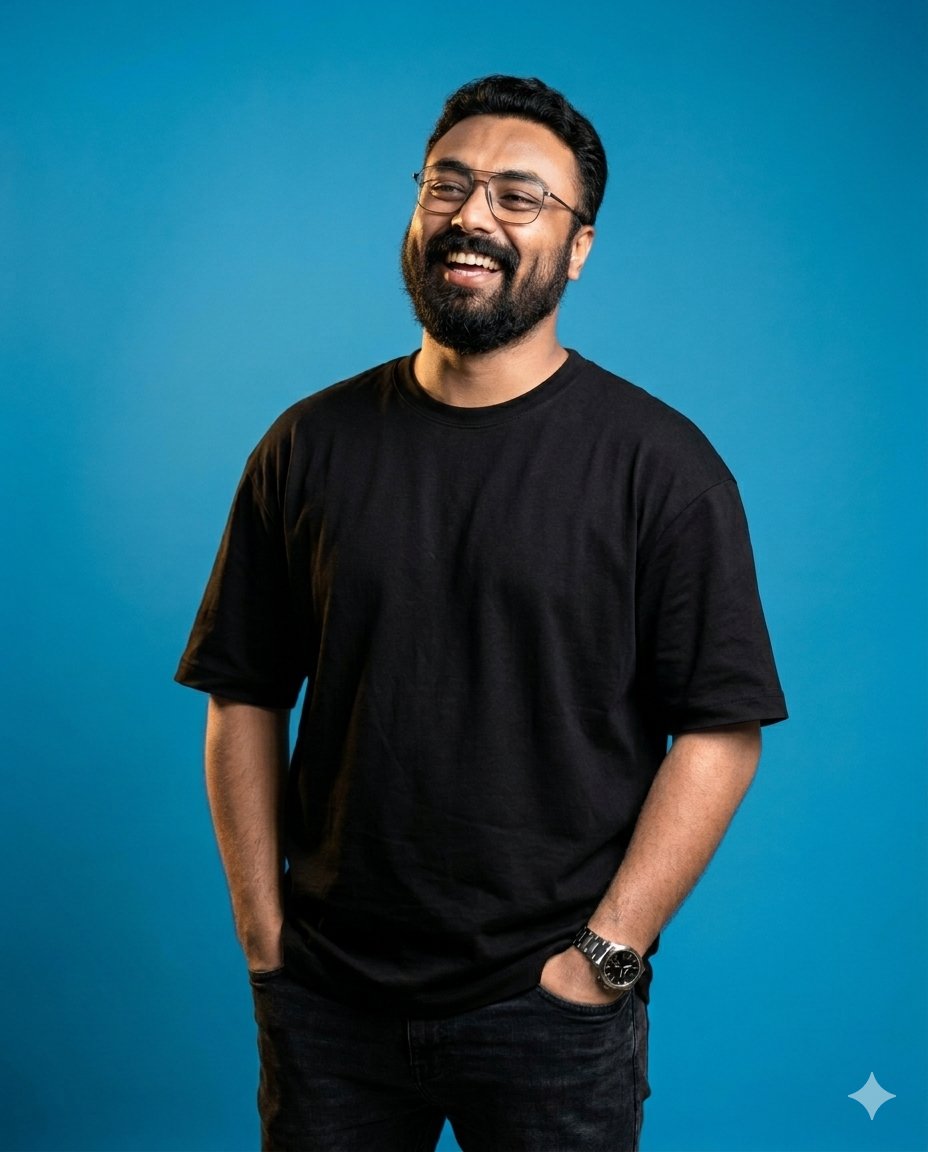
日本語: Product prompts should protect silhouette, material, background, and usable crop before adding campaign mood.
Prompt version
- Ultra-realistic studio product photo of a matte aluminum water bottle, exact cylindrical silhouette, brushed-metal texture, black cap, centered on a warm off-white backdrop, softbox lighting from upper left, subtle grounded shadow, premium ecommerce composition, 4:5 aspect ratio, no text, no watermark.
日本語: Portrait case
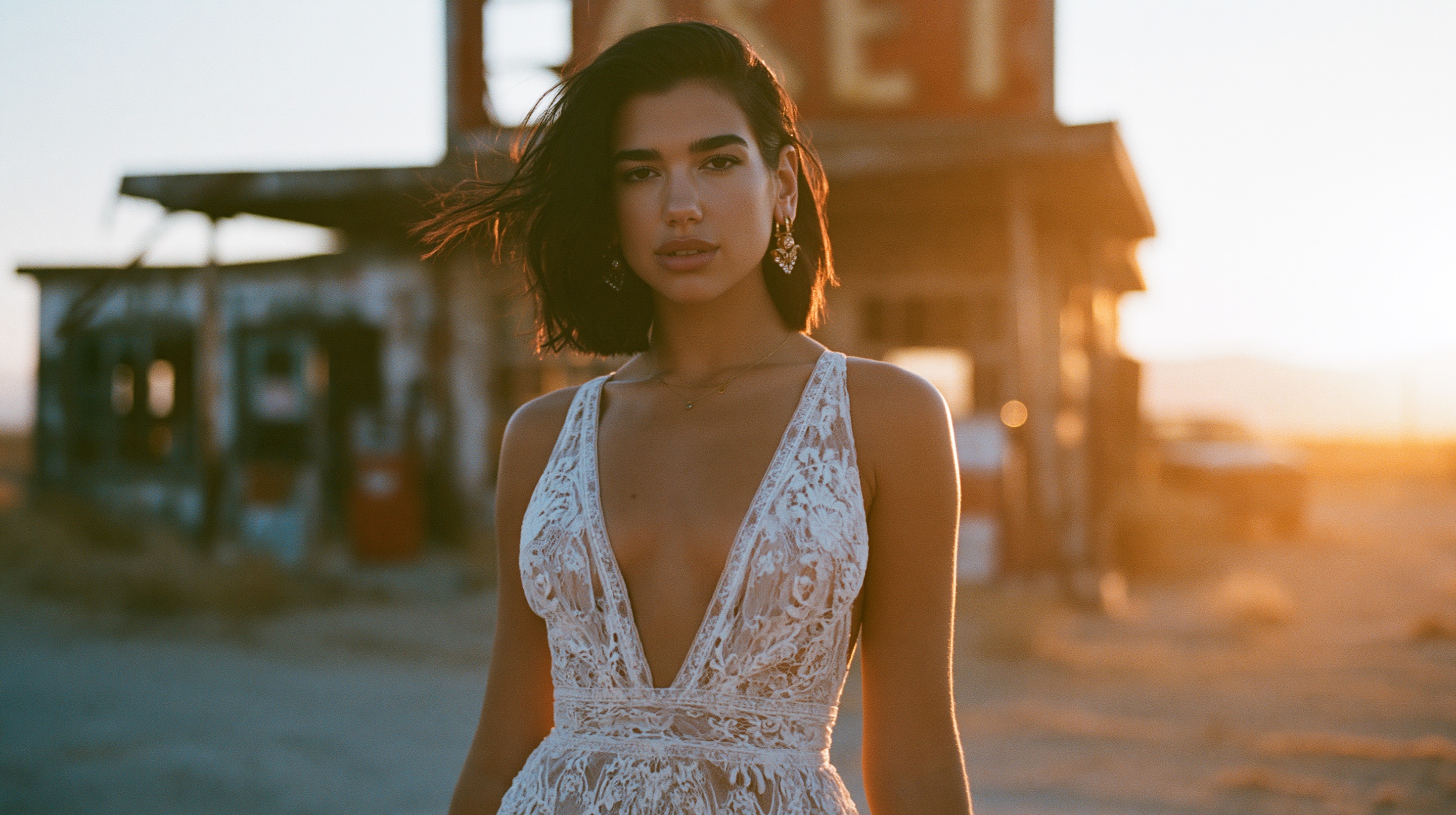
日本語: Portrait prompts become stronger when identity is fixed separately from wardrobe, background, and lighting.
日本語: Scenario matrix
| Goal | Pattern | Reference | Fix first |
|---|---|---|---|
| Product hero | Subject + material + studio frame | Use for exact shape | Silhouette |
| Portrait | Identity + wardrobe + crop | Use for face match | Identity |
| Social poster | Focal point + ratio + safe area | Optional | Negative space |
| UI mockup | Screen hierarchy + device context | Use for layout | Clarity |
日本語: Weak to strong
日本語: A strong prompt replaces vague requests with a concrete subject, channel, crop, lighting, empty-space rule, and no-text constraint.
- 日本語: subject is concrete.
- 日本語: composition is inspectable.
- 日本語: text is reserved for design tools.
- 日本語: the first result can be diagnosed.
日本語: First-result fixes
| Failure | Fix | Avoid |
|---|---|---|
| Wrong identity | Add reference rule | More adjectives |
| Messy frame | Change crop | Changing model first |
| Broken text | Reserve blank area | Exact generated typography |
| Generic look | Add audience and channel | Full rewrite |
日本語: Vogue AI workflow
日本語: In Vogue AI, browse a close prompt-library example, keep the structure, pick GPT Image 2, Nano Banana, or Midjourney by job risk, then save the prompt that solved the task.
- 日本語: GPT Image 2 for control.
- 日本語: Nano Banana for fast variations.
- 日本語: Midjourney for editorial mood.
- 日本語: save successful prompt versions.
FAQ
日本語: What is an AI image prompt?
日本語: It is the instruction that tells an image model what to create and how to constrain the result.
日本語: How long should it be?
日本語: It should be long enough to control subject, frame, style, reference rules, and output constraints.
日本語: Should prompt blocks stay English?
日本語: Yes, for copy-paste reliability; localize the explanation around them.
日本語: When is a reference image needed?
日本語: Use it for identity, product shape, face, package, logo, palette, or UI hierarchy.
日本語: Why are results generic?
日本語: The prompt usually lacks audience, channel, material, composition, or review rules.
日本語: What should change first?
日本語: Fix identity with references, layout with crop, and generic style with audience and channel detail.