画像を特定のアートスタイルに変えるには、元画像をアップロードし、まず何を固定するかを書き、その後で新しい描画スタイルを具体的に指定します。prompt は identity、pose、crop、重要な object を守りつつ、texture、color、lighting を変える必要があります。
要点:subject を保ち、rendering を変える
- identity、pose、product shape、layout を残したい時は reference image から始めます。
- style words の前に preservation sentence を書きます。何を固定し、何を変えてよく、何を出さないかを明確にします。
- anime、watercolor、oil painting、editorial poster、cartoon、cinematic illustration のように style family を指定します。
- linework、paper grain、brushwork、cel shading、film grain、color palette、lighting など material controls を入れます。
- 最初の結果は identity drift、弱い style、over-stylization、messy background、broken generated text で診断します。
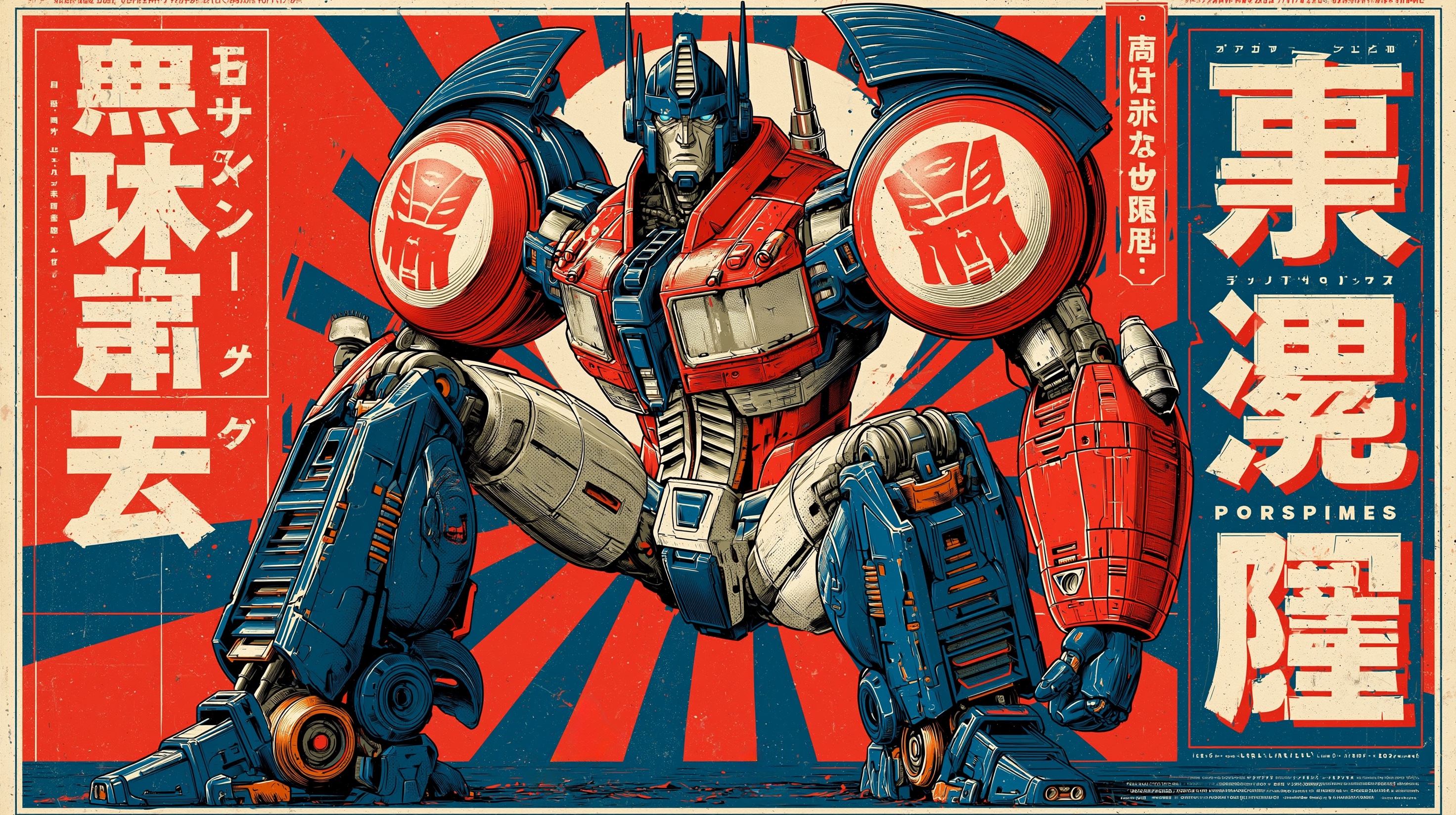
Reference image から style transfer する流れ
順番が重要です。style を先に書いて source を保護しないと、きれいでも元の subject と違う画像になりやすくなります。
| Step | 書く内容 | 理由 |
|---|---|---|
| 1. 画像をアップロード | 元画像を subject または layout reference として使う。 | identity、pose、camera angle、product shape、composition を持っているため。 |
| 2. Preserve rule を書く | Preserve [identity / pose / silhouette / layout / key objects]. | style が本来の仕事を置き換えるのを防ぎます。 |
| 3. Style を命名 | Anime、watercolor、oil painting、cartoon、editorial poster など。 | 明確な style family が方向性を安定させます。 |
| 4. Style controls を追加 | Linework、shading、palette、texture、medium、background、lighting。 | 抽象語より具体的な制約が効きます。 |
| 5. Output rules を追加 | Aspect ratio、no text、no watermark、same crop、clean background、safe area。 | 実際の制作で使える結果にします。 |
この記事の画像設計
- Cover と最初の本文画像:style controls を示す Midjourney style-reference example。
- Template section:anime style example。高頻度の style transfer request に対応します。
- Texture section:watercolor poster example。subject structure が失われるリスクを説明しやすいためです。
- すべて Vogue AI の first-party prompt-library assets で、cover は最初の本文画像と同じです。
よく使う style 用 copyable prompts
1 つの block をコピーし、角括弧の変数だけ置き換えて Vogue AI に貼ります。説明文はローカライズしても、public prompt block は英語のままにします。
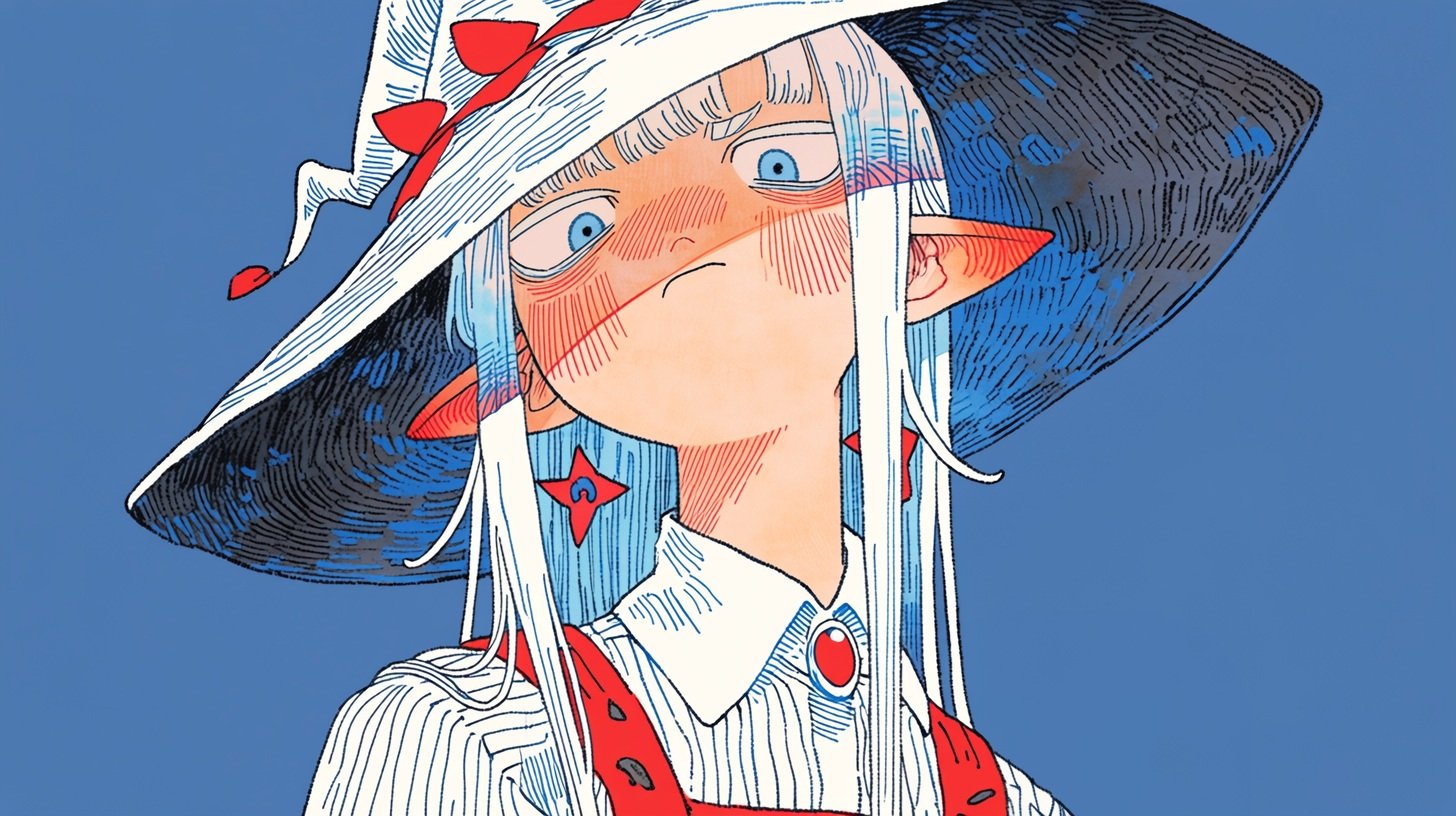
- Anime style transfer: Use my uploaded image as the subject reference. Preserve the main subject identity, pose, camera angle, and key silhouette. Recreate the image in clean Japanese anime style, crisp linework, controlled cel shading, expressive but not exaggerated features, soft cinematic background, same composition, 4:5 aspect ratio, no text, no watermark.
- Watercolor style transfer: Use my uploaded image as the structure reference. Keep the subject, framing, horizon line, and important objects recognizable. Render it as delicate watercolor illustration on textured paper, soft pigment bleed, restrained ink edges, natural light, airy palette, no text, no watermark.
- Oil painting style transfer: Use my uploaded photo as the subject reference. Preserve face identity or product shape exactly, then reinterpret lighting and surface texture as a classic oil painting with visible brushwork, layered warm shadows, museum-quality color depth, stable anatomy, same crop, no text.
- Editorial poster style transfer: Use my uploaded image as the layout reference. Keep the subject placement and negative space, transform the look into a high-fashion editorial poster, bold contrast, refined grain, controlled palette, clean headline-safe area, no generated typography.
- Cartoon style transfer: Use my uploaded image as the subject reference. Preserve the pose, outfit, and main proportions, convert the rendering into a polished cartoon illustration with simple shapes, friendly expression, clean background, limited color palette, no text, no watermark.
Style recipe matrix
| Target style | Source から保つもの | Prompt に足すもの | First result check |
|---|---|---|---|
| Anime | Face identity、pose、outfit、camera angle。 | Clean linework、cel shading、controlled expressions、simple background。 | 顔が generic になったか、pose が変わったか。 |
| Watercolor | Subject outline、horizon line、important props、crop。 | Paper grain、pigment bleed、soft edges、airy palette。 | Details が溶けたか、contrast が弱いか。 |
| Oil painting | Anatomy、product shape、face structure、composition。 | Brushwork、layered color、warm shadows、canvas texture。 | Style が強くても subject が歪んでいないか。 |
| Editorial poster | Subject placement と negative space。 | Bold contrast、refined grain、campaign lighting、text-safe area。 | 実際の typography の余白があるか。 |
| Cartoon | Pose、outfit、proportions、main silhouette。 | Simple shapes、friendly expression、limited palette、clean background。 | 単純化で認識要素が消えていないか。 |
Worked example:写真を watercolor にする
Source image goal
アップロード画像は kitchen counter 上の handmade ceramic coffee dripper の product photo だとします。shape、glaze color、camera crop は固定し、仕上がりは delicate watercolor editorial illustration にします。
Prompt version 1
- Use my uploaded image as the structure reference. Preserve the ceramic coffee dripper shape, glaze color, rim angle, counter placement, camera crop, and main shadow direction. Recreate the scene as a delicate watercolor editorial illustration on textured cold-press paper, soft pigment bleed, restrained ink outlines, warm morning light, airy neutral background, same 4:5 composition, no text, no watermark.
First-result diagnosis
Watercolor look は良いのに dripper shape が変わる場合は、style words を足す前に preservation sentence を強めます。Shape が正しいのに filter 感がある場合は cold-press paper、pigment bleed、dry-brush edges、restrained ink outlines を追加します。
Texture-heavy styles は追加制約が必要
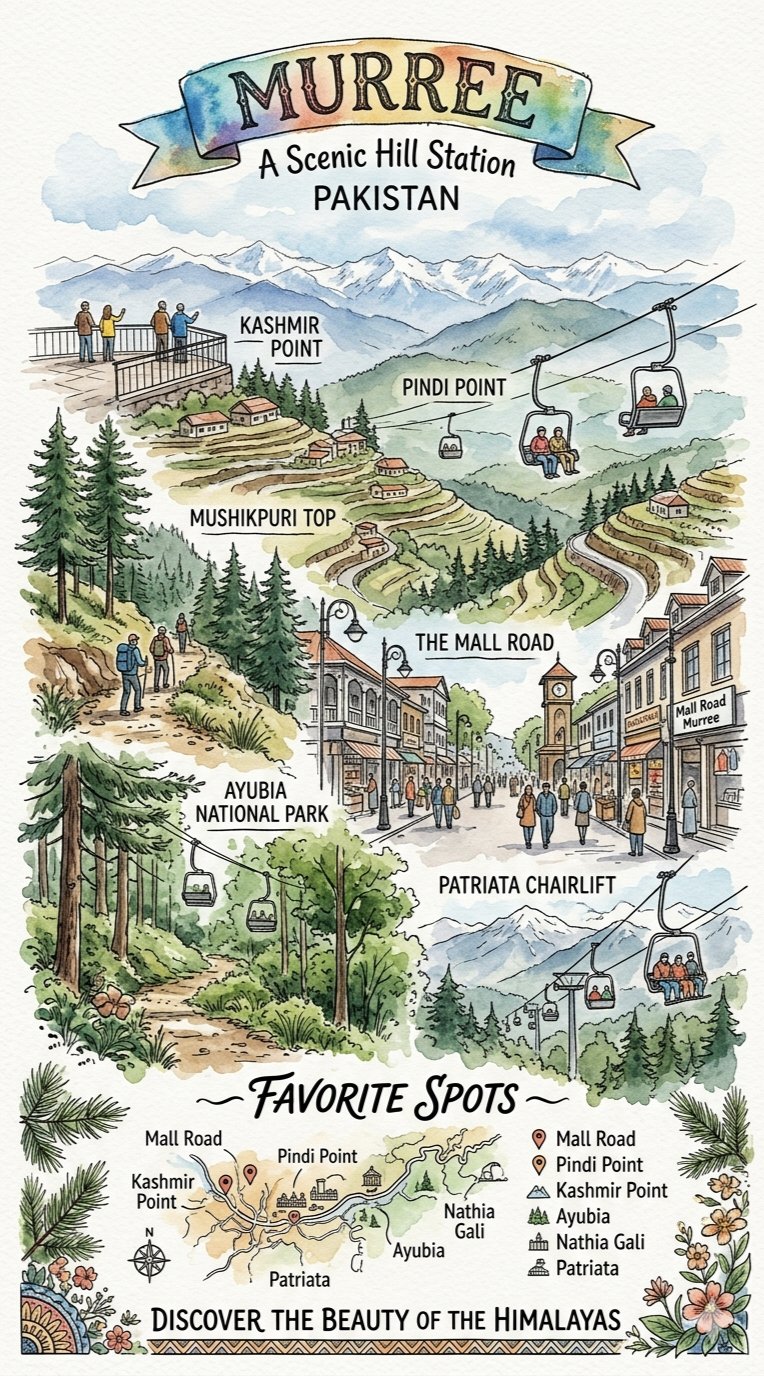
Watercolor、oil painting、crayon、risograph、pencil、paper-cut は material texture を変えるのが得意ですが、identity を飲み込むことがあります。多くの variations を出す前に checklist を入れます。
- Identity:同じ face、product shape、logo placement、object outline が認識できる。
- Composition:crop、camera angle、subject placement が source に近い。
- Style strength:new medium が見えるが generic illustration になっていない。
- Background:random props ではなく style を支えている。
- Production rule:generated text を消すか、後で design する空白を残す。
Vogue AI で使う model
| Goal | GPT Image 2 | Nano Banana | Midjourney |
|---|---|---|---|
| Source を近く保つ | Instruction following と reference-aware edits の第一候補。 | Exact identity がそこまで厳しくない時の高速探索。 | Close reconstruction より style discovery が重要な時。 |
| Style directions を探索 | 同じ skeleton から controlled variants を作る。 | Social や creator-style variations を高速に作る。 | Style-reference exploration と mood boards に強い。 |
| Production asset を作る | Layout、product shape、face fidelity が重要な時。 | Final selection 前の quick drafts。 | Mood target を作ってから refine する時。 |
Failure fixes
| Failure | Fix first | Avoid first |
|---|---|---|
| Identity drift | Reference handoff を明確にし、変えてはいけないものを書く。 | Style adjectives を増やす。 |
| Style が弱い | Linework、brushwork、paper grain、shading、palette を追加。 | Source image をすぐ変える。 |
| Over-stylization | Style intensity を下げ、same crop、same pose、same silhouette を再指定。 | Style family を丸ごと変える。 |
| Messy background | Clean background、fewer props、preserve original layout を指定。 | Cinematic words を増やす。 |
| Broken text/logo | No generated text と clean area を指定。 | Final headline の完全な spelling を頼む。 |
Vogue AI handoff checklist
- ゼロから書く前に一番近い prompt-library example を選びます。
- Source image を upload し、その役割を identity、product shape、pose、layout、palette から決めます。
- 最初の generation では 1 つの block をコピーし、変数だけ置き換えます。
- Subject を保ちつつ target style が明確な最初の version を保存します。
- Variants は style family、texture、palette、lighting、crop のうち 1 つだけ変えて作ります。
FAQ
画像を特定の art style に変えるには?
画像を upload し、固定する部分を書き、target style と controls を追加し、最初の大きな failure を直します。
Reference image は何を制御するべき?
Identity、product shape、pose、layout、palette、key objects など、仕事で重要な部分です。Prompt に直接書きます。
使いやすい styles は?
Anime、watercolor、oil painting、editorial poster、cartoon、risograph、pencil sketch、cinematic illustration、fashion editorial です。
Prompt blocks は英語のまま?
Copyable blocks は英語が適しています。Vogue AI models 間で再利用しやすいからです。
Subject の変化を止めるには?
Preservation rules を style rules より前に置き、identity drift を確認してから style language を足します。
単なる filter に見える時は?
Cel shading、ink linework、paper grain、pigment bleed、brush texture、poster grain など medium details を足します。