ChatGPT への画像アップロードは、analysis、OCR、reverse prompting、そして次に何を生成したいかを明確にする用途で最も役立ちます。本当に価値が出るのは、upload を workflow の最初の一歩として扱うときです。写真を理解し、固定制約を抜き出し、その brief を Vogue AI に渡して実際の image generation と model comparison に進めます。
TL;DR: まず upload、次に structure を聞く
- ChatGPT の image upload は、写真を再生成する前に内容を理解し、分解するために使うと効果的です。
- Upload 後は summary だけでなく、fixed details、variables、negative constraints、prompt-ready structure を求めてください。
- ChatGPT は brief を整える層、Vogue AI は実際に画像を出して比べる層です。
- Identity が重要なら、何を固定するかを明示します。
- 一枚の写真を reusable prompt system に変えるのが理想的な handoff です。
ChatGPT に画像を upload すると何が得られるか
Upload しただけで final visual が自動的に良くなるわけではありません。得られるのは understanding layer です。ChatGPT は重要な details を言語化し、それを Vogue AI に持ち込みやすい clean brief に書き換えてくれます。
- 向いている用途: scene analysis、OCR、captioning、reverse prompting、structured prompt extraction。
- 向いていない期待: ChatGPT だけで image production workspace 全体をまかなうこと。
- より良い次の一手: 写真を reusable prompt brief にしてから実行ツールへ移ること。
Upload 前に確認すること
| 確認項目 | 確認内容 | 理由 |
|---|---|---|
| Image goal | Know whether you want analysis, prompt extraction, editing guidance, or a reference-image handoff. | A clear goal changes the first question you send after the upload. |
| Device and plan | Check whether your current ChatGPT account and device surface expose image upload in the composer. | Many failures come from the wrong surface, not from the image itself. |
| Source quality | Use a clean image where the main subject is visible and the key detail is not hidden. | ChatGPT can describe a messy photo, but the prompt you extract will be weaker. |
| What must stay fixed | Decide which parts are identity-critical: face, packaging, palette, logo placement, or UI structure. | This becomes the reference-image rule for the next tool step. |
Desktop workflow
- まず、現在の ChatGPT surface で image upload が composer に出ていることを確認します。
- 画像を添付したあと、一行で job を伝えます。
- Description だけでなく、structure 全体を求めてください。
- 返答が vague なら、具体的な jobs ごとの version を出させます。
Mobile workflow
- Mobile composer から画像を添付し、preview が正しく出ていることを確認します。
- 最初の質問は短くして、返答を写真に集中させます。
- 後で生成まで進むなら、Vogue AI に貼れる prompt template を出してもらいます。
- Product や face identity が重要なら、変えてはいけない details を明示します。
Upload の直後に聞くべきこと
一番もったいない聞き方は "これを prompt にして" だけで終わることです。再利用できる structure を求めてください。以下の follow-up prompts は、uploaded image を実行可能な brief に変えるためのものです。
- Describe exactly what is happening in this image, including subject, lighting, camera angle, background, and the strongest visual style cues.
- Turn this image into a reusable prompt template with fixed details, variable fields, and a negative-prompt section.
- List what should stay unchanged if I want to regenerate this image in another style or aspect ratio.
- Write three improved prompts: one for a product hero, one for a social poster, and one for a portrait-style campaign image.
- Tell me which parts are better handled later in Vogue AI instead of inside ChatGPT.
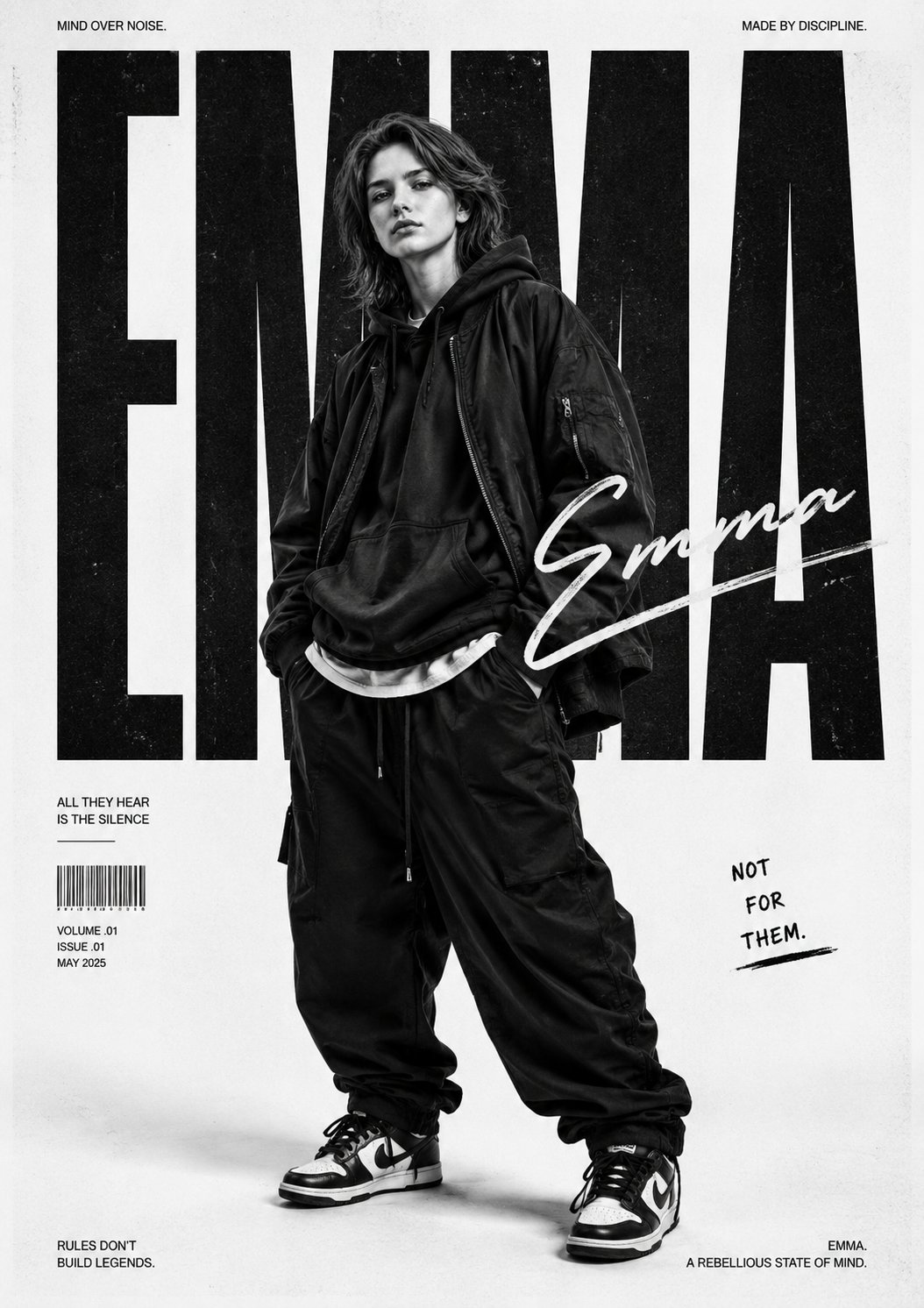
一枚の upload 画像を reusable な Vogue AI brief に変える
| 目的 | ChatGPT に聞くこと | Vogue AI に移るタイミング |
|---|---|---|
| Simple explanation or OCR help | Stay in ChatGPT and ask for a cleaner description, caption, or scene breakdown. | Useful when you only need understanding, not a styled visual output. |
| Reusable image prompt | Ask ChatGPT to separate fixed details, variables, and negative constraints. | That structure turns one upload into a repeatable prompt brief. |
| Styled generation or multi-model comparison | Move the cleaned prompt into Vogue AI and test it in GPT Image 2, Nano Banana, or Midjourney. | Vogue AI is the better execution surface once you need visual output, variants, or prompt-library comparison. |
| Reference-image workflow | Keep the uploaded-image constraints, then tell Vogue AI what can change and what must stay locked. | This is the cleanest path for product truth, face identity, or UI preservation. |
Worked example: product photo を upload して、より良い prompt を抜き出す
最初の依頼
たとえば、マットなアルミボトルの写真を upload し、launch campaign 用の visual にしたいとします。最初の job は "もっときれいにして" ではなく、何を固定すべきかを見つけることです。silhouette、cap color、label zone、premium に見える angle などです。
続けて送る follow-up prompts
- Tell me the product details that must stay fixed if I regenerate this image in another style.
- Convert the image into a clean prompt with subject, composition, lighting, style, output rules, and negative constraints.
- Write one prompt for a product hero, one for a social poster, and one for a 4:5 campaign visual.
- List the variables I can swap without breaking the identity of the original image.
そのあと Vogue AI に持っていくもの
ChatGPT が fixed details と changeable variables を分けたら、その clean brief を Vogue AI に持っていきます。GPT Image 2 で control を取り、Nano Banana で variation を増やし、Midjourney で stylized exploration を行えます。
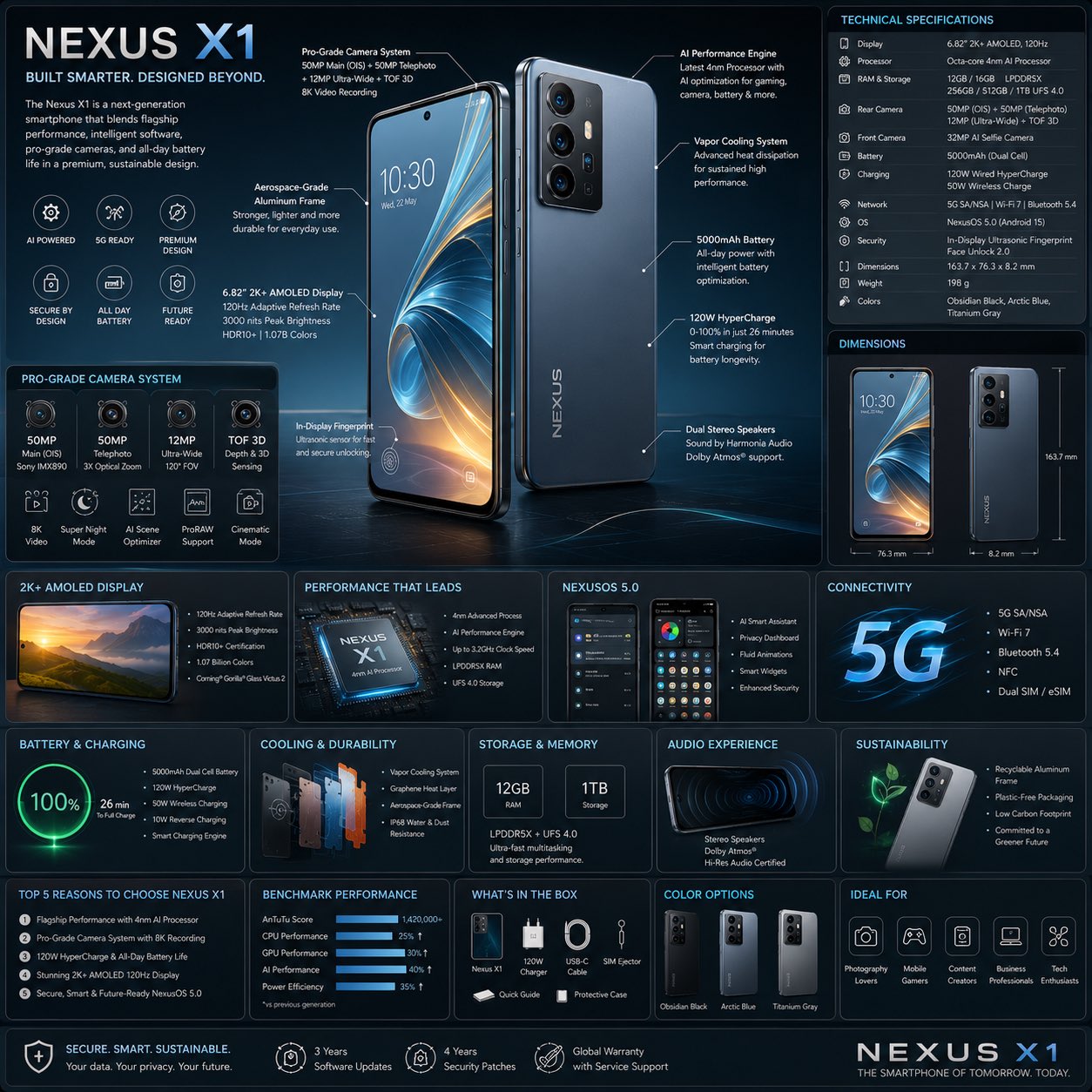
ChatGPT に残るべき時と Vogue AI に移るべき時
- Explanation、OCR、scene breakdown、prompt cleanup が必要な間は ChatGPT に残ります。
- 実際の image output、model comparison、usable variants が必要になったら Vogue AI に移ります。
- Reference image で何を固定すべきか決まっていないなら、まだ ChatGPT 側で整理します。
- Brief が十分に明確になり、aspect ratio や style を試せる段階になったら Vogue AI に移ります。
よくある問題と fix
| 問題 | 先に直すこと | 先にやらないこと |
|---|---|---|
| The upload button is missing | Check the model surface, account plan, and whether your current device composer supports image upload. | Rewriting the prompt before confirming the product surface. |
| ChatGPT only gives a shallow description | Ask for structure: subject, composition, lighting, style cues, fixed details, variables, and negative constraints. | A single vague question like "make this a prompt". |
| The extracted prompt keeps drifting from the original photo | Tell it what must stay fixed and what is allowed to change, then use that as the reference rule in Vogue AI. | Adding more style adjectives before identity is protected. |
| You need multiple visual versions from one upload | Move the cleaned prompt into Vogue AI and compare model outputs there. | Trying to turn ChatGPT into the full execution workspace. |
| The output needs clean marketing composition | Ask ChatGPT for a tighter production brief, then generate in Vogue AI with the correct aspect ratio and model. | Staying inside a conversational answer when the next job is image production. |
FAQ
誰でも ChatGPT に画像を upload できますか?
それは device 上で有効になっている product surface と account plan によります。Upload ボタンがない場合は、まず active surface を確認してください。
Caption を頼むべきですか、それとも prompt を頼むべきですか?
次の step が generation なら structured prompt を頼んでください。理解だけが目的なら caption や explanation で十分です。
Face や product を厳密に保ちたい場合は?
変えてはいけない details を明示し、その rule をそのまま Vogue AI の reference-image step に持ち込みます。
ChatGPT だけで十分なのはどんな時ですか?
Interpretation、extraction、rewrite だけが必要な時です。Repeatable visual outputs が必要な時には足りません。
なぜ upload の後に Vogue AI へ移るのですか?
Vogue AI は execution surface だからです。実際の image models、variants、prompt-library references との接続ができます。
Upload 後の最重要 question は何ですか?
Fixed details、variables、negative constraints を分けてください。そうすれば one-off description ではなく reusable prompt brief が得られます。