画像生成の prompt engineering tips は抽象論ではなく、主体、構図、参考画像の役割、初回修正ルールを持つ制作 brief として機能する必要があります。
TL;DR:制御できる層で書く
- 用途を先に決めます:商品、portrait、poster、UI mockup、concept。
- style より先に subject を書きます。
- crop、距離、余白、背景、ratio を早めに固定します。
- 参考画像は identity、形、包装、色、UI 階層を守るときに使います。
- 最初の結果は失敗タイプで診断します。
この方法が向いている人
一度だけの良い画像ではなく、再現できる visual output が必要なチーム向けです。
- 商品画像、ecommerce、portrait、campaign、UI、social cover に向いています。
- reference が顔、形、包装、色、UI を守る必要がある時に有効です。
- prompt は最終デザインではなく、レビュー可能な first brief として扱います。
実用的な書き方
| 層 | 書く内容 | 役割 |
|---|---|---|
| 用途 | 商品ページ、アバター、SNS ポスター、UI などの asset と channel。 | 用途が crop、密度、後から入れる文字の余白を決めます。 |
| 主体 | 具体的な商品、人物、画面、物体、シーン。 | 主体が明確だと、モデルが違う対象を美しく描く失敗を減らせます。 |
| 階層 | 主役、補助要素、背景、静かに見せる部分。 | 階層は画面を読みやすくし、情報過多を減らします。 |
| スタイル | リアルさ、素材、色、時代感、カメラの雰囲気、光。 | 主体と階層が安定した後にスタイルが効きます。 |
| 参考画像 | アップロード画像が守る部分と、変えてよい部分。 | 役割が曖昧だと顔、包装、UI がずれやすくなります。 |
| 出力条件 | 比率、文字なし、watermark なし、安全余白、レビュー基準。 | 出力条件は prompt を実際の公開面に接続します。 |
用途別の判断表
| 目的 | プロンプトの重点 | 参考画像の役割 | 最初に確認する点 |
|---|---|---|---|
| 商品メイン画像 | 形、素材、角度、光、背景、影、EC 向けの crop。 | 包装、輪郭、logo 位置、色を保ちたい時に使います。 | 輪郭、素材、ラベル、影、余白。 |
| ポートレート | 本人性、表情、服装、背景分離、レンズ、肌質。 | 顔、髪型、ポーズ、年齢感を安定させたい時に使います。 | 目、年齢感、肌、髪、余分な手足。 |
| SNS ポスター | 主体、媒体サイズ、余白、色、キャンペーンの雰囲気。 | ブランド色や既存キャンペーンの連続性に有効です。 | 焦点、タイトル用余白、生成文字、画面の混雑。 |
| UI 展示 | 画面階層、デバイス角度、机、反射、SaaS らしい見せ方。 | 実際の画面や商品構造を元画像に近づけたい時に使います。 | 読みやすさ、デバイス変形、反射、crop。 |
コピーできる prompt 例
公開 prompt ブロックは Vogue AI などに貼り付けやすいよう英語のままです。制御は単語量ではなく構造から生まれます。
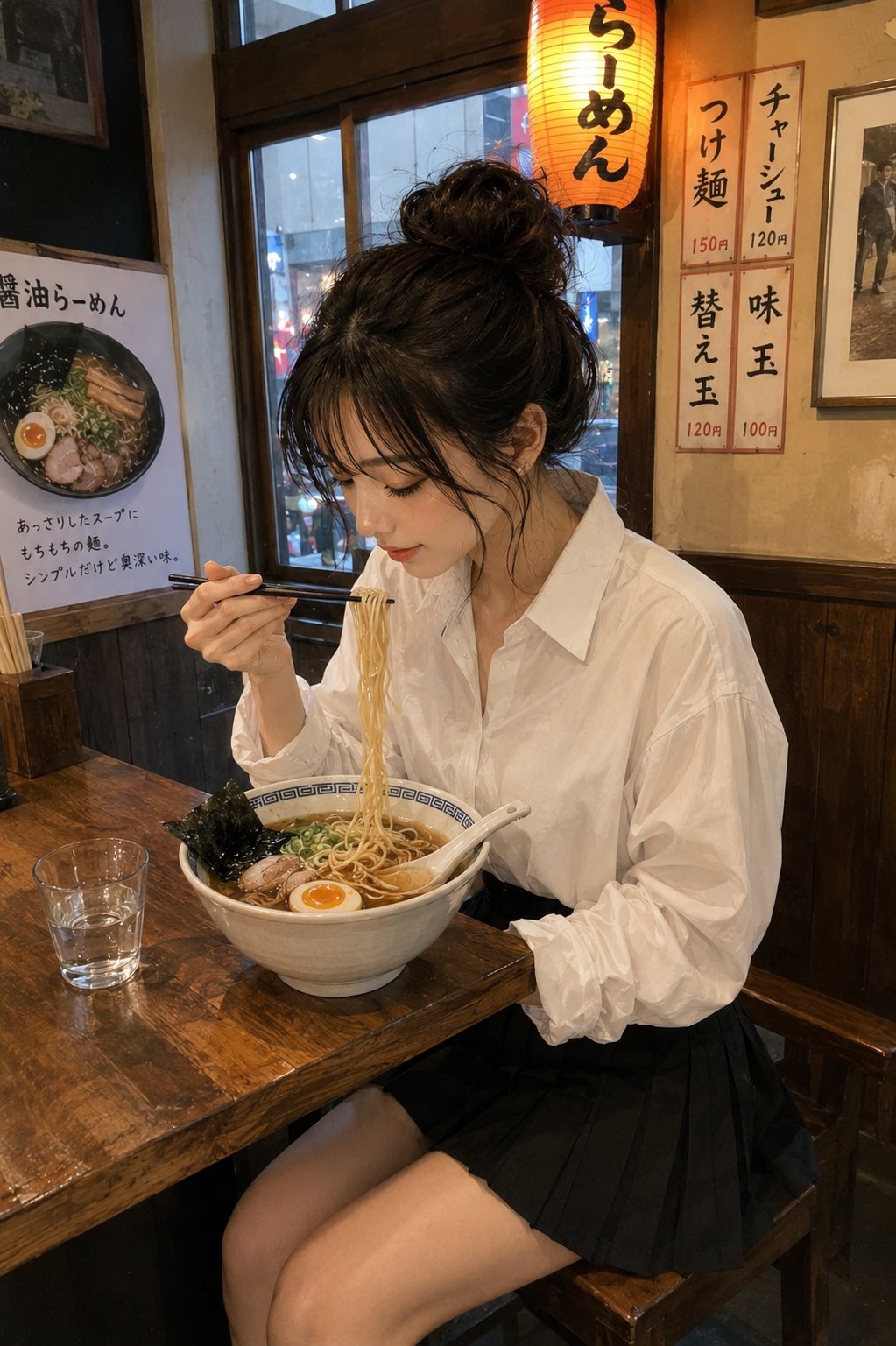
- Product hero: Ultra-realistic studio product photo of [product], centered on a clean [background color] stage, crisp material detail, softbox lighting from upper left, subtle grounded shadow, premium ecommerce composition, 4:5 aspect ratio, no text, no watermark.
- Reference portrait: Use my uploaded image as the face reference. Preserve [face identity / hairstyle / expression], change the wardrobe to [style], clean editorial lighting, natural skin texture, sharp eyes, 3:4 crop, no extra hands, no text.
- Social campaign visual: High-impact campaign image for [topic], main subject [subject], bold negative space for a future headline, [brand color palette], cinematic rim light, modern fashion editorial framing, 9:16 vertical, no generated text.
- UI showcase: Premium product marketing image showing [app or website] on a modern device, readable interface hierarchy, clean desk surface, restrained reflections, soft ambient light, 16:9 aspect ratio, no fake buttons, no text overlays.
弱い prompt の書き換え
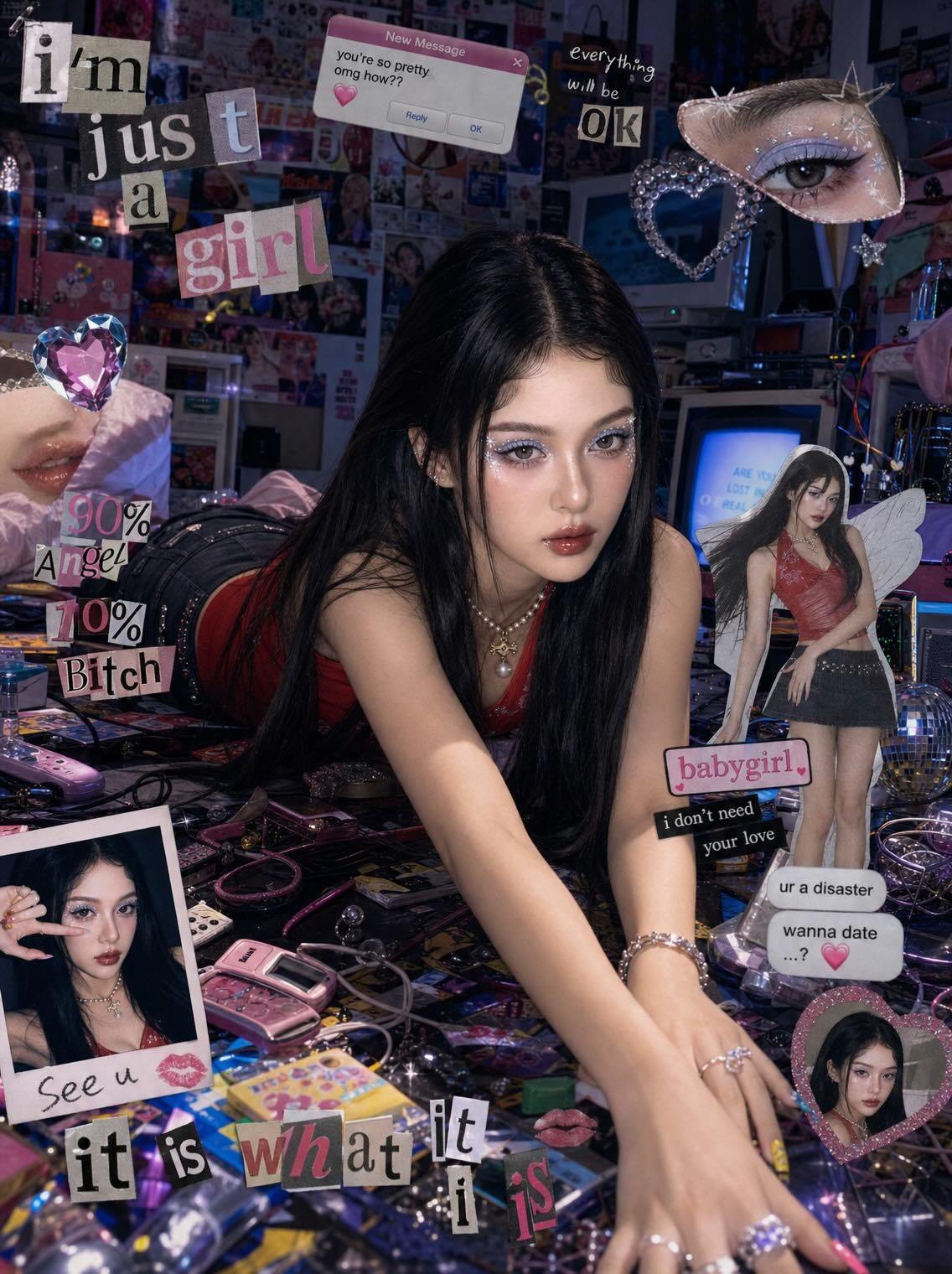
弱い例:Make a cool product photo。強い例:素材、角度、背景、光、余白、4:5、no generated text を指定します。
再利用できる 2 つの case
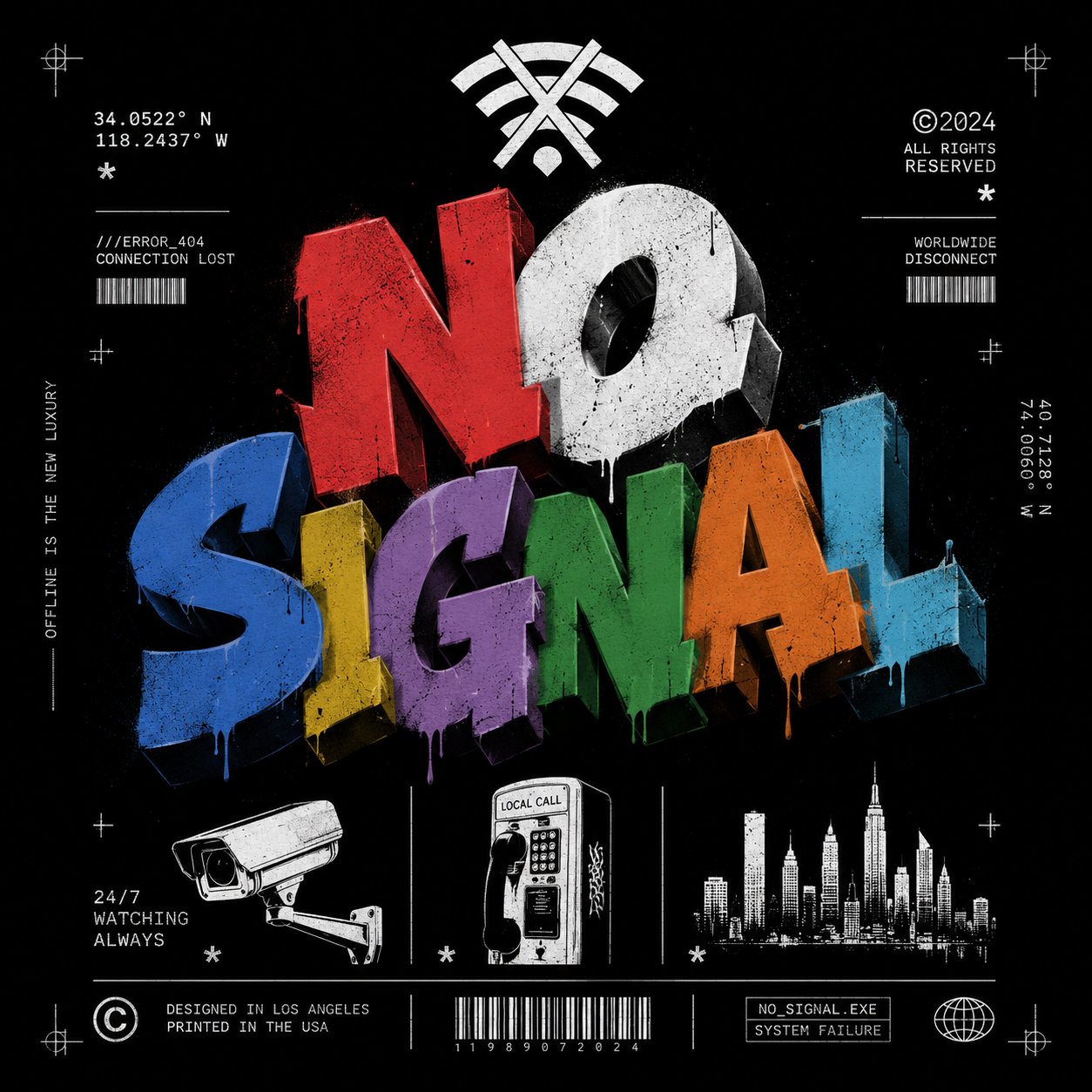
- 商品 case:mood より先に material、container、shadow、crop を確認します。
- Poster case:style より先に subject、余白、title-safe area を確認します。
- generic な時は全文を書き直す前に channel、material、context を足します。
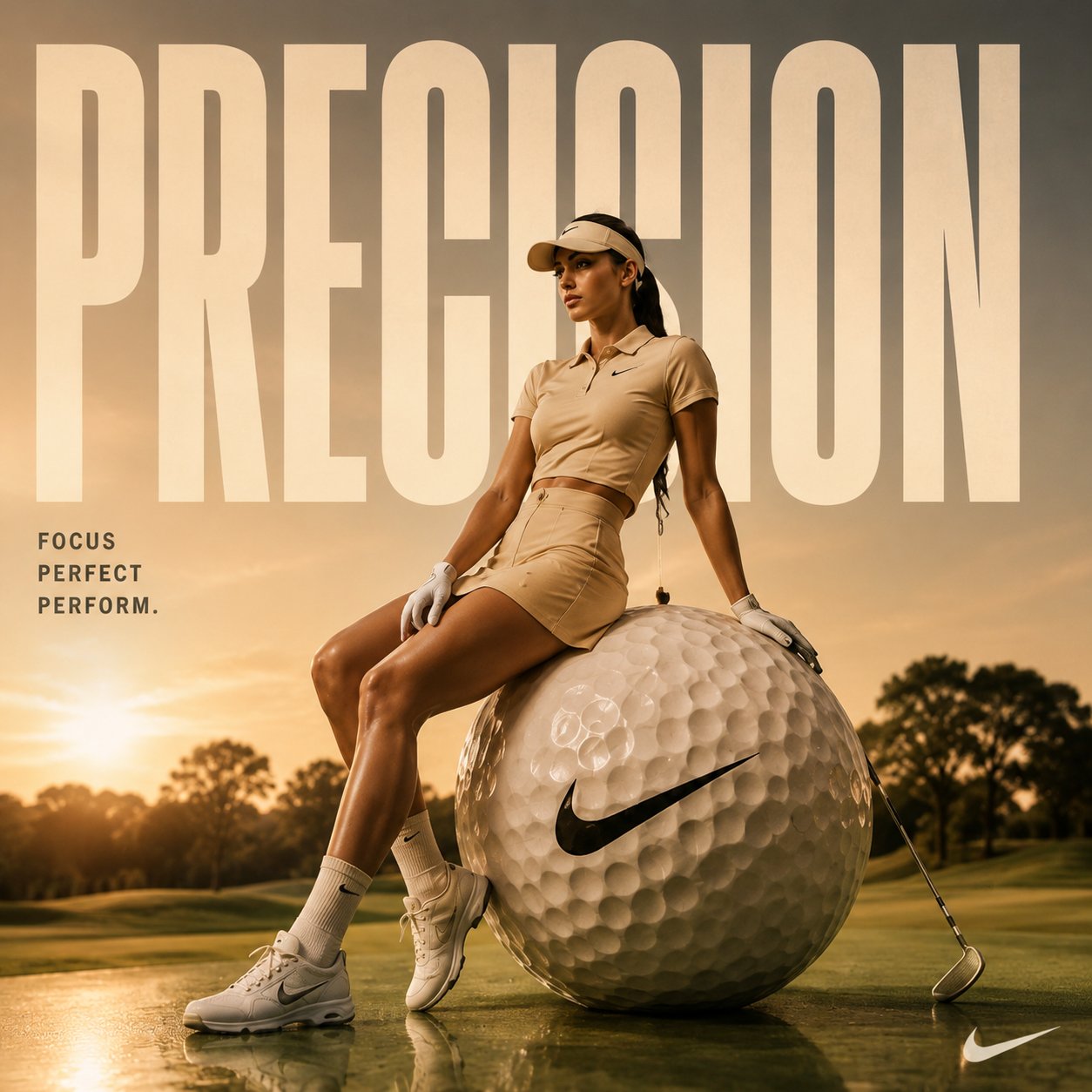
Vogue AI での進め方
- 制御と fidelity は GPT Image 2。
- 速い variation は Nano Banana。
- fashion mood は Midjourney。
- モデルを変えても同じ skeleton を保ちます。
- 解決した版を変数つきで保存します。
失敗診断
| 失敗タイプ | 先に直す点 | 避けること |
|---|---|---|
| 主体や本人性が違う | 主体説明か参考画像の役割を強めます。 | スタイル形容詞を足し続ける。 |
| 雰囲気が generic | 読者、媒体、素材、光、色を足します。 | brief を直す前に全文を書き直す。 |
| 構図が散らかる | 比率、距離、余白、背景、焦点を指定します。 | layout を直さずモデルを変える。 |
| 文字や logo が崩れる | 生成文字を消し、後で入れる余白を残します。 | 画像内に最終テキストを直接生成させる。 |
| 良い結果が編集でずれる | 成功版を複製し、変数を 1 つだけ変えます。 | 多数の変更を一度に重ねる。 |
最初の結果の後に変えるもの
好き嫌いではなく task と比較します。subject、layout、style の失敗はそれぞれ直す場所が違います。
- subject や identity が違う:subject または reference handoff を強めます。
- style が generic:audience、channel、material、palette を足します。
- composition が混乱:ratio、crop、余白、background を直します。
- text や logo が崩れる:生成せず、後で追加できる余白を残します。
FAQ
一番大事な tip は?
style より先に用途と subject を書くことです。何を直すべきか判断しやすくなります。
長いほど良い?
いいえ。実際の失敗を制御する detail、reference、crop、output rule だけが役立ちます。
参考画像はいつ使う?
顔、商品形状、包装、UI、logo 位置、色を保ちたいときです。
悪い結果をどう直す?
失敗タイプを名付けて、1 つの制御点だけ直します。
最終 text も生成する?
通常は不要です。headline、価格、logo、legal copy は後で入れる方が安定します。
良い prompt を再利用するには?
解決した版を保存し、変数と reference の役割を示して次の仕事に複製します。