Social media image prompt は、各チャネルですぐ使える短いクリエイティブ brief として書くのが最も有効です。掲載先、比率、主題の階層、ブランド制御、参考画像の必要性、後から文字を置くための余白を明確にします。
TL;DR:スタイルの前に投稿設計を作る
- まず掲載先を決めます。1:1 feed、4:5 portrait feed、9:16 story、carousel cover、paid social concept、campaign teaser などです。
- ムード語の前に主題階層を固定します。主役は何か、どの大きさで、どこに置き、何を最初に読ませるかを決めます。
- タイポグラフィ実験でない限り、生成画像に最終テキストを書かせず、見出し、ロゴ、価格、注記のための余白を残します。
- 商品形状、顔、衣装、パッケージ、配色、UI が認識可能である必要がある場合は参考画像を使います。
- 初回結果はチャネルの失敗で見ます。crop、安全領域、焦点、identity drift、 clutter、文字スペースです。
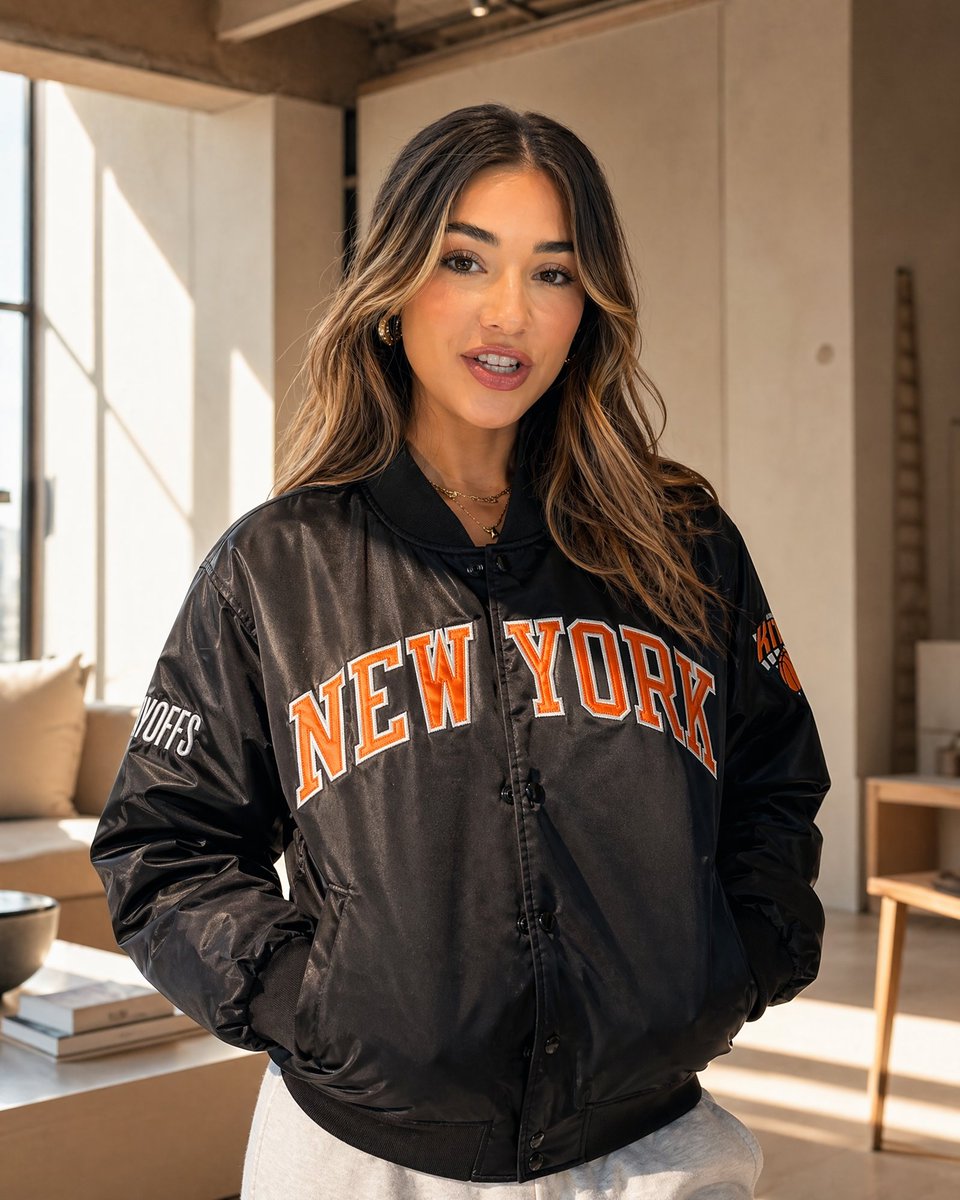
Social media image prompts のシナリオ表
| ソーシャル用途 | Prompt パターン | 向いているモデル | 最初に確認する失敗 |
|---|---|---|---|
| 商品 Feed 投稿 | 商品、正方形、スタジオまたは lifestyle、素材感、ブランドカラー背景。 | 商品制御と指示遵守が重要な場合は GPT Image 2。 | シルエット違い、パッケージ歪み、背景が商品より目立つ。 |
| Story ローンチ画像 | 9:16、主題配置、safe area、lifestyle 感、生成文字なし。 | Nano Banana は縦型や creator-style の高速探索に向きます。 | 主題が中央すぎる、見出し余白がない、sticker 周辺が混雑。 |
| クリエイター肖像 | 人物、衣装、表情、editorial/daylight 光、4:5 crop、identity rule。 | identity が重要なら GPT Image 2 + reference、 mood-first なら Midjourney。 | 顔の変化、人工的な肌、指の崩れ、crop が狭すぎる。 |
| キャンペーン予告 | 強い主題、poster composition、高コントラスト、後から文字を置く余白。 | スタイライズされた poster route は Midjourney、厳密制御は GPT Image 2。 | 意味不明な文字、弱い焦点、design copy の余白不足。 |
| カルーセル表紙 | 一つの視覚メタファー、中央構図、抑えた配色、教育またはブランド文脈。 | 制御された階層と再利用テンプレートには GPT Image 2。 | 物が多すぎる、小さな疑似文字、テーマが曖昧。 |
コピーして使える social media image prompts
ブロックをコピーし、角括弧の変数を置き換え、初回生成では output rule を残します。Prompt block は画像ツールに直接貼るため英語のままにします。
- Instagram product post: Square social media image for [product], centered hero subject, clean brand-color background, crisp material detail, soft commercial lighting, subtle shadow, generous empty space for caption overlay, 1:1 aspect ratio, no generated text, no watermark.
- Vertical story launch: Ultra-photorealistic 9:16 Instagram Story visual for [offer or launch], main subject in the lower third, bright lifestyle lighting, clear swipe-safe negative space at top, energetic creator-brand mood, no readable text, no logo distortion.
- Creator portrait post: Editorial social media portrait of [person or persona] wearing [wardrobe], confident natural pose, sunlit streetwear campaign style, sharp eyes, authentic skin texture, 4:5 feed crop, background separated but not blurred into mush, no text.
- Campaign teaser poster: High-contrast social campaign image for [topic], bold focal subject, graphic color blocking, clean space for a future headline, modern poster composition, 9:16 crop, keep all text areas empty for later design.
- Carousel cover image: Polished educational carousel cover for [theme], one clear visual metaphor, tidy desktop or studio setting, restrained brand palette, strong central composition, 4:5 aspect ratio, no small text, no UI clutter.
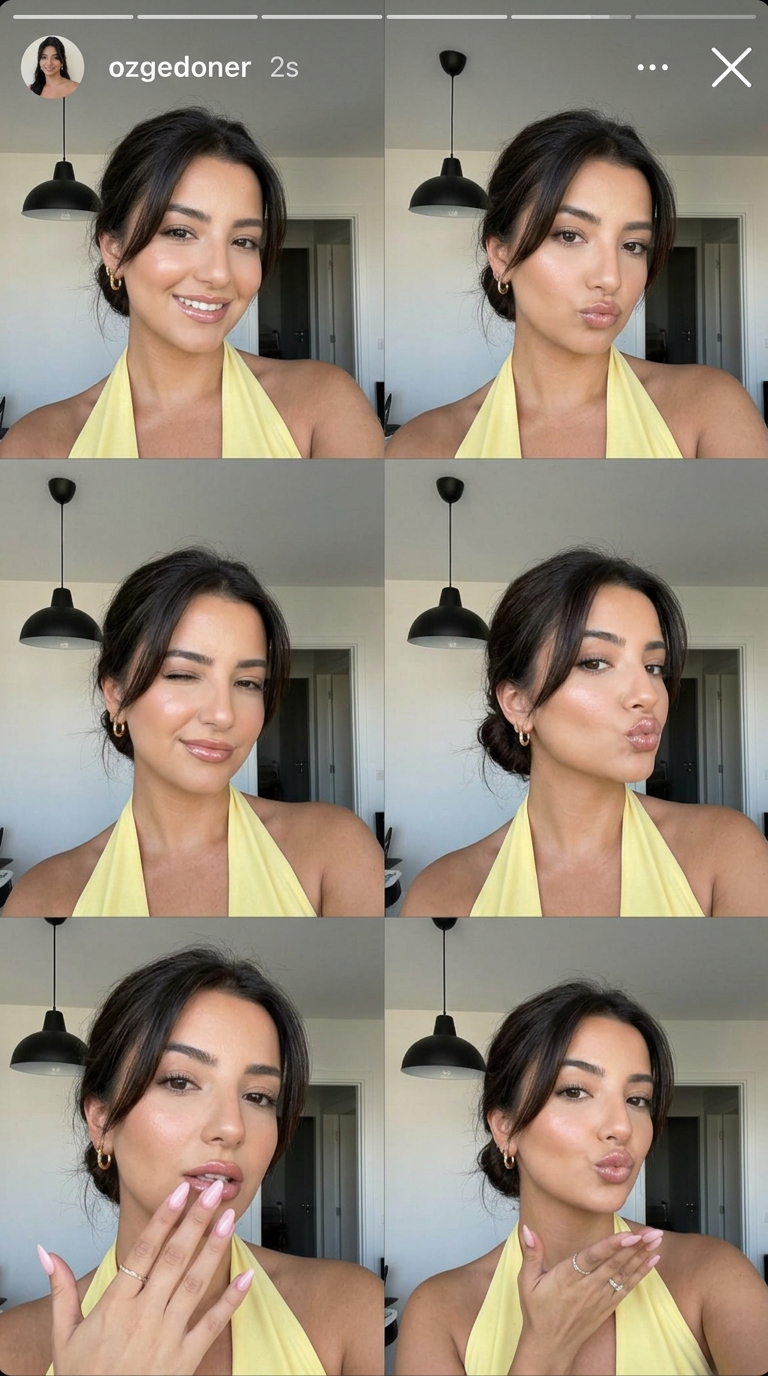
使えるソーシャル画像にする prompt 構造
| Prompt 部分 | 指定すること | ソーシャルで重要な理由 |
|---|---|---|
| チャネル | Feed、story、reel cover、carousel、ad teaser、profile post、Pinterest-style pin。 | チャネルが crop、密度、preview、必要な余白を決めます。 |
| 主題 | 商品、人物、offer、scene、visual metaphor、reference image。 | 主題が弱いと、きれいでも投稿テーマが伝わりません。 |
| 階層 | 主題サイズ、位置、背景分離、焦点コントラスト。 | ユーザーは素早く見るため、最初に読む場所が必要です。 |
| ブランド制御 | 配色、素材、衣装、光、セット、reference handoff。 | 投稿セット全体を一貫したブランド資産にします。 |
| 文字方針 | No generated text、clean headline area、lower-third、または typography experiment。 | 最終タイポグラフィは design tool で作る方が安定します。 |
| レビュー規則 | 生成後に最初に確認する失敗点。 | 好みだけで prompt 全体を書き直すのを防ぎます。 |
制作フロー:prompt library から投稿ドラフトへ
最速の social workflow はゼロから書くことではありません。似た投稿課題をすでに解いている prompt-library image を選び、subject、reference、channel rules を差し替えます。
- 近い視覚ファミリーを選びます。product ad、creator portrait、story frame、poster、carousel cover、brand mood image などです。
- 正確な題材ではなく構造をコピーします。crop、hierarchy、lighting、text policy を残し、商品、人物、offer、campaign topic を替えます。
- identity や商品精度が重要なら reference を追加し、何を固定するかを書きます。
- 一つの制御された first draft を生成し、最大の channel failure だけを直します。
- 解決した prompt を story-launch-9x16-safe-top のような再利用ラベルで保存します。
実例:ローンチ投稿から再利用 prompt へ
元の brief
軽量 streetwear jacket のローンチ画像が必要です。Instagram feed 4:5 と paid social concept の両方で使います。ジャケットのシルエット、色、モデルのポーズが重要で、見出しは後から追加します。
Prompt バージョン 1
- Editorial social media image for a lightweight streetwear jacket, model walking through a sunlit city street, jacket silhouette clearly visible, relaxed confident pose, warm natural light, crisp fabric texture, modern creator campaign mood, 4:5 Instagram feed crop, clean upper-left negative space for future headline, no generated text, no watermark.
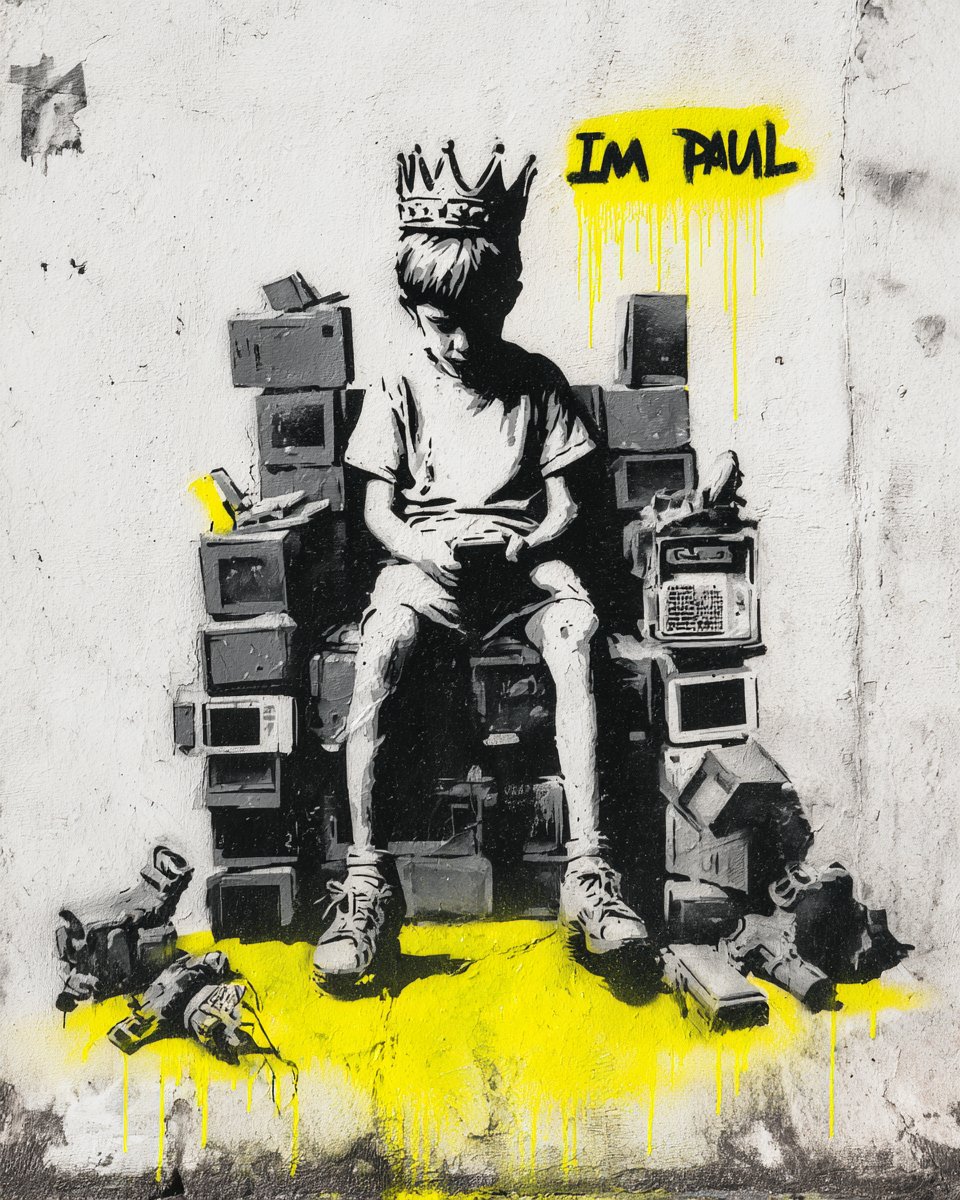
初回結果の診断
ジャケットは正しいが見出し余白がない場合、subject sentence は残し、crop、placement、negative space を変えます。ポーズは良いが形が変わる場合、reference image を追加し、silhouette、color、zipper、closure details を固定します。
よくある失敗と修正
| 失敗 | 先に直すこと | 避けること |
|---|---|---|
| 画像はきれいだが投稿に使えない | crop、safe area、destination、preview behavior を追加。 | ムード形容詞を増やす。 |
| 見出し、価格、ロゴの余白がない | 上、横、下に clean area を確保。 | モデルに最終テキストを書かせる。 |
| 商品や顔が変わる | reference を追加し、固定する要素を書く。 | 全体の style direction を変える。 |
| 投稿が generic に見える | audience、campaign moment、brand palette、material cues、usage context を追加。 | 広すぎる viral social media post から始める。 |
| carousel cover が混雑する | 一つの metaphor と一つの focal object に減らす。 | アイコン、ラベル、小文字を増やす。 |
Vogue AI での social prompt workflow
Vogue AI では、近い prompt-library example から始め、workspace で構造を調整します。指示制御は GPT Image 2、縦型/social variation は Nano Banana、スタイル化された campaign concept は Midjourney が向いています。
- Product posts では、背景を変える前に商品形状と packaging を守ります。
- Portraits では、identity、hair、wardrobe、pose continuity が重要なら reference を使います。
- Stories では、生成前に safe area を決めます。
- Carousel covers では、prompt から small text を外し、typography は後工程で追加します。
- Campaign teasers では、literal product route と graphic hook route を作り、thumbnail clarity を比較します。
FAQ
良い social media image prompt とは何ですか?
Platform format、subject、hierarchy、brand controls、safe area、reference rule、output rule を明確にし、ただ美しい画像ではなく使える first draft を作れる prompt です。
生成画像に文字を入れるべきですか?
通常は入れません。headline、price、logo、disclaimer の余白を残し、最終文字は design tool で追加します。
どの aspect ratio を指定しますか?
Square feed は 1:1、portrait feed は 4:5、stories と reel covers は 9:16、Pinterest-style pin は 2:3 または 4:5 が向いています。
いつ reference image が必要ですか?
Product silhouette、packaging、face、wardrobe、UI layout、color palette、campaign style consistency が必要なときです。
何個の prompt version を試すべきですか?
一つの structured prompt から始め、最大の channel failure を診断し、targeted revision を一回ずつ行う方が有効です。
同じ prompt は Instagram、TikTok、Pinterest、広告に使えますか?
Subject と brand controls は残せますが、crop、safe area、density、text policy、preview behavior は placement ごとに変える必要があります。