このガイドは、Vogue AI が受け止められる内容に修正しています。自分の写真を reference image としてアップロードし、本人らしさを保ったままプロフィール写真、服、背景、光、editorial な雰囲気を変えるための prompt です。
TL;DR:本人らしさを先に固定し、スタイルは後で変える
- まず顔がはっきり見える写真をアップロードします。光はシンプルで、強いフィルターは避けます。
- reference image が何を守るかを明記します:顔、年齢感、表情、髪型、ポーズ、体の輪郭。
- 守る要素と変える要素を分けます:服、背景、crop、光、雰囲気だけを変える。
- prompt block は英語のままにして、Vogue AI にそのまま貼れるようにします。
- 最初の結果で顔が変わったら、style を増やす前に preserve sentence を強めます。
このテーマが Vogue AI に合う理由
ここで扱うのは外部 assistant ではなく、Vogue AI の reference image、構造化 prompt、GPT Image 2 / Nano Banana / Midjourney の比較です。
| 目的 | Vogue AI への渡し方 | 向いている model | 最初の確認 |
|---|---|---|---|
| プロフィール写真 | reference が顔、年齢感、髪、表情を守る。 | 写実コントロールは GPT Image 2。 | 同じ人に見えるか。 |
| 服を変える | reference が体の輪郭、ポーズ、顔、カメラ角度を守る。 | 高速な variation は Nano Banana、厳密な編集は GPT Image 2。 | 服だけが変わったか。 |
| 背景を変える | reference が人物と光の方向を守る。 | きれいな背景差し替えは GPT Image 2。 | 影とエッジが自然か。 |
| editorial portrait | reference が identity を守り、prompt が雰囲気を変える。 | 強い style は Midjourney、realism は GPT Image 2。 | 顔を変えずに style が強くなったか。 |
画像プラン
| 役割 | セクション | 自社ソース | 理由 |
|---|---|---|---|
| Hero | identity を守る個人写真フロー | Nano Banana の例 | 装飾より本人らしさが重要な realistic transformation を示す。 |
| Case | editorial portrait prompt | GPT Image 2 の例 | 一人の主体を中心に controlled styling を示す。 |
| Case | travel / candid prompt | Midjourney の例 | Vogue AI の model comparison 角度を支える。 |
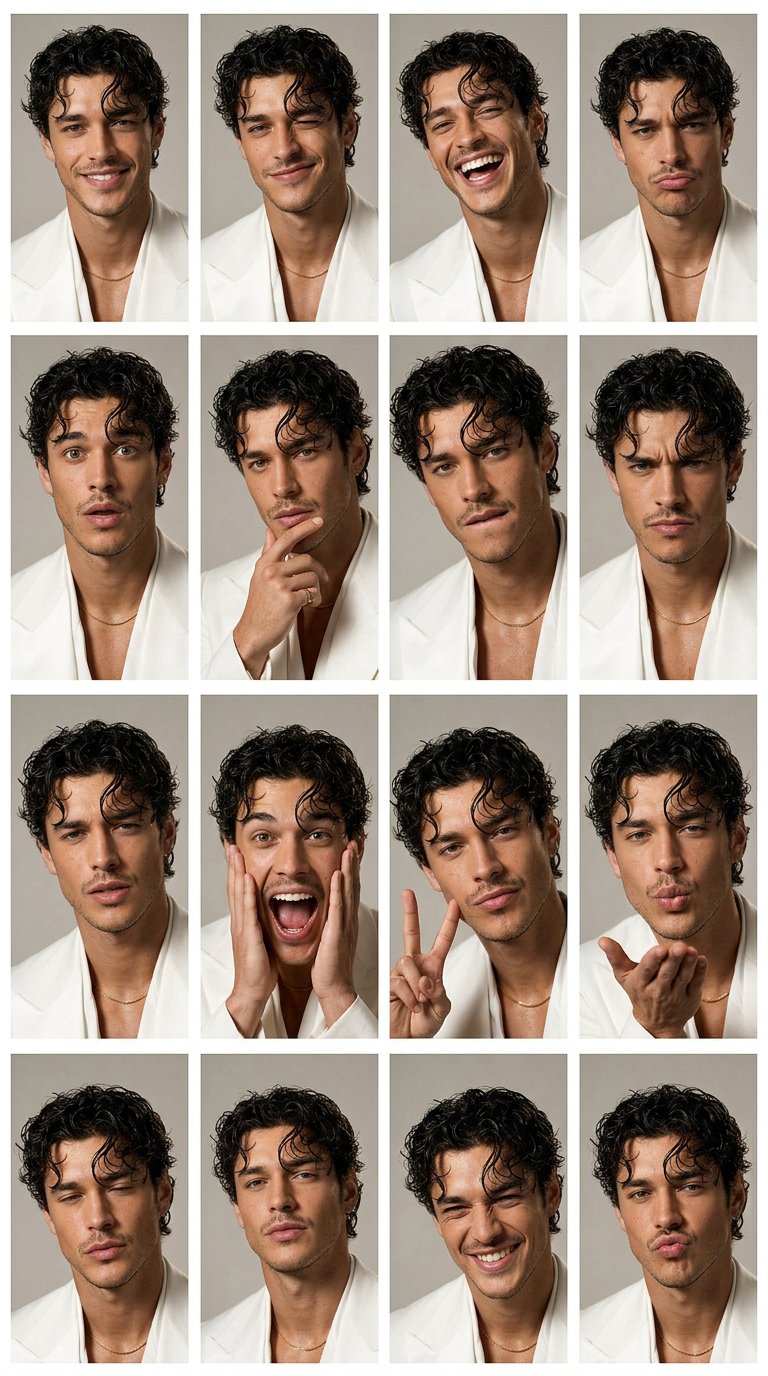
自分の写真向け prompt 公式
| 部分 | 書くこと | 例 |
|---|---|---|
| Reference role | アップロード画像が何を制御するかを書く。 | Use my uploaded photo as the identity reference. |
| Preserve list | 固定する特徴を先に列挙する。 | Preserve face shape, age, hairline, skin tone, expression, and pose. |
| Allowed edits | この回で変えてよいものを制限する。 | Change only outfit, background, lighting, and crop. |
| Style direction | 視覚方向を一つに絞る。 | Clean professional headshot with soft daylight and neutral background. |
| Output rule | 比率、realism、cleanup を書く。 | 4:5 crop, realistic skin texture, no text, no watermark. |
| Review rule | 最初に直す失敗を決める。 | If identity drifts, strengthen the preserve list before changing style. |
Vogue AI で使えるコピー用 prompt
1 つ選び、角括弧の変数だけ置き換えます。初回は identity sentence を変えずに使います。
- Profile refresh: Use my uploaded photo as the identity reference. Preserve my face shape, age, skin tone, hairline, expression, and natural facial details. Create a clean professional profile photo with soft daylight, a simple neutral background, sharp eyes, realistic skin texture, 4:5 crop, no text, no watermark.
- Outfit change: Use my uploaded photo as the person reference. Keep my face, body proportions, pose, and camera angle recognizable. Change only the outfit to [outfit]. Use natural fashion editorial lighting, realistic fabric texture, clean background separation, no extra accessories unless specified.
- Background swap: Use my uploaded photo as the source. Keep the person unchanged. Replace only the background with [background], preserving face identity, hair outline, body edge, lighting direction, and believable shadows. Do not alter age, expression, or facial structure.
- Editorial portrait: Use my uploaded photo as the face reference. Preserve identity and natural skin texture while changing styling to [mood or wardrobe]. Create a Vogue-style editorial portrait with controlled shadows, premium lighting, confident expression, no face reshaping, no text.
- Travel portrait: Use my uploaded photo as the identity reference. Keep me recognizable while placing me in [destination or setting]. Use golden-hour natural light, relaxed candid travel composition, realistic lens depth, clean background separation, no text, no watermark.
ケース 1:本人らしいプロフィール写真
プロフィール写真では顔の drift が最大のリスクです。最初は identity、表情、肌、光、背景、crop を保守的に指定します。
- Prompt: Use my uploaded photo as the identity reference. Preserve face identity, facial proportions, hair, age, expression, and body outline. Improve lighting, background, wardrobe, and crop only. Keep the result realistic, recognizable, and suitable for a profile image.
ケース 2:顔を保つ editorial restyle
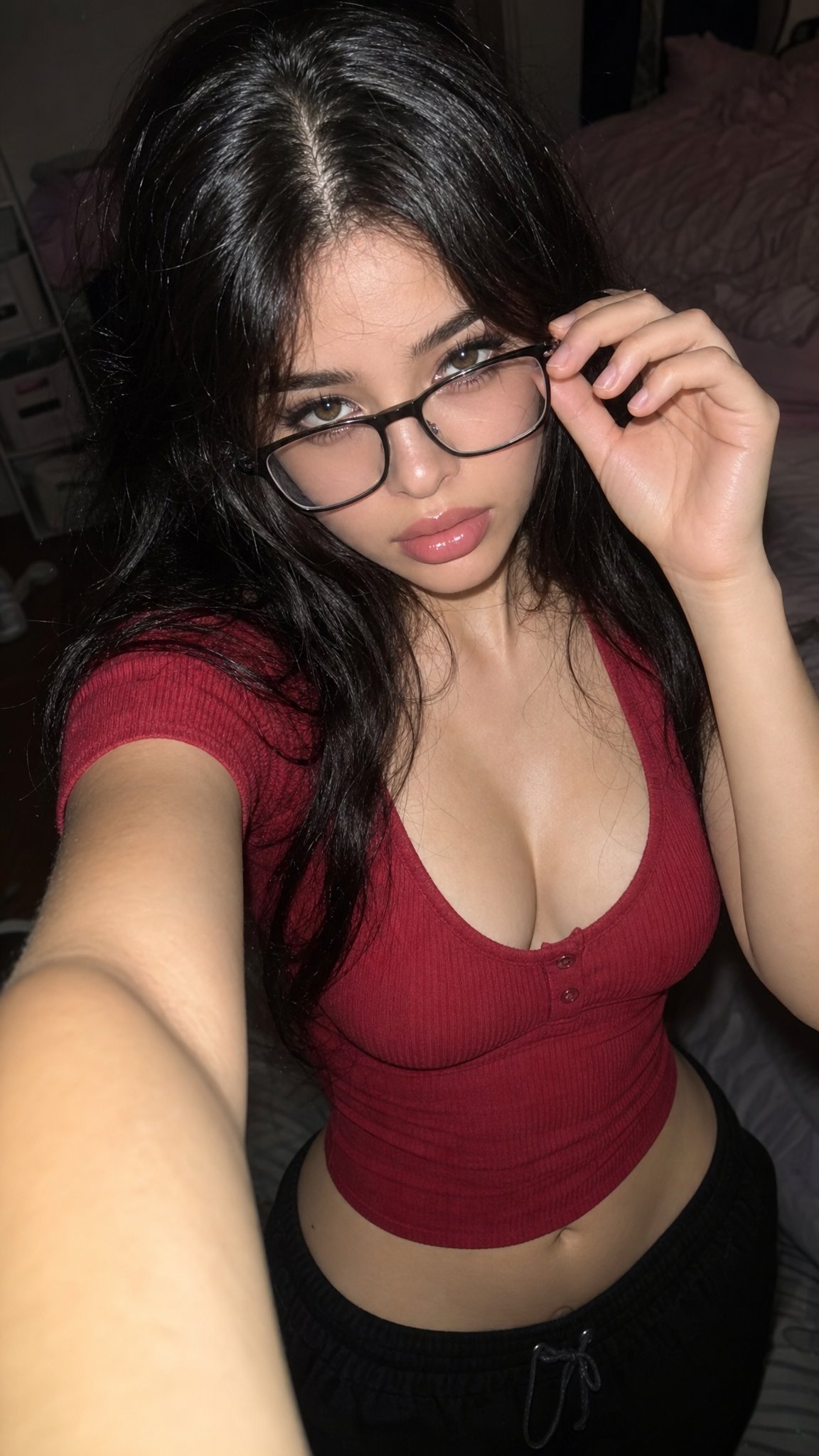
editorial prompt は服、背景、色、光を変えられます。ただし identity sentence は必ず先頭に置きます。
- Prompt: Transform my uploaded photo into a polished fashion editorial portrait. Keep me recognizable. Change wardrobe, lighting, color palette, and background to match [style], with realistic skin texture, sharp eyes, controlled shadows, no extra text, and no face reshaping.
ケース 3:旅行または candid 背景
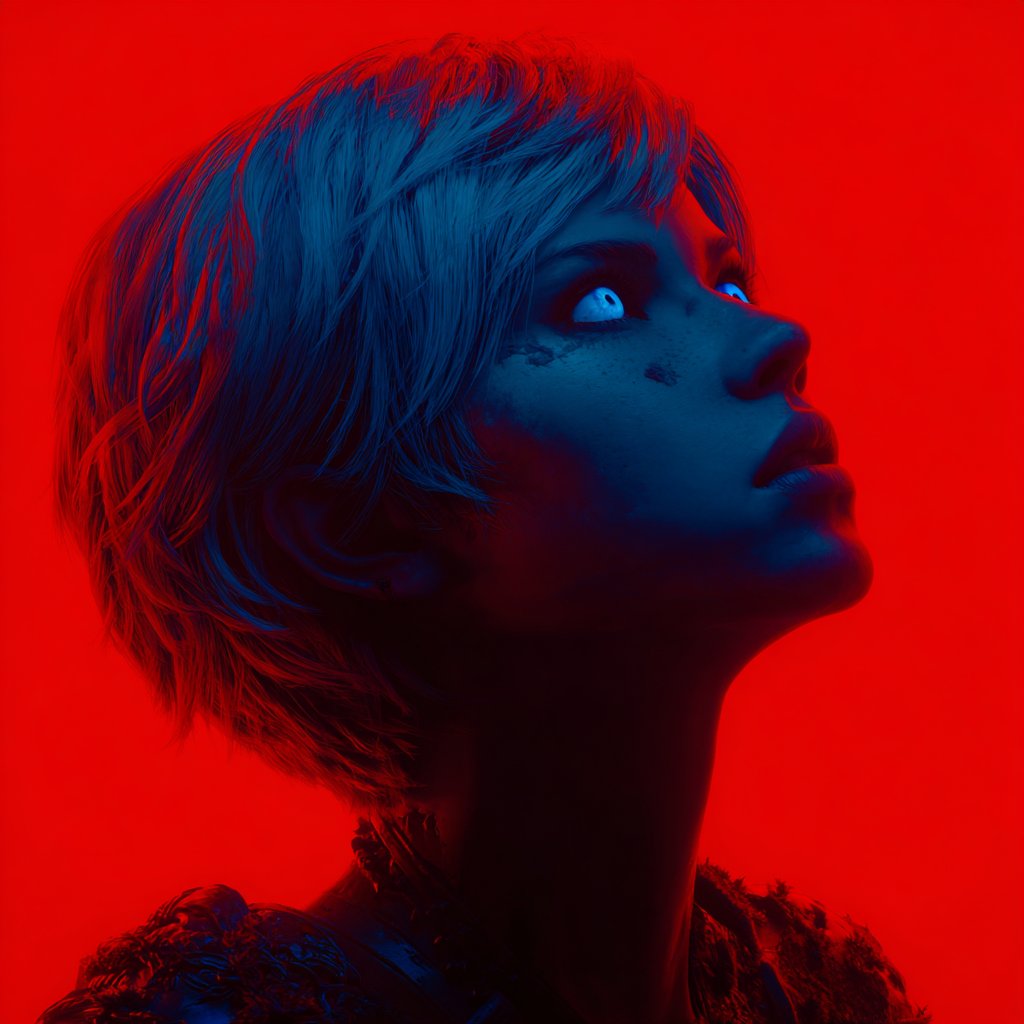
人物を先に固定し、場所には光、色、空気感だけを担当させます。
- Prompt: Use my uploaded photo as the person reference. Keep identity, pose, and facial expression stable. Move the scene to [location], add natural travel lighting, relaxed candid framing, realistic background depth, and no text or invented logos.
失敗と修正表
| 失敗 | 先に直すこと | 避けること |
|---|---|---|
| 顔が本人に見えない | identity preserve を最初の文に移す。 | fashion adjective を増やす。 |
| ポーズが変わりすぎる | reference が pose、proportion、camera angle を制御すると書く。 | 同時に新しい action を求める。 |
| 背景が不自然 | 光の方向と影を合わせる。 | 曖昧な location だけを書く。 |
| 服だけでなく人も変わる | 変えるのは outfit だけと明記する。 | 髪、年齢、makeup も同時に変える。 |
| 文字や logo が崩れる | 文字は後から追加する。 | 画像内で完璧な headline を求める。 |
| どの model でも別人になる | まず GPT Image 2 で保守的な基準を作る。 | prompt が安定する前に model comparison する。 |
Vogue AI 内での使い方
最初の結果は reference handoff のテストです。同じ identity sentence を保ち、1 回に 1 つの model または変数だけを変えます。
- 制御を優先するなら GPT Image 2 から始めます。
- 安定後の variation には Nano Banana を使います。
- より強い editorial mood には Midjourney を試します。
- identity を正しく保った prompt を保存します。
- 写真、model、style を同時に変えないでください。
FAQ
最初に使う prompt は?
顔、年齢感、髪、表情、ポーズを守る保守的なプロフィール prompt です。
GPT Image 2 と Nano Banana のどちらから?
制御重視なら GPT Image 2、安定後の variation なら Nano Banana です。
服と背景を同時に変えられますか?
できますが、顔が変わる場合は 2 段階に分けます。
なぜ加工が強すぎますか?
natural skin texture を入れ、beauty-filter 系の表現を減らします。
他人の写真にも使えますか?
許可がある場合だけです。個人写真は identity と likeness に関わります。
顔が変わったら?
preserve sentence を強め、必要ならより明確な reference image を使います。
Vogue AI ページとはどうつながりますか?
Vogue AI 内で GPT Image 2、Nano Banana、Midjourney に再利用できる reference-image prompt pattern を教える記事です。