GPT Image 2 prompts는 무엇을 만들고, 무엇을 고정하며, 프레임을 어떻게 잡고, 첫 결과를 어떻게 평가할지 적은 제작 brief처럼 쓸 때 가장 안정적입니다.
TL;DR: 다섯 부분으로 된 GPT Image 2 prompt를 사용하세요
- 先写主体、场景、构图、风格控制和输出规则,再补氛围词。
- 产品形状、人脸身份、颜色、Logo 位置或 UI 层级必须稳定时,使用参考图。
- Prompt blocks 保持英文,方便直接复制到工作区。
- 按失败类型修:身份先于版式,版式先于风格,最终文字留给设计工具。
- 在 Vogue AI 里先看 GPT Image 2 提示词库案例,再把结构改进工作区。
GPT Image 2 prompts 검색자가 실제로 필요한 것
这个关键词背后的需求是可用示例,而不是泛泛灵感。好文章应该给出可复制 prompt,解释每一段控制什么,并帮助用户诊断第一张图哪里弱。
Prompt 公式
| Part | Include | Why it matters |
|---|---|---|
| Subject | Exact product, person, object, screen, or scene. | Prevents the model from inventing the wrong anchor. |
| Reference rule | What the uploaded image controls and what can change. | Protects identity without freezing the whole style. |
| Composition | Crop, angle, distance, negative space, and aspect ratio. | Stops messy layouts before style tuning begins. |
| Style controls | Lighting, material, palette, realism, texture, and mood. | Moves the image toward the intended visual language. |
| Output policy | No text, no watermark, transparent background, safe area, or later typography. | Keeps the result production-ready. |
场景矩阵
| Job | Prompt focus | Reference image | First failure |
|---|---|---|---|
| Product launch | Object detail, lighting, background, and headline-safe space. | Use a reference for shape, packaging, color, or logo position. | Distorted silhouette or crowded background. |
| Fashion editorial | Pose, wardrobe, fabric, lens feel, and premium set. | Use a reference for face identity or a specific garment. | Extra hands, plastic skin, or weak fabric texture. |
| Campaign poster | Focal point, contrast, channel ratio, and empty copy zone. | Optional for brand palette or existing campaign mood. | Generated text or no room for the final headline. |
| UI mockup | Device framing, interface hierarchy, screen angle, and reflections. | Use a reference when the screen must stay close to the real product. | Fake unreadable UI or reflections covering the product. |
복사해 쓸 수 있는 GPT Image 2 prompts
复制一条,替换方括号变量,第一轮先保持其它结构不变。下面的 prompt blocks 在所有语言中都保留英文。
- Premium product poster: Create a GPT Image 2 product launch poster for [product], centered hero object, crisp material detail, controlled rim light, clean [brand color] background, strong negative space for later headline, 4:5 aspect ratio, no text, no watermark.
- Fashion editorial: Create a premium high-fashion editorial image of [subject], [wardrobe details], confident pose, magazine-grade lighting, clean luxury set, realistic fabric texture, shallow background separation, 3:4 aspect ratio, no extra fingers, no text.
- Reference-safe product edit: Use the uploaded image as the product reference. Preserve [shape, label position, color, and key material]. Change only the environment to [new scene], keep the camera angle similar, premium commercial realism, no text, no logo distortion.
- Social campaign visual: Create a vertical GPT Image 2 campaign image for [topic], main subject [subject], cinematic lighting, bold foreground silhouette, clear upper-third empty space for future copy, energetic modern editorial style, 9:16 aspect ratio, keep generated text out.
- UI and device mockup: Create a realistic marketing mockup of [app or website] on a modern device, readable interface hierarchy without fake tiny text, soft reflections, clean desk surface, premium SaaS lighting, 16:9 aspect ratio, no watermark.
案例 1:时尚 editorial prompt
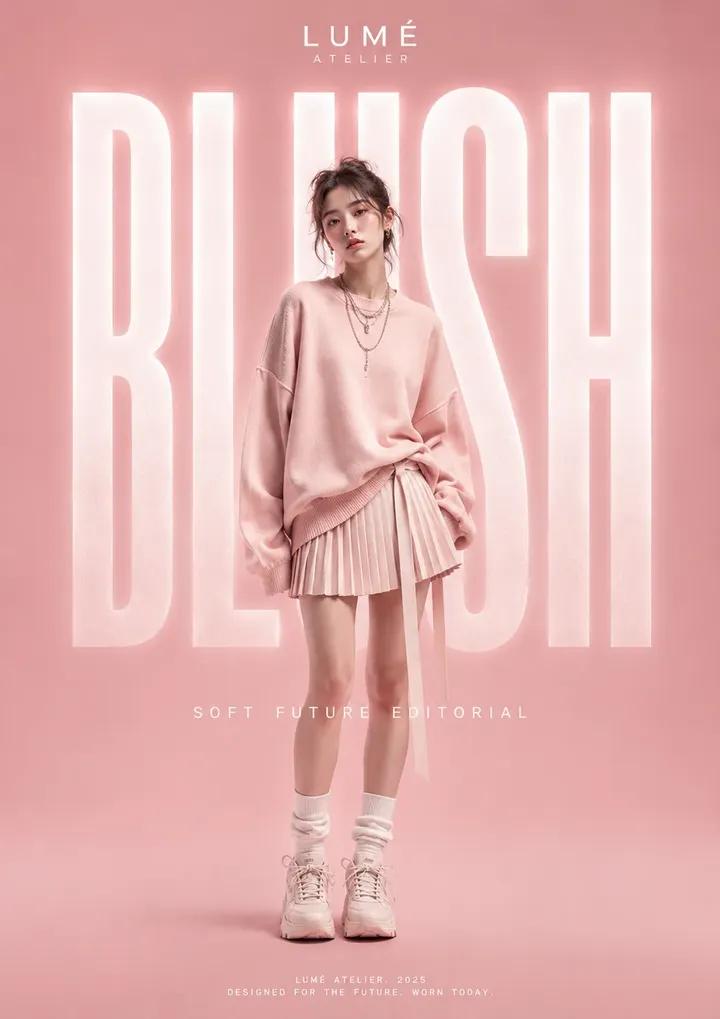
这张 GPT Image 2 提示词库图片适合放在 editorial 部分,因为真正可复用的是姿势、材质、灯光和干净布景的组合控制。
- Prompt: Create premium high fashion editorial photography featuring [model or subject], sculptural wardrobe, confident pose, luxury magazine lighting, clean studio set, rich fabric texture, cinematic contrast, realistic skin, 3:4 crop, no text, no watermark.
案例 2:带文字安全区的 poster prompt
电动 grand tourer 案例适合作为 hero 和 poster 参考,因为车辆、反光、背景反差和无文字广告构图必须一起控制。
- Prompt: Create a cinematic electric grand tourer poster at night, vanta-black vehicle, precise reflections, controlled neon accents, dramatic road perspective, luxury automotive advertising composition, no text, no watermark.
完整示例:从原始需求到可复用 prompt
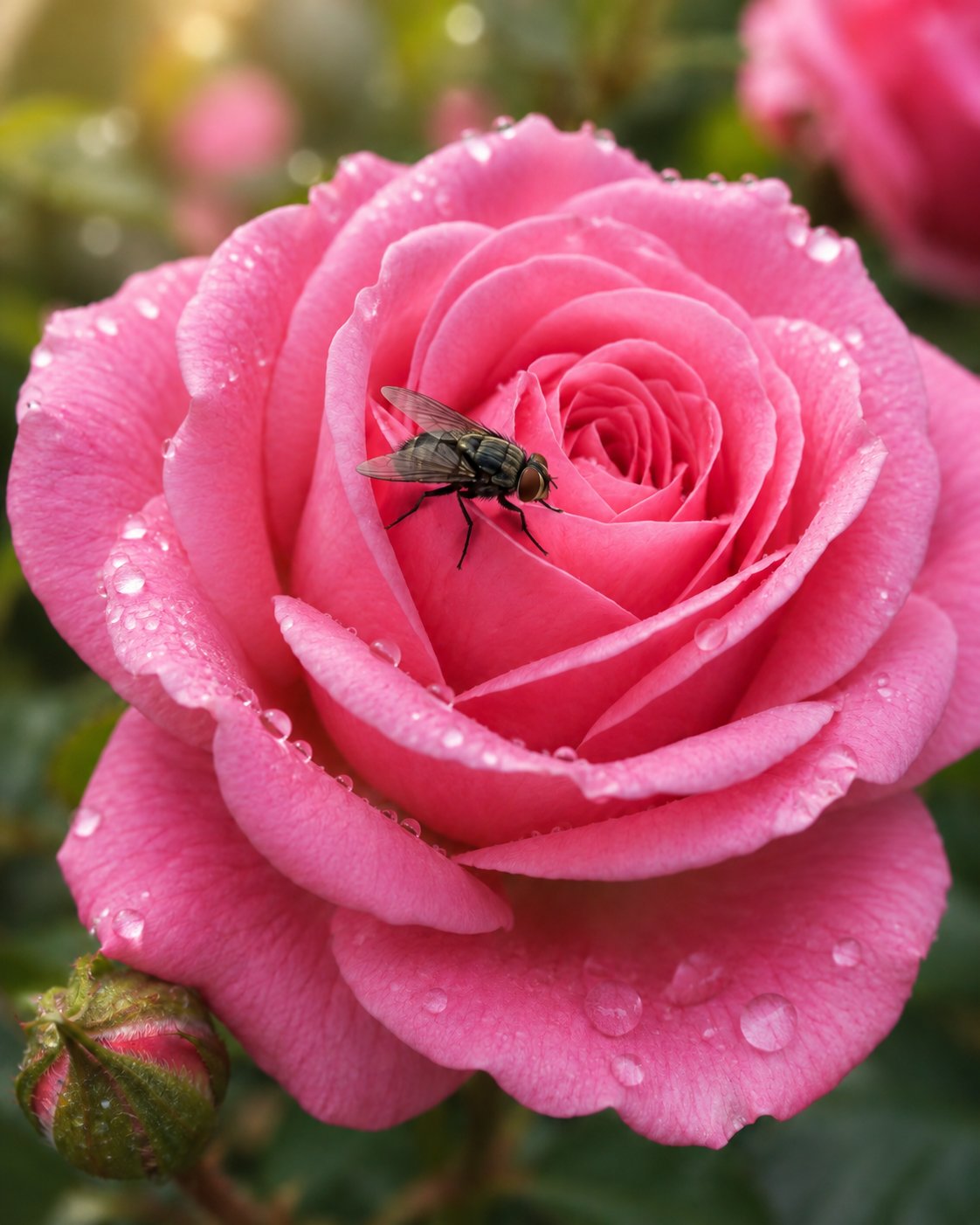
原始需求:给陶瓷 espresso cup 做 campaign image。第一版 prompt:Premium product poster for a handmade ceramic espresso cup, centered hero object, visible glaze texture, warm studio lighting, clean cream background, soft shadow, clear upper-third negative space for later headline, 4:5 aspect ratio, no text, no watermark. 如果杯型错误,加参考图并说明它控制 silhouette、rim、handle 和 glaze color。
错误与修正表
| Failure | Fix first | Avoid |
|---|---|---|
| Wrong product or face | Add a reference image and name the locked details. | Adding more adjectives. |
| Weak layout | Change crop, angle, negative space, or aspect ratio. | Changing the whole visual style first. |
| Generic output | Add audience, channel, material, and palette. | Starting from a new prompt immediately. |
| Broken text or logos | Remove generated text and reserve empty space. | Asking for final typography inside the image. |
| Good result starts drifting | Duplicate the working prompt and replace only variables. | Stacking edits onto a failing version. |
Vogue AI에서 활용하는 방법
- 需要指令跟随、物体控制和有意图的场景修改时,打开 GPT Image 2。
- 需要更多示例再动笔时,去 /gpt-image-2-prompts。
- Nano Banana 适合快速变体,Midjourney 适合风格探索,但这套流程的第一版受控 brief 建议先用 GPT Image 2。
- 保存真正修好任务的 prompt 版本,再复用于下一个产品、人像、海报或 mockup。
FAQ
这些 GPT Image 2 prompts 可以直接复制吗?
可以。复制英文块,替换方括号变量,再按你的产品、人像、海报或 mockup 任务调整。
GPT Image 2 prompt 越长越好吗?
不是。它应该完整而不是堆字,足够控制主体、构图、参考图职责、风格和输出规则即可。
什么时候上传参考图?
当身份必须稳定时:产品形状、人脸、包装版式、Logo 位置、色彩系统或 UI 层级。
为什么 GPT Image 2 会生成坏文字?
图像模型仍可能不擅长最终排版。先在 prompt 中预留空间,再用设计工具加准确文字。
第一张图不好怎么改?
先命名最大失败点。身份先于构图,构图先于风格,风格先于细节 polish。
同一条 prompt 能用于其他图像模型吗?
通常可以,但保持同一骨架,才能判断变化来自模型还是措辞。