Good 3D render prompts describe form before style. The prompt has to tell the model what geometry, material, camera, lighting, and output format should stay stable, otherwise the result may look glossy but unusable.
TL;DR: the reusable 3D render prompt formula
- Start with the asset type: product render, icon object, character, interior, exterior, or architecture massing.
- Define geometry before mood: silhouette, bevels, proportions, camera angle, and crop.
- Control material and lighting together. Plastic, ceramic, glass, metal, clay, and fabric all need different light behavior.
- Use reference images when exact shape, package identity, face, logo position, or room layout matters.
- After the first render, revise the largest production failure first: shape, material, camera, lighting, or background.
Scenario matrix for 3D render prompts
| Use case | Prompt pattern | Reference image | First failure to inspect |
|---|---|---|---|
| Product concept | Three-quarter studio render with material, bevel, shadow, and background control. | Use one when silhouette, packaging, color, or logo placement must stay recognizable. | Wrong proportions, fake material, weak contact shadow, or unreadable product face. |
| 3D icon | Isometric object with simplified geometry, compact silhouette, and transparent or plain background. | Usually optional unless the icon must match an existing object family. | Too much detail, unclear silhouette, or background clutter. |
| Character render | Full-body pose, costume material, face style, limb count, and camera distance. | Useful for recurring characters or brand mascots. | Extra limbs, weak pose, mismatched face style, or costume drift. |
| Architecture render | Building type, massing, materials, camera height, time of day, and site context. | Use one when floor plan, facade rhythm, or room layout matters. | Unrealistic scale, warped structure, busy foreground, or missing functional context. |
Copyable 3D render prompt examples
Copy one prompt, replace the bracketed fields, and keep the structure stable for the first generation. These prompts stay in English so they are easy to paste into Vogue AI from any locale.
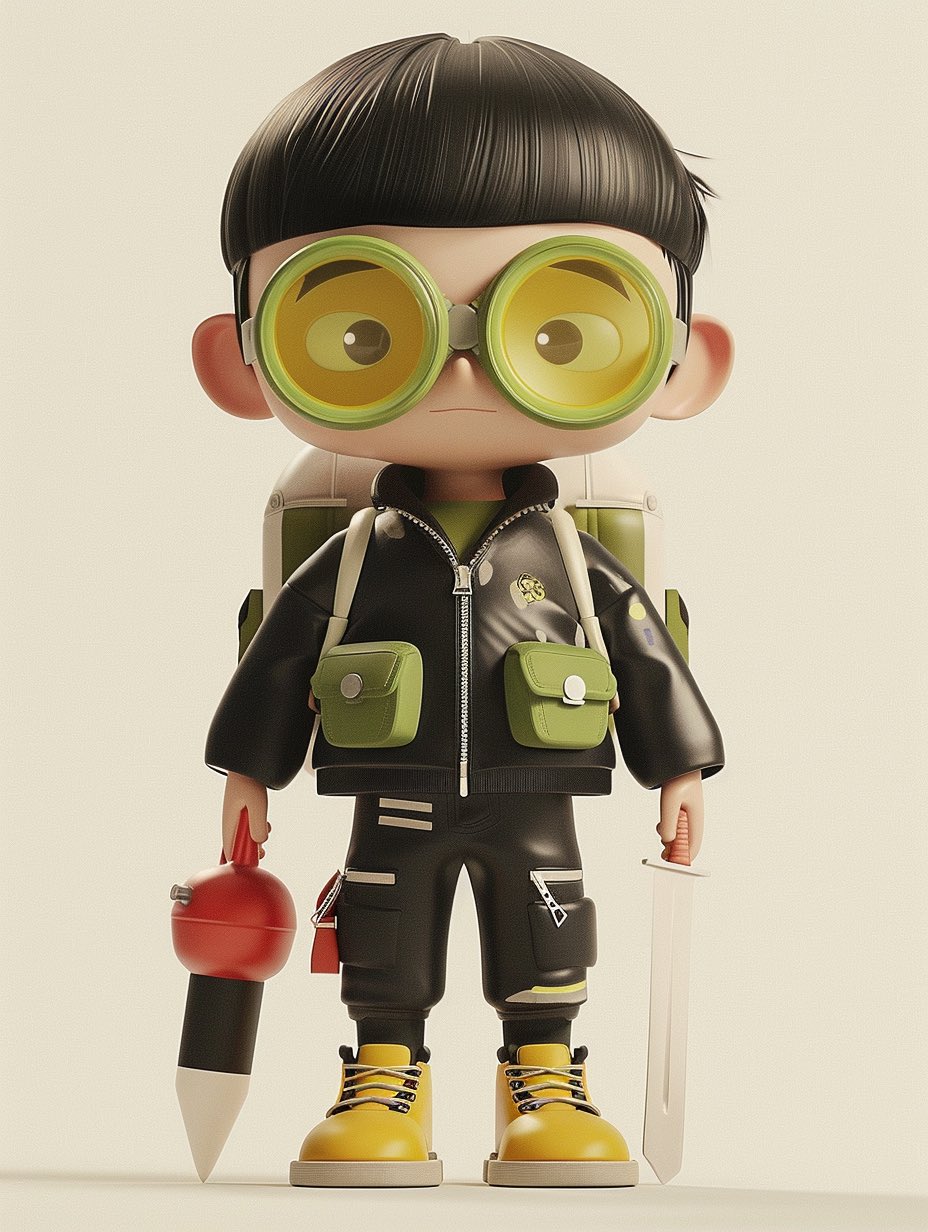
- Product 3D render: High-end 3D render of [product], centered three-quarter view, clean studio stage, [material] body with realistic bevels and micro-scratches, softbox key light, subtle rim light, ambient occlusion, crisp contact shadow, 4:5 aspect ratio, no text, no watermark.
- Icon object render: Isometric 3D icon of [object], rounded simplified geometry, [color palette] materials, soft clay-like surface, clean transparent background, global illumination, compact silhouette, 1:1 aspect ratio, no text.
- Character render: Full-body stylized 3D character of [character], expressive pose, detailed costume, readable silhouette, soft cinematic lighting, realistic fabric and plastic material mix, neutral studio floor, 3:4 aspect ratio, no extra limbs, no text.
- Architecture massing render: Contemporary [building type] concept, clear exterior massing, glass and concrete material contrast, eye-level architectural visualization, late-afternoon sun, realistic shadows, clean surroundings, 16:9 aspect ratio, no people blocking the structure.
Prompt anatomy: what to specify
| Part | What to write | Why it matters |
|---|---|---|
| Asset type | Product, icon, character, room, building, prop, vehicle, or abstract object. | The model needs to know which 3D conventions to follow. |
| Geometry | Silhouette, proportions, bevel radius, pose, camera angle, and visible faces. | Geometry mistakes are harder to repair after style is added. |
| Material | Metal, glass, ceramic, rubber, soft clay, plastic, fabric, wood, concrete, or mixed materials. | Material controls realism, highlights, surface detail, and perceived value. |
| Lighting | Softbox, rim light, studio HDRI, daylight, late-afternoon sun, or cinematic contrast. | Lighting reveals form and makes the render feel grounded. |
| Output rule | Aspect ratio, background, no text, no watermark, transparent background, or safe area. | The render has to fit the channel where it will be used. |
Reference-image handoff rules
A 3D prompt becomes much more reliable when the reference image has a clear job. Do not simply attach a picture; state exactly whether it controls silhouette, packaging, face identity, material finish, room layout, facade rhythm, or color system.
| Reference type | What it should control | What the model can change |
|---|---|---|
| Product photo | Silhouette, visible faces, logo or label position, package color, key proportions. | Lighting, studio stage, crop, shadow, and background. |
| Character sheet | Face style, body proportions, costume elements, limb count, recurring accessories. | Pose, camera distance, material polish, and environment. |
| Interior or architecture plan | Room layout, facade rhythm, massing, openings, circulation logic. | Time of day, material treatment, entourage, and visual atmosphere. |
| Brand board | Palette family, material family, product family shape, grid discipline. | Surface texture, camera angle, props, and final crop. |
Worked example: product render to reusable brief
Raw request
You need a premium 3D render of a compact wireless speaker for a launch page. The shape, grille texture, and matte finish matter more than the background.
Prompt version 1
- High-end 3D render of a compact wireless speaker, centered three-quarter view, matte graphite cylindrical body, fine perforated metal grille, rounded rubber base, realistic bevels, softbox key light from upper left, subtle rim light, ambient occlusion, crisp contact shadow on a clean warm-gray studio stage, 4:5 aspect ratio, no text, no watermark.
First-result diagnosis
If the speaker looks attractive but the grille pattern is wrong, add a reference image and state that the reference controls silhouette, grille density, logo position, and cap shape. If the shape is correct but the render looks cheap, keep the geometry stable and adjust material, lighting, and contact shadow.
Case pattern: surreal or editorial 3D objects
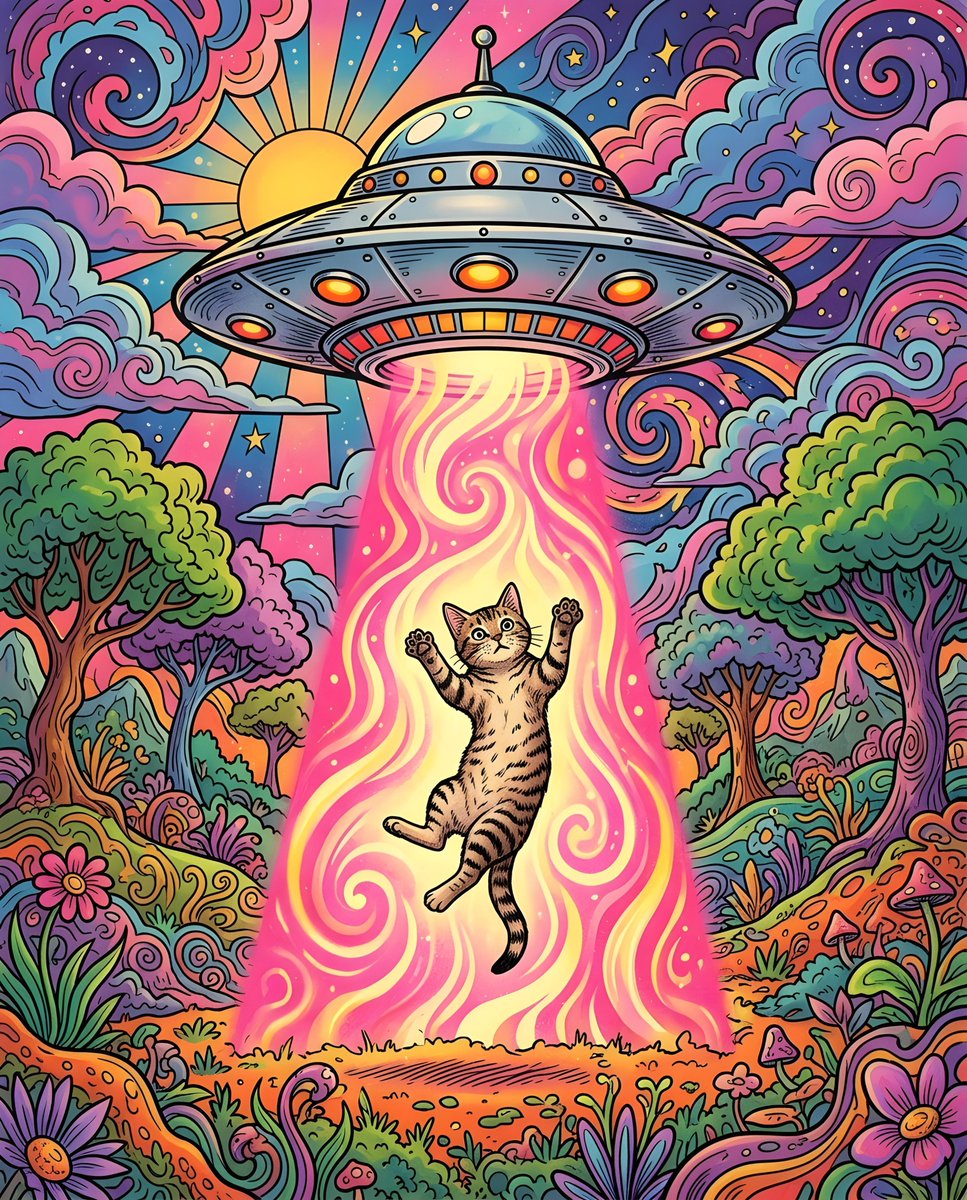
Surreal 3D scenes still need production controls. Put the impossible idea in the subject sentence, then lock camera, material, lighting, and background so the result does not become visual noise.
- Keep one impossible idea per prompt: a glass fruit, floating chair, miniature city, or toy-like animal scene.
- Use simple camera language: isometric, front three-quarter, low-angle hero, or eye-level architectural view.
- Name the material system: polished resin, matte clay, translucent glass, brushed metal, or soft vinyl.
- Reserve text and logos for the design stage unless the generated text is only a placeholder.
Vogue AI model choice for 3D renders
Inside Vogue AI, use the same prompt skeleton and change the model based on the production risk. That makes it easier to tell whether the model or the prompt changed the result.
- Use GPT Image 2 when instruction following, reference-image control, product shape, and technical visualization matter most.
- Use Nano Banana for fast variations, playful objects, social concepts, and image-to-image exploration.
- Use Midjourney for highly stylized characters, cinematic concept frames, fashion-like 3D scenes, and mood exploration.
- When a result is close, revise the prompt before switching models so you do not lose the useful structure.
Mistake and fix table
| Failure | Fix first | Avoid |
|---|---|---|
| Object shape is wrong | Add reference handoff or clearer silhouette and visible-face instructions. | Adding more mood words. |
| Material looks fake | Specify material, highlight behavior, surface detail, and lighting direction. | Changing the whole scene. |
| Render floats with no weight | Add contact shadow, ground plane, ambient occlusion, and camera height. | Increasing realism only. |
| Character has broken limbs | State full-body pose, visible hands, limb count, and clean silhouette. | Overloading costume detail first. |
| Architecture scale feels impossible | Set camera height, context, structural material, and human-scale cues. | Adding dramatic weather before fixing massing. |
Quality checklist before you reuse a prompt
- Can someone identify the object or building from the silhouette alone?
- Does the material match the intended value: premium, toy-like, technical, luxury, or architectural?
- Do shadows and contact points make the asset feel grounded?
- Is the crop usable for the target channel?
- Did you save the prompt version that solved the issue, not the last experimental version?
Production review workflow
Treat a good 3D render prompt as a reusable production spec. The point is not just to make one attractive image; it is to keep geometry, material, lighting, crop, and model choice stable enough that the next product, icon, character, or architecture concept can start from the same system.
- Name the asset role and channel before writing style: ecommerce hero, app icon, mascot pose, concept board, architecture preview, or social cover.
- Lock geometry with reference images when exact shape matters, then revise only material and light.
- Keep one material system per first draft so you can see whether the render is failing because of geometry or surface behavior.
- Save the solved prompt with the asset type, material, camera, aspect ratio, and reference state in the name.
- When moving from concept to production, review the render in the actual crop where it will be used, not only in a large preview.
FAQ
What is a good 3D render prompt?
A good 3D render prompt defines asset type, geometry, material, lighting, camera, and output rules clearly enough that the first result can be judged against the production brief.
Should I use a reference image for 3D renders?
Use a reference image when exact shape, packaging, face identity, logo position, facade rhythm, or room layout matters. Text-only prompts are better for open concept exploration.
How do I make a 3D render look more realistic?
Improve material and lighting together: surface detail, highlight direction, contact shadows, ambient occlusion, camera height, and a clean ground plane usually matter more than extra adjectives.
Can these prompts create architecture renders?
Yes, but architecture prompts need scale, structure, camera height, material, site context, and time of day. For floor-plan accuracy, use reference-led workflows and review carefully.
Which Vogue AI model should I try first?
Start with GPT Image 2 for controlled product or technical renders, Nano Banana for fast playful variations, and Midjourney for stylized character or cinematic 3D concepts.
Why does my render look generic?
Generic renders usually miss a specific asset role, material system, camera rule, or channel goal. Add those controls before making the prompt longer.