An AI image prompt is a production brief for an image model. It tells the model what to make, what must stay fixed, how the frame should look, and what output rules matter after the first generation.
TL;DR: write the brief before the adjectives
- Name the subject first: product, person, scene, object, UI screen, or campaign idea.
- Add composition next: crop, camera angle, background, lighting, and negative space.
- Use style words only after the subject and frame are controlled.
- Add a reference image when identity, product shape, face, logo placement, or UI hierarchy matters.
- Review the first image by failure mode, then revise one control at a time.
What an AI image prompt actually controls
A useful prompt does not merely describe a pretty image. It reduces ambiguity. The model needs to know the subject, the intended use, the visual boundaries, and the rule that decides whether the result is usable.
| Prompt part | Plain meaning | Example control |
|---|---|---|
| Subject | The thing the image must be about. | A matte aluminum water bottle, not a generic bottle. |
| Context | Where the image will be used. | Product page hero, launch post, avatar, ad concept, or UI showcase. |
| Composition | How the frame is arranged. | Centered object, 4:5 crop, eye-level angle, clean negative space. |
| Style | The visual language. | Editorial, cinematic, ecommerce, documentary, flat poster, or realistic studio. |
| Reference handoff | What an uploaded image protects. | Face identity, product silhouette, package color, logo location, or screen layout. |
| Output rule | The production constraint. | No text, no watermark, transparent background, or headline-safe area. |
A reusable AI image prompt formula
- Start with the subject in one concrete sentence.
- Add the channel goal: product page, campaign post, moodboard, avatar, ad, or mockup.
- Define the frame: aspect ratio, crop, angle, distance, background, and empty space.
- Define the look: lighting, material detail, palette, realism level, and mood.
- Add reference rules only when the image must preserve something from an upload.
- End with output constraints and the first thing you will inspect.
Copyable AI image prompt templates
Copy one block, replace the bracketed variables, and keep the rest stable for the first generation. The prompt blocks stay in English because they are meant to be pasted directly into Vogue AI.
- Product photo: Ultra-realistic studio image of [product], exact material [material], centered 4:5 crop, softbox lighting, clean [background color] backdrop, subtle shadow, ecommerce-ready composition, no text, no watermark.
- Reference portrait: Use the uploaded image as the identity reference. Preserve the face, age, hairstyle, and expression while changing wardrobe to [wardrobe], lighting to [lighting style], and background to [setting], 3:4 crop, no extra hands, no text.
- Social campaign visual: Campaign image for [topic], main subject [subject], strong focal point, clear negative space for later headline, [brand palette] color system, 9:16 vertical frame, no generated text.
- UI/product mockup: Realistic marketing image for [app or object], clear interface or object hierarchy, modern desk context, controlled reflections, premium but quiet lighting, 16:9 ratio, no floating symbols.
Product prompt example: control material, crop, and background
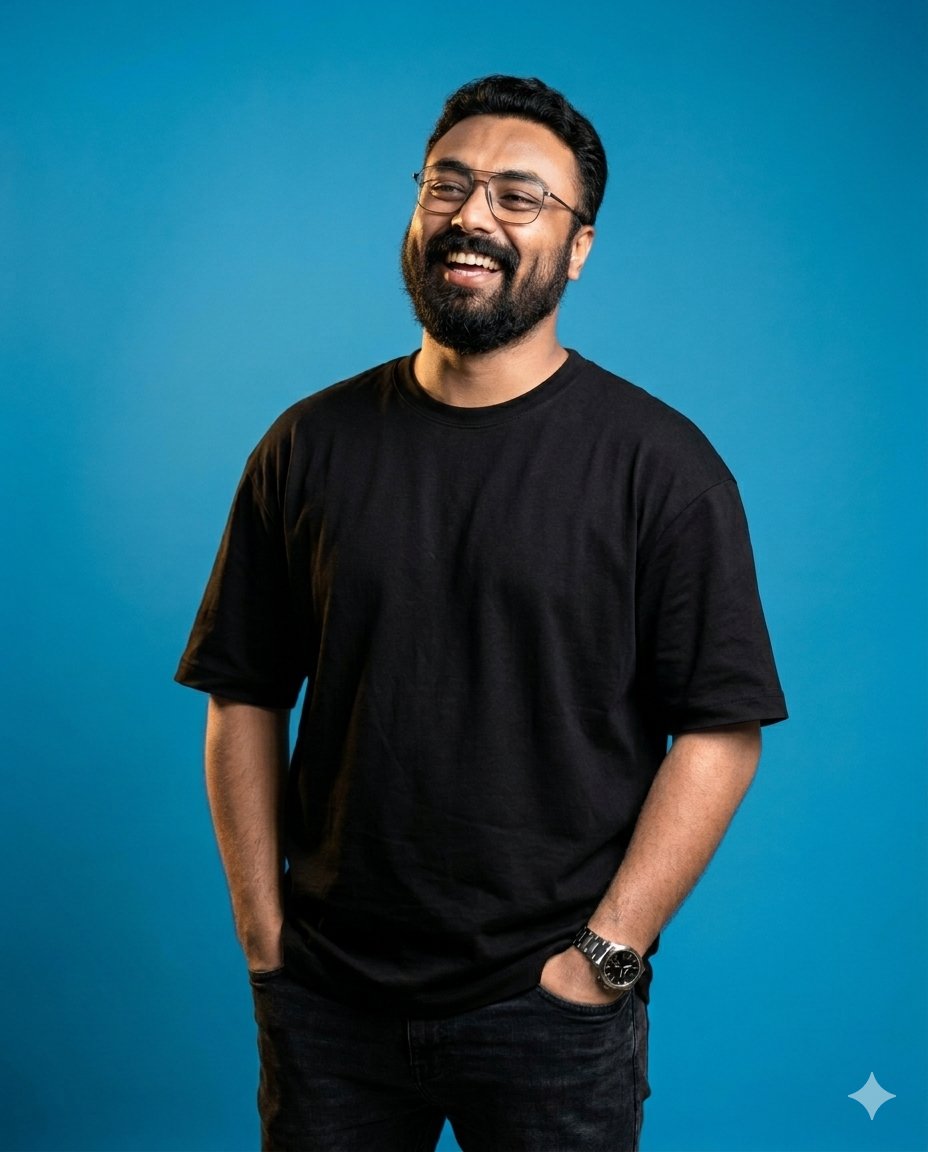
For product work, the most important controls are identity, material, and usable crop. If the first result is attractive but the silhouette is wrong, attach a reference image and say exactly which parts of the reference must stay fixed.
Prompt version
- Ultra-realistic studio product photo of a matte aluminum water bottle, exact cylindrical silhouette, brushed-metal texture, black cap, centered on a warm off-white backdrop, softbox lighting from upper left, subtle grounded shadow, premium ecommerce composition, 4:5 aspect ratio, no text, no watermark.
Portrait prompt example: separate identity from styling
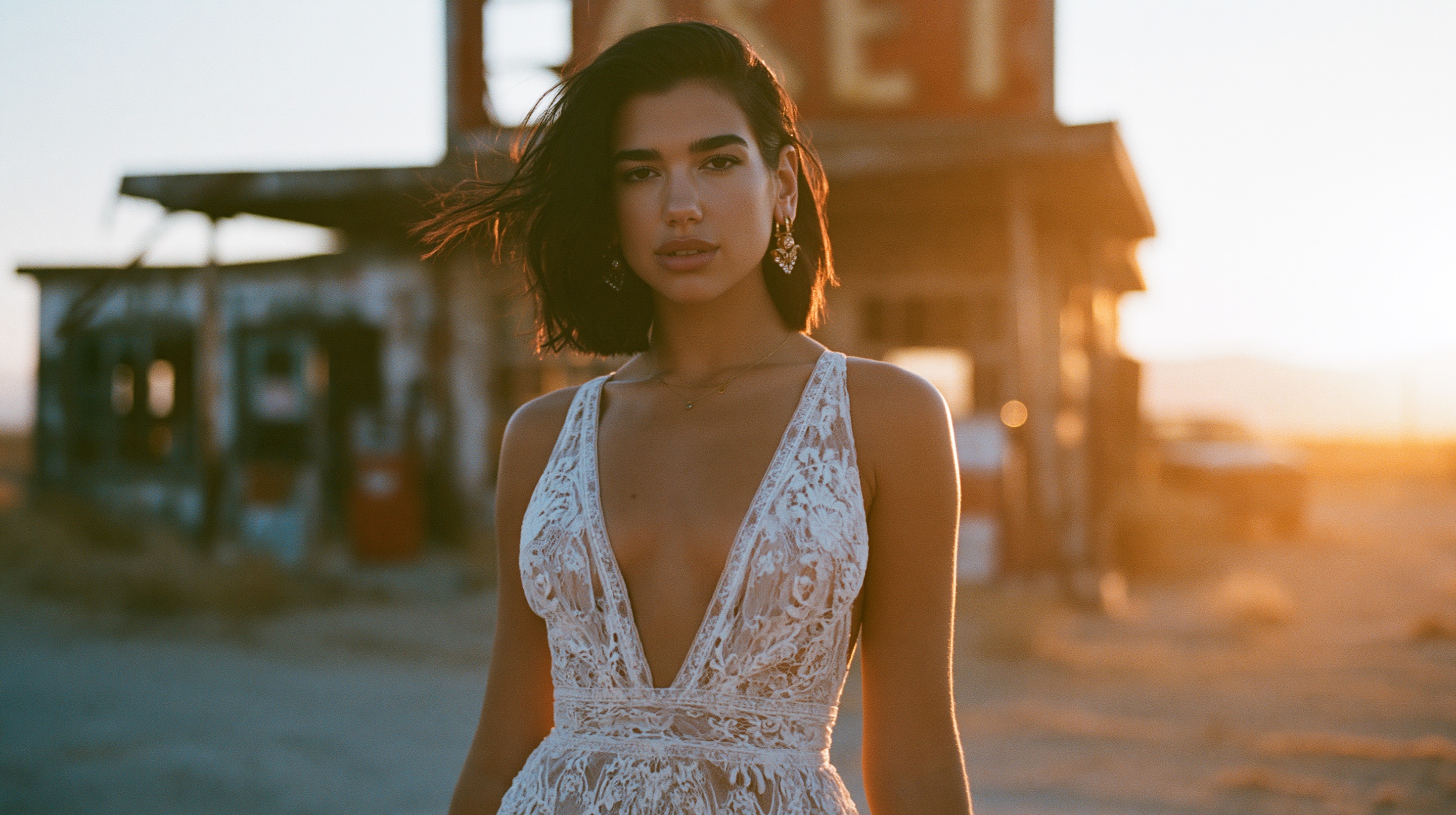
Portrait prompts fail when identity and styling are mixed together. If a face or person must stay recognizable, make the uploaded image the identity anchor and let wardrobe, lighting, background, and camera mood be the flexible parts.
Prompt version
- Use the uploaded portrait as the identity reference. Preserve face shape, age, hairstyle, and expression. Create an editorial fashion portrait with elegant black wardrobe, controlled studio lighting, shallow depth of field, confident expression, clean background separation, 3:4 crop, no extra hands, no text.
Scenario matrix: choose the right prompt pattern
| Goal | Use this pattern | Reference image? | First thing to fix |
|---|---|---|---|
| Product hero | Subject + material + studio frame + output rule. | Yes when shape, label, or color must stay exact. | Silhouette before style. |
| Portrait/avatar | Identity anchor + wardrobe + lighting + crop. | Yes when the person must remain recognizable. | Face identity before background. |
| Social poster | Subject + focal point + channel ratio + headline-safe space. | Optional for campaign mood or palette. | Negative space before more drama. |
| UI mockup | Screen hierarchy + device context + reflections + ratio. | Yes when the UI layout must remain close. | Screen clarity before lighting. |
Weak prompt to strong prompt
Weak prompt: “make a cool product ad for my bottle.” Strong prompt: “Premium launch image for a matte aluminum water bottle, centered 4:5 product-page crop, brushed-metal texture, black cap, deep graphite background, cool rim light, subtle grounded shadow, clear negative space above for later headline, no generated text.”
- The strong version names the object and channel.
- It fixes crop, material, background, and lighting.
- It reserves headline space instead of asking the model to write final text.
- It creates a first result that can be diagnosed.
How to revise the first generation
| Failure | Fix first | Avoid |
|---|---|---|
| Wrong subject or product identity | Tighten the subject sentence or add a reference image. | Adding more mood words. |
| Face does not match | Use explicit identity-reference language. | Changing wardrobe and lighting at the same time. |
| Frame is cluttered | Change crop, background, angle, or negative space. | Switching model before fixing composition. |
| Text or logo is broken | Remove generated text and reserve a blank area. | Asking for exact final typography. |
| Output feels generic | Add audience, channel, material, season, and palette. | A full rewrite that loses the working controls. |
Use the formula inside Vogue AI
Inside Vogue AI, start from the closest prompt-library example, copy the structure, choose a model tag that matches the job, and keep the first prompt simple enough to debug.
- Use GPT Image 2 when instruction following, reference handoff, and controlled edits matter.
- Use Nano Banana for quick product, social, and image-to-image exploration.
- Use Midjourney when editorial mood, fashion framing, or stylized concepting is the priority.
- Save the prompt that solved the problem with a label such as product-hero-4x5-reference-shape.
- Open the broader Vogue AI prompt library from / when you need more examples before generating.
FAQ
What is an AI image prompt?
It is a written instruction that describes the image you want an AI model to create, including subject, composition, style, reference rules, and output constraints.
How long should an AI image prompt be?
Long enough to control the important decisions. A short precise prompt beats a long decorative prompt when the subject, crop, and output rules are clear.
Should AI image prompts be written in English?
English prompt blocks are usually the easiest to copy across tools. The surrounding workflow can be localized, but production prompt text should stay stable.
When should I use a reference image?
Use one when the model must preserve identity, product shape, packaging, color system, logo placement, face, pose, or UI hierarchy.
Why do AI image prompts create generic results?
Generic results usually come from missing context: no audience, no channel, no material detail, no composition rule, or no review constraint.
What should I change after a bad result?
Fix the largest failure first. Identity problems need reference rules, layout problems need crop and negative space, and generic style needs audience and channel detail.