The best AI image prompt formula is not a magic sentence. It is a repeatable order of controls: subject, job context, composition, style, reference handoff, output rules, and the first review check.
TL;DR: use one formula, then swap the variables
- Write the subject before style so the model knows what must stay stable.
- Name the job context: product page, ad, avatar, poster, gallery card, or UI mockup.
- Add composition and output rules before decorative mood words.
- Use references only after you state what the reference controls.
- Review the first result against one failure mode before rewriting the whole prompt.
What this formula is for
Searchers looking for an AI image prompt formula usually need a reusable template, not a list of inspiration. The formula should make the first draft easier to judge and the second draft easier to improve.
The seven-part AI image prompt formula
| Part | Write this | Why it matters |
|---|---|---|
| Subject | The exact product, person, scene, object, or interface. | This anchors every later instruction. |
| Job context | Where the image will be used and who it is for. | A social post, product page, and hero banner need different crops. |
| Composition | Crop, camera distance, angle, negative space, and hierarchy. | This prevents messy first generations. |
| Style controls | Material, palette, lighting, realism, mood, and brand tone. | Style works best after the subject is stable. |
| Reference handoff | What the uploaded image controls and what can change. | This protects identity, packaging, face, UI, or logo placement. |
| Output rules | Aspect ratio, text policy, safe area, no watermark, transparent background. | These make the result usable in production. |
| Review check | The first thing you will inspect after generation. | This keeps the next revision focused. |
Formula variants by job
| Job | Formula emphasis | Reference need | First review check |
|---|---|---|---|
| Product hero | Subject + material + clean background + output ratio. | Packaging or silhouette reference when exact shape matters. | Product shape and material texture. |
| Portrait campaign | Identity + expression + wardrobe + crop. | Face reference when likeness matters. | Face stability before mood. |
| Social poster | Focal subject + negative space + channel ratio. | Optional unless the subject is branded. | Headline-safe space and clutter. |
| UI mockup | Device framing + screen hierarchy + environment. | UI screenshot when structure matters. | Screen legibility and perspective. |
How to fill the formula without overloading it
- Start with one sentence for the subject and job.
- Add one composition sentence with crop, camera, and negative space.
- Add style controls in a separate phrase so you can remove them later.
- Add reference instructions only when identity or layout must survive.
- End with output rules and the failure you will check first.
Copyable formula templates
Keep these prompt blocks in English when you paste them into Vogue AI. Replace bracketed variables, then keep the formula stable for the first generation.
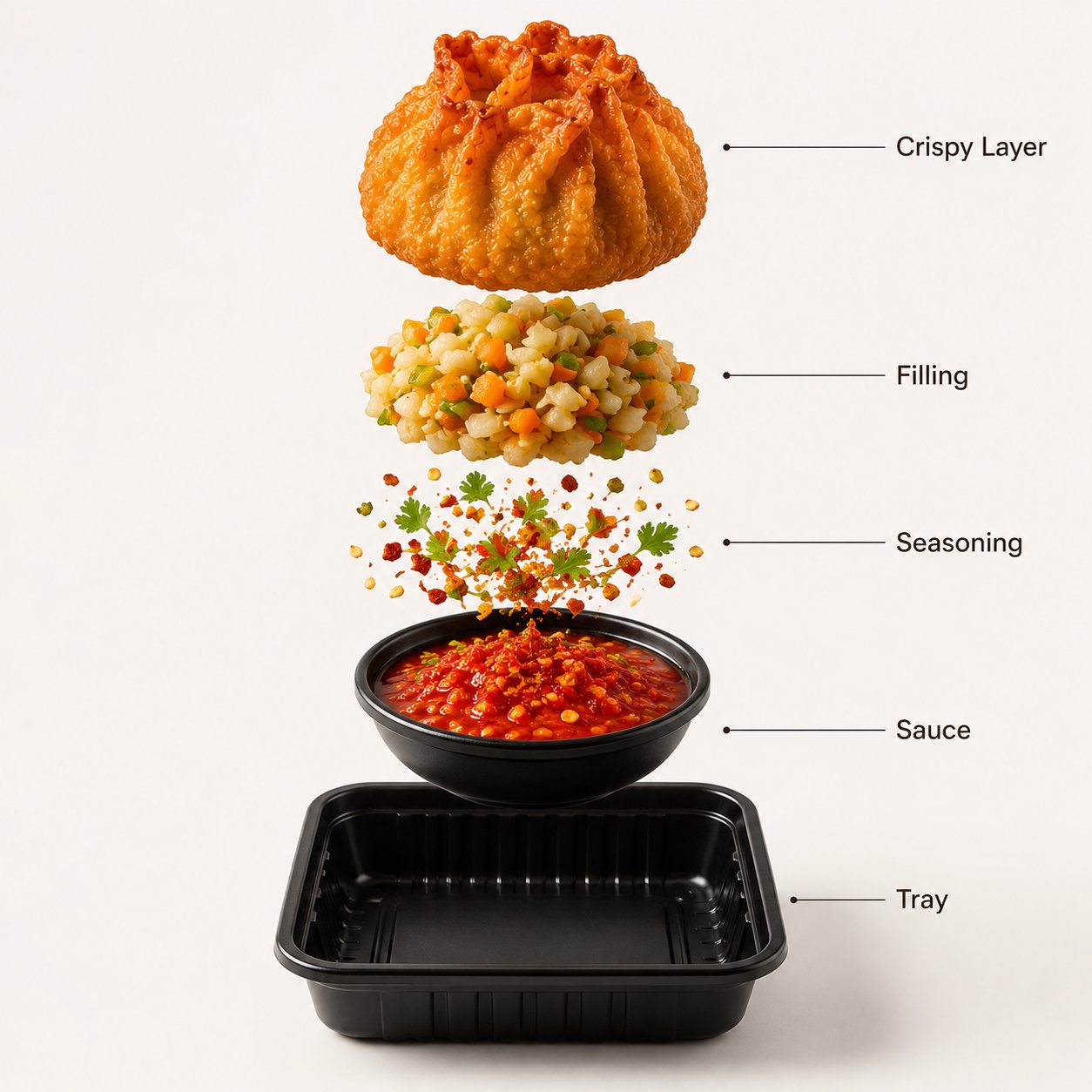
- Formula: [subject] + [job context] + [composition] + [style controls] + [reference handoff] + [output rules] + [review check].
- Product hero formula: Premium product photograph of [product], for [channel], [camera angle], [material detail], [background], [lighting], [reference controls], [aspect ratio], no text, no watermark.
- Portrait formula: Editorial portrait of [person], for [campaign goal], [crop], [wardrobe palette], [lighting], preserve [identity details] from reference, [aspect ratio], no extra hands, no text.
- Social poster formula: Campaign visual for [topic], [main subject], [negative space for headline], [color system], [lighting mood], [channel ratio], keep text area empty.
Worked example: formula for a launch product image
Raw brief
Create a launch image for a translucent vitamin serum bottle. It must work as a product-page hero and a paid social crop. The bottle shape, cap color, and label position must stay stable.
Prompt built from the formula
- Premium product-page hero photograph of a translucent vitamin serum bottle, centered on a pale blue glass stage, visible liquid refraction, stable bottle silhouette and silver cap, clean label area preserved from reference image, soft studio rim light, subtle reflection, 4:5 aspect ratio, no added text, no watermark.
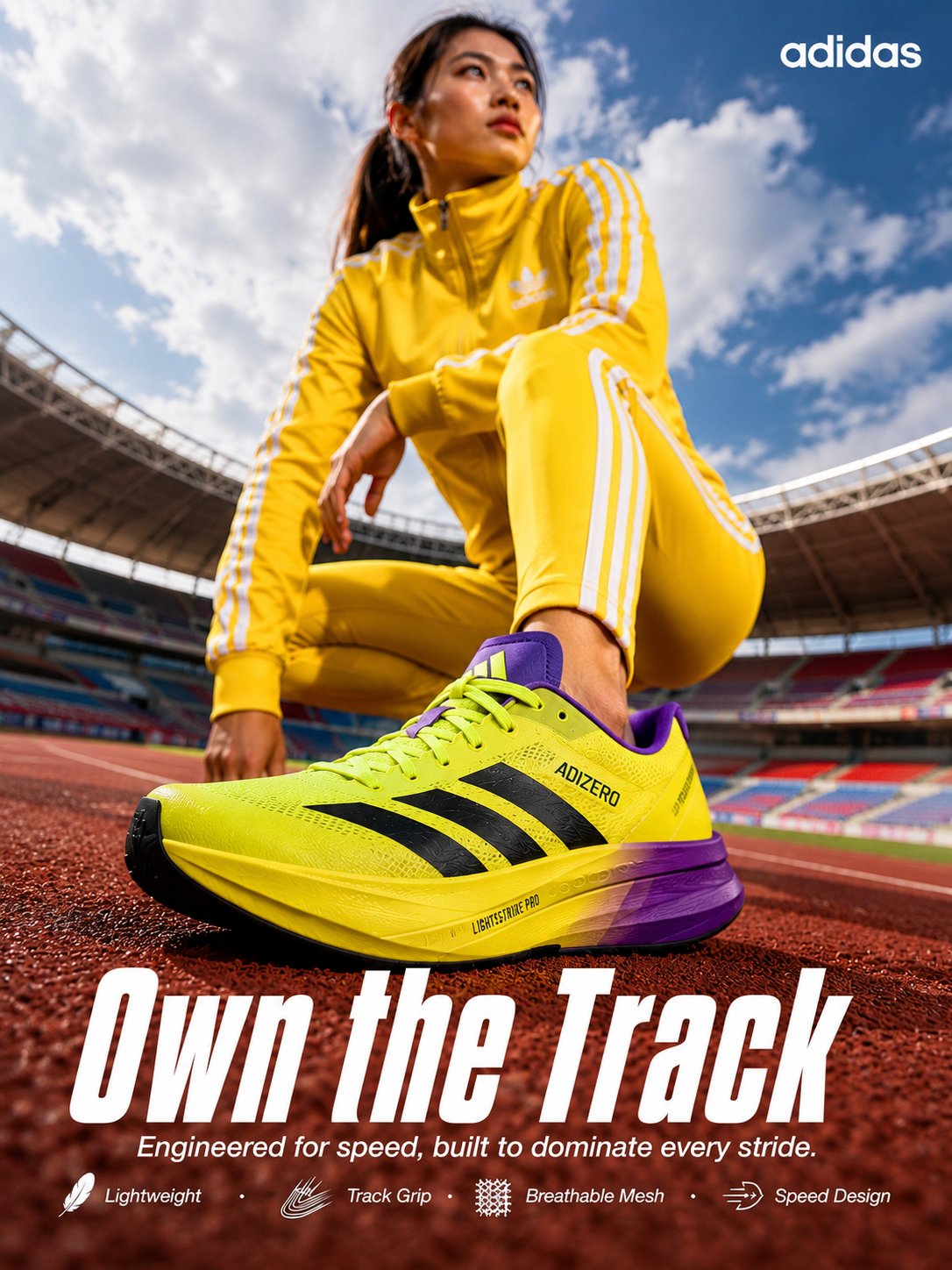
First-result diagnosis
If the image looks premium but the bottle shape changes, the missing piece is reference handoff. If the shape is right but the frame feels like stock photography, adjust job context, crop, and lighting before adding more adjectives.
Common formula mistakes and fixes
| Problem | Formula part to fix | Avoid |
|---|---|---|
| Generic output | Job context and audience. | Adding five more style adjectives. |
| Wrong product shape | Subject and reference handoff. | Switching models before clarifying identity. |
| Bad crop | Composition and output rules. | Changing the entire prompt. |
| Messy text or logo | Output rules and text policy. | Asking the model to typeset final marketing copy. |
| Inconsistent series | Reusable variables. | Writing every prompt from scratch. |
Use the formula inside Vogue AI
In Vogue AI, start from a prompt-library image that matches the job, then replace the variable fields in the formula. Keep a version note for subject, reference role, ratio, and the first fix you applied.
Reusable prompt formula checklist
- Can someone identify the exact subject from the first sentence?
- Does the prompt name the real channel or use case?
- Are crop and negative space explicit?
- Does any reference image have a clear job?
- Do output rules say what to avoid?
- Is there one review check for the first result?
FAQ
What is the best AI image prompt formula?
Use subject, job context, composition, style controls, reference handoff, output rules, and a review check. The order matters because each part gives the model a more stable job.
Should every prompt use all seven parts?
No. Simple ideas can use fewer parts, but production images need the full formula when identity, crop, brand style, or output format matters.
Where do style words belong?
After subject and composition. Style words are useful, but they should not replace the actual production brief.
When should I use a reference image?
Use one when the product shape, face, packaging, logo position, color system, or UI hierarchy must stay recognizable.
Can I reuse one formula for multiple images?
Yes. Keep the structure and swap variables such as product, background, channel, ratio, and reference role.
How do I fix a bad first result?
Find the failed formula part first. Fix subject, crop, reference handoff, or output rule before rewriting style language.