AI picture ideas are useful only when they can become prompts. Instead of collecting vague themes, build each idea with a subject, setting, mood, composition, style modifier, output format, and first-result review rule.
TL;DR
- Start with the production job: avatar, product shot, story frame, poster, wallpaper, UI hero, or social image.
- Turn the idea into a prompt card with subject, setting, mood, composition, style, model fit, and output rule.
- Use GPT Image 2 for controlled briefs, Nano Banana for quick variations, and Midjourney for style exploration.
- Keep public prompt blocks in English so they stay copyable inside Vogue AI.
- Revise by failure mode after the first result instead of rewriting the whole idea.
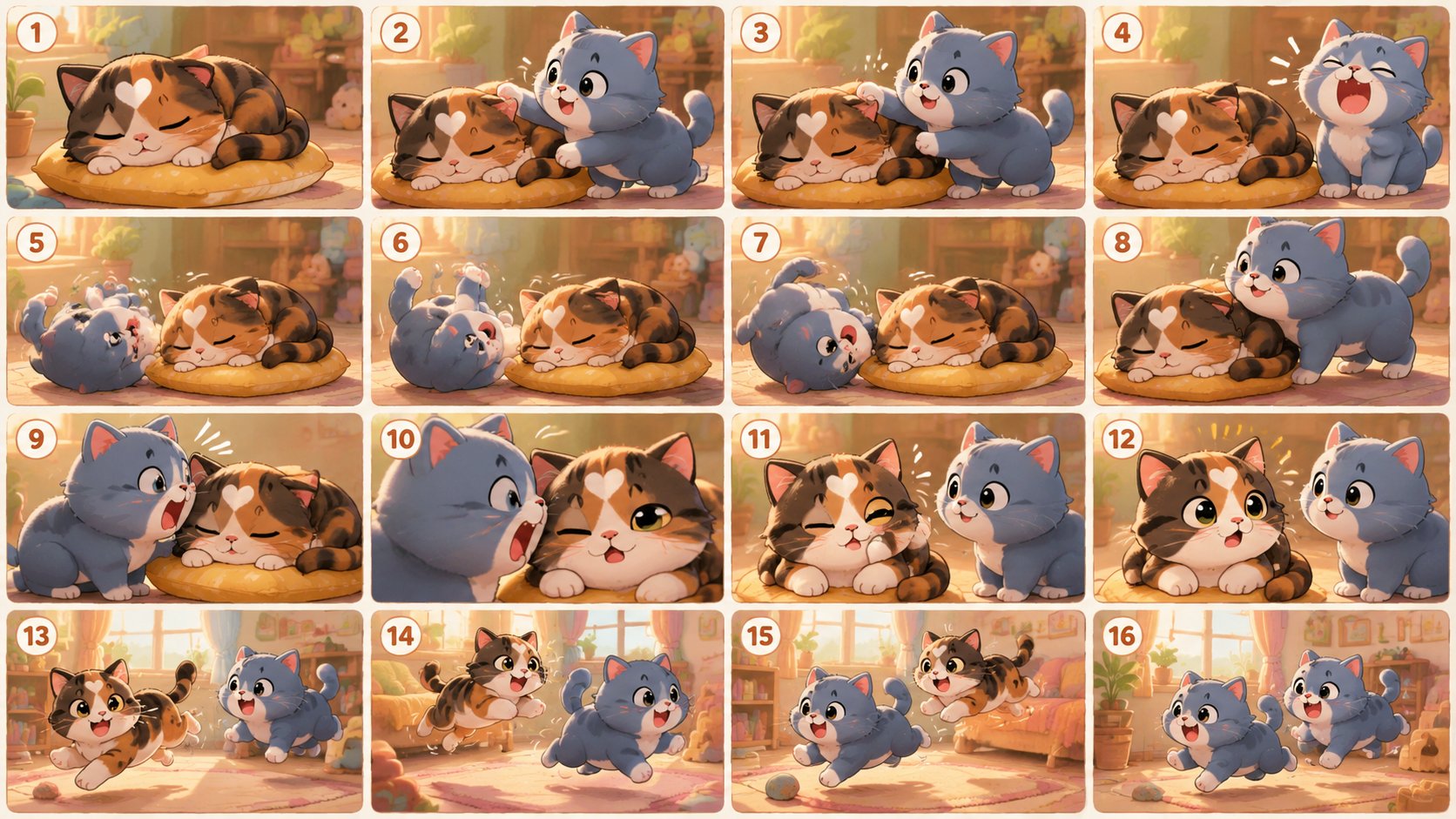
AI picture idea bank by production job
Use this matrix as a practical idea bank. Each row gives you the missing parts that turn inspiration into a prompt-ready concept.
| Use case | Subject | Mood | Composition | Best model |
|---|---|---|---|---|
| Character avatar | Founder, mascot, creator persona | Cinematic, warm, iconic | Centered portrait or full-body pose | GPT Image 2 or Nano Banana |
| Product visual | Bottle, app screen, package, tool | Premium, clean, tactile | Studio hero frame | GPT Image 2 |
| Story frame | Scene, world, short narrative | Curious, dramatic, dreamy | Storyboard panel or wide cinematic shot | GPT Image 2 |
| Style exploration | Fashion, poster, abstract art | Bold, surreal, editorial | Art-direction board | Midjourney |
| Social post | Launch idea, quote, feature | Energetic, simple, scroll-stopping | Vertical poster with safe text area | Nano Banana or GPT Image 2 |
Template 1: storyboard picture ideas
Storyboard ideas are useful when a single picture is not enough. Ask for multiple panels, one consistent character, and a clear visual sequence so the output becomes a concept board instead of a random illustration.
- Storyboard idea: Create a 16-panel visual storyboard about [story premise], cute rounded illustration style, each panel showing a different beat, consistent character design, clear color palette, readable visual sequence, no text, 4:5 aspect ratio.
Template 2: character and avatar ideas
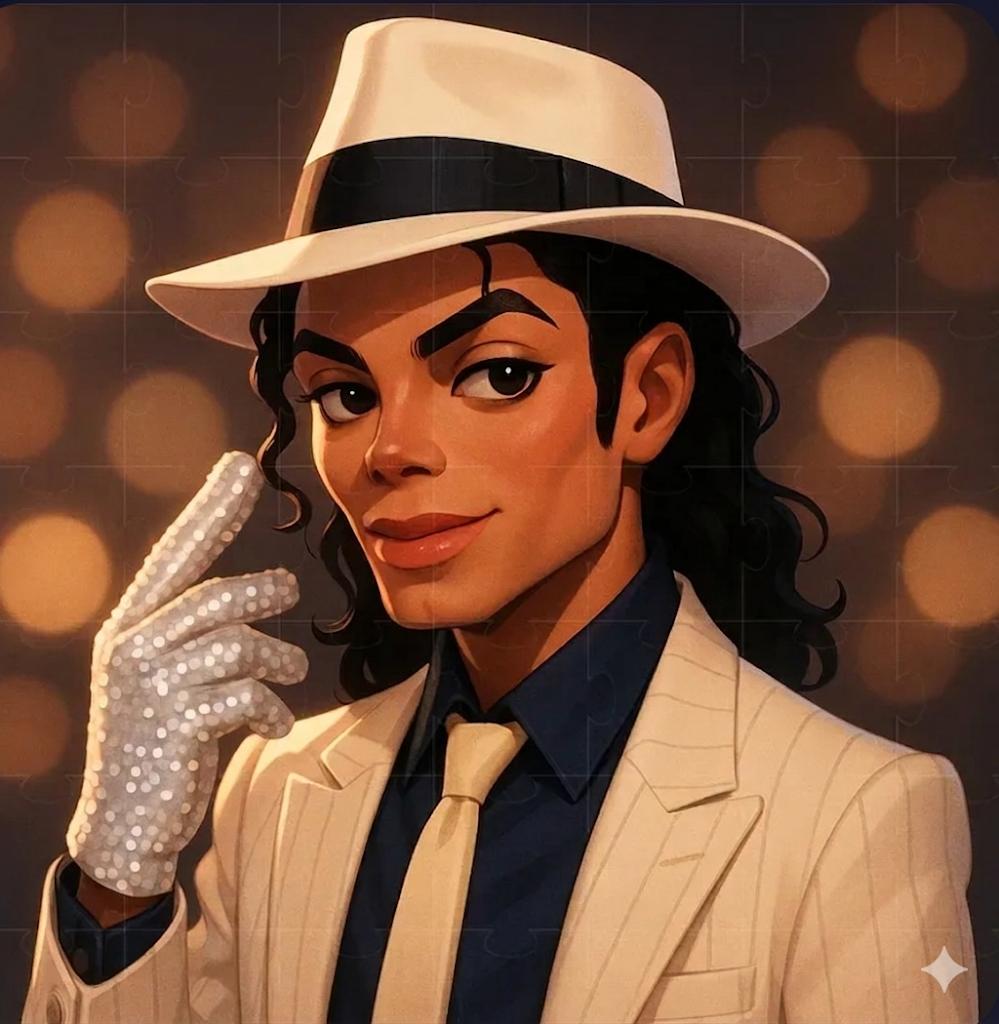
Character ideas need shape before decoration. Define silhouette, pose, wardrobe, visual era, and expression before asking for painterly, cinematic, anime, or editorial styling.
- Character idea: Create a stylized 2D digital illustration of [character], expressive pose, iconic silhouette, [era/style] outfit, clean background, strong color harmony, friendly but memorable expression, no text, no watermark.
Template 3: style-reference ideas
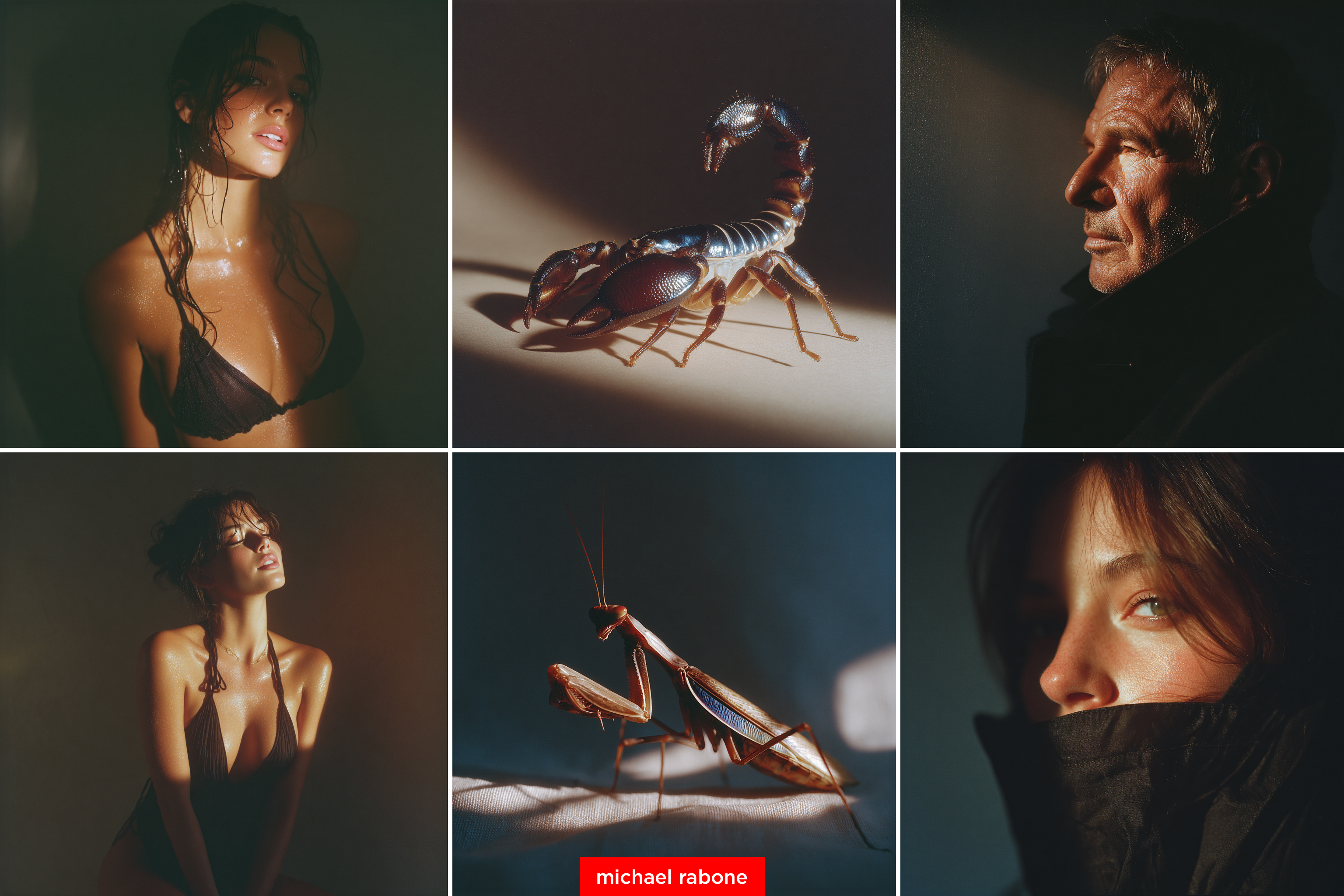
Style-reference prompts help when the subject is known but the art direction is not. Name what the reference controls, then keep the subject and production job explicit.
- Product scene idea: Premium product hero image of [product] in [setting], tactile material detail, controlled studio lighting, clean background, strong shadow, [brand palette], 4:5 aspect ratio, no text, no watermark.
- Style-reference idea: Create an art-direction board for [subject], inspired by [style reference], include color mood, texture, lighting, composition thumbnails, editorial layout, premium creative direction, no final text.
- Social poster idea: Vertical launch visual for [topic], one clear hero subject, bold negative space for future headline, energetic palette, platform-ready crop, no small text, no watermark.
Which Vogue AI model should you use?
| Goal | Use GPT Image 2 when... | Use Nano Banana when... | Use Midjourney when... |
|---|---|---|---|
| Control | The brief has many constraints. | You need quick variations. | The mood matters more than exact structure. |
| Reference image | Identity or layout must stay close. | You are exploring fast image-to-image changes. | You want style-transfer direction. |
| Commercial output | Product, UI, poster, or ad must be legible. | Social concepts need speed. | Aesthetic exploration comes first. |
Build a reusable idea card
- Subject: who or what appears in the image.
- Setting: where the picture happens and what objects matter.
- Mood: the emotion the picture should create.
- Composition: crop, camera distance, focal point, and safe area.
- Style: visual era, medium, color system, texture, and lighting.
- Output: aspect ratio, channel, no-text rule, and review target.
What to change after the first result
- Generic result: add a production job, audience, and channel.
- Wrong subject: add a reference image and state what must stay fixed.
- Messy layout: change crop, camera distance, and negative space before changing style.
- Beautiful but unusable: add output rules such as poster, avatar, thumbnail, or product hero.
- Style drift: save the working prompt card and change only one variable at a time.
Mistake and fix table
| Failure | Fix first | Avoid first |
|---|---|---|
| The idea is too vague | Choose a real production job. | Adding more adjectives. |
| The image ignores the subject | Add reference or subject constraints. | Switching models immediately. |
| The style is strong but unusable | Add channel, ratio, and safe area. | Keeping only the mood words. |
| The result repeats itself | Change subject, setting, or composition. | Changing only color. |
| The prompt becomes too long | Split idea, style, and output rules. | Pasting every inspiration note. |
Vogue AI handoff checklist
- Pick the closest prompt-library example before starting from a blank page.
- Choose model fit before generating: control, speed, or style exploration.
- Keep prompt blocks English and copyable.
- Save the prompt version that fixed the first failure.
- Reuse the card for the next picture idea instead of starting over.
FAQ
What are good AI picture ideas?
Good ideas already include subject, setting, mood, composition, style, and output format. They are close enough to paste into an image generator after small edits.
How do I turn an idea into a prompt?
Write the production job first, then add subject, setting, mood, camera, style, and output rule. Keep the first version simple enough to diagnose.
Which model should I start with?
Start with GPT Image 2 for controlled briefs, Nano Banana for quick variations, and Midjourney for style or mood exploration.
Should prompts stay in English?
For public prompt blocks, yes. English keeps the blocks easier to copy across locales and models. Surrounding explanation can be localized.
What if the first image is bad?
Fix one failure mode first: subject, layout, style, reference handoff, or output rule. Rewriting everything hides what changed the result.
Can I use reference images?
Use references when identity, layout, product shape, face, or palette matters. Explain what the reference controls and what can change.