Improving an AI image prompt is not the same as writing a better-sounding prompt. The useful workflow is diagnose, change one control, regenerate, and save the version that fixed the visible failure.
TL;DR: fix the failure, not the whole prompt
- Name the visible failure before rewriting anything.
- Change one control at a time: subject, reference, crop, style, output rule, or model fit.
- Use before-and-after prompt versions so you know which sentence actually helped.
- Add reference images only when identity, packaging, face, logo, palette, or UI hierarchy must survive.
- Save the repaired version as a reusable starting point in Vogue AI.
Diagnose the first result before adding words
A weak result usually points to one missing control. If you add more adjectives before diagnosis, you may hide the problem without fixing it. Start by naming the failure in plain language.
Five-question diagnosis checklist
- Is the main subject correct and recognizable?
- Is the crop usable for the intended channel?
- Does the output preserve any required reference identity?
- Is the style specific enough to avoid generic output?
- Are text, logo, and watermark rules explicit?
The prompt improvement loop
| Step | Question | Action |
|---|---|---|
| 1. Observe | What is visibly wrong? | Write one failure sentence: wrong subject, messy crop, generic style, weak identity, bad text, or wrong model fit. |
| 2. Choose one control | Which prompt part caused it? | Pick subject, reference handoff, composition, style, output rule, or model choice. |
| 3. Rewrite one sentence | What minimal instruction fixes it? | Change only that sentence so the next result is comparable. |
| 4. Regenerate | Did the failure improve? | Keep the improved sentence only if the visible issue moved in the right direction. |
| 5. Save | Can this fix help the next image? | Save the working version with a short note about what it fixed. |
What a weak prompt looks like
Weak prompt: “Make a stylish ad for my skincare bottle, premium, cinematic, high quality.” The problem is not that it lacks adjectives. It lacks product identity, crop, reference handoff, output rules, and a review target.
Before-and-after rewrite patterns
Use these rewrites to improve one failure at a time. Keep prompt blocks in English for easy copying into Vogue AI.
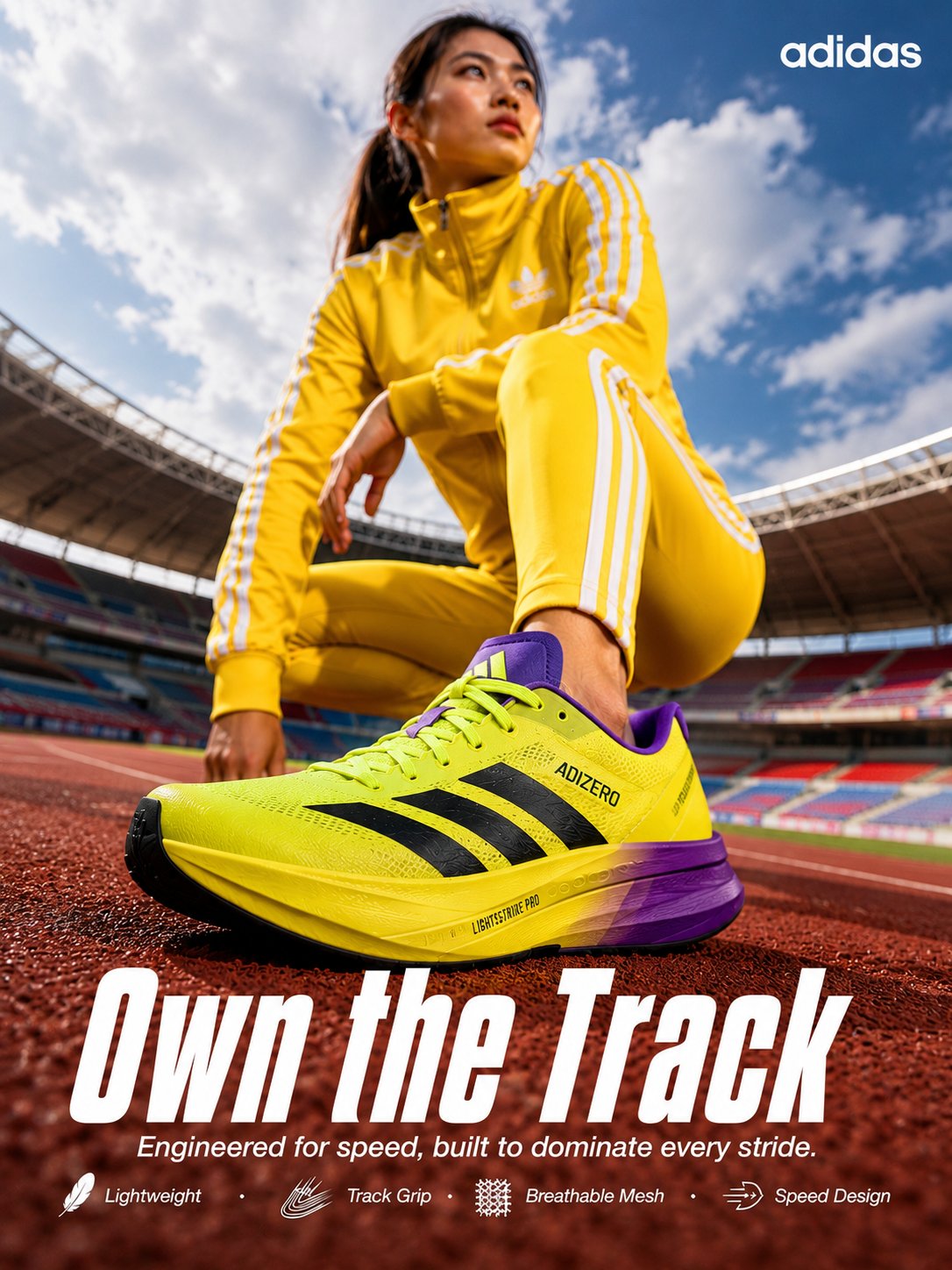
- Subject drift fix: Add “preserve the uploaded product silhouette, cap color, label position, and main material; background and lighting may change.”
- Crop fix: Add “centered 4:5 product-page crop, full product visible, clean negative space above, no cut-off edges.”
- Generic style fix: Replace “premium cinematic” with “softbox studio lighting, controlled glass reflection, pale blue product stage, crisp material detail.”
- Text artifact fix: Add “no generated text, no fake logo, leave blank safe area for text to be added later.”
- Series consistency fix: Add “reuse the same camera distance, background family, lighting direction, and aspect ratio as the previous approved version.”
Two real improvement cases
Case 1: product texture looks weak
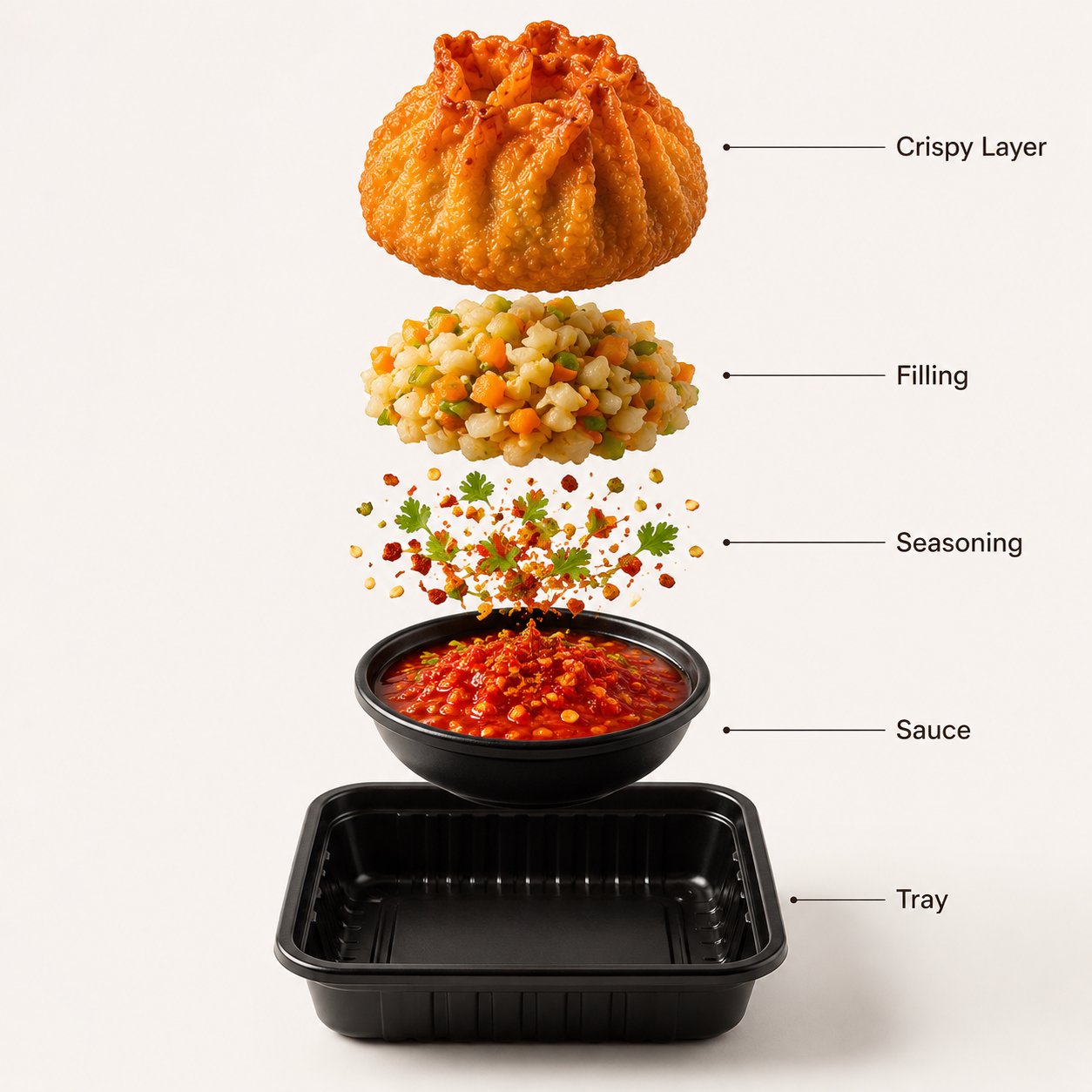
When a food or product image looks flat, do not start with more mood language. Improve the material sentence: name texture, surface shine, separation from background, and commercial framing.
Case 2: face identity drifts
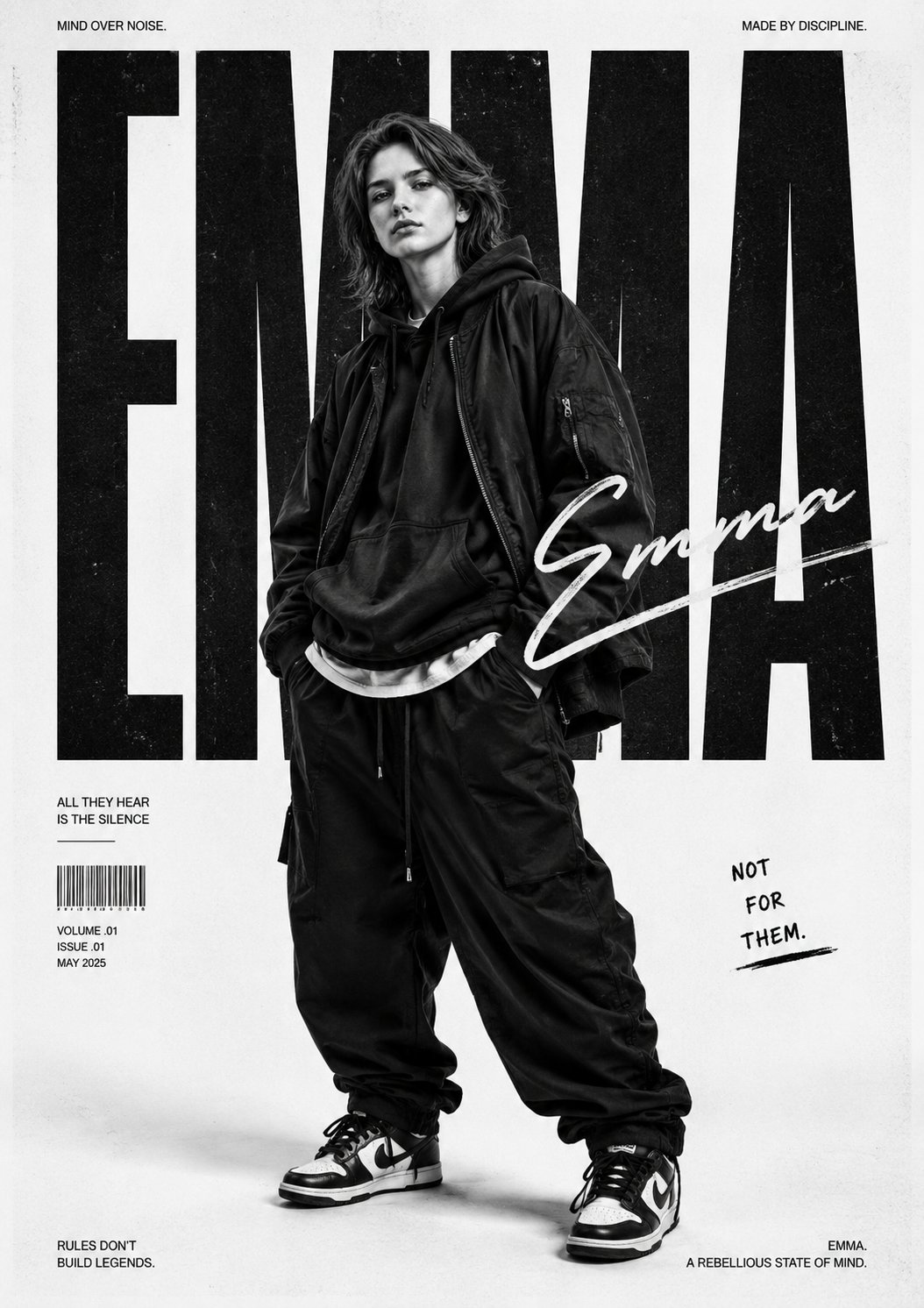
When a portrait changes the person too much, the fix is not “more realistic.” The fix is a reference handoff sentence that protects face identity while allowing wardrobe, lighting, and composition to change.
Mistake and fix table
| Failure | Improve this first | Do not start with |
|---|---|---|
| Wrong product or person | Subject sentence and reference handoff. | More style adjectives. |
| Messy layout | Crop, camera distance, negative space, and ratio. | Switching model immediately. |
| Generic result | Audience, channel, palette, material, and lighting. | Adding “high quality” repeatedly. |
| Bad generated text | Output rule and text-safe area. | Asking for final typography in the image. |
| Inconsistent series | Reusable version note and fixed variables. | Writing a new prompt from zero. |
Check model fit after the prompt is clear
| Need | Try first | Why |
|---|---|---|
| Controlled product or reference edit | GPT Image 2 | Good when identity, product shape, and instruction following matter. |
| Fast variation exploration | Nano Banana | Useful when you need many quick directions from one repaired prompt. |
| Stylized visual exploration | Midjourney | Useful when mood and art direction matter more than exact structure. |
| Reference-led portrait | Start with the model that preserves identity best for your asset. | The prompt must still say what the reference controls. |
Worked example: improving a weak product prompt
Weak version
Make a premium ad for this running shoe, futuristic, dramatic lighting, cool background.
Improved version
Premium launch visual for the uploaded running shoe, preserve shoe silhouette, sole shape, logo position, and color blocking from reference image. Centered 4:5 product-page crop on a graphite athletic stage, low camera angle, crisp knit texture, controlled rim light, subtle dust motion behind the shoe, clean negative space above for later headline, no generated text, no watermark. Review shoe silhouette first, then crop, then background energy.
Save improvements as reusable prompt versions
- Save the original weak prompt and the repaired prompt.
- Write one note: “fixed crop,” “fixed identity,” “fixed material,” or “fixed output rule.”
- Keep variables visible so the prompt can be reused for another product or portrait.
- Do not overwrite the approved version when testing a new style direction.
FAQ
How do I improve an AI image prompt quickly?
Name the visible failure, choose the prompt part that caused it, rewrite one sentence, and regenerate.
Should I make the prompt longer?
Only if the missing control needs detail. Long prompts are not better when they repeat vague style language.
What should I fix first after a bad image?
Fix subject or identity first, then composition, then style, then output rules.
When should I add a reference image?
Add one when the product shape, face, package layout, UI hierarchy, logo position, or palette must stay recognizable.
Should I switch models when a result is bad?
Only after the prompt is clear. If the prompt lacks crop, identity, or output rules, switching models may repeat the same failure.
How do I make improvements reusable?
Save the repaired prompt with a short note about what changed and which variable can be swapped next.