System prompts and model instructions shape how AI tools interpret your visible prompt. You usually cannot see the hidden system prompt, but you can still write better image prompts by understanding instruction hierarchy, model fit, reference-image handoff, and the limits the tool may enforce before your prompt is executed.
TL;DR: write prompts that cooperate with the tool
- Treat the system prompt as the tool policy and behavior layer that your user prompt must work inside.
- Put non-negotiable visual facts before optional style language: subject, identity, crop, reference use, and output rules.
- Choose the model family by job: GPT Image 2 for instruction control, Nano Banana for quick image variations, and Midjourney for mood-led exploration.
- Do not chase hidden prompts. Build visible prompts that state what must stay fixed, what may change, and how the first result will be judged.
- When a result fails, diagnose whether the conflict came from hierarchy, model limits, reference ambiguity, or unsafe/impossible wording.
What a system prompt does in an AI image tool
A system prompt is the instruction layer set by the tool or model provider. It can define tone, safety boundaries, formatting behavior, tool use, refusal behavior, and how the model should prioritize instructions. In an image tool, that means your visible prompt is not the only instruction in the room.
| Instruction layer | Who controls it | What it changes for image prompts |
|---|---|---|
| System prompt | Tool or model provider | Safety rules, default behavior, output boundaries, and instruction priority. |
| Developer or app instruction | The product interface | Model routing, prompt-library defaults, reference-image handling, and workspace constraints. |
| User prompt | You | Subject, scene, style, crop, reference role, and review criteria. |
| Reference image | You and the model | Identity, composition, palette, object shape, or mood when the role is explicit. |
| Model behavior | Model family | How strictly instructions are followed, how style is interpreted, and which details drift first. |
Instruction hierarchy for visual prompts
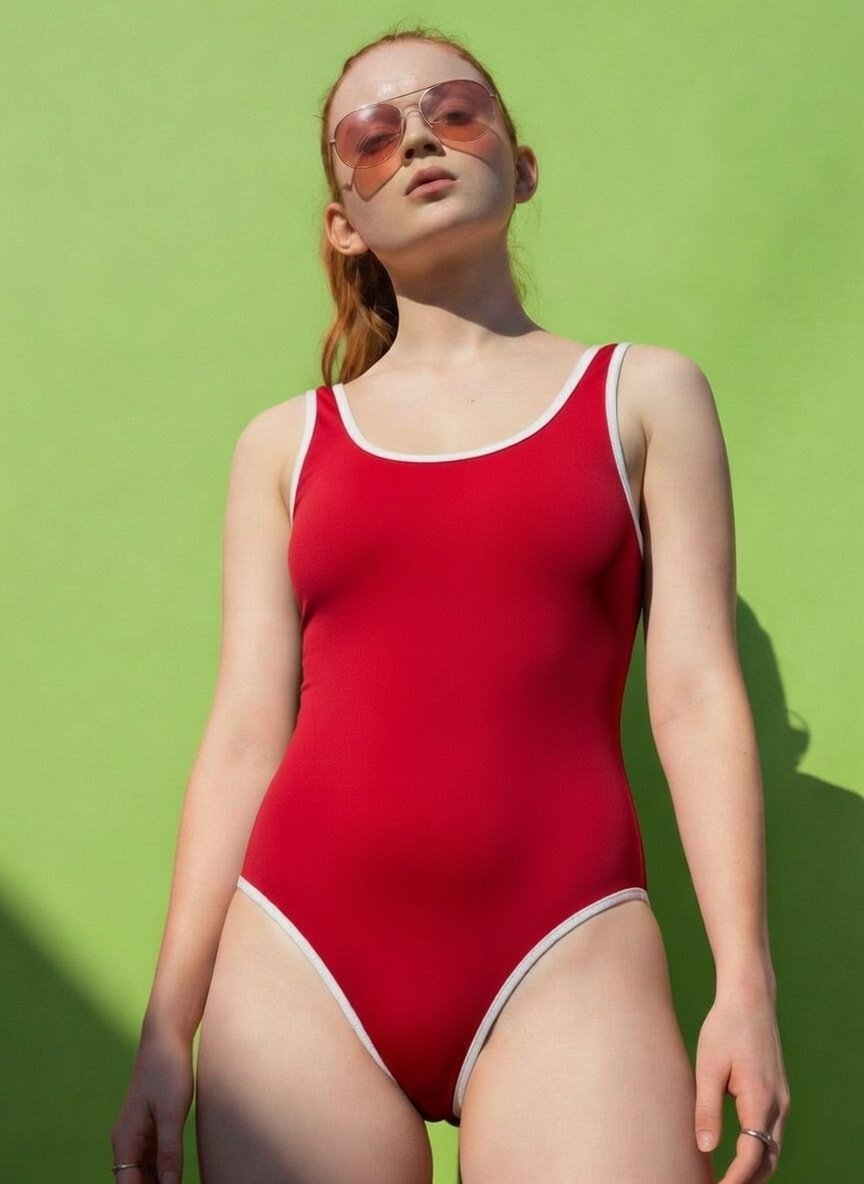
Hierarchy matters because style language often competes with identity and layout. If your prompt says "exact product shape" and later asks for a surreal melting poster, the model has to decide which instruction wins. Strong prompts make that decision explicit.
- First: identity and subject facts that must not change.
- Second: composition, crop, aspect ratio, and channel requirements.
- Third: reference-image role: identity, palette, layout, texture, or mood.
- Fourth: style, lighting, lens, material, and atmosphere.
- Fifth: negative rules such as no text, no watermark, no extra hands, and no logo distortion.
Scenario matrix: prompt system, model, and failure mode
| Job | Best visible instruction | Model fit | Likely failure |
|---|---|---|---|
| Product image | Preserve shape, material, packaging, crop, and background before style. | GPT Image 2 or Nano Banana when reference control matters. | Pretty image, wrong product silhouette. |
| Portrait variation | State exactly what the reference controls and what can change. | Nano Banana for quick variations; GPT Image 2 for tighter instruction following. | Face drift or over-stylized identity. |
| Fashion concept | Name mood, garment structure, pose, and camera distance. | Midjourney when the concept is exploratory and not identity-critical. | Strong mood but weak real-world specificity. |
| Poster visual | Reserve empty headline area and avoid generated text. | GPT Image 2 for layout control; Midjourney for mood exploration. | Cluttered frame or fake unreadable typography. |
| UI mockup | Keep interface hierarchy and device framing clear. | GPT Image 2 when structure matters most. | Decorative screen noise instead of useful hierarchy. |
Copyable prompts for system-aware image work
Use these blocks as visible prompts. They do not expose hidden system prompts; they help your prompt cooperate with the instruction layers that already exist in the tool.
- System-aware product prompt: Create a premium product hero image for [product]. Preserve the product silhouette and material cues. Use [model family] strengths for [photorealism / stylized mood / fast variation]. 4:5 aspect ratio, clean background, no text, no watermark.
- Reference-safe portrait prompt: Use the uploaded image only for face identity, hair shape, and age cues. Change wardrobe, lighting, pose, and background into [campaign style]. Keep the person recognizable, avoid extra hands, no text.
- Instruction hierarchy test prompt: Generate [scene]. Must keep [non-negotiable element]. Prefer [style direction] only if it does not conflict with the subject, crop, identity, or safety rules. If the style conflicts, preserve the subject first.
- Model-fit rewrite prompt: Rewrite this visual brief for GPT Image 2, Nano Banana, and Midjourney. Keep the same subject and output goal, but change the wording to match each model family: instruction control, fast variation, or stylized exploration.
Worked example: diagnose a weak first result
Raw job
You need a launch poster for a silver smart ring. The ring shape and finish must stay stable, the frame needs clean headline space, and the mood should feel premium rather than sci-fi.
Prompt version 1
- Premium launch poster for a silver smart ring, exact ring silhouette and brushed-metal finish, centered product hero, deep charcoal background, soft rim light, clean negative space above the ring for future headline, 4:5 aspect ratio, no generated text, no watermark.
Diagnosis rule
If the ring looks beautiful but the silhouette changes, the failure is not a style problem. Add a reference image and state that it controls silhouette, thickness, finish, and logo position. If the silhouette is correct but the frame is too busy, keep the identity instructions and revise crop, background, and negative space.
How model families change prompt behavior
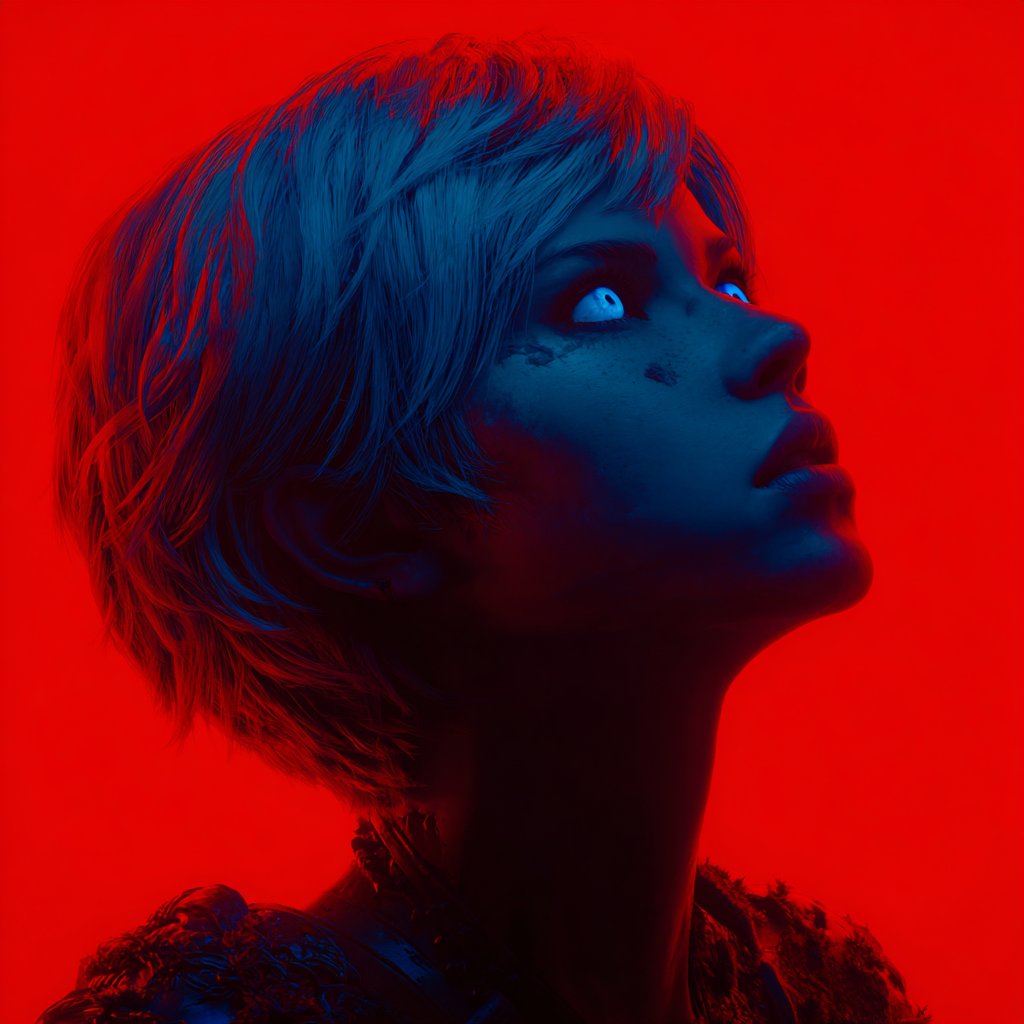
The same visible prompt can behave differently across model families. That is not only a prompt-quality issue; it is a model-fit issue. In Vogue AI, use model tags as a routing choice instead of treating every prompt as universal text.
- GPT Image 2: use for controlled product visuals, layout-sensitive posters, UI mockups, and edits where instruction following matters.
- Nano Banana: use for fast variations, social image experiments, reference-led portraits, and lightweight image-to-image exploration.
- Midjourney: use for fashion mood, editorial atmosphere, stylized concepts, and exploratory art direction.
- Switch models only after you know what failed. A wrong silhouette needs reference handoff; a flat mood may need a different model family.
Mistake and fix table
| Failure | Likely cause | Fix first |
|---|---|---|
| The model ignores a key object detail | The prompt made style louder than identity. | Move the object detail into the first sentence and mark it non-negotiable. |
| The reference image changes too much | The reference role is vague. | Say whether the reference controls identity, palette, layout, texture, or mood. |
| The result has fake text | The prompt asked the model to design final typography. | Reserve empty headline space and add text later in a design tool. |
| The style is strong but off-brief | The model family favors mood over strict control. | Try a control-oriented model or reduce optional style language. |
| The tool refuses or softens the request | The request conflicts with safety or product policy. | Reframe the task around allowed visual goals and remove prohibited claims. |
Use this inside Vogue AI
In Vogue AI, start from a prompt-library example that matches the job, then adapt the visible prompt around hierarchy. Use the workspace to test one model family, inspect the first failure, and then decide whether to tighten instructions, add a reference image, or switch model tags.
- Open the prompt example closest to your visual job, not the prettiest image in the gallery.
- Keep public prompt blocks in English when you want predictable copy-paste behavior across tools.
- Use reference images for identity, product shape, packaging, UI hierarchy, and palette continuity.
- Save the prompt version that fixes the failure, then reuse that version as the next controlled starting point.
FAQ
Can I see the system prompt of an AI tool?
Usually no. Most products do not expose hidden system prompts. You can still improve results by writing visible prompts that respect instruction hierarchy and model limits.
Is a system prompt the same as a user prompt?
No. A system prompt is set by the tool or provider. A user prompt is the instruction you type. The system layer normally has higher priority.
Why does the same prompt look different in different models?
Model families interpret style, references, and constraints differently. Treat model selection as part of the prompt design, especially for image work.
Should I ask the AI to reveal its hidden instructions?
No. That usually does not help your creative task. Write a clearer visible brief instead: what stays fixed, what can change, and how to judge the result.
How do reference images interact with prompts?
Reference images work best when you define their job. Say whether the reference controls identity, product shape, palette, composition, or mood.
When should I switch models instead of rewriting?
Switch after diagnosing the failure. If the prompt is clear but the model keeps prioritizing mood over structure, choose a model family better suited to control.
Do system prompts make prompt engineering useless?
No. They make prompt engineering more practical. Good prompts cooperate with the tool instead of fighting hidden defaults and model behavior.