The best prompts for AI art are not magic phrases. They are compact art-direction briefs that tell the model what to draw, how to frame it, what visual language to use, and what must not drift after the first generation.
TL;DR: use art direction, not adjective piles
- Start with the job: poster, portrait, concept art, character sheet, surreal artwork, or gallery image.
- Write the six controls in order: subject, medium, composition, light, texture, and constraints.
- Keep prompt blocks in English so they stay copyable across GPT Image 2, Nano Banana, and Midjourney workflows.
- Use a reference image only when identity, silhouette, palette, costume, product shape, or layout must stay stable.
- After the first result, fix one failure mode before changing the whole prompt.
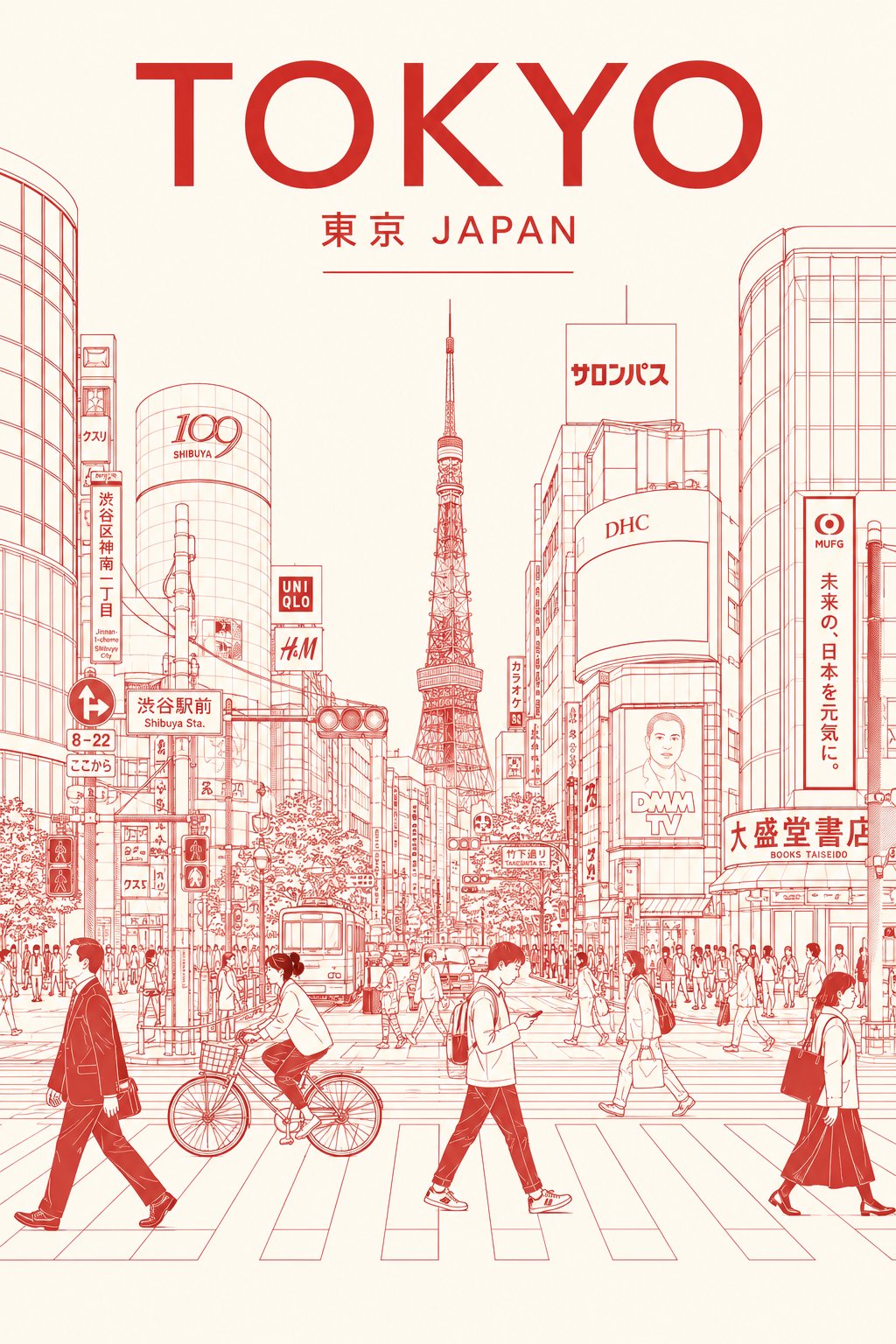
Pick the right prompt type before you write
Most weak AI art prompts fail before the first word because the user has not decided the job. Choose the job first, then copy the closest structure.
| If you need | Use this prompt type | Prioritize | First failure to check |
|---|---|---|---|
| A clean poster or cover | Minimal line-art poster | Medium, line weight, negative space, and paper texture. | Too much decoration or weak silhouette. |
| A story frame or environment | Cinematic concept art | Readable subject path, foreground-middle-background layers, scale, and light source. | Flat depth or unclear focal point. |
| A memorable mascot or avatar | Stylized character sheet | Shape language, expression, costume silhouette, and palette. | Extra anatomy, muddy pose, or inconsistent costume. |
| A polished portrait | Editorial fantasy portrait | Expression, wardrobe texture, crop, and rim light. | Over-smoothed skin, weak costume detail, or wrong crop. |
| A gallery-style idea | Surreal artwork | Concept contrast, material transformation, restraint, and tactile texture. | Cluttered symbolism or generic surrealism. |
The 6-part AI art prompt formula
This formula gives you a stable skeleton. When a result fails, change one row rather than rewriting the entire prompt.
| Prompt part | What to write | Why it matters |
|---|---|---|
| Subject | Name the person, object, creature, place, or scene plainly. | The model needs a stable anchor before style instructions matter. |
| Medium | Line art, oil painting, watercolor, anime, 3D render, editorial photo, or concept art. | Medium changes texture, detail density, and the expected finish. |
| Composition | Portrait crop, wide frame, centered poster, negative space, camera distance, or layered scene. | Composition prevents the first result from becoming visually busy. |
| Light | Softbox, rim light, moonlight, golden hour, hard flash, gallery lighting, or backlight. | Lighting creates depth, mood, and production value. |
| Texture | Ink line, paper grain, brushed metal, silk, fur, stone, fog, or paint impasto. | Texture turns a generic image into a specific art direction. |
| Constraints | No text, no watermark, preserve silhouette, simple background, stable anatomy, or empty headline area. | Constraints remove common failure modes before they appear. |
Copyable AI art prompt examples
Copy one prompt, replace the bracketed variables, and keep the structure stable for the first generation. Do not mix all five styles in one prompt.
- Minimal line-art poster: 8K ultra-detailed minimalist line art of [subject], clean black ink on warm white paper, elegant negative space, precise contour lines, subtle paper grain, balanced poster composition, 4:5 aspect ratio, no text, no watermark.
- Cinematic concept art: Wide cinematic scene of [hero subject] crossing [environment], dramatic atmospheric perspective, readable foreground-middle-background layers, golden hour side light, production-design detail, 16:9 frame, no text.
- Editorial fantasy portrait: A lone [subject] in [setting], high-fashion fantasy editorial art direction, strong silhouette, layered costume texture, controlled rim light, painterly background depth, 3:4 portrait crop, expressive face, no text.
- Stylized character sheet: Full-body character design of [character], distinctive shape language, readable costume silhouette, expressive pose, coherent color palette, polished animation concept-art finish, simple background, no text.
- Surreal gallery artwork: Museum-quality surreal artwork of [subject] merging with [unexpected material], restrained palette, tactile texture, precise lighting, elegant composition, high detail without clutter, 1:1 square format.
Case 1: minimal poster control
The line-art prompt works because it names the medium and limits the visual field. Negative space, paper grain, and no text are not decoration. They are production controls.
- Prompt: 8K ultra-detailed minimalist line art of a quiet rooftop garden at sunrise, clean black ink on warm white paper, elegant negative space, precise contour lines, subtle paper grain, balanced poster composition, 4:5 aspect ratio, no text, no watermark.
Case 2: cinematic narrative art
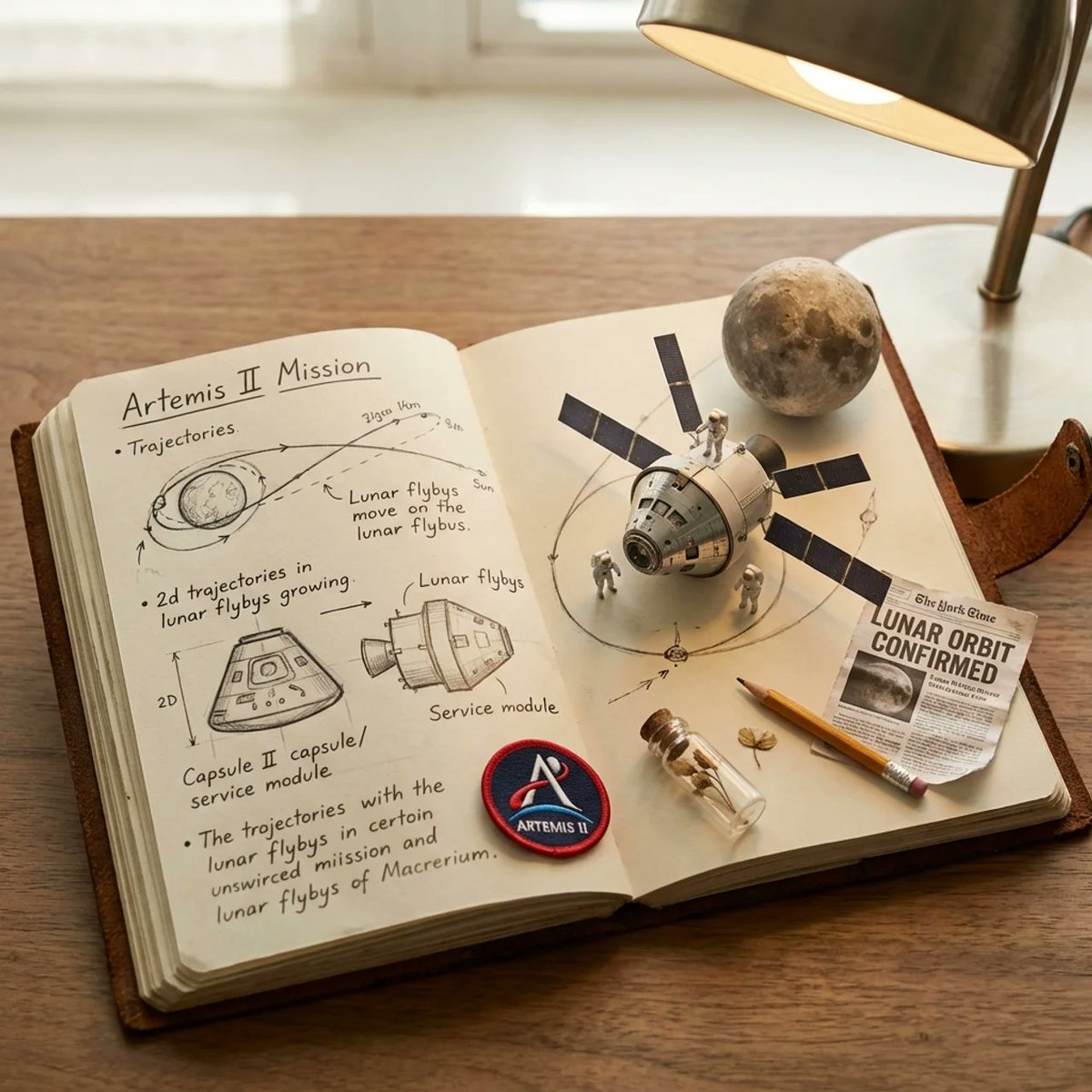
For cinematic art, the subject has to move through a readable environment. The prompt should describe scale, foreground and background layers, the light source, and the frame.
- Prompt: Cinematic sci-fi illustration of an Artemis-style deep-space crew capsule approaching the moon, crisp spacecraft silhouette, blue-black star field, sunlit lunar rim, NASA-inspired realism, dramatic scale, clean foreground-to-background depth, 16:9 frame, no text, no watermark.
Case 3: stylized character art
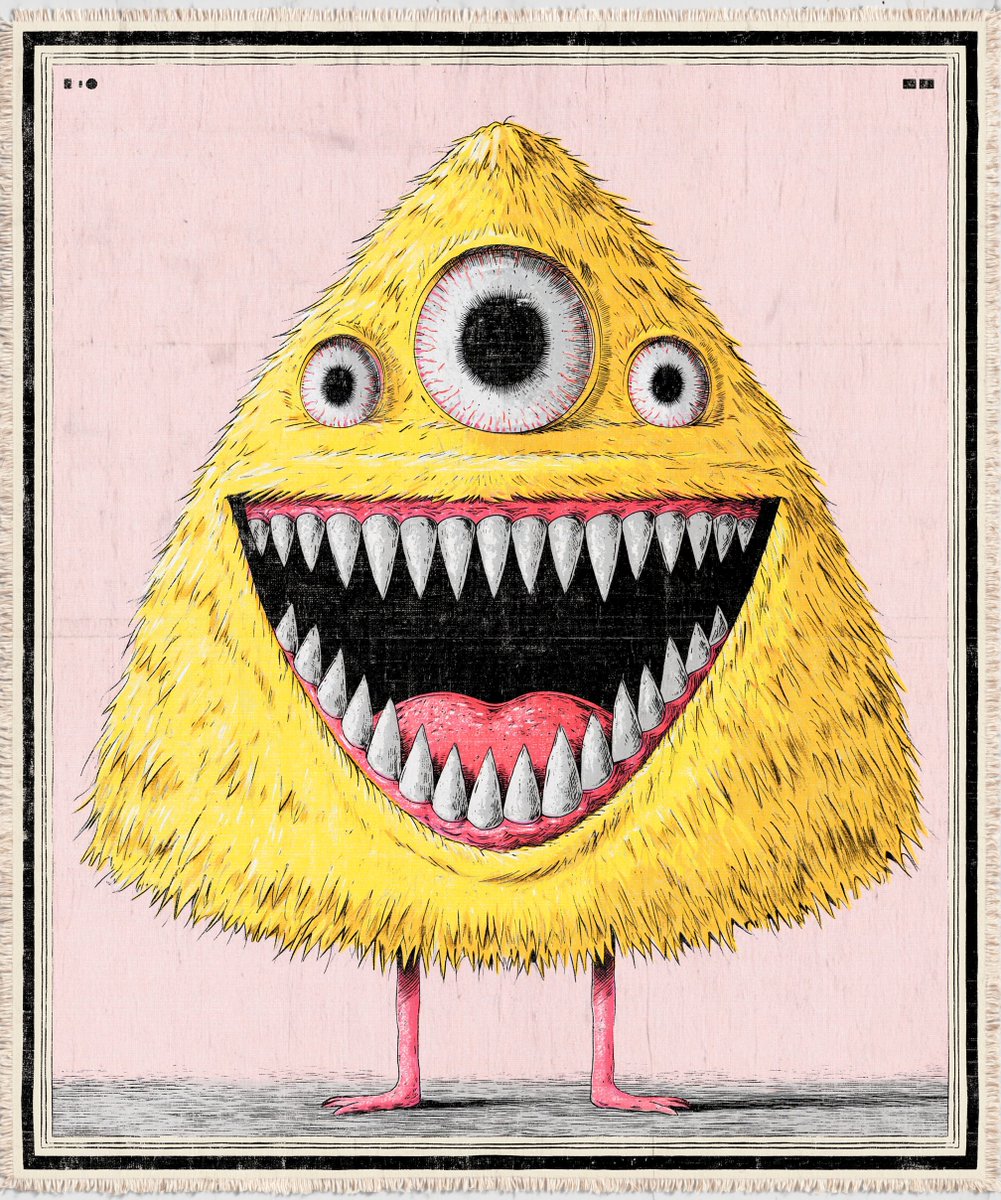
Character prompts need thumbnail readability. Shape language, expression, silhouette, and a simple background are usually more valuable than a long list of style references.
- Prompt: Cartoon illustration of a small yellow furry monster with three eyes, rounded body, playful expression, tiny arms, soft studio lighting, bold readable silhouette, polished children-book character design, simple background, no text.
A repeatable workflow inside Vogue AI
Use Vogue AI as a controlled iteration surface, not only as a prompt box. Start from a prompt-library example, generate one draft, then diagnose the first failure.
- Choose the closest prompt-library example by job, not by prettiness.
- Copy the prompt structure and replace only the subject, setting, channel, or style variables.
- Generate one controlled draft before adding reference images or switching models.
- If identity or shape is wrong, add a reference image and say exactly what it controls.
- Save the first prompt that solves the job, then duplicate it for the next artwork.
What to change after the first result
A strong prompt system needs a repair path. Use the first result as a diagnostic, then change only the control that failed.
| Failure mode | Fix first | Avoid |
|---|---|---|
| Generic AI look | Add medium, material texture, audience, and a more specific lighting setup. | More abstract adjectives. |
| Weak subject | Move the subject to the first clause and define silhouette, pose, or camera distance. | Starting with style references only. |
| Messy composition | Add crop, negative space, foreground-background layers, or a simpler background. | Switching models before fixing the frame. |
| Style drift | Keep one medium and one art direction instead of mixing multiple aesthetics. | Stacking every favorite style in one prompt. |
| Bad text or watermark | Ask for no text and leave typography for a design tool. | Expecting perfect final lettering inside the image. |
Model fit in Vogue AI
The same prompt skeleton can move across models, but each model should get a slightly different emphasis.
- Use GPT Image 2 when you need stricter instruction control, reference-led revisions, or cleaner constraint following.
- Use Nano Banana when you want fast ideation, variations, and lightweight image-to-image exploration.
- Use Midjourney when you want expressive mood, fashion framing, stylized characters, or exploratory concept art.
- For production-style work, keep the prompt skeleton stable and compare model outputs against the same first failure checklist.
FAQ
What is the best prompt for AI art?
The best prompt is the one that controls subject, medium, composition, lighting, texture, and output rules for your exact job. A short structured prompt often beats a long decorative one.
Should AI art prompts be long?
Only as long as needed to control the image. Add detail when it protects subject, frame, style, or output format. Remove detail when it creates conflicting directions.
Can I use the same prompt in different models?
Yes, but keep the skeleton stable and change only the model-specific emphasis. GPT Image 2 rewards constraints, Nano Banana is useful for variation, and Midjourney is strong for stylized exploration.
When should I use a reference image?
Use a reference image when identity, silhouette, costume, color palette, product shape, or existing artwork direction must stay close to the source. Do not add one when you only need loose inspiration.
Why does my AI art look generic?
Generic output usually comes from missing medium, composition, lighting, texture, or audience context. Add concrete art-direction controls before adding more mood words.
Should prompts include artist names?
You can usually get cleaner control by describing medium, era, lighting, palette, and composition directly. That also makes the prompt easier to adapt across tools and locales.
What should I do when the first image is close but not usable?
Keep the working parts. Fix one layer: subject, composition, light, texture, or constraint. A full rewrite often loses the strongest part of the first result.