To change an image to a specific art style, upload the original image, tell the model what must stay fixed, then name the new style with concrete visual controls. The prompt should protect subject identity, pose, crop, and important objects while changing rendering, texture, color, and lighting.
TL;DR: preserve the subject, change the rendering
- Start with a reference image whenever identity, pose, product shape, or layout must survive.
- Write one preservation sentence before the style words: what stays fixed, what can change, and what should not appear.
- Use named style families such as anime, watercolor, oil painting, editorial poster, cartoon, or cinematic illustration.
- Add material controls: linework, paper grain, brushwork, cel shading, film grain, color palette, and lighting.
- Judge the first result by failure mode: identity drift, weak style, over-stylization, messy background, or broken generated text.
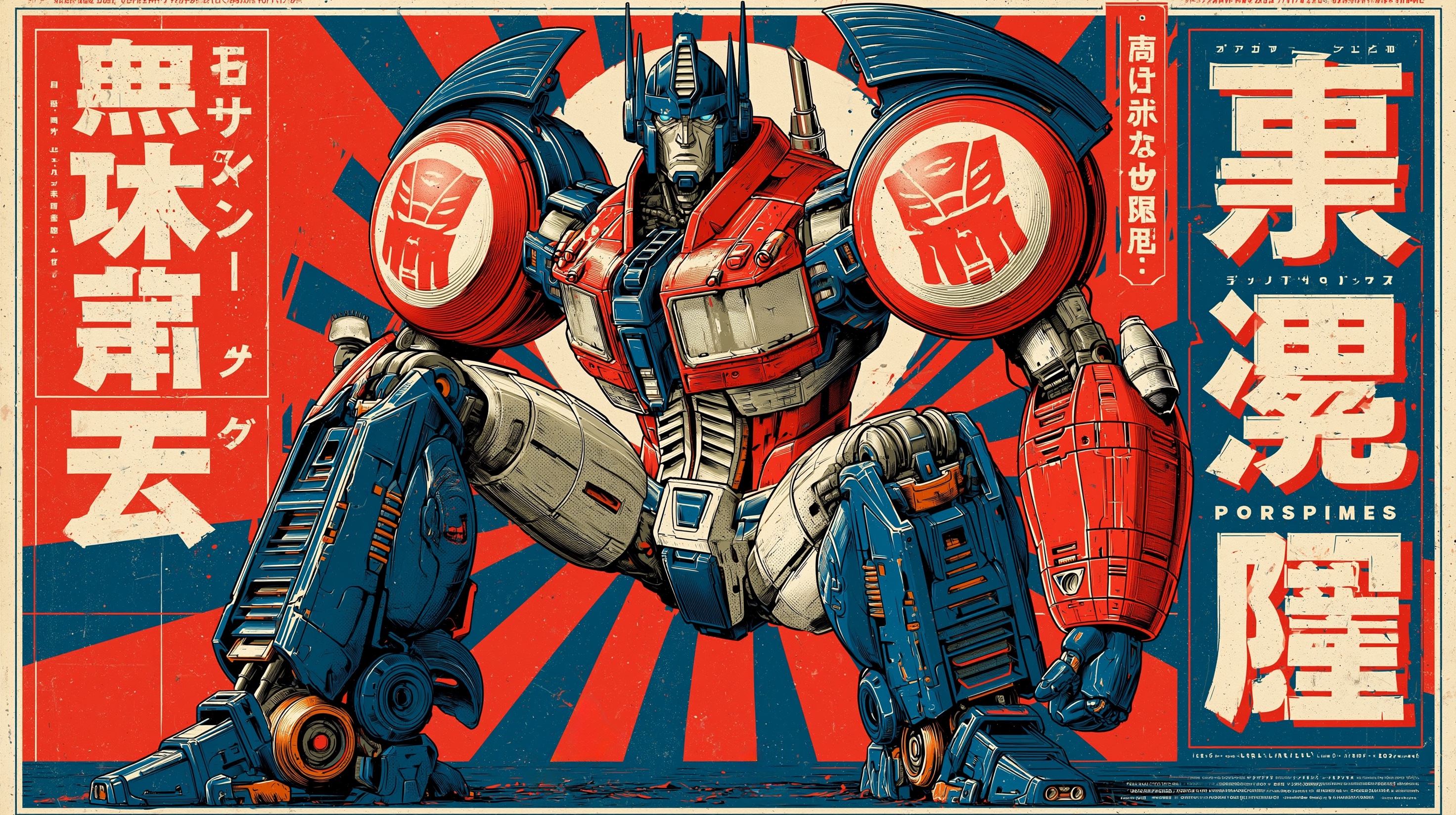
Reference-image style transfer workflow
The workflow is simple, but the order matters. If you name the style before protecting the source image, the model may make a beautiful picture that no longer matches the original subject.
| Step | What to write | Why it matters |
|---|---|---|
| 1. Upload the image | Use the original as a subject or layout reference. | The image carries identity, pose, camera angle, product shape, and composition. |
| 2. Declare preservation rules | Preserve [identity / pose / silhouette / layout / key objects]. | This prevents the style from replacing the actual job. |
| 3. Name the art style | Anime, watercolor, oil painting, cartoon, editorial poster, or another specific style. | A named family gives the model a visual direction. |
| 4. Add style controls | Linework, shading, palette, texture, medium, background, and lighting. | Concrete controls beat vague words like artistic or beautiful. |
| 5. Add output rules | Aspect ratio, no text, no watermark, same crop, clean background, or headline-safe area. | The result remains usable in a real design or marketing workflow. |
Image plan for this guide
- Hero and first body image: a Midjourney style-reference example, because the article is about style controls rather than a generic image edit.
- Prompt template section: an anime-style example, because anime is a common high-intent style-transfer request.
- Texture section: a watercolor-style poster example, because watercolor exposes the biggest risk of losing subject structure.
- All images are first-party Vogue AI prompt-library assets and keep the cover equal to the first body image.
Copyable prompts for common art styles
Copy one block, replace the bracketed fields, and keep the prompt in English when you paste it into Vogue AI. The explanation around the prompt can be localized, but the public prompt block should stay copyable.
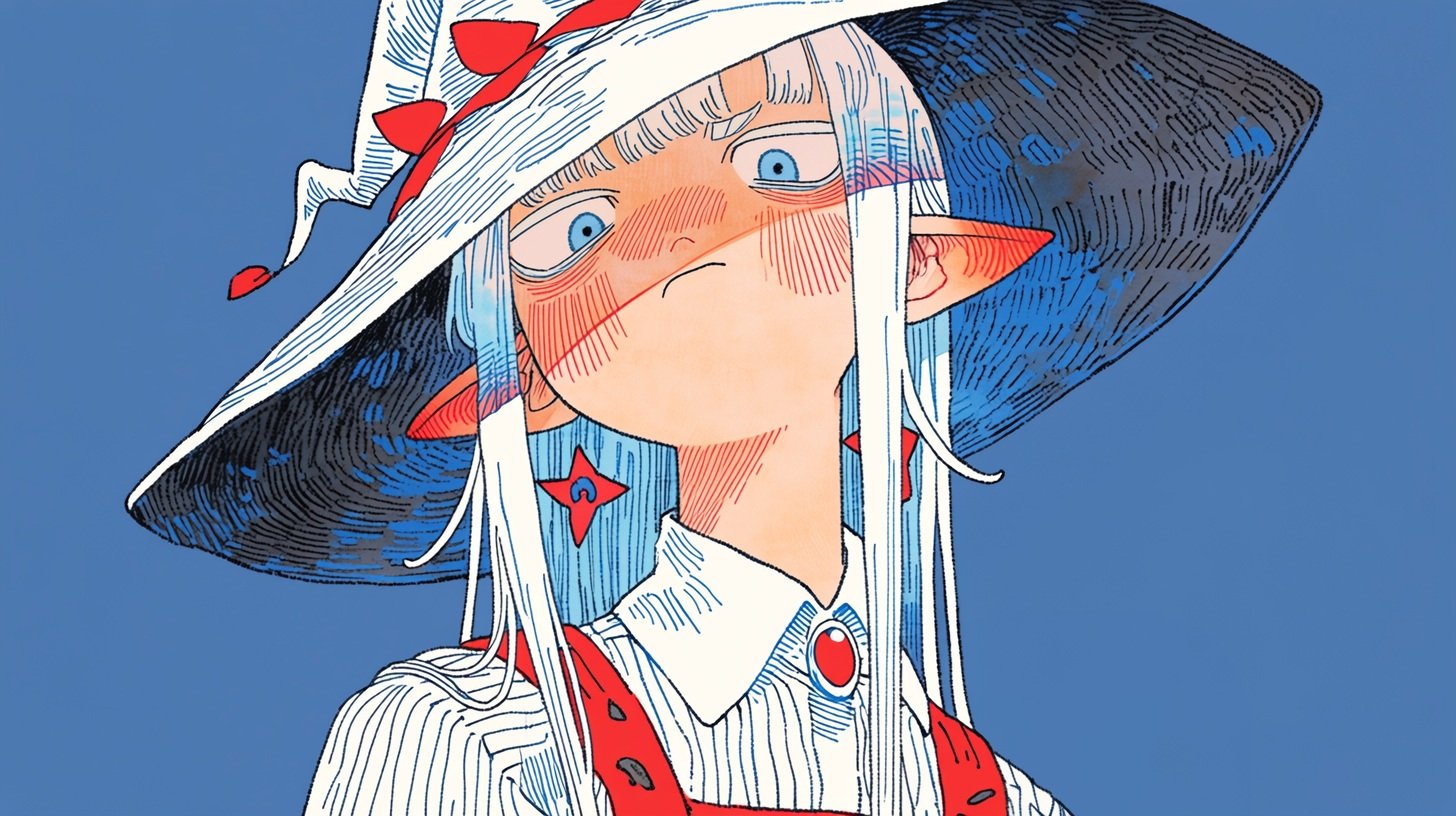
- Anime style transfer: Use my uploaded image as the subject reference. Preserve the main subject identity, pose, camera angle, and key silhouette. Recreate the image in clean Japanese anime style, crisp linework, controlled cel shading, expressive but not exaggerated features, soft cinematic background, same composition, 4:5 aspect ratio, no text, no watermark.
- Watercolor style transfer: Use my uploaded image as the structure reference. Keep the subject, framing, horizon line, and important objects recognizable. Render it as delicate watercolor illustration on textured paper, soft pigment bleed, restrained ink edges, natural light, airy palette, no text, no watermark.
- Oil painting style transfer: Use my uploaded photo as the subject reference. Preserve face identity or product shape exactly, then reinterpret lighting and surface texture as a classic oil painting with visible brushwork, layered warm shadows, museum-quality color depth, stable anatomy, same crop, no text.
- Editorial poster style transfer: Use my uploaded image as the layout reference. Keep the subject placement and negative space, transform the look into a high-fashion editorial poster, bold contrast, refined grain, controlled palette, clean headline-safe area, no generated typography.
- Cartoon style transfer: Use my uploaded image as the subject reference. Preserve the pose, outfit, and main proportions, convert the rendering into a polished cartoon illustration with simple shapes, friendly expression, clean background, limited color palette, no text, no watermark.
Style recipe matrix
| Style target | Preserve from the source | Add to the prompt | First result check |
|---|---|---|---|
| Anime | Face identity, pose, outfit, and camera angle. | Clean linework, cel shading, controlled expressions, simple background. | Check whether the face became too generic or the pose changed. |
| Watercolor | Subject outline, horizon line, important props, and crop. | Paper grain, pigment bleed, soft edges, airy palette, restrained ink. | Check whether details dissolved or contrast became too weak. |
| Oil painting | Anatomy, product shape, face structure, and composition. | Brushwork, layered color, warm shadows, canvas texture, museum lighting. | Check whether the style is strong without distorting the subject. |
| Editorial poster | Subject placement and negative space. | Bold contrast, refined grain, campaign lighting, clear text-safe area. | Check whether the frame still leaves room for real typography. |
| Cartoon | Pose, outfit, proportions, and main silhouette. | Simplified shapes, friendly expression, limited palette, clean background. | Check whether simplification removed the recognizable parts. |
Worked example: turn one photo into watercolor
Source image goal
Assume the uploaded image is a product photo of a handmade ceramic coffee dripper on a kitchen counter. The shape, glaze color, and camera crop must remain stable, but the final result should look like a delicate watercolor editorial illustration.
Prompt version 1
- Use my uploaded image as the structure reference. Preserve the ceramic coffee dripper shape, glaze color, rim angle, counter placement, camera crop, and main shadow direction. Recreate the scene as a delicate watercolor editorial illustration on textured cold-press paper, soft pigment bleed, restrained ink outlines, warm morning light, airy neutral background, same 4:5 composition, no text, no watermark.
First-result diagnosis
If the watercolor look is good but the dripper shape changes, strengthen the preservation sentence before adding more style words. If the shape is correct but the image still looks like a filter, add medium-specific controls such as cold-press paper, pigment bleed, dry-brush edges, and restrained ink outlines.
Texture-heavy styles need extra constraints
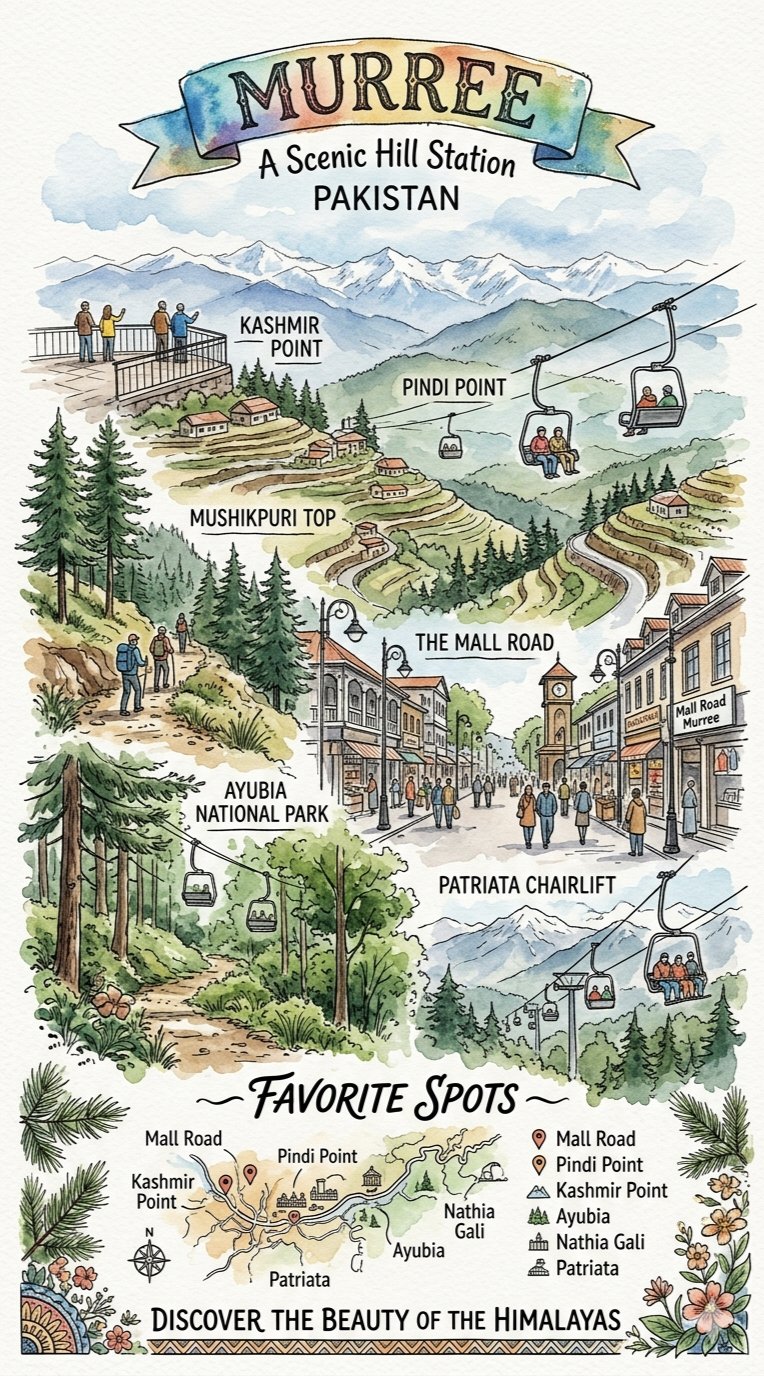
Watercolor, oil painting, crayon, risograph, pencil, and paper-cut styles are useful because they change material texture. They are also risky because texture can swallow identity. Add a review checklist before you generate many variations.
- Identity: the same face, product shape, logo placement, or object outline remains recognizable.
- Composition: crop, camera angle, and subject placement still match the source image.
- Style strength: the new medium is visible without turning the result into a generic illustration.
- Background: the background supports the style instead of adding random props.
- Production rule: generated text is removed or reserved as a blank area for later design work.
Which Vogue AI model to use
| Goal | GPT Image 2 | Nano Banana | Midjourney |
|---|---|---|---|
| Preserve the source closely | Best first choice for instruction following and reference-aware edits. | Good for fast exploration when exact identity is less strict. | Use when style discovery matters more than close reconstruction. |
| Explore many style directions | Use when you need controlled variants from one prompt skeleton. | Useful for quick social or creator-style variations. | Strong for style-reference exploration and art-direction mood boards. |
| Prepare a production asset | Best when layout, product shape, or face fidelity matters. | Good for fast drafts before final selection. | Useful for a mood target that may be refined elsewhere. |
Failure fixes
| Failure | Fix first | Avoid first |
|---|---|---|
| Identity drift | Make the reference handoff explicit and name what must not change. | Adding more style adjectives. |
| Style is too weak | Add medium-specific controls: linework, brushwork, paper grain, shading, or palette. | Changing the source image immediately. |
| Over-stylization | Lower the style intensity and restate same crop, same pose, same silhouette. | Switching to a totally different style family. |
| Messy background | Specify clean background, fewer props, or preserve original background layout. | Adding more cinematic language. |
| Broken text or logo | Ask for no generated text and reserve clean space for later typography. | Asking the model to spell a final headline perfectly. |
Vogue AI handoff checklist
- Pick the closest prompt-library example before writing from scratch.
- Upload the source image and decide what role it plays: identity, product shape, pose, layout, or palette.
- Copy one prompt block and replace only the bracketed variables for the first generation.
- Save the first version that preserves the subject and shows the target style clearly.
- Create variants by changing one control at a time: style family, texture, palette, lighting, or crop.
FAQ
How do I change an image to a specific art style?
Upload the image, state what must stay fixed, name the target art style, add style controls, and generate a first result. Then revise the largest failure first.
What should the reference image control?
It should control the parts that matter to the job: identity, product shape, pose, layout, color palette, or key objects. Say this directly in the prompt.
Which art styles work well?
Anime, watercolor, oil painting, editorial poster, cartoon, risograph, pencil sketch, cinematic illustration, and fashion editorial all work when the style controls are specific.
Should prompt blocks stay in English?
For public copy-paste blocks, yes. English prompts are easier to reuse across Vogue AI models, while the surrounding article can be fully localized.
How do I stop the subject from changing?
Put preservation rules before style rules, use a clear reference handoff, and inspect the first result for identity drift before adding more style language.
What if the result looks like a simple filter?
Add medium-specific details such as cel shading, ink linework, paper grain, pigment bleed, brush texture, or poster grain. Style transfer needs material language, not only a style name.