Copy-paste AI image prompts work best when they behave like a reusable production brief. The goal is not to collect pretty wording; it is to preserve the subject, composition, reference handoff, and output rule so the next product shot, portrait, social post, or UI mockup starts from a controlled draft.
TL;DR: copy the structure, not the whole idea
- Start with a stable structure: subject, composition, style controls, output rules, and reference-image instructions.
- Replace only the variables that belong to the current job: product, person, channel, brand palette, aspect ratio, and background.
- Use a reference image when identity matters: product shape, face, package layout, logo position, UI hierarchy, or color system.
- Judge the first result by failure mode, not taste. Fix subject, crop, background, or text policy before adding more adjectives.
- Save the prompt version that solved the job, then duplicate that version for the next visual instead of rewriting from zero.
Who should use this workflow
This guide is for creators, marketers, founders, and designers who need repeatable visual outputs rather than one lucky image. It fits Vogue AI prompt-library workflows where you browse an example, adapt the prompt, add a reference image when needed, and generate a first draft in the workspace.
- Good fit: product visuals, ad concepts, portrait avatars, social layouts, UI mockups, and brand mood tests.
- Poor fit: prompts that require exact legal claims, exact readable text, or final brand typography inside the generated image.
- Best first goal: get a controlled composition that can be improved, not a final asset that needs no review.
Scenario matrix
| Job | Prompt pattern | Reference image | First failure to check |
|---|---|---|---|
| Product hero | Studio product photo with fixed crop, lighting, material detail, and background color. | Use one when shape, packaging, color, or logo placement must stay recognizable. | Wrong silhouette, distorted label, weak shadow, or background competing with the product. |
| Portrait avatar | Editorial headshot with wardrobe, expression, skin texture, lens, and crop constraints. | Use one when identity, hairstyle, face angle, or wardrobe needs continuity. | Extra hands, waxy skin, wrong age, over-stylized face, or eyes not sharp enough. |
| Social poster | Campaign visual with subject, channel, negative space, color system, and text-safe area. | Optional for mood; useful when the brand palette or existing campaign layout matters. | No headline space, cluttered frame, unreadable generated text, or weak focal point. |
| UI mockup | Device or screen presentation with interface hierarchy, reflections, desk surface, and aspect ratio. | Use one when the screen layout or product UI must remain close to the source. | Fake UI hierarchy, distorted screen, noisy reflections, or crop that hides the product. |
Prompt anatomy to keep stable
Every reusable prompt should have the same five parts. If a result fails, you can then change one part without losing the whole visual system.
- Subject: the exact product, person, object, app screen, or campaign scene.
- Composition: camera angle, crop, background, lighting, lens, depth, and negative space.
- Style controls: material, color palette, mood, texture, realism level, and brand tone.
- Reference handoff: what the reference image controls, and what the model may reinterpret.
- Output rules: aspect ratio, text policy, transparent background, no watermark, channel format, and review constraint.
Copyable prompt blocks
Copy one block, replace the bracketed variables, then keep the rest stable for the first generation. These blocks are intentionally plain: the control comes from clear constraints, not decorative adjectives.
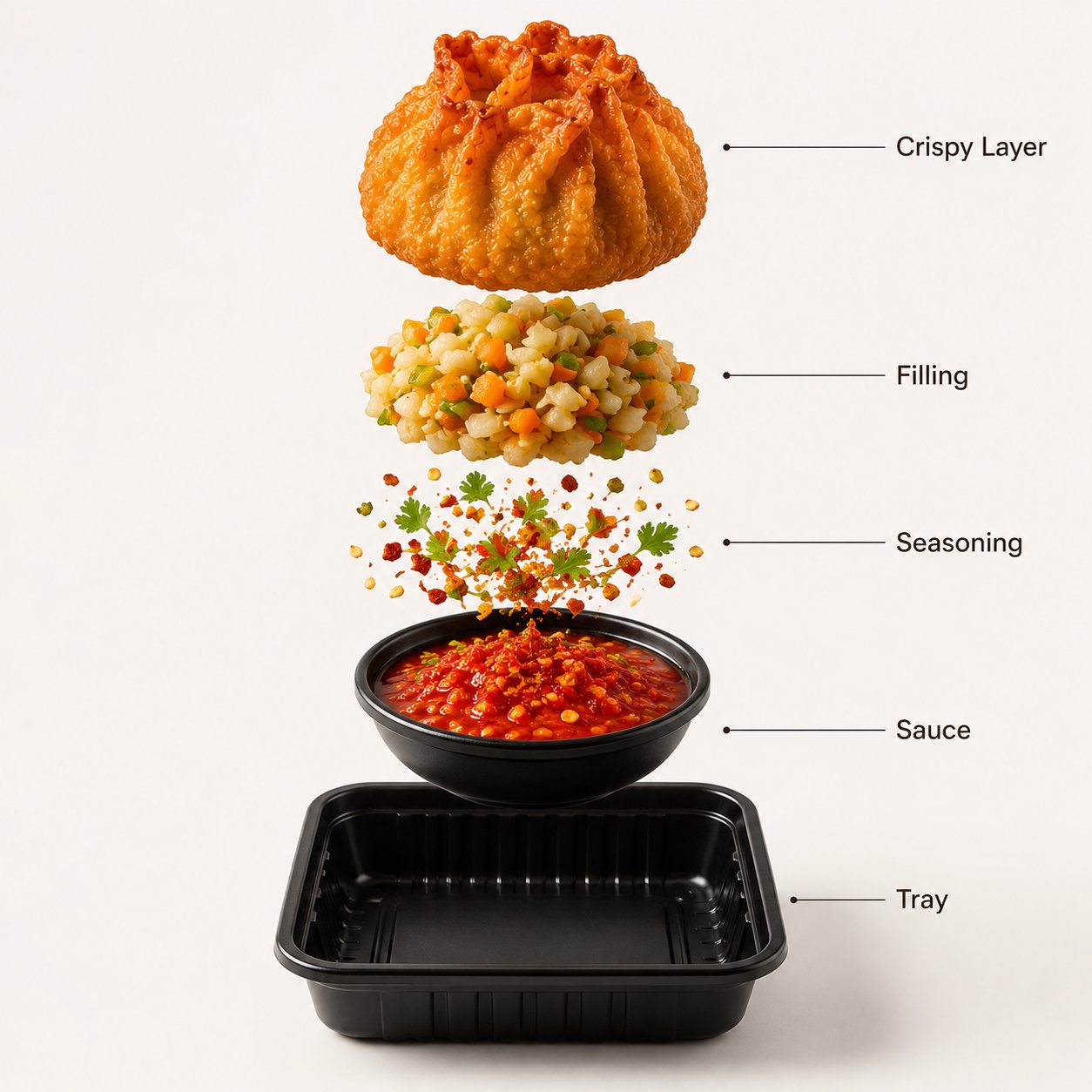
- Product hero: Ultra-realistic studio product photo of [product], centered on a clean [background color] backdrop, softbox lighting from the upper left, crisp material detail, subtle shadow, premium ecommerce composition, 4:5 aspect ratio, no text, no logo distortion.
- Portrait avatar: Professional editorial headshot of [person description], relaxed confident expression, natural skin texture, clean wardrobe, soft background separation, daylight studio look, sharp eyes, 3:4 crop, no extra hands, no text.
- Social poster: Bold campaign poster for [topic], main subject [subject], high-contrast color palette, clear negative space for headline, cinematic lighting, modern fashion editorial layout, 9:16 vertical format, keep text area empty.
- UI mockup: High-resolution product mockup showing [app or website] on a modern device, realistic reflections, clean desk surface, soft ambient light, visible interface hierarchy, premium SaaS presentation, 16:9 aspect ratio.
Worked example: turn one product request into a reusable brief
Raw job
You need a premium product photo for a ceramic coffee dripper. The image should work on a product page and in a launch post. The shape and glaze color matter, but the background can be simplified.
Prompt version 1
- Ultra-realistic studio product photo of a handmade ceramic coffee dripper, centered on a warm off-white backdrop, softbox lighting from the upper left, visible glazed ceramic texture, subtle shadow, premium ecommerce composition, 4:5 aspect ratio, no text, no watermark, keep the silhouette clean.
First-result diagnosis
If the dripper looks attractive but the cone shape is wrong, do not rewrite the whole prompt. Add a reference image and one sentence that says the reference controls silhouette, rim shape, and glaze color. If the shape is correct but the image feels generic, tighten the audience, surface material, and channel.
Mistake and fix table
| Failure | Fix first | Do not start with |
|---|---|---|
| Wrong product, face, or UI identity | Attach a reference image and state exactly what must not change. | More style adjectives. |
| Generic-looking image | Add audience, channel, season, material, and brand palette. | A full prompt rewrite. |
| Messy layout | Change aspect ratio, crop, negative space, or background rule. | A different model before fixing composition. |
| Broken text or logo | Remove text from generation and reserve an empty area for later typography. | Asking the model to spell a final headline perfectly. |
| Style drift after a good first result | Duplicate the working prompt and only replace the variable fields. | Continuing to revise the same prompt until the useful structure is lost. |
Use the pattern in Vogue AI without overfitting
Inside Vogue AI, treat the prompt library as a set of reusable starting points. Pick the example closest to your job, copy the structure, add a reference image only when it protects identity, and keep a short review checklist beside the generated result.
- Use GPT Image 2 when instruction following and controlled scene changes matter most.
- Use Nano Banana when you want fast variations, social ideas, or quick image-to-image exploration.
- Use Midjourney when mood, fashion framing, or stylized concept exploration is the priority.
- Save the prompt that fixed the job with a plain label such as product-hero-4x5-reference-shape.
- Make the next version from the saved prompt, not from the last failed experiment.
What to change after the first result
Compare the first result against the job, not against the prompt wording. If the product shape is wrong, strengthen the reference handoff. If the image feels generic, tighten the audience, channel, and brand palette. If the composition is close but messy, keep the prompt and change the aspect ratio, crop, or background rule.
- Wrong subject or identity: keep the visual direction, but add a reference image and one sentence that names what must not change.
- Generic style: add the audience, campaign channel, season, and brand palette before adding more visual adjectives.
- Messy layout: keep the prompt text stable and change the crop, aspect ratio, negative space, or background rule first.
- Broken text or logo: remove text from the generation prompt, reserve a clean empty area, and add final typography in a design tool.
FAQ
Can I copy these AI image prompts directly?
Yes. Copy the structure, then replace the bracketed variables before generating. The stable parts protect composition, lighting, and output rules; the variables make the prompt fit your product, person, campaign, or UI mockup.
When should I add a reference image?
Add a reference image when identity matters: product shape, packaging, face, logo placement, color palette, or an existing layout. Text-only prompts are better for concept exploration; reference-led prompts are better for production visuals.
Which model should I try first?
Start with the model that matches the failure risk. Use GPT Image 2 for instruction control, Nano Banana for fast variations, and Midjourney for stylized mood exploration. Keep the prompt structure stable when switching models.
Should I rewrite the prompt after a bad first result?
Not immediately. Fix one failure mode first: subject boundary, aspect ratio, crop, background, or text policy. Rewriting the whole prompt makes it harder to learn which instruction actually improved the image.
Should the prompt include final text or logo placement?
Use generated text only for rough layout placeholders. For final headlines, pricing labels, logos, and legal copy, reserve clean space in the image and add typography in a design tool.
How do I turn one good prompt into a reusable library asset?
Save the version that fixed the job, name the variables clearly, and keep a short note about what the reference image controls. The next prompt should duplicate that saved version and replace only the variable fields.