Flux image prompts work best when they describe a precise visual job, not just a vibe. The reliable pattern is subject, camera, environment, lighting, style, constraints, and a first-result diagnosis rule.
TL;DR: copy this Flux prompt structure first
- Write the subject in one concrete sentence before adding style words.
- Use camera, crop, and light direction to control the frame early.
- Add environment details only when they support the subject instead of competing with it.
- Keep prompt blocks in English for copy-paste use across Vogue AI locales.
- After the first generation, fix the biggest production failure before rewriting the whole prompt.
What Flux image prompts should control
The search intent behind flux image prompts is practical: people want examples they can paste, compare, and adapt while understanding which words control subject, style, composition, and quality. Black Forest Labs guidance for FLUX prompting emphasizes clear subject detail, composition, lighting, and iterative refinement; the same rules map cleanly to a Vogue AI workspace.
| Prompt layer | Write this | Check first |
|---|---|---|
| Subject | The exact object, person, character, product, or scene. | Is the main subject recognizable? |
| Composition | Crop, camera distance, angle, negative space, and foreground/background layers. | Is the frame usable for the channel? |
| Lighting | Softbox, daylight, rim light, hard flash, neon, golden hour, or overcast light. | Does the light support the subject? |
| Environment | Location, props, surface, weather, era, or production setting. | Does the setting add context without clutter? |
| Style | Photoreal, editorial, cinematic, product catalog, concept art, or illustration. | Is style helping the job instead of overpowering it? |
| Constraints | Aspect ratio, no text, no watermark, reference role, or text-safe area. | Did the model respect the production limits? |
Scenario matrix for reusable Flux prompts
| Goal | Prompt pattern | Use a reference when | First failure to fix |
|---|---|---|---|
| Realistic product photo | Subject, material, surface, lighting, shadow, crop, no text. | Shape, packaging, color, or logo position must remain stable. | Wrong silhouette or weak material detail. |
| Portrait or avatar | Identity description, wardrobe, expression, lens, skin texture, background separation. | The person must remain recognizable. | Face drift, extra hands, or waxy skin. |
| Concept art scene | Main subject, action, world detail, perspective, atmospheric depth, color contrast. | You need a specific character, vehicle, or layout anchor. | Busy environment hiding the subject. |
| Campaign poster | Dominant subject, negative space, channel ratio, lighting, later typography zone. | Brand color or product shape must stay fixed. | No clean headline area or generated text artifacts. |
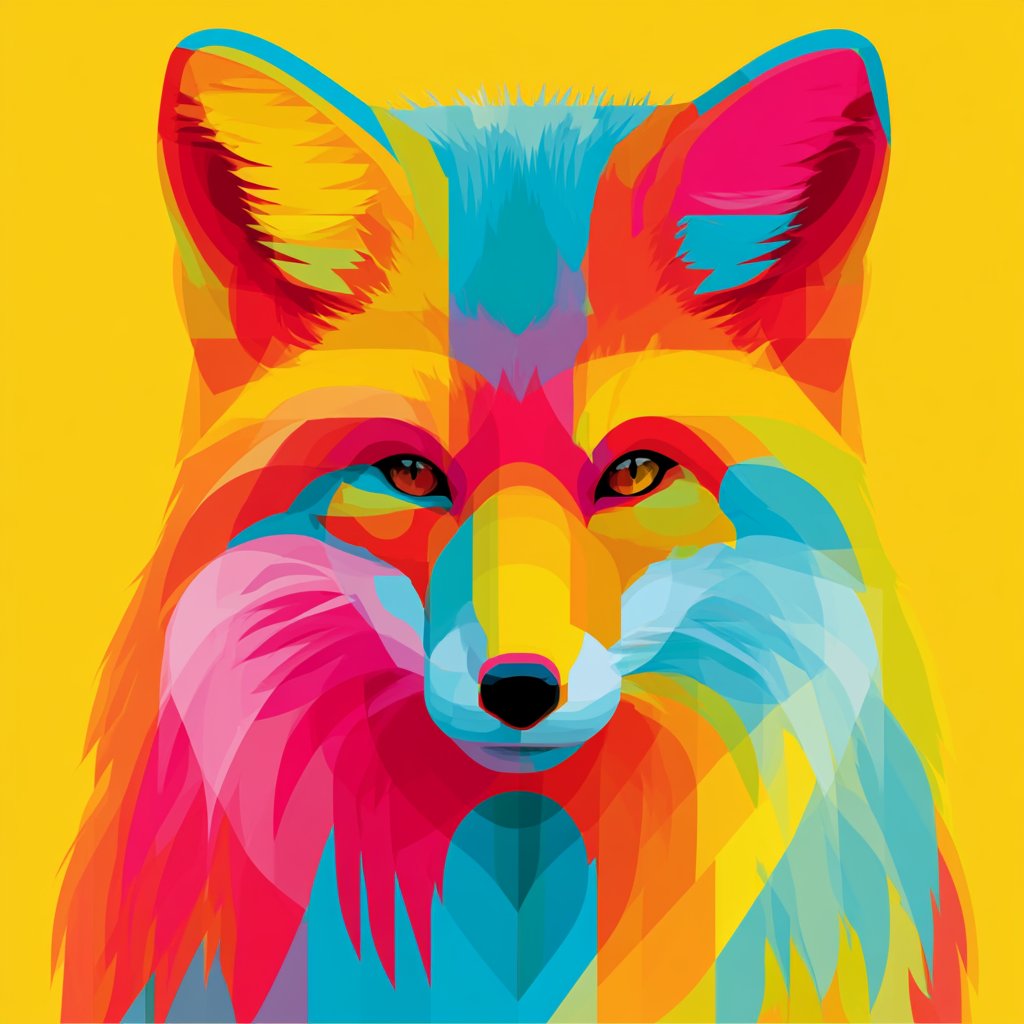
Copyable FLUX prompt examples
Copy one block, replace the bracketed variables, then keep the structure stable for the first generation. These examples avoid claims about a single perfect style and focus on controls you can inspect.
- Cinematic product photo of [product], precise silhouette, tactile material detail, soft studio key light, subtle rim light, clean background, realistic shadows, commercial catalog clarity, 4:5 aspect ratio, no text, no watermark.
- Editorial portrait of [subject], natural skin texture, confident expression, wardrobe in [palette], shallow depth of field, realistic daylight, sharp eyes, controlled background separation, 3:4 crop, no extra fingers, no text.
- Atmospheric concept art of [scene], clear foreground subject, layered midground and background, coherent light direction, detailed environment cues, painterly realism, cinematic color contrast, 16:9 frame, no text.
- Social campaign poster for [topic], single dominant subject, bold negative space for later typography, high-contrast lighting, modern fashion-ad composition, 9:16 aspect ratio, keep generated text empty.
Worked example: from raw brief to Flux prompt
Raw brief
You need a premium image for a translucent smart speaker. It should feel futuristic but still look like a real product photo. The silhouette, surface reflections, and empty ad space matter more than decorative background detail.
Prompt version 1
- Premium studio product photo of a translucent smart speaker, cylindrical silhouette, visible internal acoustic mesh, cool white softbox lighting, subtle cyan rim light, glossy reflection on a dark glass surface, clean futuristic background, empty space on the upper right for later headline, commercial realism, 4:5 aspect ratio, no text, no watermark.
First-result diagnosis
If the speaker looks futuristic but the cylinder collapses, add a reference image and state that it controls silhouette and material transparency. If the product shape is correct but the ad space is gone, revise composition and negative space before touching style.
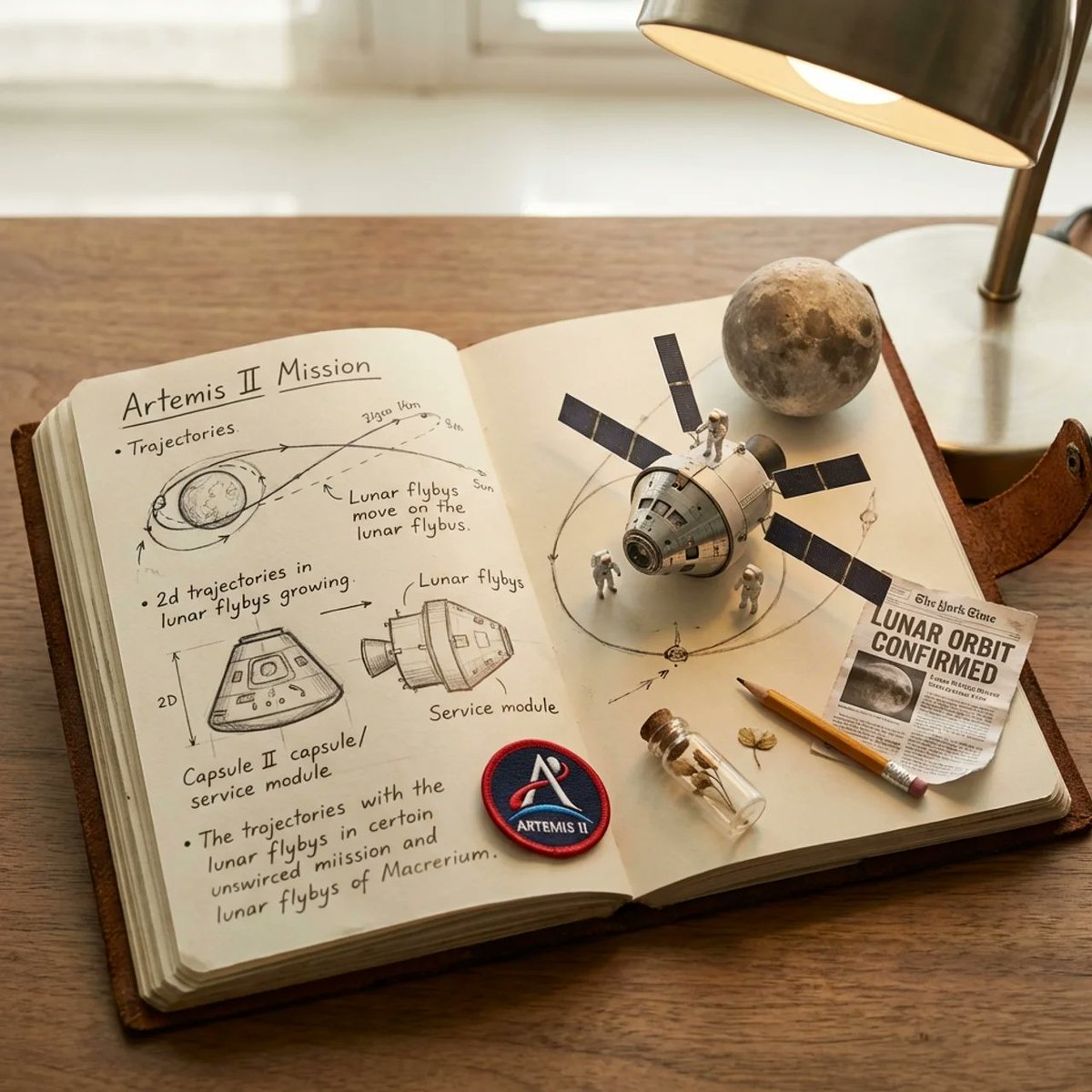
Common mistakes and fixes
| Problem | Fix first | Avoid |
|---|---|---|
| Generic image | Add audience, channel, material, and camera distance. | More random style adjectives. |
| Subject drift | Tighten the first sentence or add an explicit reference-image role. | Changing every prompt layer at once. |
| Messy composition | Set crop, angle, foreground/background, and negative space. | Switching models before fixing the frame. |
| Unreadable text | Remove generated text and reserve space for typography later. | Asking the model to spell final copy perfectly. |
| Over-styled result | Reduce style terms and strengthen subject/environment hierarchy. | Adding more trend words. |
How to use Flux prompts inside Vogue AI
Vogue AI is useful here as the organizing surface: keep the English prompt block, compare outputs across model tags when needed, and save the version that solved the production job. Because this keyword is Flux-specific while the current first-party asset library is mixed, treat the examples as prompt anatomy and build new Flux-specific owned examples before expanding the library further.
- Use the workspace root when you need a fast prompt-to-image pass.
- Keep GPT Image 2, Nano Banana, and Midjourney comparisons separate from Flux claims unless you are intentionally testing model fit.
- Save prompt versions by job type: product, portrait, scene, and poster.
- When a prompt-library image is not from Flux, use it as a structural reference, not as proof of Flux output quality.
FAQ
What is a good Flux image prompt?
A good Flux prompt states the subject, frame, lighting, environment, style, constraints, and review target clearly enough that the first result can be judged against the job.
Are Flux prompts different from Stable Diffusion prompts?
The reusable controls are similar, but Flux prompting tends to reward clear natural-language descriptions instead of overloaded tag strings. Start readable, then add constraints only where the result fails.
Should Flux prompts be long?
Use enough detail to protect subject, composition, and output. Long prompts help only when each phrase controls something you can inspect.
Can I use a reference image with Flux workflows?
Use a reference when identity, product shape, face, layout, or palette must remain stable. State exactly what the reference controls.
Why do Flux image prompts create busy scenes?
Usually the environment is more detailed than the subject hierarchy. Strengthen the foreground subject, simplify props, and define background depth.
How should I save reusable Flux prompts?
Save the solved prompt, label the variable fields, record the failure it fixed, and duplicate that version for the next related image job.