GPT Image 2 prompts work best when they read like a production brief: what to create, what must stay stable, how the frame should behave, and what the first result will be judged against.
TL;DR: use a five-part GPT Image 2 prompt
- Start with subject, scene, composition, style controls, and output rules before adding mood words.
- Use reference images when product shape, face identity, color, logo placement, or UI hierarchy must stay recognizable.
- Keep prompt blocks plain and English so they remain copyable across model workspaces.
- Revise by failure mode: identity first, layout second, style third, final text later in a design tool.
- In Vogue AI, browse a GPT Image 2 prompt-library example first, then adapt the prompt into the workspace instead of starting from a blank field.
What searchers need from GPT Image 2 prompts
Most people searching this keyword want usable examples, not vague inspiration. A good guide should show copyable prompts, explain which part controls which visual decision, and help the user diagnose a weak first generation.
Prompt formula
| Part | Include | Why it matters |
|---|---|---|
| Subject | Exact product, person, object, screen, or scene. | Prevents the model from inventing the wrong anchor. |
| Reference rule | What the uploaded image controls and what can change. | Protects identity without freezing the whole style. |
| Composition | Crop, angle, distance, negative space, and aspect ratio. | Stops messy layouts before style tuning begins. |
| Style controls | Lighting, material, palette, realism, texture, and mood. | Moves the image toward the intended visual language. |
| Output policy | No text, no watermark, transparent background, safe area, or later typography. | Keeps the result production-ready. |
Scenario matrix
| Job | Prompt focus | Reference image | First failure |
|---|---|---|---|
| Product launch | Object detail, lighting, background, and headline-safe space. | Use a reference for shape, packaging, color, or logo position. | Distorted silhouette or crowded background. |
| Fashion editorial | Pose, wardrobe, fabric, lens feel, and premium set. | Use a reference for face identity or a specific garment. | Extra hands, plastic skin, or weak fabric texture. |
| Campaign poster | Focal point, contrast, channel ratio, and empty copy zone. | Optional for brand palette or existing campaign mood. | Generated text or no room for the final headline. |
| UI mockup | Device framing, interface hierarchy, screen angle, and reflections. | Use a reference when the screen must stay close to the real product. | Fake unreadable UI or reflections covering the product. |
Copyable GPT Image 2 prompt examples
Copy one block, replace the bracketed variables, and keep everything else stable for the first pass. These prompt blocks stay in English intentionally.
- Premium product poster: Create a GPT Image 2 product launch poster for [product], centered hero object, crisp material detail, controlled rim light, clean [brand color] background, strong negative space for later headline, 4:5 aspect ratio, no text, no watermark.
- Fashion editorial: Create a premium high-fashion editorial image of [subject], [wardrobe details], confident pose, magazine-grade lighting, clean luxury set, realistic fabric texture, shallow background separation, 3:4 aspect ratio, no extra fingers, no text.
- Reference-safe product edit: Use the uploaded image as the product reference. Preserve [shape, label position, color, and key material]. Change only the environment to [new scene], keep the camera angle similar, premium commercial realism, no text, no logo distortion.
- Social campaign visual: Create a vertical GPT Image 2 campaign image for [topic], main subject [subject], cinematic lighting, bold foreground silhouette, clear upper-third empty space for future copy, energetic modern editorial style, 9:16 aspect ratio, keep generated text out.
- UI and device mockup: Create a realistic marketing mockup of [app or website] on a modern device, readable interface hierarchy without fake tiny text, soft reflections, clean desk surface, premium SaaS lighting, 16:9 aspect ratio, no watermark.
Case 1: fashion editorial prompt
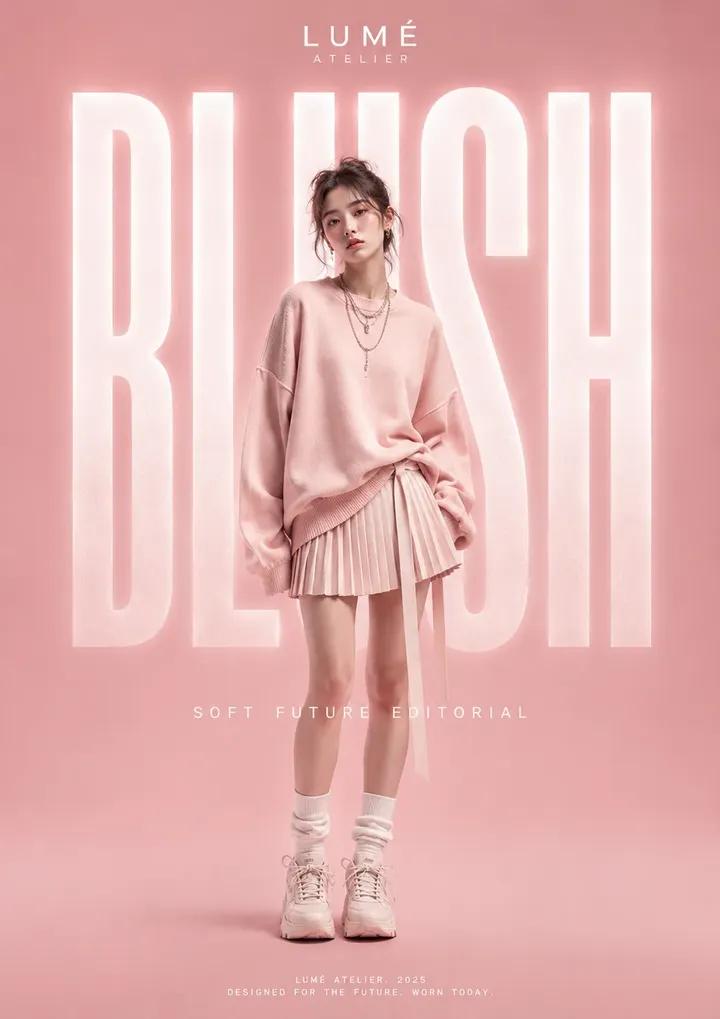
This GPT Image 2 prompt-library image matches the editorial section because the useful control is not just clothing style. It combines pose, material texture, lighting, and a clean set into one reusable structure.
- Prompt: Create premium high fashion editorial photography featuring [model or subject], sculptural wardrobe, confident pose, luxury magazine lighting, clean studio set, rich fabric texture, cinematic contrast, realistic skin, 3:4 crop, no text, no watermark.
Case 2: poster prompt with text-safe composition
The electric grand tourer example is a strong hero and poster reference because the car, reflections, background contrast, and text-free advertising composition all need to be controlled together.
- Prompt: Create a cinematic electric grand tourer poster at night, vanta-black vehicle, precise reflections, controlled neon accents, dramatic road perspective, luxury automotive advertising composition, no text, no watermark.
Worked example: from raw request to reusable prompt
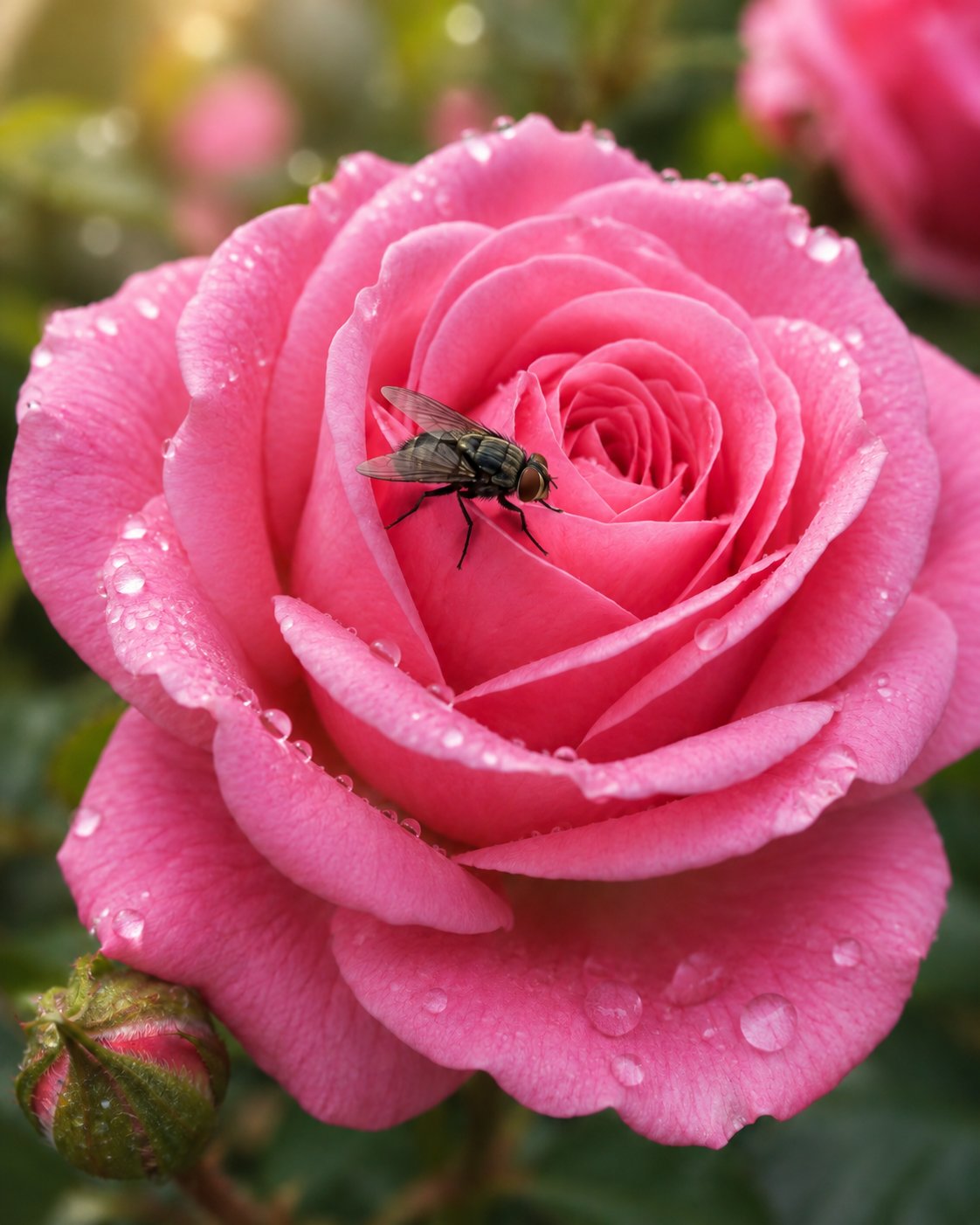
Raw request: make a campaign image for a ceramic espresso cup. First prompt: Premium product poster for a handmade ceramic espresso cup, centered hero object, visible glaze texture, warm studio lighting, clean cream background, soft shadow, clear upper-third negative space for later headline, 4:5 aspect ratio, no text, no watermark. If the cup shape is wrong, attach a reference and say it controls silhouette, rim, handle, and glaze color.
Mistake and fix table
| Failure | Fix first | Avoid |
|---|---|---|
| Wrong product or face | Add a reference image and name the locked details. | Adding more adjectives. |
| Weak layout | Change crop, angle, negative space, or aspect ratio. | Changing the whole visual style first. |
| Generic output | Add audience, channel, material, and palette. | Starting from a new prompt immediately. |
| Broken text or logos | Remove generated text and reserve empty space. | Asking for final typography inside the image. |
| Good result starts drifting | Duplicate the working prompt and replace only variables. | Stacking edits onto a failing version. |
How to use this inside Vogue AI
- Open GPT Image 2 when you need instruction-following, object control, and deliberate scene edits.
- Use /gpt-image-2-prompts when you need more examples before writing your own prompt.
- Keep Nano Banana for fast variations and Midjourney for stylized exploration, but do the first controlled brief in GPT Image 2 for this workflow.
- Save the prompt version that fixes the job, then reuse it for the next product, portrait, poster, or mockup.
FAQ
Are these GPT Image 2 prompts free to copy?
Yes. Copy the English blocks, replace the bracketed variables, and adapt them to your product, portrait, poster, or mockup task.
Should GPT Image 2 prompts be long?
They should be complete, not padded. Add enough detail to control subject, composition, reference behavior, style, and output rules.
When should I upload a reference image?
Upload one when identity matters: product shape, face, package layout, logo position, color system, or UI hierarchy.
Why does GPT Image 2 create broken text?
Image models can still struggle with final typography. Reserve space in the prompt, then add exact copy in a design tool.
How do I improve a bad first result?
Name the largest failure first. Fix identity before composition, composition before style, and style before small polish.
Can I use the same prompt in other image models?
Usually yes, but keep the same skeleton so you can see whether the model or the wording changed the result.