Grok Imagine 1.5 image-to-video prompts work best when the prompt protects the first frame before it asks for motion. The still image is not just inspiration; it is the starting frame, so your job is to describe what may move, what must stay fixed, and how the camera should behave.
TL;DR: protect the frame, then add motion
- Start with a strong source image. Image-to-video quality depends on the first frame, not only on the motion prompt.
- Write the prompt in layers: first-frame lock, subject preservation, camera move, motion beats, timing, and negative constraints.
- Use camera verbs such as slow push-in, dolly forward, orbit, pan, rack focus, parallax, and locked-off shot instead of vague words like dynamic.
- Name the parts that may move and the parts that must not change: face, product label, UI screen, logo, horizon, hands, or empty text area.
- Keep generated text out of the video prompt. Reserve clean space and add final captions in editing software.
What the xAI workflow means for prompt writing
xAI describes image-to-video as a workflow where a still image is animated with a text prompt, and the source image becomes the starting point for the generated video. That has one practical consequence: prompt writing should begin with first-frame preservation, then describe motion.
| Prompt layer | What to write | Why it matters |
|---|---|---|
| First-frame lock | Begin exactly from the attached image; preserve subject placement, crop, and visual hierarchy. | Prevents the model from treating the source image as loose mood reference. |
| Identity rules | Name faces, products, labels, hands, UI screens, or brand marks that must remain stable. | Image-to-video failures often look like identity drift, not weak motion. |
| Camera language | Use push-in, dolly, orbit, pan, tilt, handheld drift, rack focus, locked shot, or parallax. | Clear camera verbs produce more controllable motion than generic energy words. |
| Motion beats | Describe 1-3 small movements with timing: light sweep, hair movement, product rotation, background drift. | Short videos need a few readable beats, not a crowded animation list. |
| Negative constraints | No new people, no face morphing, no logo distortion, no generated captions, no scene cut. | Constraints protect the production asset from common video artifacts. |
| Review check | State the first thing to inspect after generation: identity, label, camera path, or text-safe space. | A review check makes iteration specific instead of random. |
Image plan for this guide
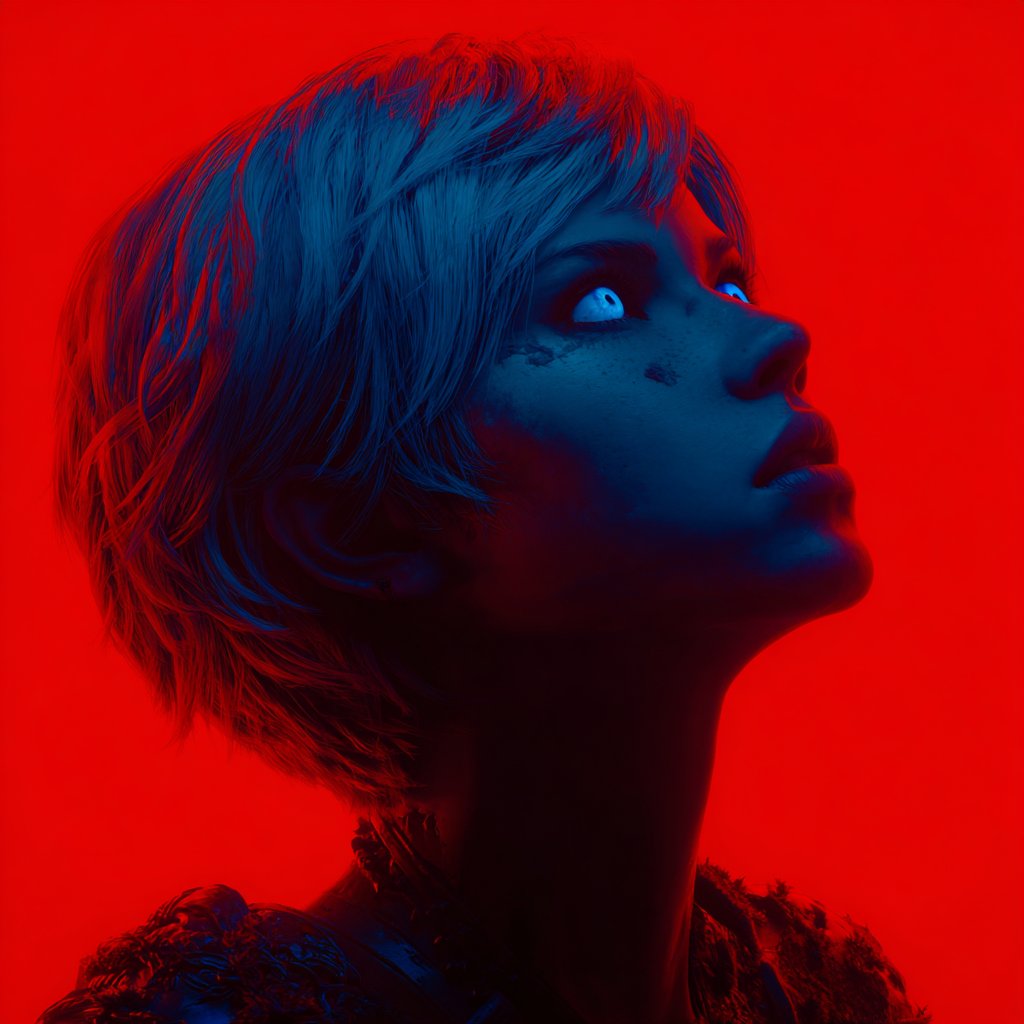
The hero uses a first-party tutorial thumbnail because this article is a prompt guide. The motion section uses a cinematic first-party scene that matches camera-language examples, and the first-frame section uses a lifestyle LCD-screen image because it visibly teaches reference framing and identity preservation.
Scenario matrix
| Goal | Source image requirement | Prompt focus | First failure to check |
|---|---|---|---|
| Product reveal | Clean product still with readable silhouette and controlled background. | Orbit, reflection movement, label lock, and no text changes. | Logo or label distortion. |
| Portrait teaser | Face-forward portrait with stable crop and no confusing hands. | Identity lock, breathing, eye focus, subtle push-in. | Face morphing or extra hands. |
| Social campaign clip | Vertical still with subject hierarchy and headline-safe area. | Handheld drift, light sweep, reveal beat, empty text area. | Generated captions or crowded frame. |
| Cinematic environment | Still frame with foreground/background separation. | Dolly, parallax, wind on selected elements, stable horizon. | New objects or sudden scene jump. |
| UI/app showcase | Screen mockup with clear hierarchy and readable product area. | Locked screen, gentle device movement, reflection control. | Fake UI changes or unreadable screen. |
Copyable Grok Imagine 1.5 image-to-video prompts
Copy one block, attach your source image, and replace only the bracketed variables. The prompt blocks stay in English so they remain paste-ready in any locale.
- Product reveal: Animate the attached product image as a 6-second premium launch shot. Keep the product silhouette, label position, and material unchanged. Start with a locked first frame, then add a slow 20-degree orbit, soft rim-light movement, subtle background parallax, realistic reflections, no new text, no logo distortion.
- Portrait motion: Animate the attached portrait as a calm editorial video. Preserve face identity, hairstyle, wardrobe color, and camera crop. Add a gentle push-in, natural breathing, soft fabric movement, eye contact held for the first 2 seconds, shallow depth of field, no extra hands, no face morphing.
- Social teaser: Turn the attached campaign still into a vertical 8-second teaser. Keep the subject placement and empty headline area unchanged. Add slow handheld drift, background light sweep, small foreground particle motion, one clean reveal beat at second 4, no generated captions, no watermark.
- Cinematic scene: Animate the attached environment still with controlled camera language. Begin exactly on the source image, then use a slow dolly forward, mild parallax between foreground and background, wind motion only on cloth and hair, stable horizon, no new characters, no sudden scene cut.
Case 1: camera language for a cinematic still
A cinematic source image is useful when the main lesson is motion control. The best prompt does not ask for a completely new scene; it keeps the composition intact and adds one camera path plus a few environmental beats.
- Prompt: Animate this still as a cinematic tutorial opener. Preserve the full composition and subject scale. Add a slow dolly forward, gentle parallax in the background, slight light movement across the main subject, and one subtle focus pull near the end. No new objects, no scene cut, no text.
Case 2: first-frame planning from a reference-style image
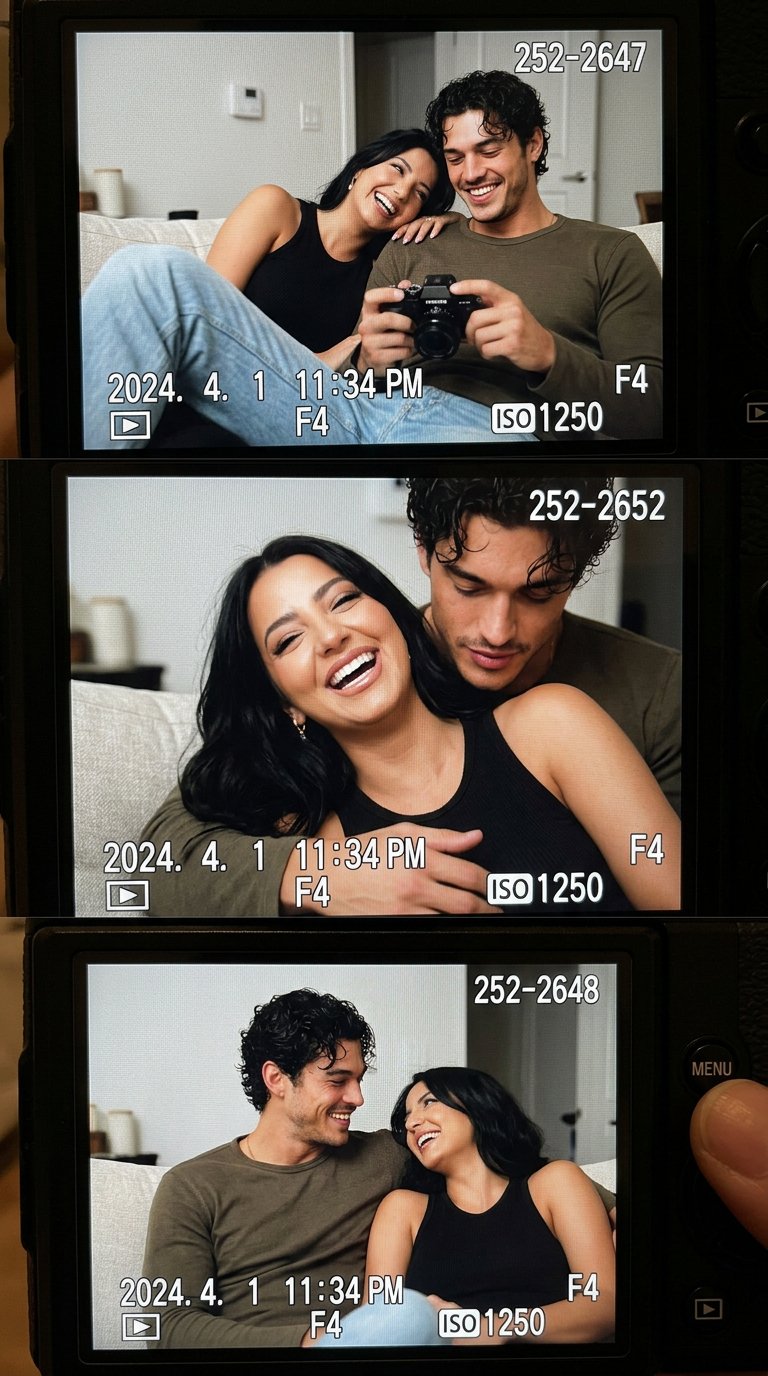
For lifestyle or portrait clips, start by naming what the source image controls. Then add small believable motion. If you skip that first-frame handoff, the video may look lively while losing the face, relationship, or layout that made the still useful.
- Prompt: Animate this reference-style lifestyle image as a nostalgic 6-second shot. Keep the couple, couch, camera LCD framing, and room layout stable. Add tiny handheld camera drift, soft ambient light flicker, natural blinking, and a slow rack focus from the LCD screen to the people. No identity drift, no extra people, no subtitles.
Worked example: from still image to video prompt
Raw brief
You have a clean product hero image for a new skincare bottle. You need a 6-second product teaser for a launch page and a short social post. The bottle shape and label must remain stable, and the top third should stay empty for later typography.
Prompt version 1
- Animate the attached skincare bottle image as a 6-second premium launch teaser. Begin exactly from the source frame. Preserve bottle shape, cap color, label position, shadow, and empty top-third headline space. Add a slow 15-degree camera orbit, soft rim-light sweep, subtle reflection movement on the bottle, and mild background parallax. No new text, no logo distortion, no extra objects, no scene cut.
First revision after generation
If the motion feels good but the label drifts, strengthen the identity rules and reduce camera movement. If the bottle stays stable but the video feels flat, keep the first-frame lock and add one timed motion beat such as a light sweep at second 3. Do not rewrite the whole prompt until you know which layer failed.
Mistake and fix table
| Failure mode | Fix first | Avoid |
|---|---|---|
| Face, product, or UI identity drifts | Add a first-frame lock and name exactly what cannot change. | Adding stronger motion before identity is stable. |
| Camera movement feels random | Replace vague motion with one camera verb and a direction. | Stacking pan, zoom, orbit, and shake in one short clip. |
| Video invents new objects or people | Add negative constraints and simplify background motion. | Asking for a new story beat when the frame should stay controlled. |
| Text or logo breaks | Remove generated text requests and reserve empty space for editing. | Expecting perfect captions inside the generated video. |
| Clip feels static | Add one timed beat: light sweep, focus pull, reflection move, or small foreground motion. | Rewriting the source-image role. |
How to use the pattern inside Vogue AI
Use Vogue AI as the staging layer before you run an image-to-video workflow. Build or refine the still image in the workspace, copy a prompt-library structure, then send the strongest still plus a short motion prompt to your video model of choice.
- Use GPT Image 2 when the still image needs instruction-heavy cleanup before animation.
- Use Nano Banana when you need quick image-to-image variations before choosing the first frame.
- Use Midjourney when the source still needs stronger cinematic mood or fashion framing.
- Keep the final video prompt shorter than the still-image prompt. Motion needs priority, not every styling detail repeated.
- Save the source still and the motion prompt together so the next clip can reuse the same first-frame logic.
FAQ
What is the most important part of a Grok Imagine 1.5 image-to-video prompt?
The first-frame instruction is the most important part. Tell the model to begin from the attached image and preserve the subject, crop, layout, identity, and text-safe areas before describing motion.
Should the prompt describe the source image again?
Describe only the parts that must stay stable. Repeating every visual detail can make the prompt noisy; naming the protected elements is more useful.
How long should the motion prompt be?
Shorter is usually better. Use one first-frame rule, one identity rule, one camera move, two or three motion beats, and a few negative constraints.
Can I ask Grok Imagine to add captions or logo text?
Use generated text only as rough placeholder planning. For production clips, reserve clean space and add captions, logo marks, pricing, or legal text in an editing tool.
Why does my image-to-video result change the face or product?
The prompt probably under-specified identity preservation or asked for too much motion. Strengthen the first-frame lock, name the protected details, and reduce camera movement.
How should I iterate after a bad result?
Identify the largest failure first: identity, camera path, unwanted objects, broken text, or flat motion. Change only that layer, then regenerate.