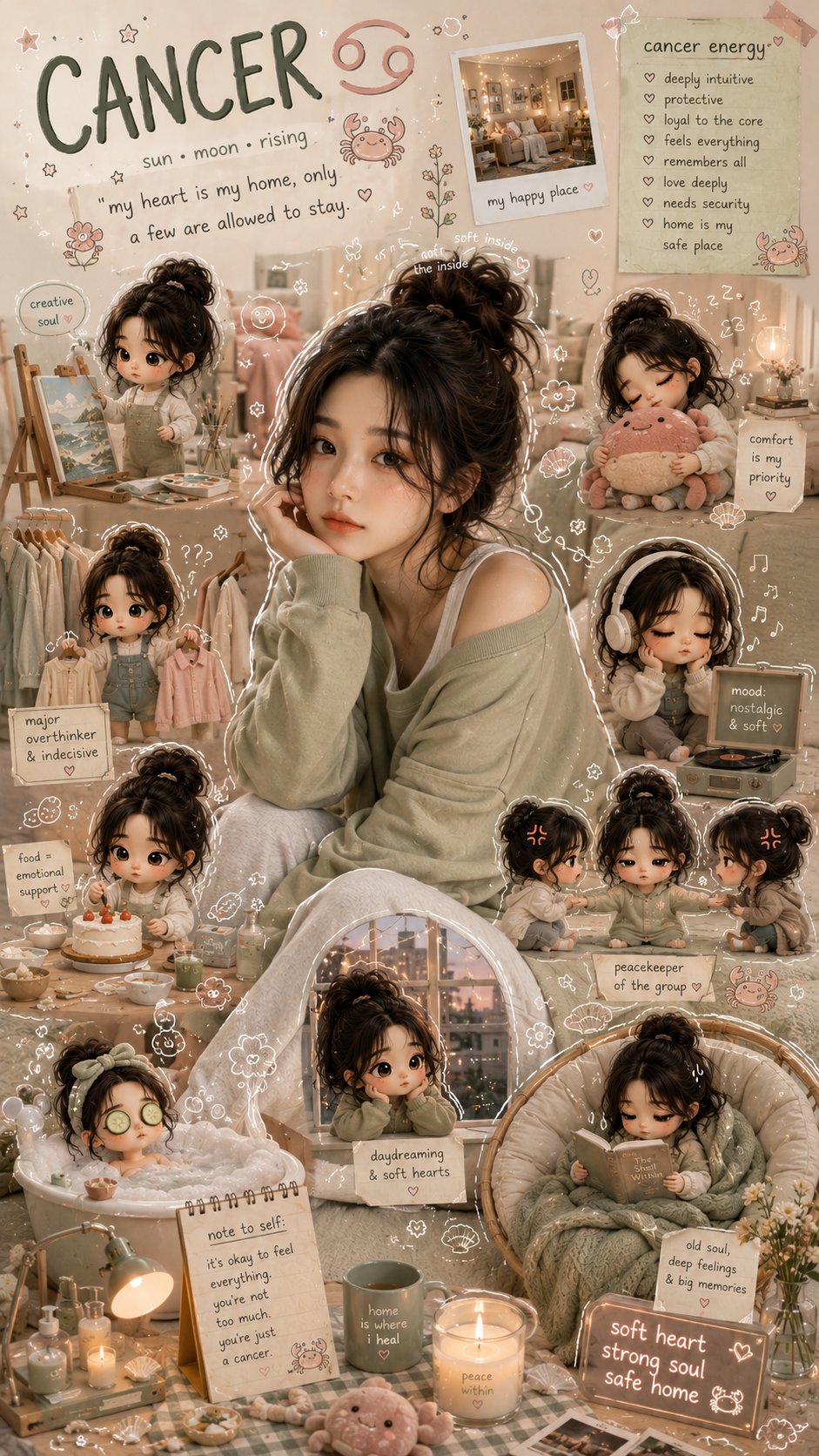
Yes, ChatGPT can create images when image generation is available in your ChatGPT account or plan. The reliable workflow is simple: describe the subject, choose the format, add style and constraints, generate one draft, then revise the largest failure instead of rewriting everything.
Quick answer
- Open ChatGPT, choose an image-capable model, write a concrete prompt, attach a reference image when identity matters, then ask for one revision at a time.
- If image creation is not available, use the same prompt in Vogue AI with GPT Image 2, then continue refining from the visual result.
- Do not start with vague requests like "make a cool image"; start with subject, scene, crop, lighting, style, and output rules.
Step-by-step workflow
| Step | What to do | Why it matters |
|---|---|---|
| 1 | Confirm image generation is available in your ChatGPT interface. | Availability depends on the model and account, so start by checking the composer tools. |
| 2 | Write the first prompt as a production brief. | The model needs concrete visual controls more than decorative wording. |
| 3 | Add a reference image only when identity must stay fixed. | Reference images protect face, product shape, packaging, UI, or palette. |
| 4 | Revise one failure at a time. | Single revisions reveal what instruction improved the image. |
Prompt formula
- Subject: the person, product, object, room, interface, or scene.
- Scene: background, setting, camera distance, and point of view.
- Style: realism, editorial mood, material detail, color palette, and lighting.
- Format: aspect ratio, crop, transparent background, no text, or safe area.
- Review rule: the first thing you will inspect after generation.
Copyable ChatGPT image prompts
Keep these prompt blocks in English so you can paste them directly into ChatGPT or Vogue AI.
- ChatGPT image prompt: Create a premium editorial image of [subject], clear main focal point, controlled background, realistic lighting, detailed materials, 4:5 aspect ratio, no text, no watermark.
- ChatGPT product prompt: Create a clean studio product image of [product], centered composition, accurate shape, soft shadow, neutral background, ecommerce-ready realism, 1:1 aspect ratio, no text.
- ChatGPT reference prompt: Use the uploaded image as reference for [identity or product shape]. Keep [must-stay-fixed details] the same, change only [style, background, lighting], no extra text.
- Vogue AI follow-up prompt: Recreate this ChatGPT image direction as a Vogue AI GPT Image 2 variation, preserving subject, crop, palette, and reference-image constraints while improving lighting and composition.
Scenario matrix
| Goal | Use this prompt focus | Check first |
|---|---|---|
| Profile image | Face, wardrobe, background separation, crop, and expression. | Identity, extra hands, skin texture, and eye sharpness. |
| Product image | Product shape, material, lighting, background, and shadow. | Wrong silhouette, distorted label, weak material detail. |
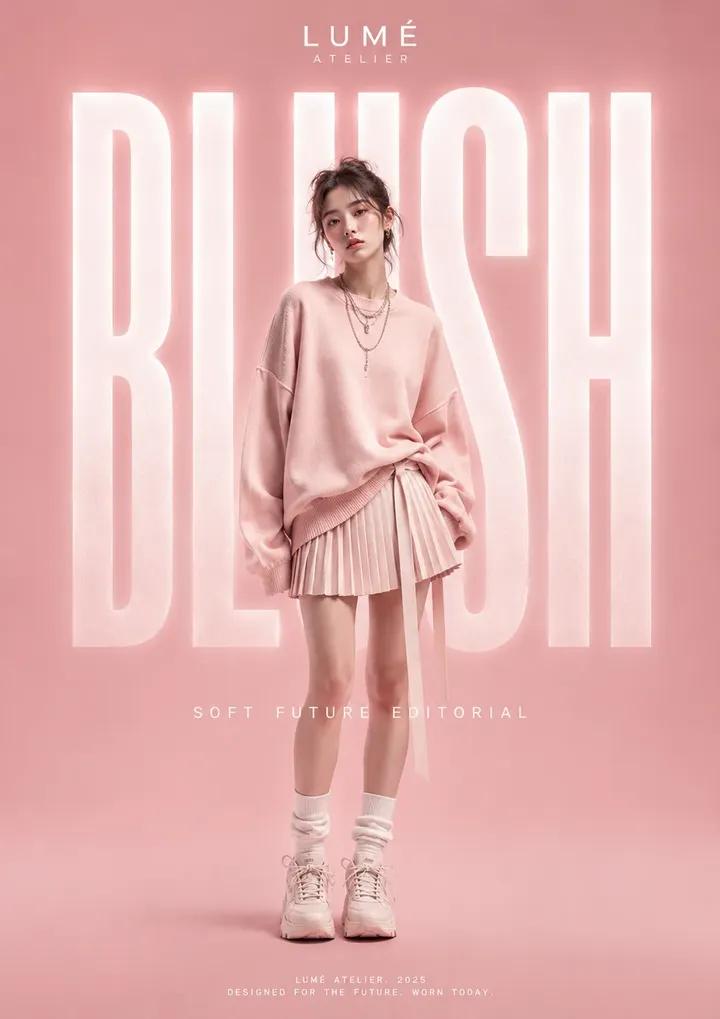
| Poster concept | Hero subject, negative space, palette, and channel ratio. | No headline space, clutter, fake text, weak focal point. |
| Reference edit | What must stay fixed and what may change. | Identity drift, crop drift, unwanted style changes. |
When ChatGPT gives a generic image
- Add a real audience, channel, season, material, or brand palette.
- Replace broad style words with camera, lighting, crop, and background controls.
- Ask for a new variation that keeps the subject and changes only the weak part.
- Move the prompt into Vogue AI when you need model choice, prompt-library examples, or repeatable workspace history.
Reference-image workflow
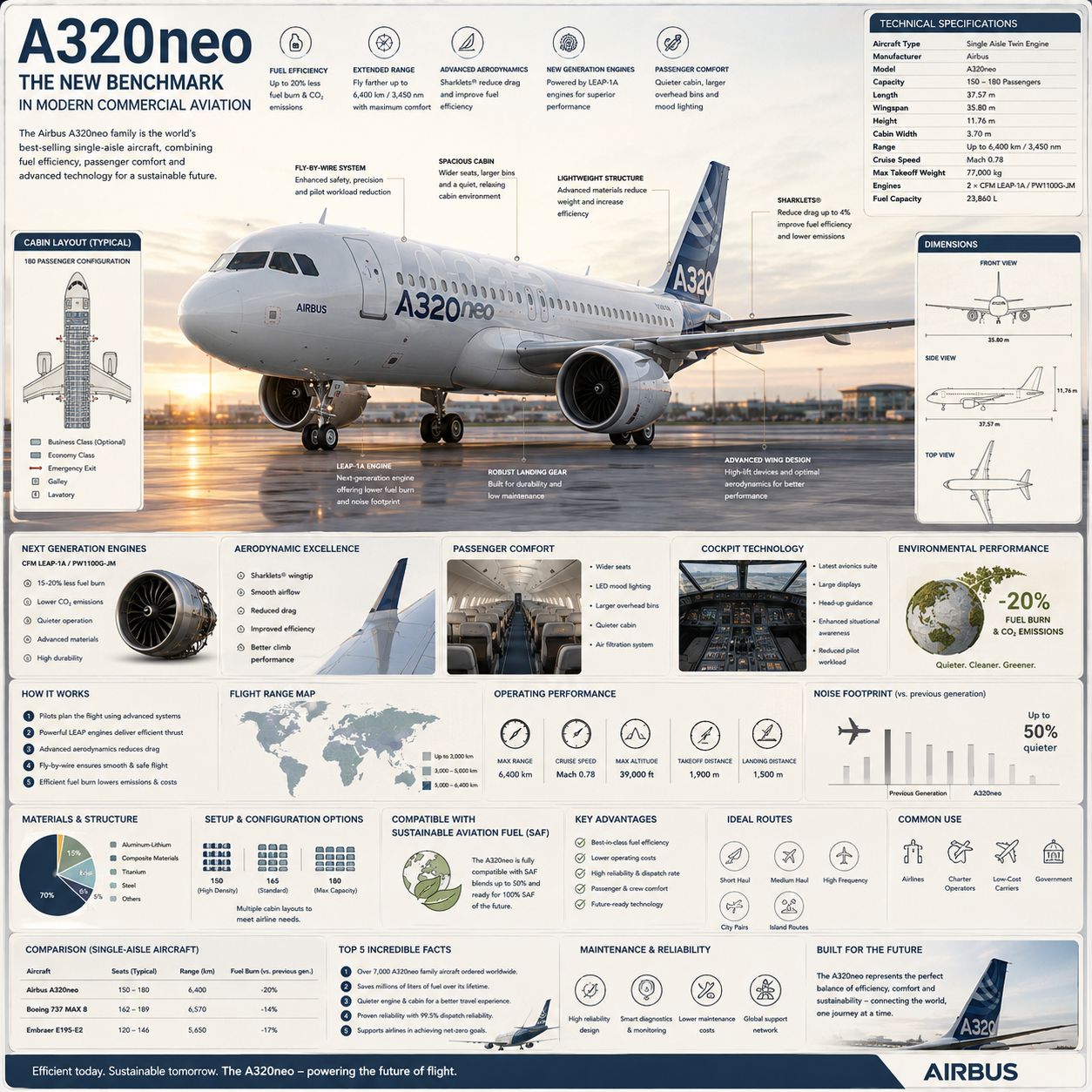
A reference image should have a job. Tell ChatGPT whether it controls identity, shape, palette, room layout, UI hierarchy, or pose. Then say which parts may change, such as lighting, background, wardrobe, camera angle, or mood.
Use Vogue AI after the first ChatGPT draft
- Use GPT Image 2 in Vogue AI when you want close instruction following and clean prompt reuse.
- Use Nano Banana for fast idea variations once the core brief is clear.
- Use Midjourney for mood exploration after you know the subject and composition.
- Save the best prompt version before changing model families.
Mistakes and fixes
| Problem | Fix first | Avoid |
|---|---|---|
| ChatGPT cannot make an image | Check model/tools availability or move the prompt to Vogue AI. | Assuming every chat has image generation enabled. |
| Image looks generic | Add audience, channel, palette, material, and lighting. | Adding more vague adjectives. |
| Wrong identity | Attach reference and define what must stay fixed. | Rewriting style while identity remains unclear. |
| Bad text in image | Ask for no text and add typography later. | Expecting perfect final copy inside the generated image. |
FAQ
Can ChatGPT create images?
Yes, when image generation is available in your ChatGPT interface and selected model.
How do I make ChatGPT generate an image?
Ask for a specific image with subject, scene, style, format, and constraints instead of a vague idea.
Can I upload a photo and ask for an edit?
Use a reference image when the interface supports it, then state what must stay fixed and what may change.
Why is my result generic?
The prompt probably lacks audience, channel, material, lighting, or composition controls.
Should prompts be long?
They should be complete, not padded. A short structured brief beats a long vague paragraph.
Where does Vogue AI fit?
Use Vogue AI when you want GPT Image 2 prompt reuse, model switching, prompt-library examples, and a visual workspace.