Nano Banana prompts work best when they read like compact image-editing briefs: what stays fixed, what can change, which crop you need, and how you will judge the first variation. Copying a trend prompt is useful only if you also keep the reference and revision rules attached to it.
TL;DR: copy the Nano Banana structure, then control the variation
- Use Nano Banana for fast visual variation, image-to-image exploration, social concepts, and editorial prompt tests.
- Write the stable part first: subject, reference role, composition, lighting, aspect ratio, and text policy.
- Use a reference image when face identity, product shape, room layout, or wardrobe continuity matters.
- Keep public prompt blocks in English so they can be pasted directly into Vogue AI.
- Judge the first result by the biggest failure: identity, crop, style drift, text artifacts, or weak story.
When Nano Banana prompts are the right choice
Use this prompt family when speed and variation matter more than a single heavily engineered final image. In Vogue AI, Nano Banana is a good starting point for creator portraits, lifestyle frames, reference-led edits, trend images, and quick campaign directions.
- Good fit: portraits, fashion styling, social post ideas, image edits, and quick mood exploration.
- Use another workflow when the job requires exact typography, legal copy, or a final logo lockup inside the generated image.
- Best habit: keep the same prompt skeleton while changing only the variable fields.
Scenario matrix
| Scenario | Prompt pattern | Reference needed | First failure to check |
|---|---|---|---|
| Creator portrait | Identity, wardrobe, light, lens, crop, and expression. | Yes, if the person must remain recognizable. | Face drift, over-smoothed skin, extra hands, or wrong age. |
| Lifestyle carousel | Consistent subject across several moments with one channel ratio. | Optional, useful for a recurring creator or product. | Inconsistent character, cluttered frame, or no caption space. |
| Trend poster | Subject plus bold graphic treatment and empty typography area. | Optional for pose or palette. | Generated text, weak focal point, or background overpowering the subject. |
| Image edit | What the upload controls and what is allowed to change. | Yes. | Reference ignored, product shape changed, or style replaces identity. |
Image plan for this guide
The hero uses a Nano Banana multi-frame lifestyle portrait because it summarizes the main search intent: copyable prompts for fast, recognizable social and portrait variations. The first body image uses a studio portrait prompt near the copyable prompt section, while the second body image supports the editorial-style example later in the guide.
Copyable Nano Banana prompts
Copy one block, replace the bracketed variables, and generate a first pass before adding more adjectives. The prompts stay in English because they are meant to be copied into the workspace.
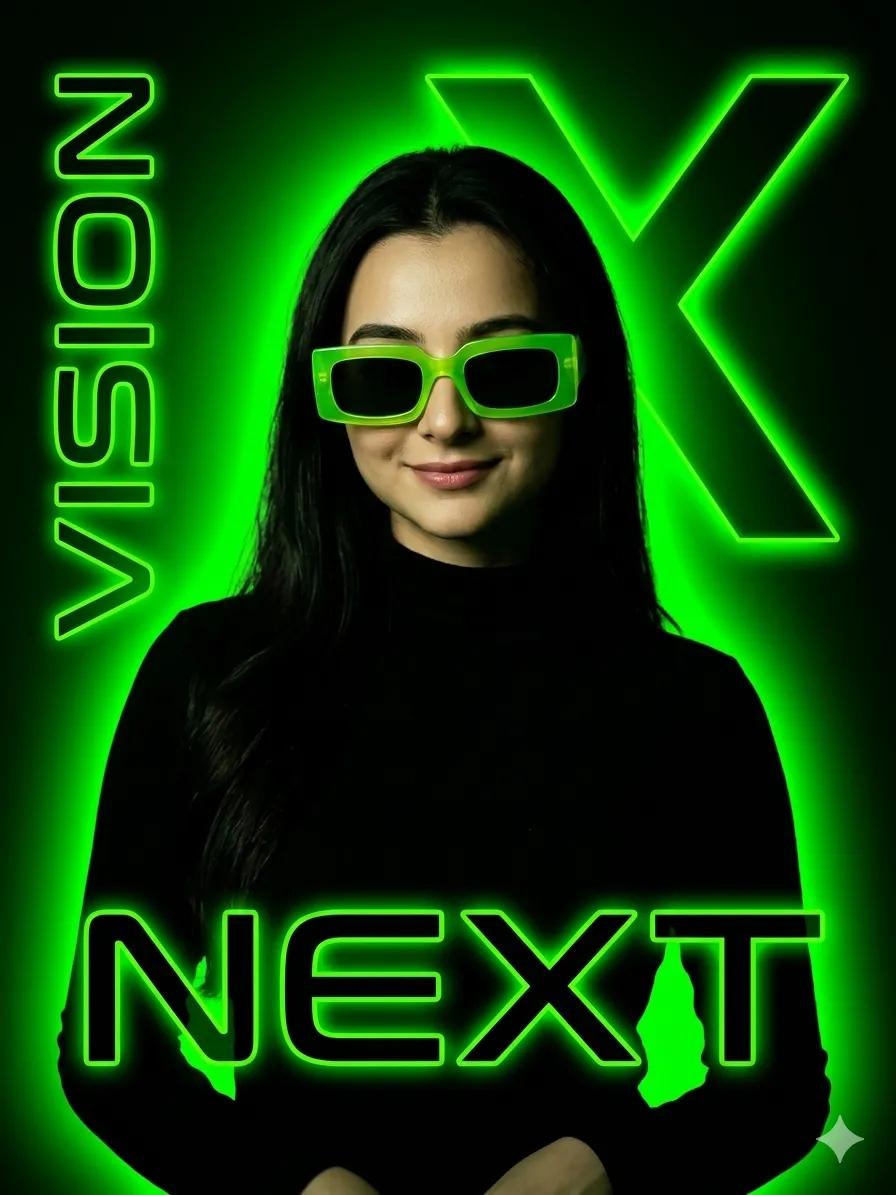
- Nano Banana portrait: Cinematic editorial portrait of [subject], natural skin texture, confident expression, layered wardrobe in [palette], soft hotel-window light, shallow depth of field, 3:4 crop, preserve face identity if a reference is uploaded, no extra fingers, no text.
- Nano Banana social carousel: Multi-frame lifestyle sequence for [brand or creator], three connected moments in one vertical composition, consistent subject, natural movement, warm documentary lighting, clear safe space for later captions, 9:16 aspect ratio, no generated words.
- Nano Banana trend image: Ultra-realistic studio image of [person or product] with bold graphic background shapes, crisp contrast, modern fashion magazine energy, clean negative space, 4:5 crop, no watermark, keep the subject recognizable.
- Nano Banana image edit: Use the uploaded image as the reference. Keep [identity/product shape/layout] unchanged, change only [wardrobe/background/lighting/style], cinematic realism, controlled shadows, clean edges, no text, no logo distortion.
Prompt anatomy that carries across tools
| Part | Write this | Why it matters |
|---|---|---|
| Subject | The exact person, product, room, outfit, or scene. | Prevents the model from changing the target too early. |
| Reference role | What the uploaded image controls. | Makes image-to-image edits less random. |
| Allowed change | Wardrobe, background, lighting, camera, or palette. | Separates useful variation from identity drift. |
| Composition | Crop, angle, distance, and negative space. | Makes social and poster outputs easier to use. |
| Output rule | Aspect ratio, no text, no watermark, no logo distortion. | Keeps the result production-friendly. |
Worked example: turn a portrait trend into a reusable prompt
Raw job
You want a hotel-lobby lifestyle portrait for a founder profile. The person should remain recognizable, the mood should feel cinematic, and the final image needs space for a headline in a social post.
Prompt version 1
- Use the uploaded portrait as the identity reference. Create a cinematic hotel-lobby lifestyle portrait of the same person, relaxed confident posture, tailored dark jacket, warm window light, shallow depth of field, elegant background blur, clear negative space on the upper left for future headline, 4:5 aspect ratio, no text, no watermark.
First revision rule
If the face changes, strengthen the reference sentence before changing style. If the face is stable but the image feels flat, keep the identity rule and adjust lighting, background depth, or wardrobe color only.
Editorial example: when style is the point
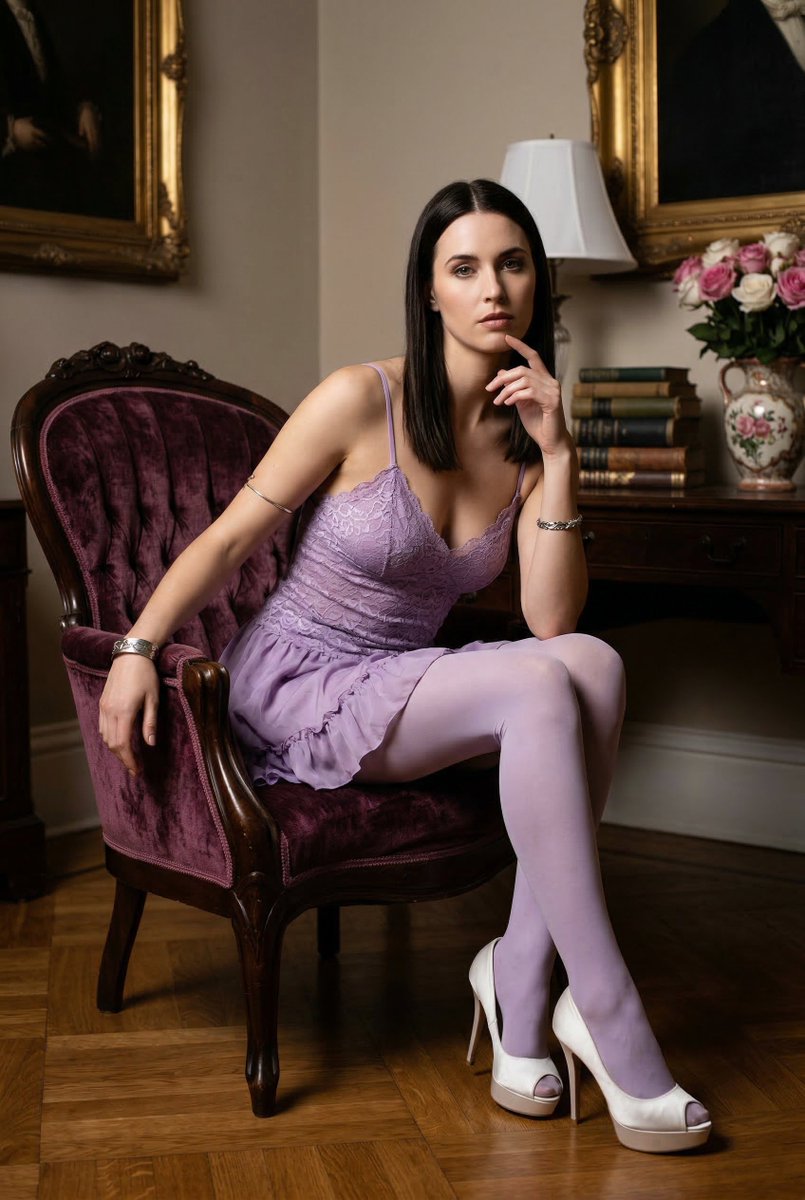
For editorial images, write the scene like an art-direction note: era, room, wardrobe, posture, lighting, texture, and crop. Keep identity controls explicit if a real person is involved; otherwise let the style system move more freely.
Mistakes and fixes
| Problem | Fix first | Avoid |
|---|---|---|
| Face or product changes | Add a reference and name what must stay unchanged. | Adding more mood words. |
| Too much generated text | Remove all wording and reserve blank space for later design. | Asking for a perfect headline. |
| Style overwhelms identity | Move the identity rule to the first sentence. | Stacking more trend terms. |
| Crop is unusable | Set aspect ratio, distance, and safe area. | Changing the whole prompt. |
| Every variation looks random | Save one working skeleton and replace only variables. | Starting from a new prompt each time. |
Use the prompts inside Vogue AI
Open Vogue AI, choose a Nano Banana prompt-library example close to your job, paste the prompt skeleton, and upload a reference only when it protects identity or layout. Keep GPT Image 2 available for stricter instruction control and Midjourney available for mood-heavy exploration.
FAQ
What are Nano Banana prompts?
They are compact image-generation or image-editing prompts aimed at fast variation, portraits, lifestyle frames, trend visuals, and reference-led edits.
Can I copy these prompts directly?
Yes. Replace the bracketed variables, add a reference image when identity matters, and keep the output rules unchanged for the first generation.
Do Nano Banana prompts need reference images?
Not always. Use references for faces, products, rooms, outfits, or layout continuity. Text-only prompts are faster for loose concept exploration.
Why does my result drift from the reference?
Usually the prompt does not say what the reference controls. Put the identity or product-shape rule in the first sentence.
Should I ask for text inside the image?
For production work, reserve space and add final typography later. This avoids broken words and weak logo treatment.
How is this different from GPT Image 2 prompting?
Nano Banana is useful for quick variation and social exploration. GPT Image 2 is usually the better first choice when strict instruction following is the main risk.