Professional headshot prompts work when they protect identity first and style second. The prompt has to say what must stay recognizable, what can change, and how the image will be used: LinkedIn, a company team page, a founder bio, or a profile avatar.
TL;DR: copy this structure first
- Use a reference image whenever the person must remain recognizable.
- Name the use case before the styling: LinkedIn, team page, speaker bio, press kit, or portfolio.
- Control face identity, skin texture, wardrobe, lighting, crop, and background in separate phrases.
- Ask for natural skin texture and sharp eyes before asking for premium styling.
- Review the first result for identity drift, waxy skin, stiff expression, wrong age, and over-stylized wardrobe.
Image plan for this prompt guide
| Role | Source | Why it matches |
|---|---|---|
| Hero | GPT Image 2 professional profile avatar prompt-library example | It directly shows a professional profile/avatar use case and works as the article cover. |
| Copyable prompt section | Nano Banana high-end studio portrait example | It matches the studio headshot scenario without repeating the hero image. |
| Reference-image case | Midjourney reference-image edit example | It supports the identity-preservation workflow for uploaded selfies. |
Professional headshot prompt formula
| Prompt part | What to write | Why it matters |
|---|---|---|
| Identity handoff | Use my uploaded selfie as the face reference; preserve face shape, age, hairstyle, and expression. | This is the main protection against identity drift. |
| Use case | LinkedIn profile, company team page, founder press portrait, speaker bio, or portfolio avatar. | The use case decides crop, wardrobe, and background formality. |
| Wardrobe | Blazer, clean shirt, knit top, neutral colors, role-appropriate styling. | Wardrobe changes the signal without needing an artificial face change. |
| Lighting and background | Softbox, window light, gray seamless, pale office backdrop, warm neutral wall. | This makes the headshot credible instead of overproduced. |
| Output rules | 3:4, 4:5, or square crop; no text; no watermark; no extra hands; realistic skin texture. | Rules prevent the common unusable details. |
Copyable professional headshot prompts
Copy one prompt, replace the bracketed parts, and keep the public prompt block in English. If you upload a selfie, keep the identity sentence at the beginning instead of burying it at the end.
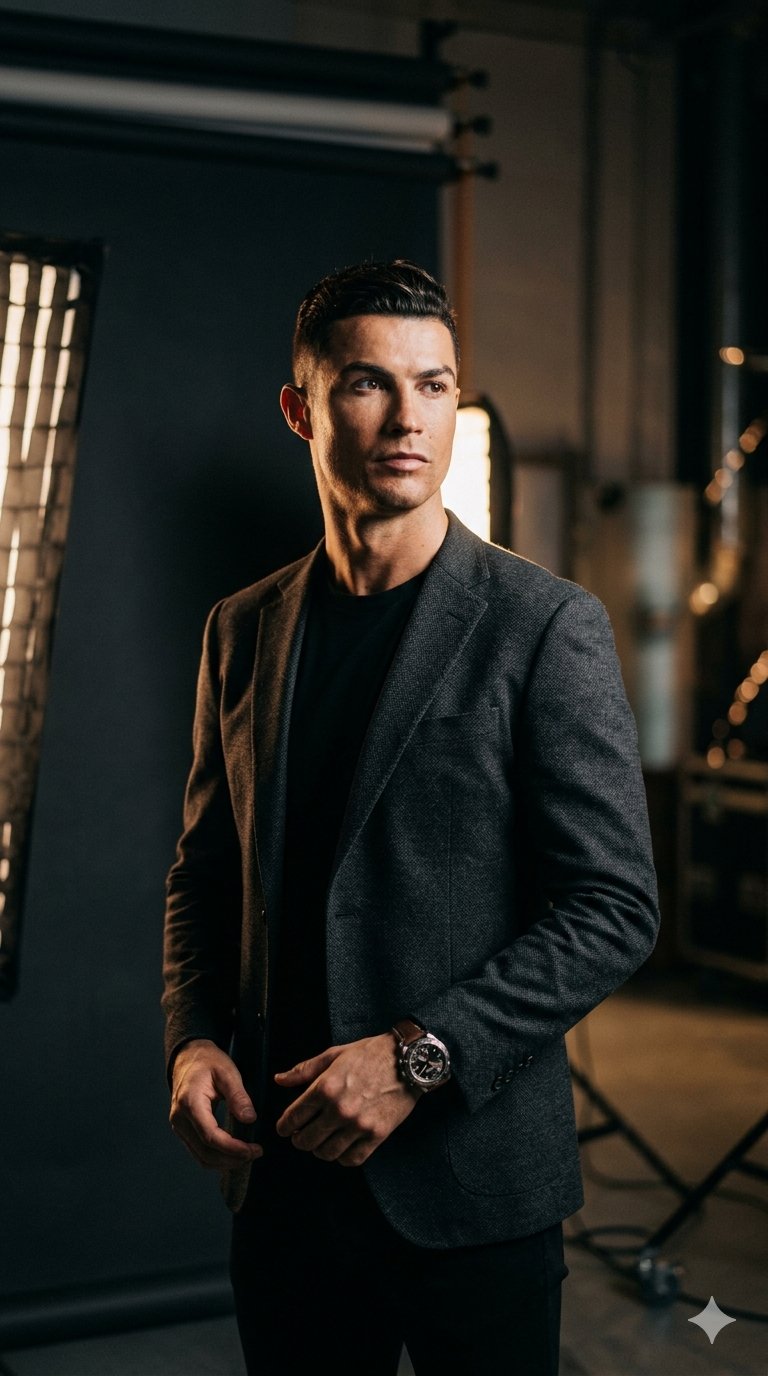
- LinkedIn headshot: Use my uploaded selfie as the face reference. Create a realistic professional LinkedIn headshot of the same person, warm confident expression, natural skin texture, sharp eyes, charcoal blazer over a clean light shirt, soft gray studio background, 85mm portrait lens look, gentle key light, subtle background separation, 4:5 crop, no text, no watermark, no extra hands.
- Corporate team page: Use my uploaded image as identity reference. Generate a polished business headshot for a company team page, same face shape and hairstyle, relaxed approachable expression, navy or black blazer, clean white or pale blue background, even studio lighting, realistic skin pores, shoulders visible, centered 3:4 crop, no heavy retouching, no text.
- Founder press portrait: Create an editorial professional headshot of [person], confident but not stiff, modern dark blazer, simple premium background, soft side light, realistic facial detail, crisp catchlights, shallow depth of field, magazine-quality crop from chest up, no logo, no text, keep expression natural.
- Creative portfolio headshot: Use the uploaded selfie for identity. Create a modern creative-industry headshot, same face and hair, relaxed posture, clean black top, warm neutral background, natural window light, subtle film contrast, authentic skin texture, square crop for profile avatar, no stylized face changes, no text.
Scenario matrix
| Scenario | Best prompt focus | Avoid |
|---|---|---|
| LinkedIn photo | Approachable expression, realistic face, sharp eyes, business-casual wardrobe, 4:5 crop. | Overly dramatic lighting or fake office props. |
| Team page | Consistent background, shoulders-visible crop, neutral wardrobe, even lighting. | Different camera distances across team members. |
| Founder bio | Editorial confidence, simple premium background, natural retouching. | Luxury styling that distracts from credibility. |
| Creative portfolio | Warm personality, softer light, modern simple clothing, square crop. | Corporate stiffness if the role is creative. |
Case 1: studio headshot without the plastic look
A studio prompt fails when it over-retouches the face. Borrow the controlled light, lens, and wardrobe structure, but keep natural skin texture and a specific expression in the prompt.
- Prompt: Professional high-end studio portrait, sharp-looking [person], confident calm expression, premium dark blazer, clean shirt, soft gray seamless background, realistic skin texture, crisp eyes, 85mm lens compression, softbox key light with subtle rim light, chest-up crop, no text, no watermark.
Case 2: uploaded selfie to professional headshot
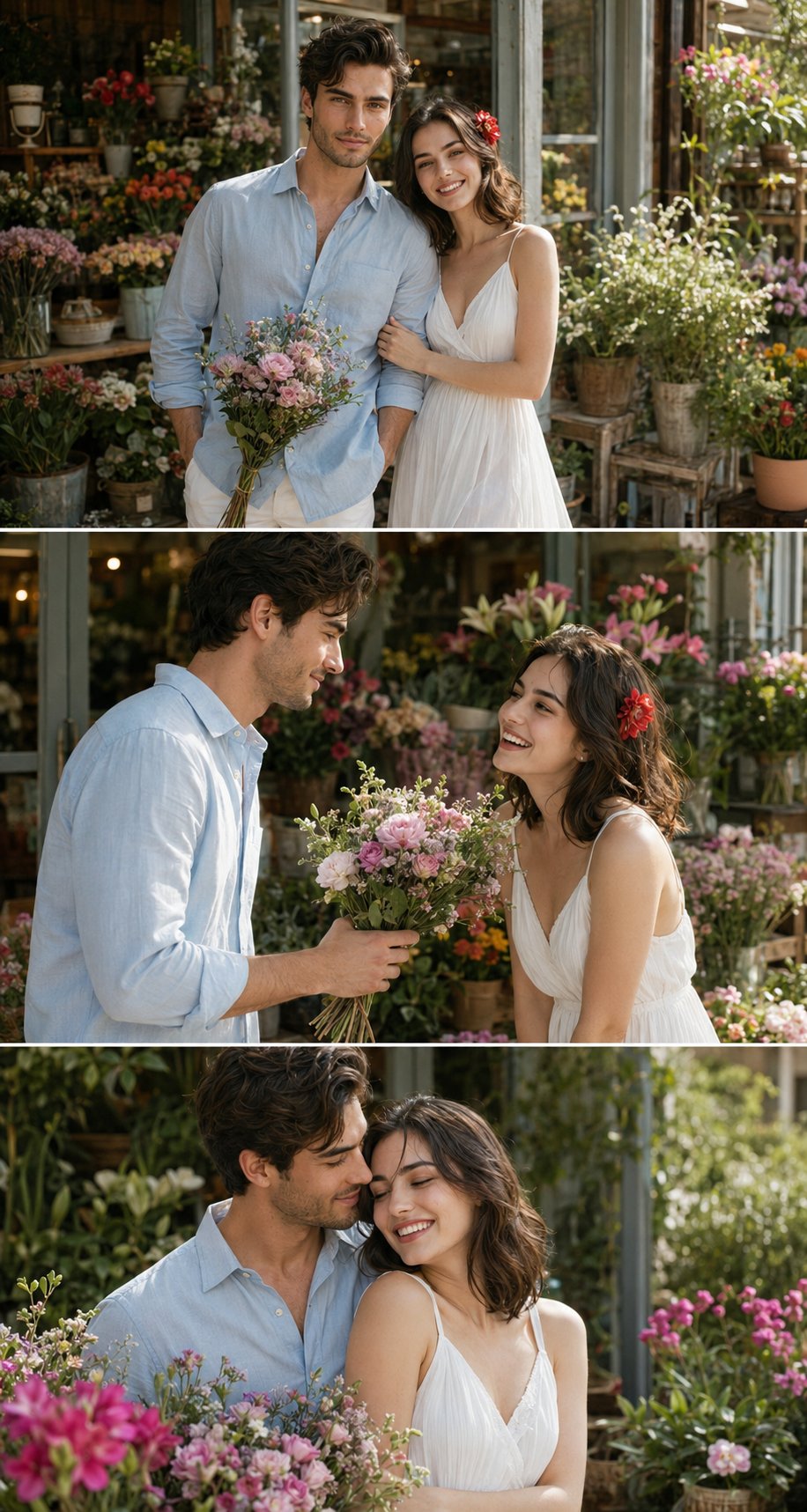
When identity matters, the reference handoff should be the first sentence. Tell the model what the reference controls, then list the parts it may change.
- Prompt: Edit the uploaded reference image into a 100% accurate professional headshot. Preserve the same face identity, facial proportions, hairstyle, age, and expression. Replace only the outfit, lighting, background, and crop with a clean business portrait style, natural skin texture, neutral studio background, sharp eyes, no text, no watermark.
Failure fixes
| Failure | Fix first | Do not start with |
|---|---|---|
| Looks like a different person | Move the reference-image identity rule to the first sentence and name face shape, age, hair, and expression. | More wardrobe or lighting adjectives. |
| Skin looks waxy | Add natural skin texture, realistic pores, light retouching, and no plastic smoothing. | Higher resolution language. |
| Expression is stiff | Ask for relaxed confident expression and slight natural smile. | A different background. |
| Too casual for business | Tighten wardrobe, crop, and background formality. | Changing the person’s face. |
| Hands or props look strange | Use chest-up crop, shoulders visible, no extra hands, no props. | Trying to describe detailed fingers. |
Model choice inside Vogue AI
- Use GPT Image 2 when instruction following and identity-preserving edits matter most.
- Use Nano Banana for fast headshot variations, wardrobe tests, and social-profile directions.
- Use Midjourney when the headshot can be more editorial or stylized, but keep identity checks strict.
- Keep the same prompt skeleton when switching models so you can compare the actual model behavior.
FAQ
What is the best professional headshot prompt structure?
Start with identity handoff, then use case, wardrobe, lighting, background, crop, and output rules. That order keeps the face from being treated as a style detail.
Should I upload a selfie for a professional headshot prompt?
Yes, if the image needs to look like a real person. Text-only prompts are fine for fictional samples, but work profiles usually need a reference image.
How do I make a LinkedIn headshot look realistic?
Use natural skin texture, sharp eyes, simple wardrobe, soft studio light, and a clean 4:5 crop. Avoid extreme retouching or dramatic fashion lighting.
Why does my AI headshot change my face?
The prompt is probably treating identity as optional. Put the reference-image rule first and explicitly preserve face shape, age, hairstyle, and expression.
Can I use the same prompt for a team page?
Yes, but lock the background, crop, lighting, and wardrobe range so every team member feels consistent.
What should I fix after the first generation?
Fix identity first, then skin texture, expression, wardrobe, crop, and background. Do not rewrite the whole prompt until you know which failure matters most.