Social media image prompts work best when they read like channel-ready creative briefs. A useful prompt names the destination, crop, subject hierarchy, brand controls, reference-image needs, and the part of the frame that must stay clean for final design text.
TL;DR: build the post before the style
- Start with the destination: 1:1 feed post, 4:5 portrait feed, 9:16 story, carousel cover, paid-social concept, or campaign teaser.
- Lock subject hierarchy before mood: decide the hero object, how large it appears, where it sits, and what the viewer should read first.
- Keep generated text out of the image unless typography is the experiment; reserve clean space for the final headline, logo, price, or legal copy.
- Use a reference image whenever product shape, face identity, wardrobe, packaging, color palette, or UI layout must stay recognizable.
- Diagnose the first result by channel failure: crop, safe area, focal point, identity drift, clutter, or unusable text space.
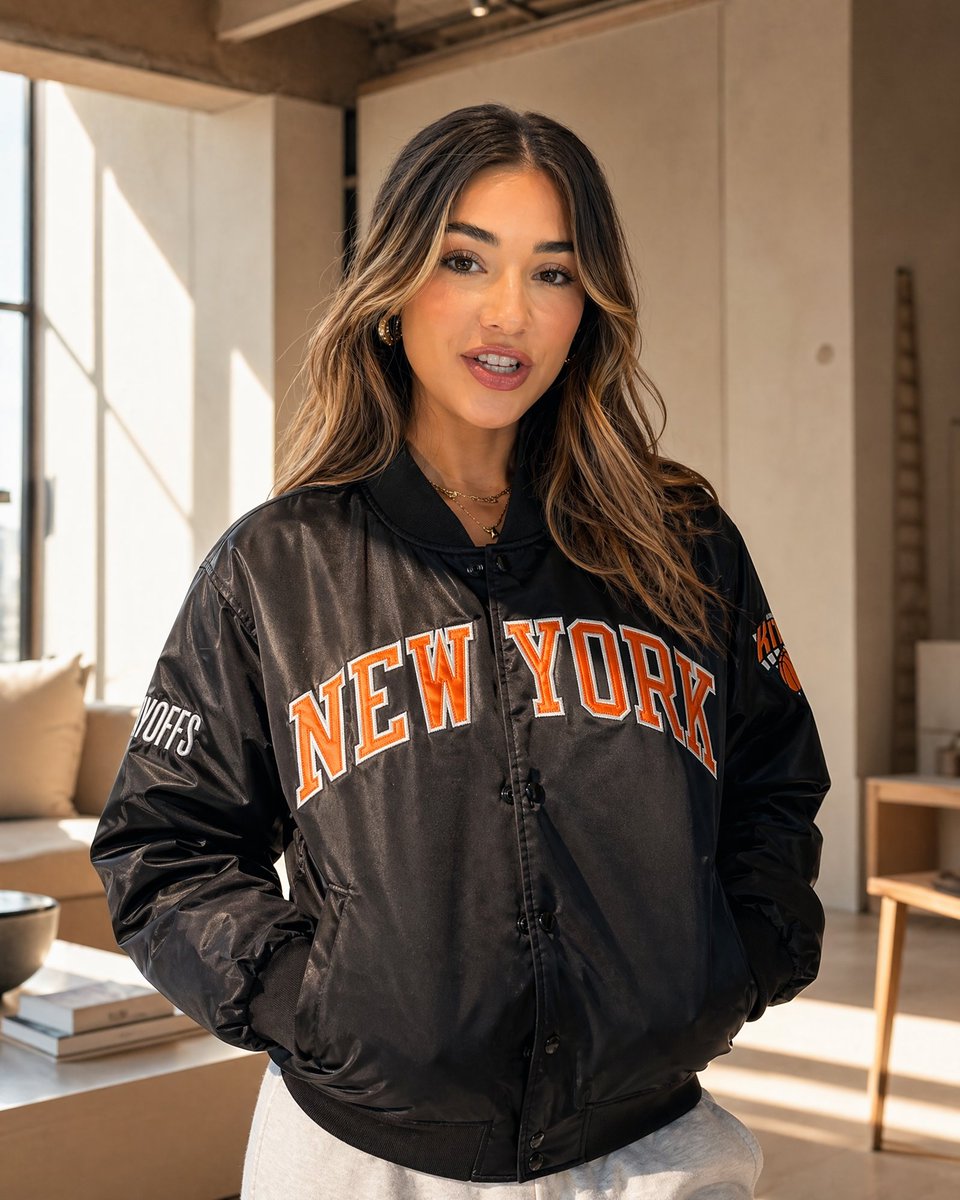
Scenario matrix for social media image prompts
| Social job | Prompt pattern | Best model fit | First failure to check |
|---|---|---|---|
| Product feed post | Product, square crop, studio or lifestyle setting, material detail, brand-color background. | GPT Image 2 when product control and instruction following matter. | Wrong silhouette, distorted packaging, or background competing with the product. |
| Story launch visual | 9:16 frame, subject placement, swipe-safe negative space, lifestyle energy, no generated text. | Nano Banana for fast vertical variations and creator-style exploration. | Subject too centered, no safe headline area, or clutter around the sticker zone. |
| Creator portrait | Person, wardrobe, expression, daylight or editorial lighting, 4:5 crop, identity rule. | GPT Image 2 with a reference when identity matters; Midjourney for mood-first concepts. | Face drift, waxy skin, extra fingers, or crop too tight for platform use. |
| Campaign teaser | Bold focal subject, poster composition, high contrast, negative space for later typography. | Midjourney for stylized poster routes; GPT Image 2 for tighter instruction control. | Gibberish text, weak focal point, or no room for design copy. |
| Carousel cover | One visual metaphor, central composition, restrained palette, educational or brand context. | GPT Image 2 for controlled hierarchy and reusable templates. | Too many objects, tiny pseudo-text, or unclear topic signal. |
Copyable social media image prompts
Copy one block, replace the bracketed variables, and keep the output rule intact for the first generation. These prompt blocks stay in English because they are meant to be pasted directly into image tools.
- Instagram product post: Square social media image for [product], centered hero subject, clean brand-color background, crisp material detail, soft commercial lighting, subtle shadow, generous empty space for caption overlay, 1:1 aspect ratio, no generated text, no watermark.
- Vertical story launch: Ultra-photorealistic 9:16 Instagram Story visual for [offer or launch], main subject in the lower third, bright lifestyle lighting, clear swipe-safe negative space at top, energetic creator-brand mood, no readable text, no logo distortion.
- Creator portrait post: Editorial social media portrait of [person or persona] wearing [wardrobe], confident natural pose, sunlit streetwear campaign style, sharp eyes, authentic skin texture, 4:5 feed crop, background separated but not blurred into mush, no text.
- Campaign teaser poster: High-contrast social campaign image for [topic], bold focal subject, graphic color blocking, clean space for a future headline, modern poster composition, 9:16 crop, keep all text areas empty for later design.
- Carousel cover image: Polished educational carousel cover for [theme], one clear visual metaphor, tidy desktop or studio setting, restrained brand palette, strong central composition, 4:5 aspect ratio, no small text, no UI clutter.
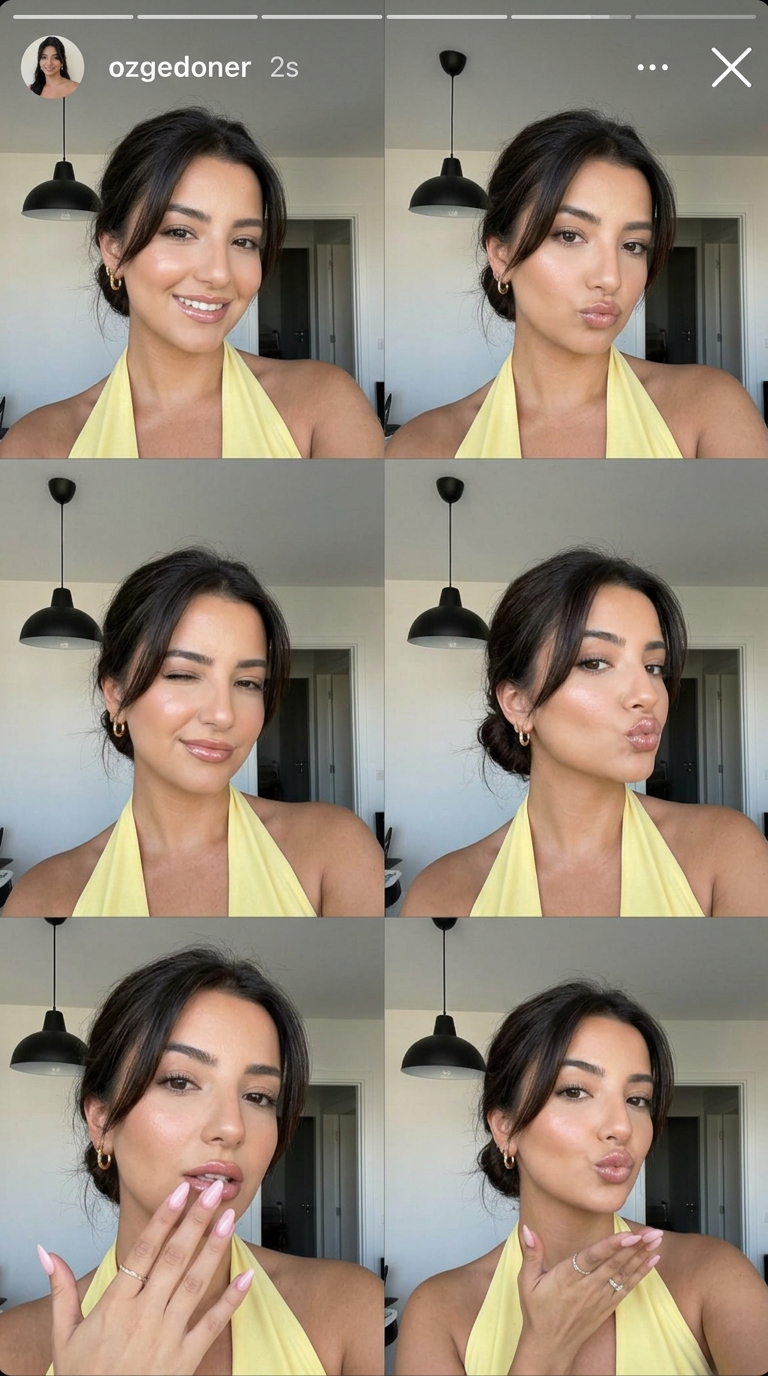
Prompt anatomy that keeps social images usable
| Prompt part | What to specify | Why it matters on social |
|---|---|---|
| Channel | Feed, story, reel cover, carousel, ad teaser, profile post, or Pinterest-style pin. | The channel decides crop, density, preview behavior, and how much empty space the image needs. |
| Subject | Product, person, offer, scene, visual metaphor, or reference image. | A weak subject produces attractive images that do not communicate the post topic. |
| Hierarchy | Main subject size, placement, background separation, and focal contrast. | Users scan quickly; the image needs one obvious read before the details. |
| Brand controls | Palette, material, wardrobe, lighting mood, set design, and reference handoff. | These controls keep a set of posts from looking like unrelated one-off generations. |
| Text policy | No generated text, clean headline area, lower-third space, or typography-only experiment. | Final typography is usually more reliable in a design tool than inside generation. |
| Review rule | The one failure you will inspect first after generation. | It keeps iteration practical instead of rewriting the prompt from taste alone. |
Production workflow: from prompt library to post draft
The fastest social workflow is not to invent a fresh prompt from zero. Start from a prompt-library image that already solves a similar post job, then adapt the structure while changing the subject, reference, and channel rules.
- Pick the closest visual family: product ad, creator portrait, story frame, poster, carousel cover, or brand mood image.
- Copy the structure, not the exact subject. Keep crop, hierarchy, lighting, and text policy; replace the product, person, offer, or campaign topic.
- Add a reference image if identity or product accuracy matters. State exactly what the reference controls.
- Generate one controlled first draft, then revise only the biggest channel failure before changing the style.
- Save the solved prompt as a reusable label such as story-launch-9x16-safe-top or feed-product-1x1-clean-bg.
Worked example: launch post to reusable prompt
Raw brief
You need a launch image for a lightweight streetwear jacket. It should work as a 4:5 Instagram feed post and a paid social concept. The jacket silhouette, color, and model pose matter; headline text will be added later.
Prompt version 1
- Editorial social media image for a lightweight streetwear jacket, model walking through a sunlit city street, jacket silhouette clearly visible, relaxed confident pose, warm natural light, crisp fabric texture, modern creator campaign mood, 4:5 Instagram feed crop, clean upper-left negative space for future headline, no generated text, no watermark.
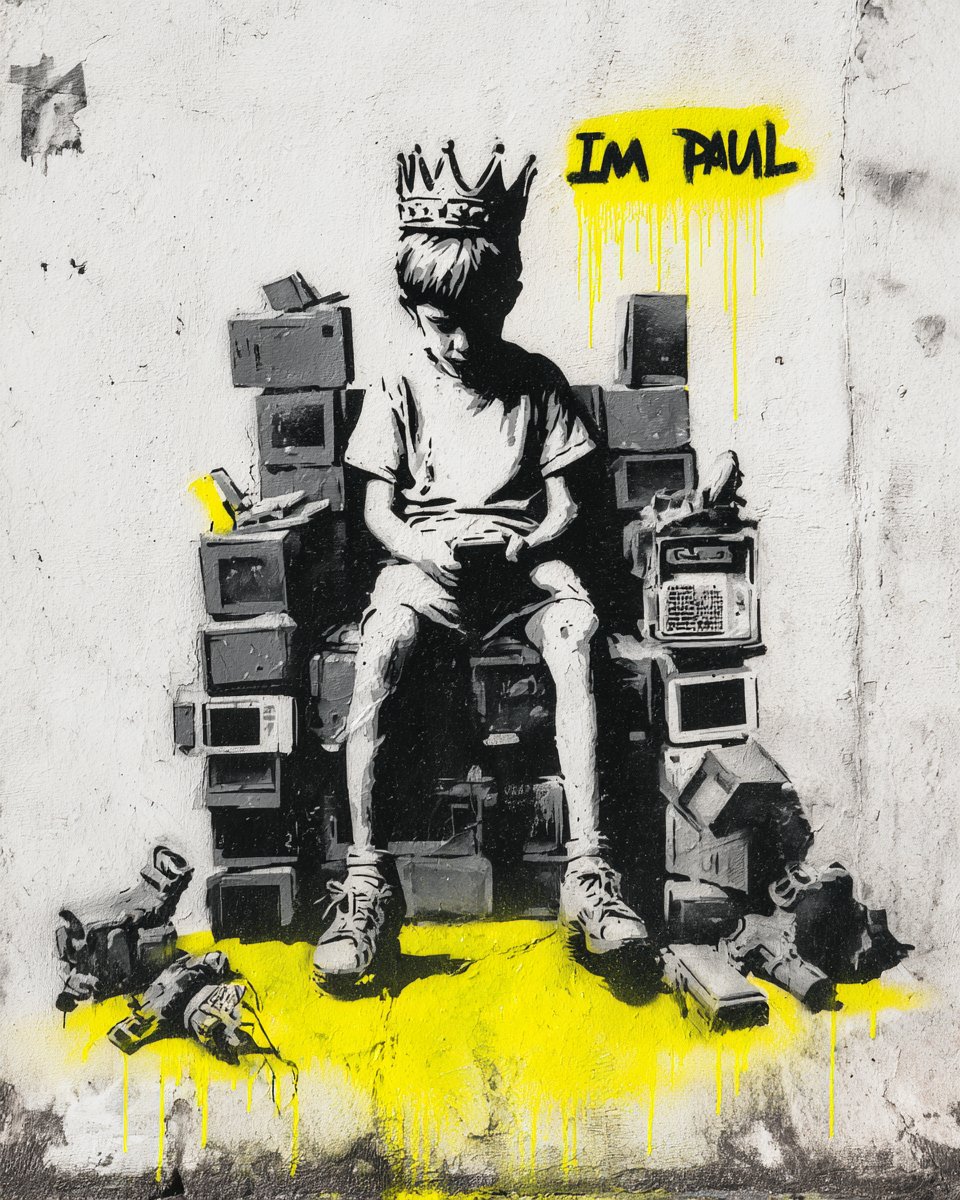
First-result diagnosis
If the jacket looks right but there is no headline space, keep the subject sentence and change crop, placement, and negative-space rules. If the pose and street mood work but the jacket changes shape, add a reference image and state that the reference controls silhouette, color, zipper, and closure details.
Mistake and fix table
| Failure | Fix first | Avoid |
|---|---|---|
| The image looks good but not usable as a post | Add exact crop, safe area, platform destination, and preview behavior. | Adding more mood adjectives. |
| No space for headline, price, or logo | Reserve a clean top, side, or lower-third area. | Asking the model to render final marketing text. |
| Product or face identity drifts | Attach a reference and say what must stay fixed. | Changing the whole style direction. |
| The post feels generic | Add audience, campaign moment, brand palette, material cues, and usage context. | Starting from a broad "viral social media post" prompt. |
| Carousel cover is too busy | Reduce to one visual metaphor and one focal object. | Adding more icons, labels, or tiny text. |
Using Vogue AI for social prompt workflows
Inside Vogue AI, start from the prompt-library example closest to the social job, then adapt the structure in the workspace. Use GPT Image 2 when instruction control matters, Nano Banana for quick vertical/social variations, and Midjourney when the campaign needs a stylized concept route.
- For product posts, protect product shape and packaging before changing the background.
- For creator portraits, use a reference when identity, hair, wardrobe, or pose continuity matters.
- For stories, decide the safe area before generating so the final design has room for stickers or text.
- For carousel covers, remove small text from the prompt and add typography after generation.
- For campaign teasers, build two routes: one literal product route and one graphic hook route, then compare thumbnail clarity.
FAQ
What makes a good social media image prompt?
A good prompt names the platform format, subject, hierarchy, brand controls, safe area, reference rule, and output rule. It should produce a usable first draft, not just a visually interesting image.
Should I include text in the generated image?
Usually no. Reserve clean space for a headline, price, logo, or disclaimer, then add final typography in a design tool where spelling, spacing, and brand rules are easier to control.
Which aspect ratio should I prompt for?
Use 1:1 for square feed posts, 4:5 for portrait feed posts, 9:16 for stories and reel covers, and 2:3 or 4:5 when the same concept needs a Pinterest-style pin.
When do social prompts need a reference image?
Use a reference when identity matters: product silhouette, packaging, face, wardrobe, UI layout, color palette, or a campaign style that must stay consistent across multiple posts.
How many prompt versions should I test?
Start with one structured prompt, diagnose the biggest channel failure, and make one targeted revision. Testing five vague prompts is usually less useful than improving one controlled brief.
Can the same prompt work across Instagram, TikTok, Pinterest, and ads?
The subject and brand controls can stay the same, but crop, safe area, density, text policy, and preview behavior should change by placement.