Vogue AI prompts for your own photos should start from a reference image, not from a generic text-to-image idea. The uploaded photo is the identity anchor. The prompt should say what must stay fixed, what may change, and how to judge whether the edit still looks like the same person.
TL;DR: use your photo as the identity anchor
- Upload the clearest personal photo first: visible face, simple lighting, and no heavy beauty filter.
- Tell Vogue AI what the reference image controls: face identity, age, expression, hair, pose, body outline, or original background light.
- Separate allowed edits from protected traits: change outfit, background, crop, lighting, or editorial mood without changing the person.
- Keep prompt blocks in English so they paste cleanly into the Vogue AI workspace and model comparison flow.
- If the first result drifts, strengthen the preserve sentence before adding more style language.
Why this topic belongs on Vogue AI
This article no longer targets a third-party assistant. It targets a Vogue AI reference-image workflow: upload your own photo, choose a model such as GPT Image 2 or Nano Banana, and use the same structured prompt to test profile, outfit, background, travel, and editorial edits.
| User job | Vogue AI handoff | Model fit | First quality check |
|---|---|---|---|
| Profile photo | Reference image protects face, age, hair, and expression. | GPT Image 2 for controlled realism. | Does the face still look like the same person? |
| Outfit change | Reference image protects body outline, pose, face, and camera angle. | Nano Banana for fast variants, GPT Image 2 for stricter edits. | Did only the wardrobe change? |
| Background swap | Reference image protects the person and original lighting direction. | GPT Image 2 for cleaner background replacement. | Do shadows and edges still look believable? |
| Editorial restyle | Reference image protects identity while the prompt changes mood and wardrobe. | Midjourney for stylized mood, GPT Image 2 for realism. | Is the style stronger without changing the face? |
Image plan for this guide
| Role | Prompt section | First-party source | Why it matches |
|---|---|---|---|
| Hero | Identity-preserving personal photo workflow | Nano Banana prompt-library example | It shows a realistic own-photo transformation target where identity matters more than decoration. |
| Case image | Editorial portrait prompt | GPT Image 2 prompt-library example | It demonstrates controlled styling around one central person without turning the case into a generic fashion scene. |
| Case image | Candid/travel style prompt | Midjourney prompt-library example | It supports the article’s broader Vogue AI model-comparison angle for stylized personal-photo output. |
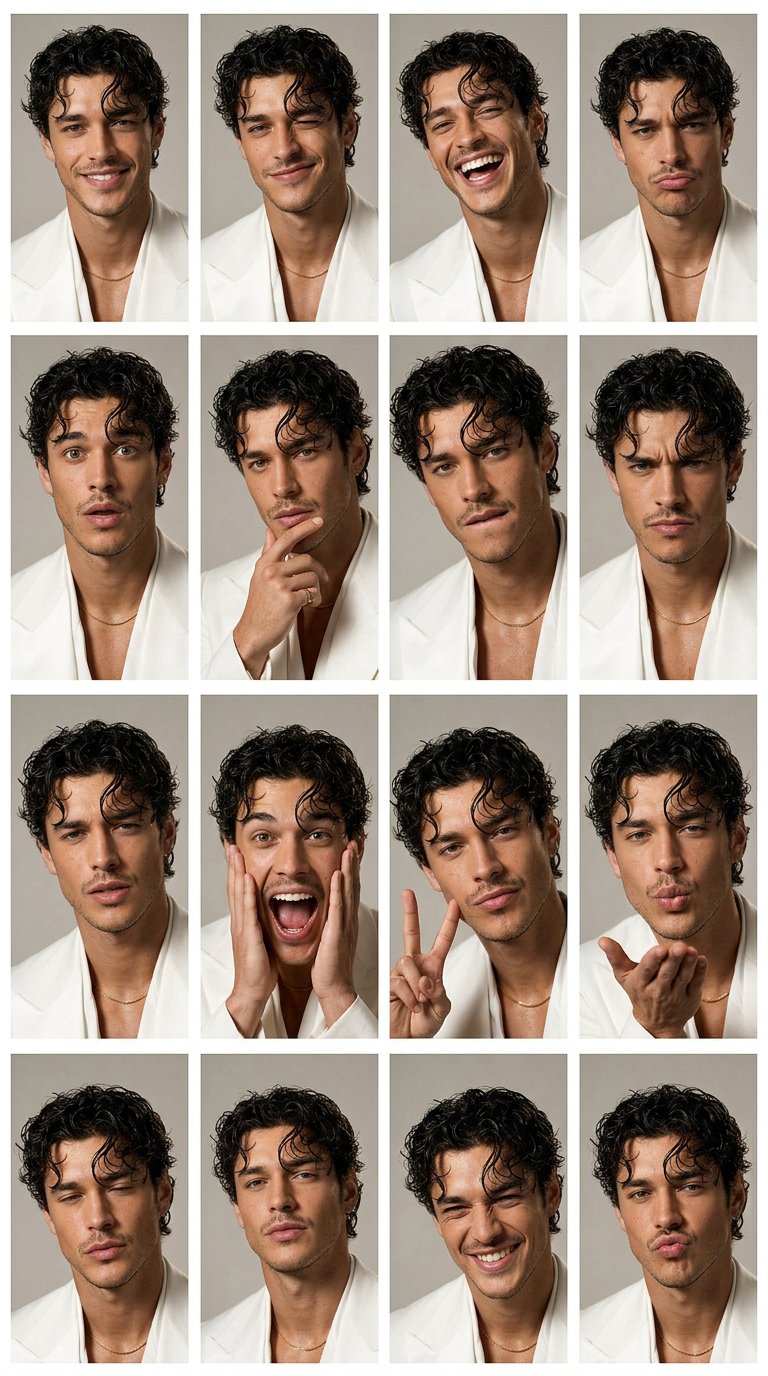
Prompt formula for your own photos
| Prompt part | What to write | Example |
|---|---|---|
| Reference role | Name exactly what the uploaded image controls. | Use my uploaded photo as the identity reference. |
| Preserve list | List the fixed traits before style words. | Preserve face shape, age, hairline, skin tone, expression, and pose. |
| Allowed edits | Limit what may change in this pass. | Change only outfit, background, lighting, and crop. |
| Style direction | Add one visual direction, not five competing moods. | Clean professional headshot with soft daylight and neutral background. |
| Output rule | State crop, realism, and cleanup constraints. | 4:5 crop, realistic skin texture, no text, no watermark. |
| Review rule | Decide which failure to fix first. | If identity drifts, strengthen the preserve list before changing style. |
Copyable Vogue AI prompts for your own photos
Copy one prompt, replace the bracketed variables, and keep the identity sentence unchanged for the first generation. These prompts are intentionally plain because personal-photo edits need control more than decorative wording.
- Profile refresh: Use my uploaded photo as the identity reference. Preserve my face shape, age, skin tone, hairline, expression, and natural facial details. Create a clean professional profile photo with soft daylight, a simple neutral background, sharp eyes, realistic skin texture, 4:5 crop, no text, no watermark.
- Outfit change: Use my uploaded photo as the person reference. Keep my face, body proportions, pose, and camera angle recognizable. Change only the outfit to [outfit]. Use natural fashion editorial lighting, realistic fabric texture, clean background separation, no extra accessories unless specified.
- Background swap: Use my uploaded photo as the source. Keep the person unchanged. Replace only the background with [background], preserving face identity, hair outline, body edge, lighting direction, and believable shadows. Do not alter age, expression, or facial structure.
- Editorial portrait: Use my uploaded photo as the face reference. Preserve identity and natural skin texture while changing styling to [mood or wardrobe]. Create a Vogue-style editorial portrait with controlled shadows, premium lighting, confident expression, no face reshaping, no text.
- Travel portrait: Use my uploaded photo as the identity reference. Keep me recognizable while placing me in [destination or setting]. Use golden-hour natural light, relaxed candid travel composition, realistic lens depth, clean background separation, no text, no watermark.
Case 1: profile photo that still looks like you
For a profile image, the main risk is face drift. Keep the first prompt conservative: identity, expression, skin texture, lighting, background, and crop. Do not ask for a dramatic style shift until the model proves it can keep the person recognizable.
- Prompt: Use my uploaded photo as the identity reference. Preserve face identity, facial proportions, hair, age, expression, and body outline. Improve lighting, background, wardrobe, and crop only. Keep the result realistic, recognizable, and suitable for a profile image.
Case 2: editorial restyle without face drift
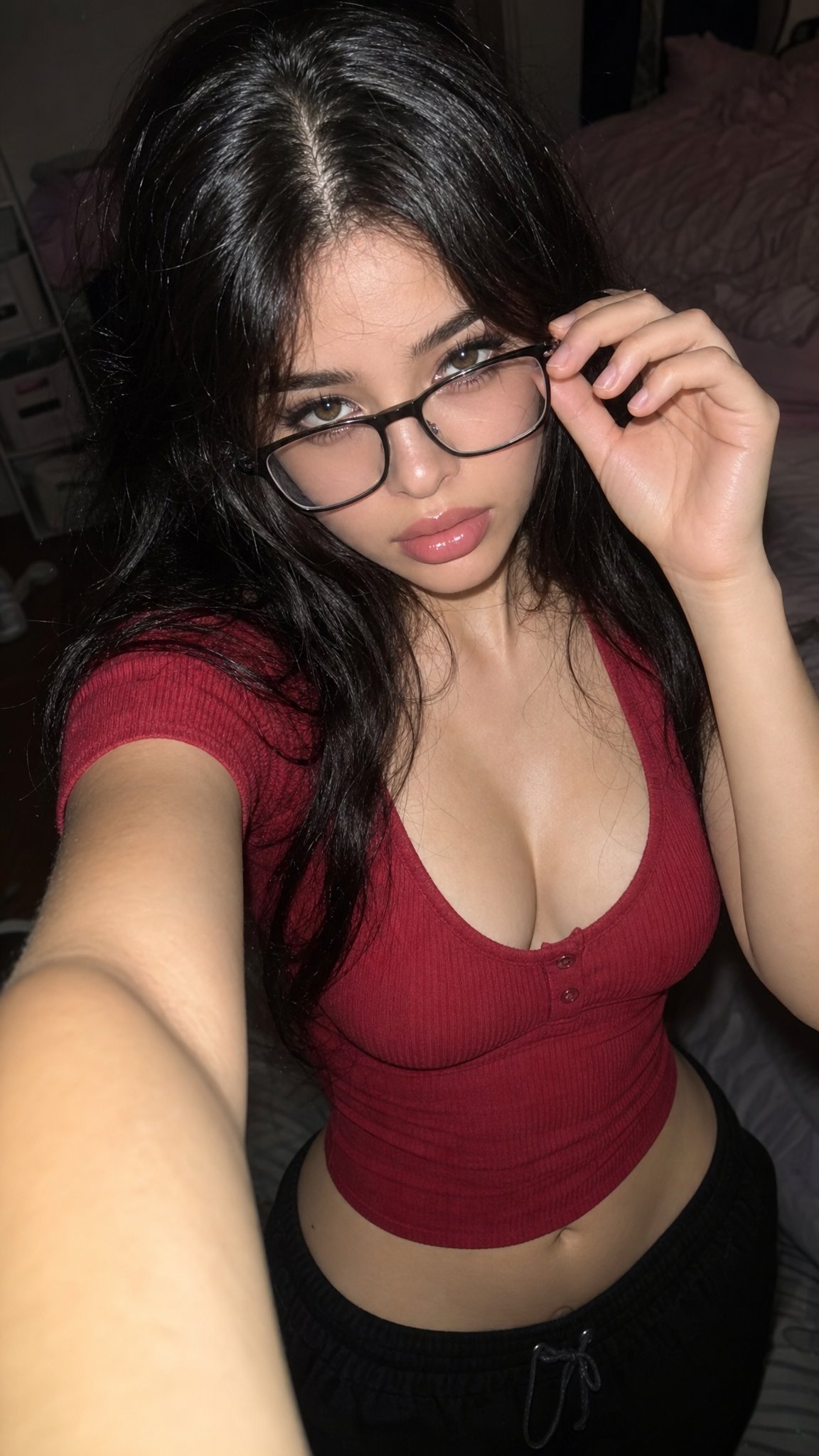
Editorial prompts can change more: wardrobe, background, palette, and lighting. The identity sentence still comes first. If the face changes, remove mood words and reinforce the preserve list before trying the style again.
- Prompt: Transform my uploaded photo into a polished fashion editorial portrait. Keep me recognizable. Change wardrobe, lighting, color palette, and background to match [style], with realistic skin texture, sharp eyes, controlled shadows, no extra text, and no face reshaping.
Case 3: travel or candid background swap
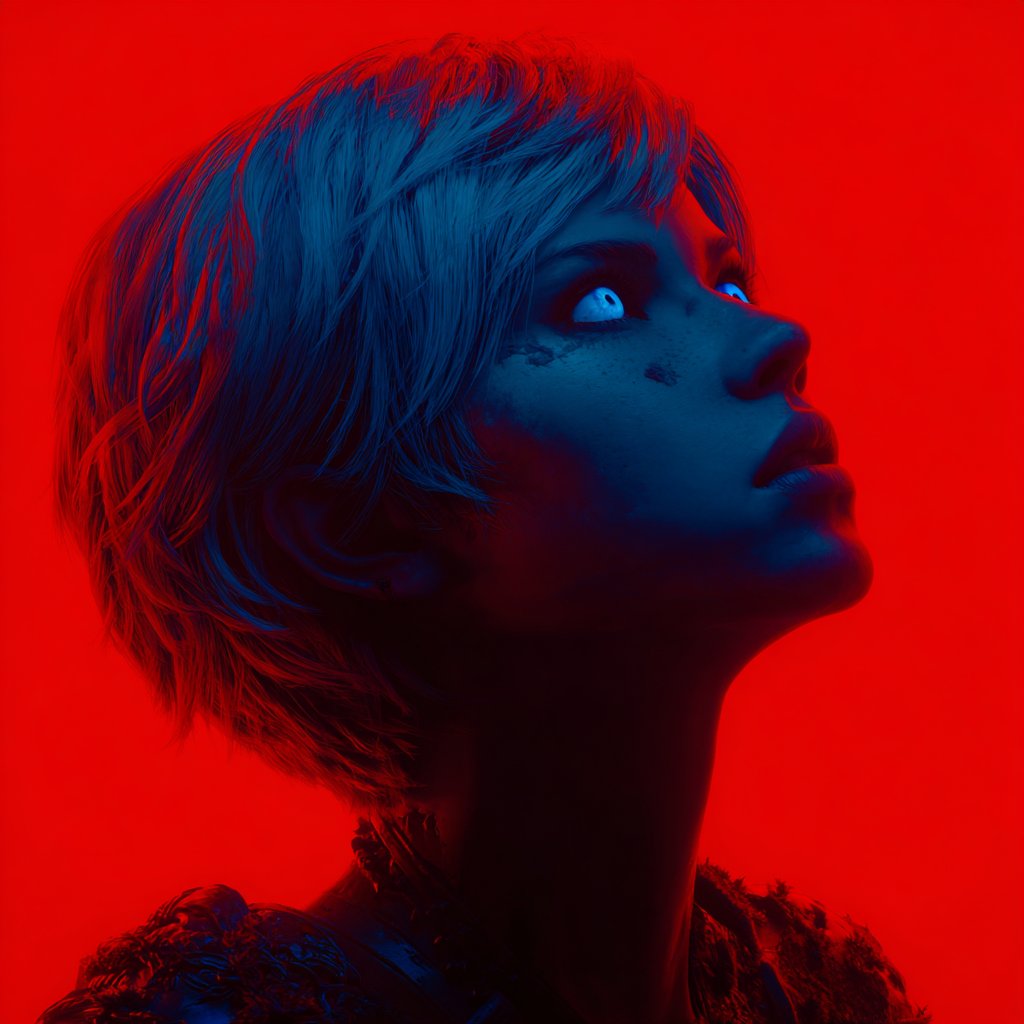
Travel prompts fail when the background takes over. Keep the person sentence strict, then let the location carry only light, color, and atmosphere. Avoid asking for exact landmarks unless you can tolerate approximation.
- Prompt: Use my uploaded photo as the person reference. Keep identity, pose, and facial expression stable. Move the scene to [location], add natural travel lighting, relaxed candid framing, realistic background depth, and no text or invented logos.
Mistake and fix table
| Failure | Fix first | Avoid |
|---|---|---|
| Face no longer looks like you | Move identity preservation to the first sentence and list fixed traits. | Adding more fashion adjectives. |
| Pose or body outline changes too much | Say the uploaded photo controls pose, body proportions, and camera angle. | Asking for a completely new action at the same time. |
| Background looks fake | Match lighting direction and shadow rule to the original photo. | Using a location prompt with no realism constraints. |
| Outfit changes the person too much | Say only the outfit changes and identity stays fixed. | Combining outfit, hairstyle, age, and makeup changes in one pass. |
| Text or logos look broken | Remove final text from the image and add it later. | Asking the model to spell a final headline perfectly. |
| Every model produces a different person | Use one conservative GPT Image 2 pass as the identity baseline before testing stronger styles. | Comparing models before the identity prompt is stable. |
Use the pattern inside Vogue AI
Inside Vogue AI, treat the first result as a test of the reference handoff. Keep the same identity sentence, compare one model at a time, and change only one variable between runs. That makes the page useful for real profile photos, creator portraits, product-founder headshots, and social avatars rather than a generic prompt list.
- Start with GPT Image 2 when identity preservation and instruction following matter most.
- Use Nano Banana for quick personal-photo variations after the preserve sentence is stable.
- Use Midjourney for stylized editorial mood when exact realism matters less.
- Save the prompt that kept identity correctly before creating stronger visual variants.
- Use the same reference image until you know whether the prompt or the source photo caused the failure.
FAQ
What is the best first prompt for my own photo?
Start with a conservative profile prompt that protects face identity, age, hair, expression, and pose. Add stronger styling only after the model keeps the person recognizable.
Should I use GPT Image 2 or Nano Banana first?
Use GPT Image 2 first when controlled edits matter. Use Nano Banana after that for faster variations or social-photo concepts.
Can I change outfit and background together?
Yes, but if the face starts drifting, split the task. Keep outfit first, then run a second pass for the background.
Why does the result look too airbrushed?
Ask for natural skin texture, realistic pores, and soft lighting. Remove beauty-filter wording and avoid overloading the prompt with glamour terms.
Can I use these prompts for someone else?
Only with permission. Personal-photo workflows can affect likeness and identity, so use them for yourself, approved collaborators, or clearly licensed reference photos.
What should I do if the first result changes my face?
Do not add more style. Move identity preservation to the first sentence, list the traits that changed, and use a clearer reference image if needed.
How does this connect to Vogue AI pages?
The article fits the Vogue AI workspace because it teaches a reference-image prompt pattern you can reuse across GPT Image 2, Nano Banana, and Midjourney inside the same product flow.